
Renderosity Forums / Carrara
Welcome to the Carrara Forum
Forum Coordinators: Kalypso, Anim8dtoon
Carrara F.A.Q (Last Updated: 2026 Sep 09 4:39 am)
Visit the Carrara Gallery here.

Subject: I love my new found friend (The REPLICATOR!!!!!)



Privacy Notice
This site uses cookies to deliver the best experience. Our own cookies make user accounts and other features possible. Third-party cookies are used to display relevant ads and to analyze how Renderosity is used. By using our site, you acknowledge that you have read and understood our Terms of Service, including our Cookie Policy and our Privacy Policy.
Hey, I thought I'd just share this whacky thingamadoodad I did with the replicator.What I wanted was a texture map to load onto a sphere to make a bunch craters. So how to make a bump map to do that?
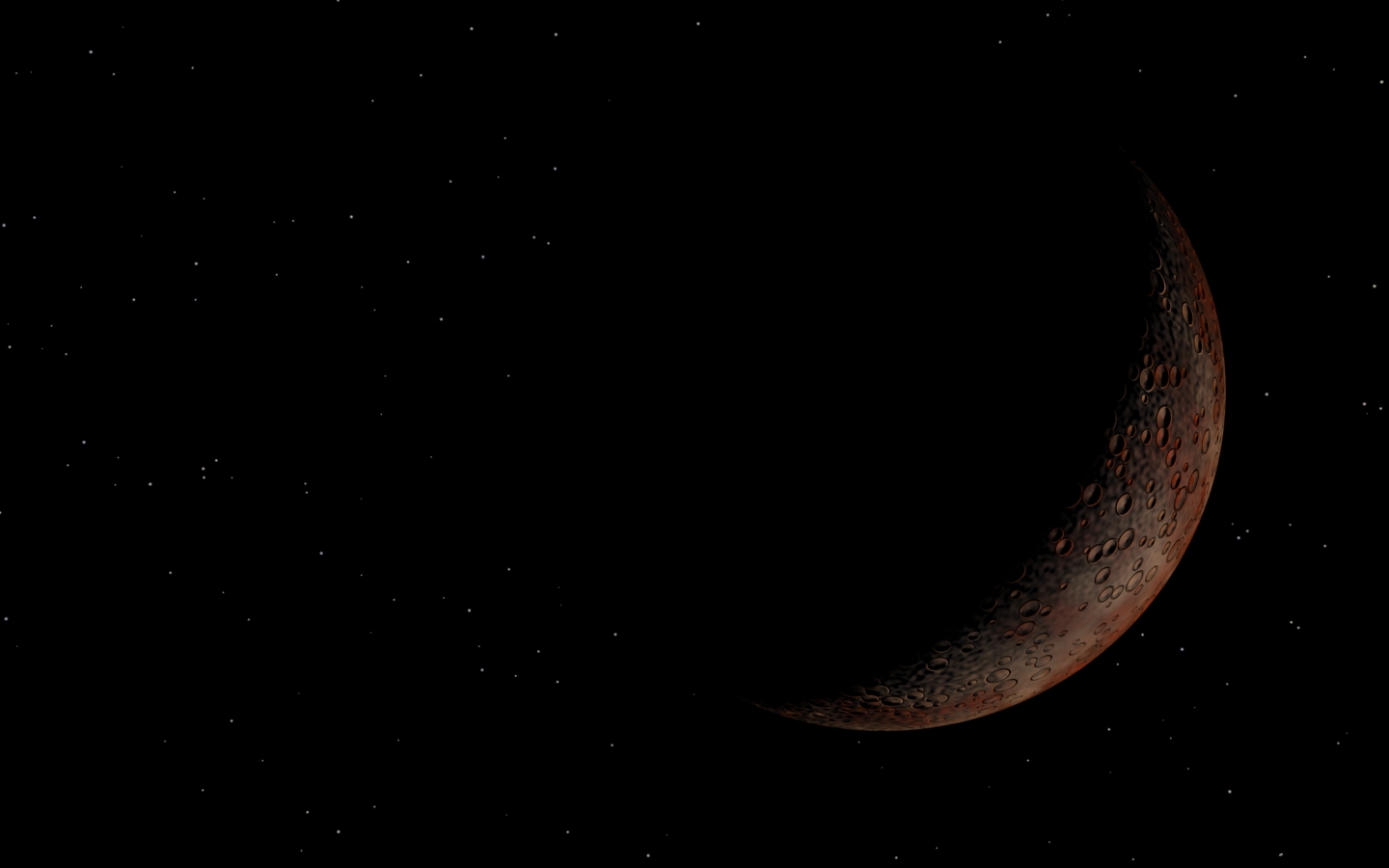
THE REPLICATOR OF GREATNESS!!!!!! Yes space folks, I have just discovered the replicator and I'm going a little nuts with it but hey, here we go. So here's the result of dialing the process a little but I LOVE how it came out.
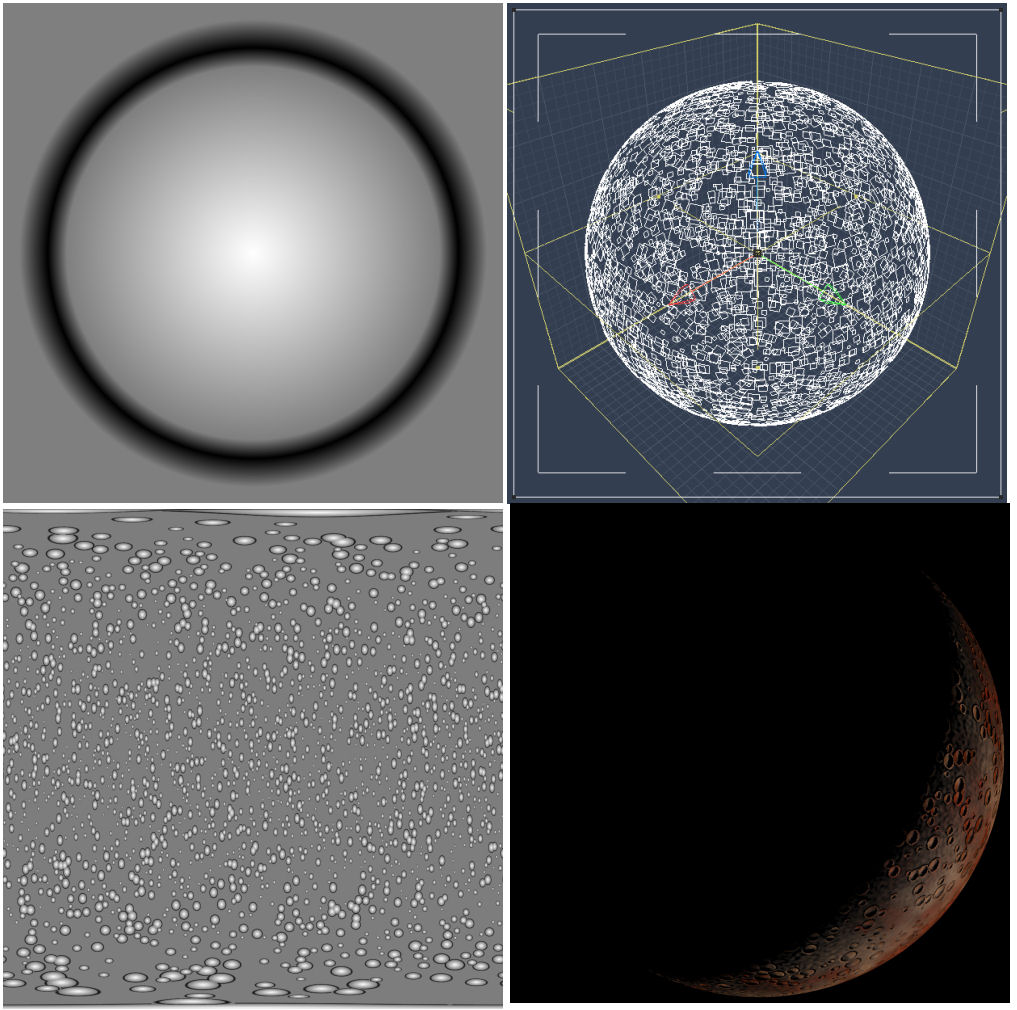
So I thought to myself, self, you want to place a whole bunch of rings onto a sphere. Use the replicator! So I created a single "crater" map by having the border be gray, the ridge be black and the center of the crater be white. That's the first square in the image (top left).
Then I put that image into the glow channel on a splat and then I replicated that onto a sphere (see the second square (top right).
Then I put a spherical camera in the middle of the sphere, put a gray backdrop into the scene to match the border of my "crater" image and rendered. The result is the third square (bottom left).
Then I used that in the bump channel on a sphere and rendered a slice of it (using the technique posted in my most recent tutorial).
Came out just like I wanted.
I thought it would be a cool thing to post.
-Kix