















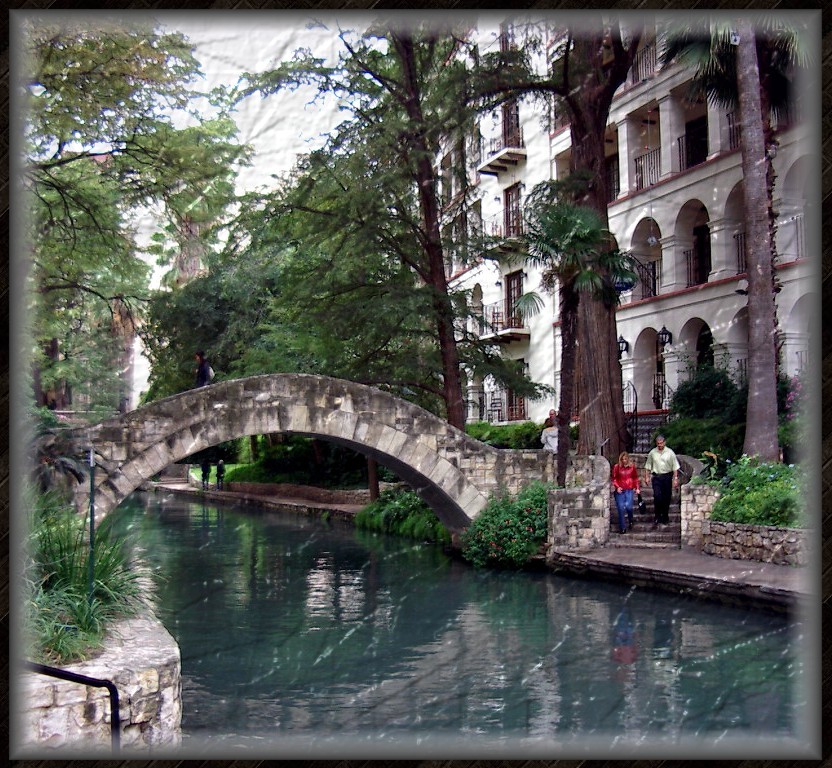
Riverwalk, SA, TX by weesel
Close
Hover over top left image to zoom.
Click anywhere to exit.
Members remain the original copyright holder in all their materials here at Renderosity. Use of any of their material inconsistent with the terms and conditions set forth is prohibited and is considered an infringement of the copyrights of the respective holders unless specially stated otherwise.
No AI - This artwork was created entirely by hand or with traditional digital tools.
Description
Digital Photo
PP9
1. Descreen fine art
2. Contrast snappy
3. Brightness: shadow emphasis
4. Saturation medium
5. Remove cast
6. Hard sharpness
7. Frame: square thingy at 135 offset, Dark Purple set to very transparent and very blurred.
8. Texture: bumpmap, single tile stretch to fit, light gray color from UL.
9.Triple vignette: fuzzy light gray, fuzzy medium gray, Hard white with pattern poured in.
This is not too far from the Nix Hospital.
Enjoy, thanks for viewing. ;-)

Comments (8)
I really like this :)
beautiful scene. !!!!!! :O) !!!!!
waht's that? a pattern poured in? ...i feel like i have a cobweb stuck on my face, nice shot though :]
No. Cyn! That is the result of the bumpmap setting. PP9 allows one to use it tiled or as a single tile stretched to fit. The tiled setting made it a bit too busy. Then you can select the light to be shone on it and the angle. I selected a light gray color and put it from UL corner. I think it makes it look like a slightly mishandled photograph.
No cobweb setting that I can find. However, . . . . ;-)
Dunno if me like you mishandling your nice pics! Very nice scene and compo!
Excellent work, keep on expirimenting. I like you to "mishandling" everything you think is fit for it. It leads to new things, nothing to be scared of. Its the digital time's, we are unstoppebel ;)
It's a beautiful scene, composition is fantastic... Post work I am not sure of. I'll admit to not being a big fan of manipulation like this. The white streaks look like rain to me.
At your photos the identical shade of color is observed. You use what camera?:)