
















Learning about light and dark, part 2 by 3dcheapskate
Close
Hover over top left image to zoom.
Click anywhere to exit.
Members remain the original copyright holder in all their materials here at Renderosity. Use of any of their material inconsistent with the terms and conditions set forth is prohibited and is considered an infringement of the copyrights of the respective holders unless specially stated otherwise.
No AI - This artwork was created entirely by hand or with traditional digital tools.
Description
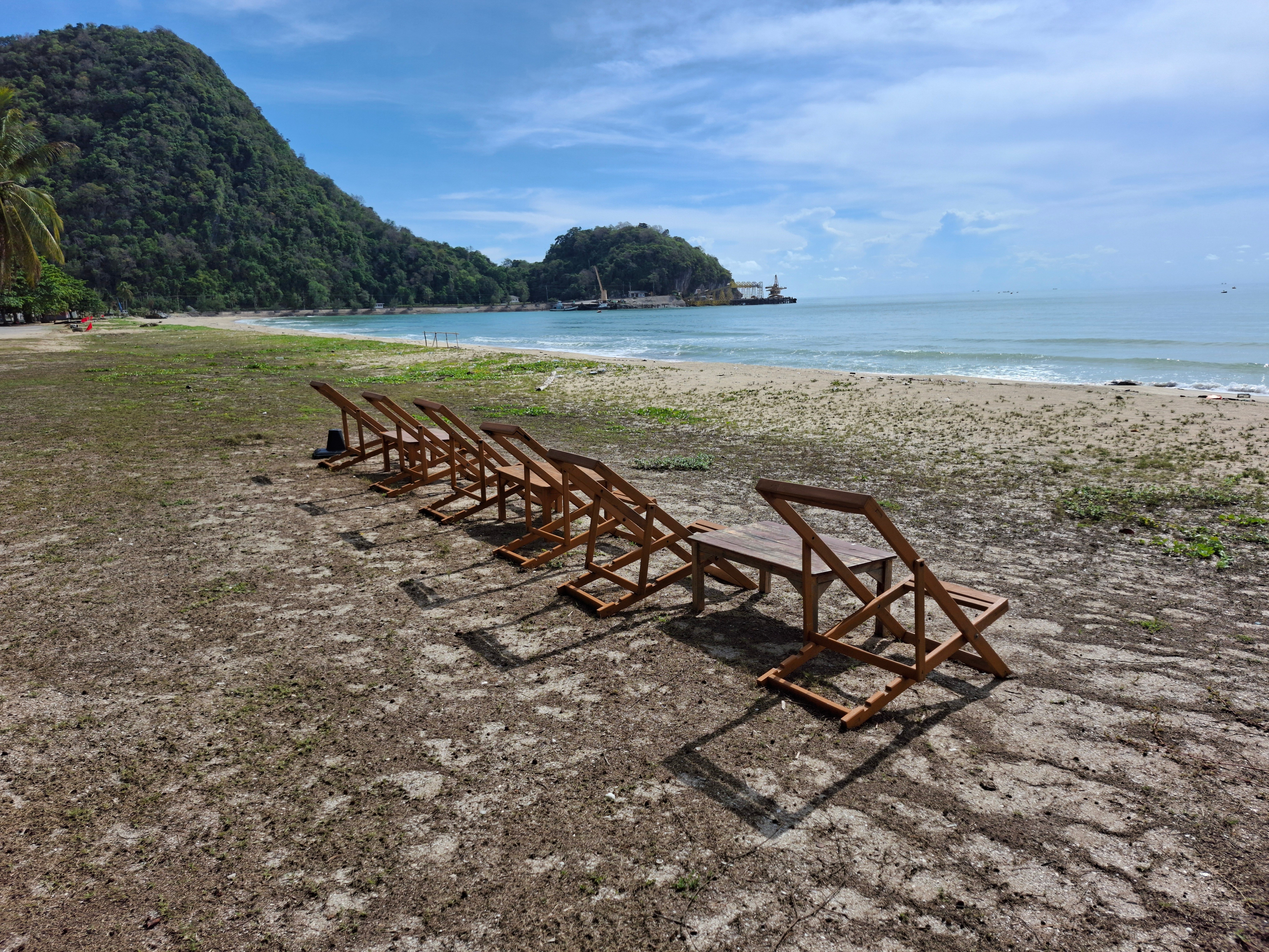
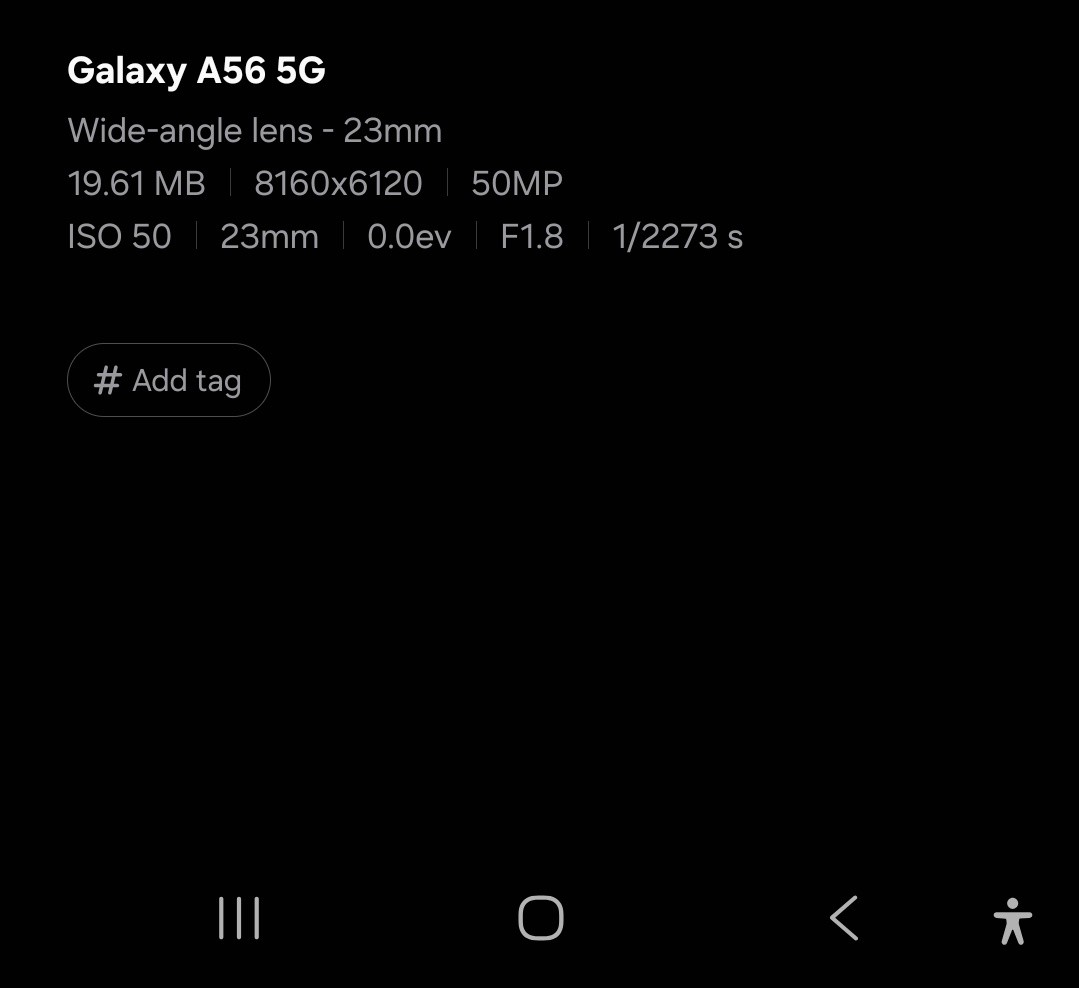
Another photo taken with a Samsung A56 idiotphone camera (image 3 and 4), trying to get a good tonal balance by eye. I've included a screenshot of the camera settings as the Renderosity gallery shows incorrect information.
I found the 'Dominance of value' bit with the 3 pictures of the lighthouse at the start of this article about tonal value to be very useful - it then gets far too technical for me.
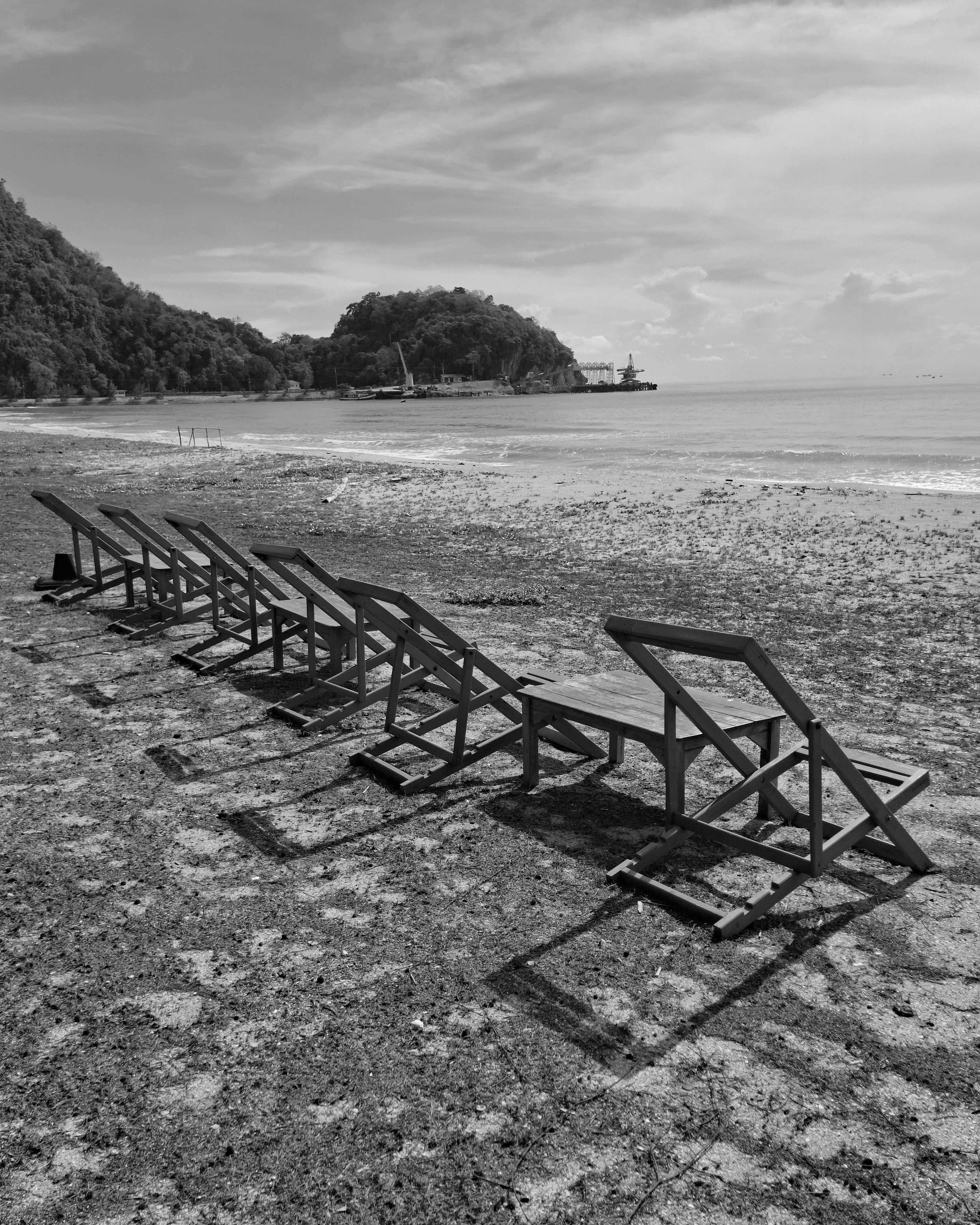
The main image is a simple crop from image 2.
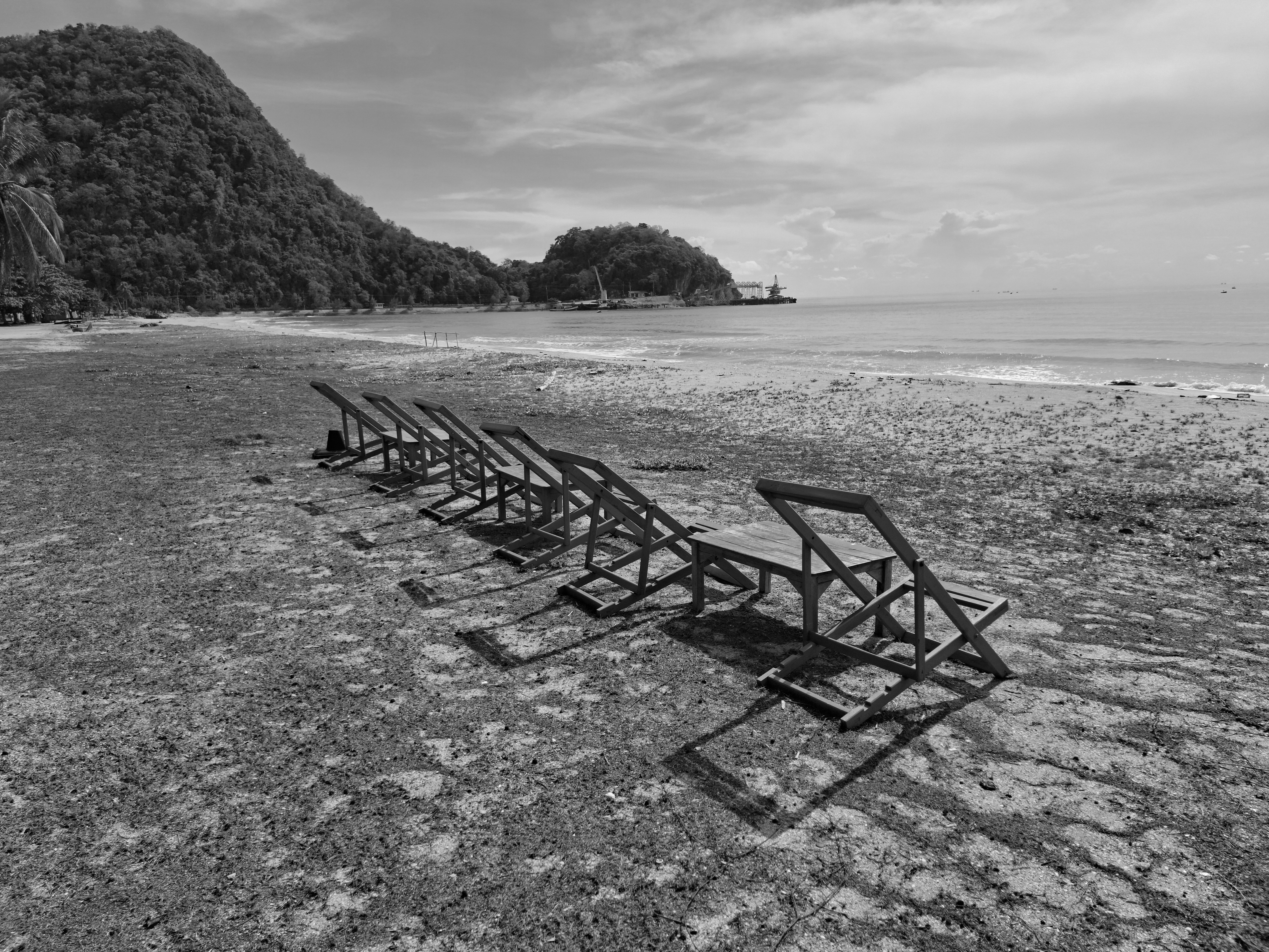
Image 2 is a simple desaturation using the phones Gallery > edit (pencil symbol) > tones (sun symbol) > saturation (some funny symbol) set to -100, to check how good by guess was - not bad I think.
Image 3 is a scaled down version of my original, which was too big to upload here (8160x6120)
Image 4 is the camera settings, according to the idiotphones default Gallery app (the details that the Renderosity gallery shows are different)
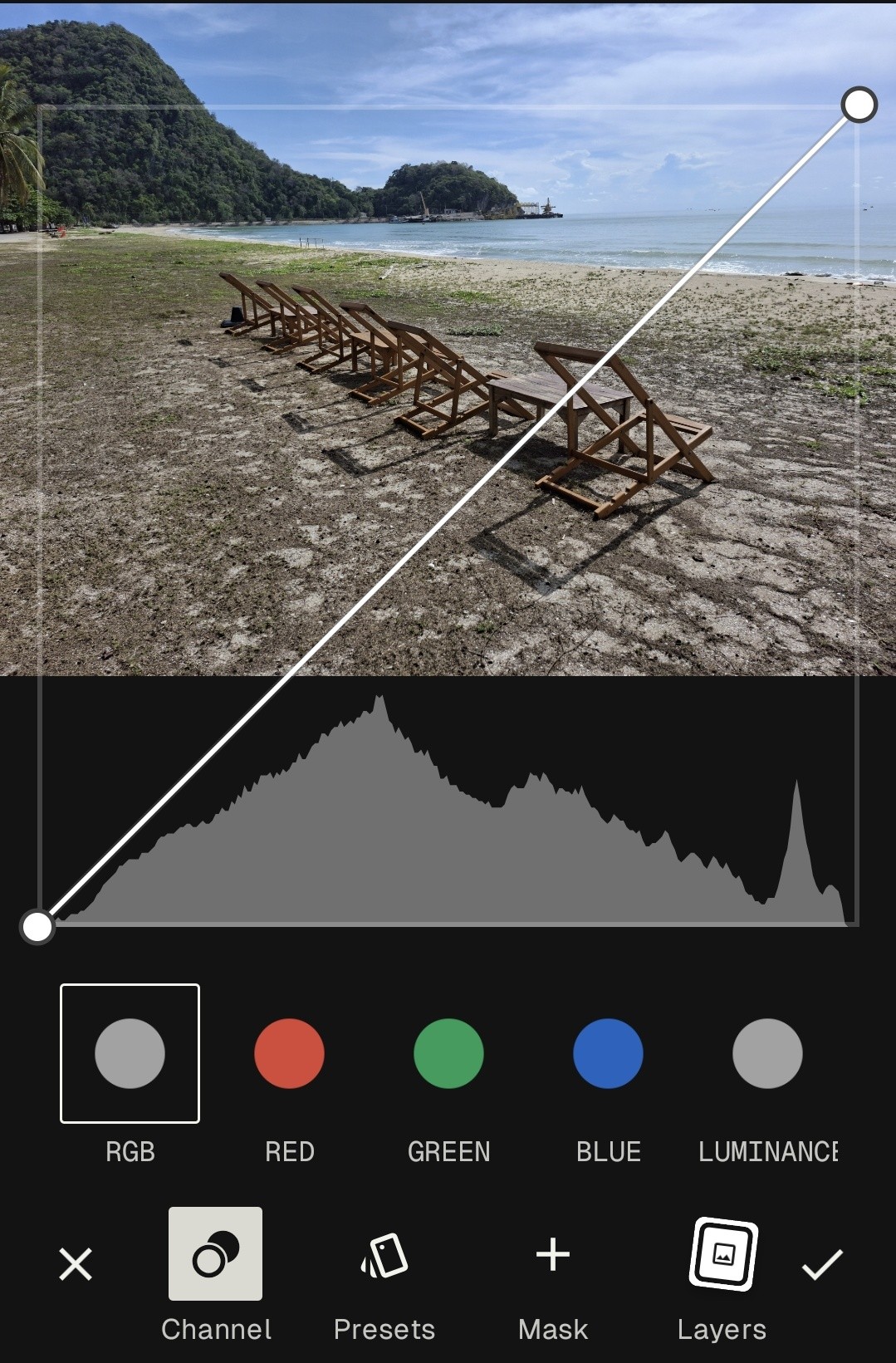
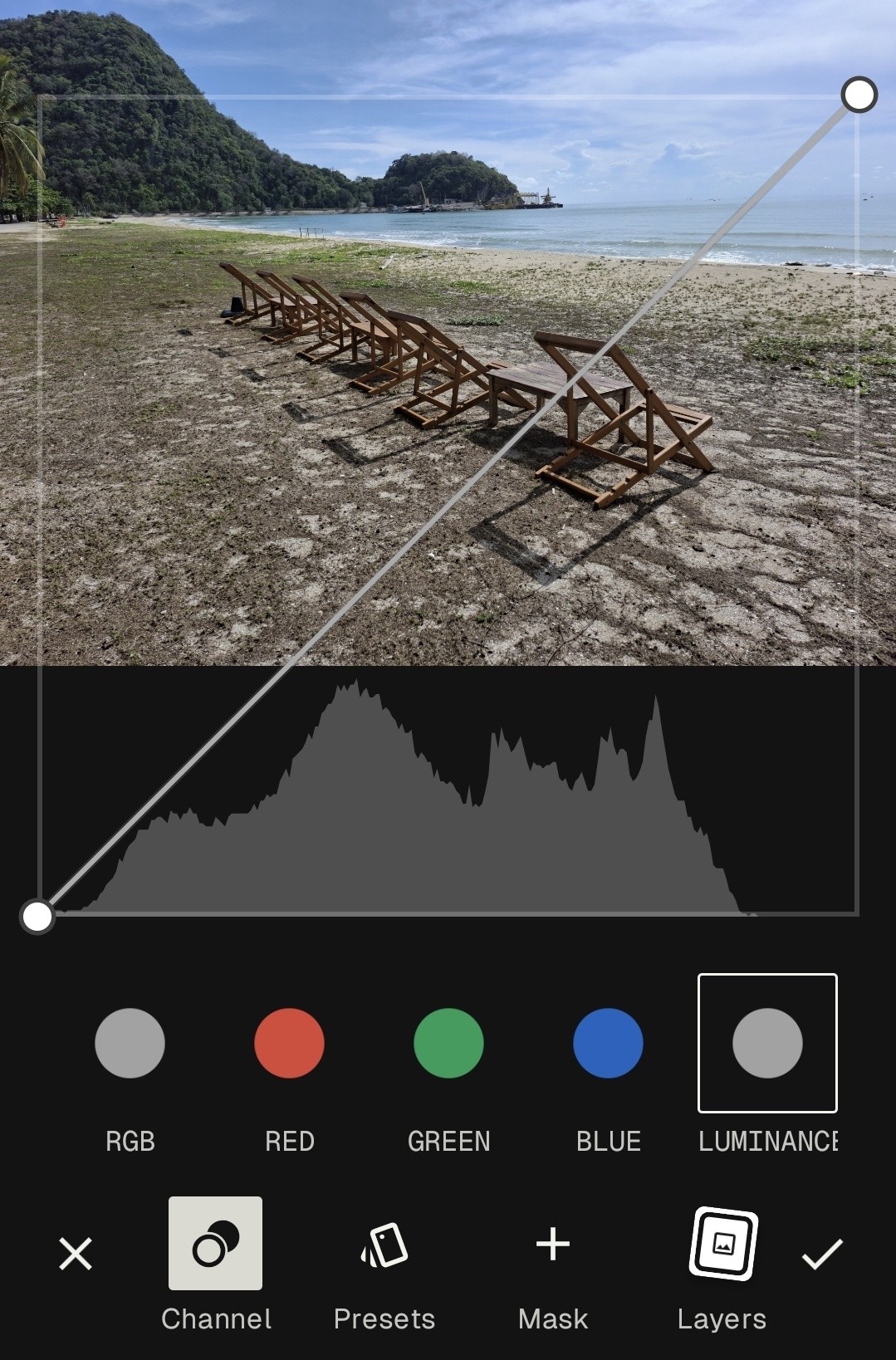
Images 5 and 6 are screenshots from Snapseed showing Tools > Curves
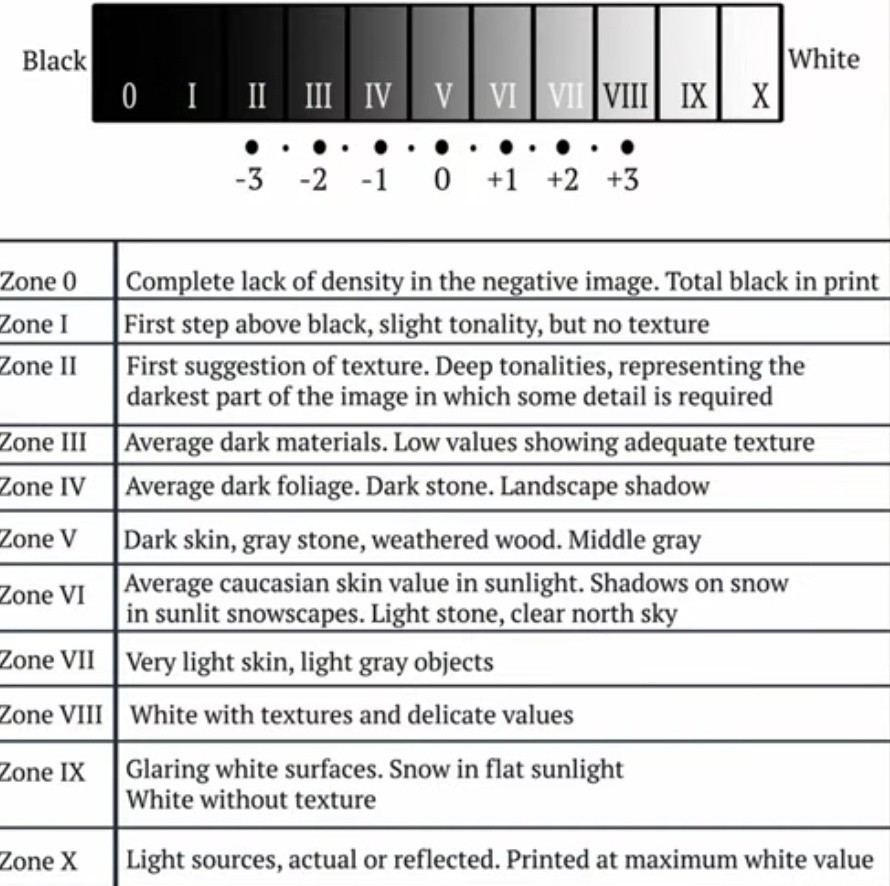
Image 7 is the tonal chart. I'm guessing that it should be the luminance chart (6) that I check against this rather than the RGB chart (5) ?
#photo #photograph #photography #samsungA56
#monochrome #blackandwhite
#NO_AI #noAi
#process

Comments (0)
No comments yet
Sign In or Register to share your thoughts.