
















Corrected Penny by tam2000k2
Close
Hover over top left image to zoom.
Click anywhere to exit.
Members remain the original copyright holder in all their materials here at Renderosity. Use of any of their material inconsistent with the terms and conditions set forth is prohibited and is considered an infringement of the copyrights of the respective holders unless specially stated otherwise.
No AI - This artwork was created entirely by hand or with traditional digital tools.
Description
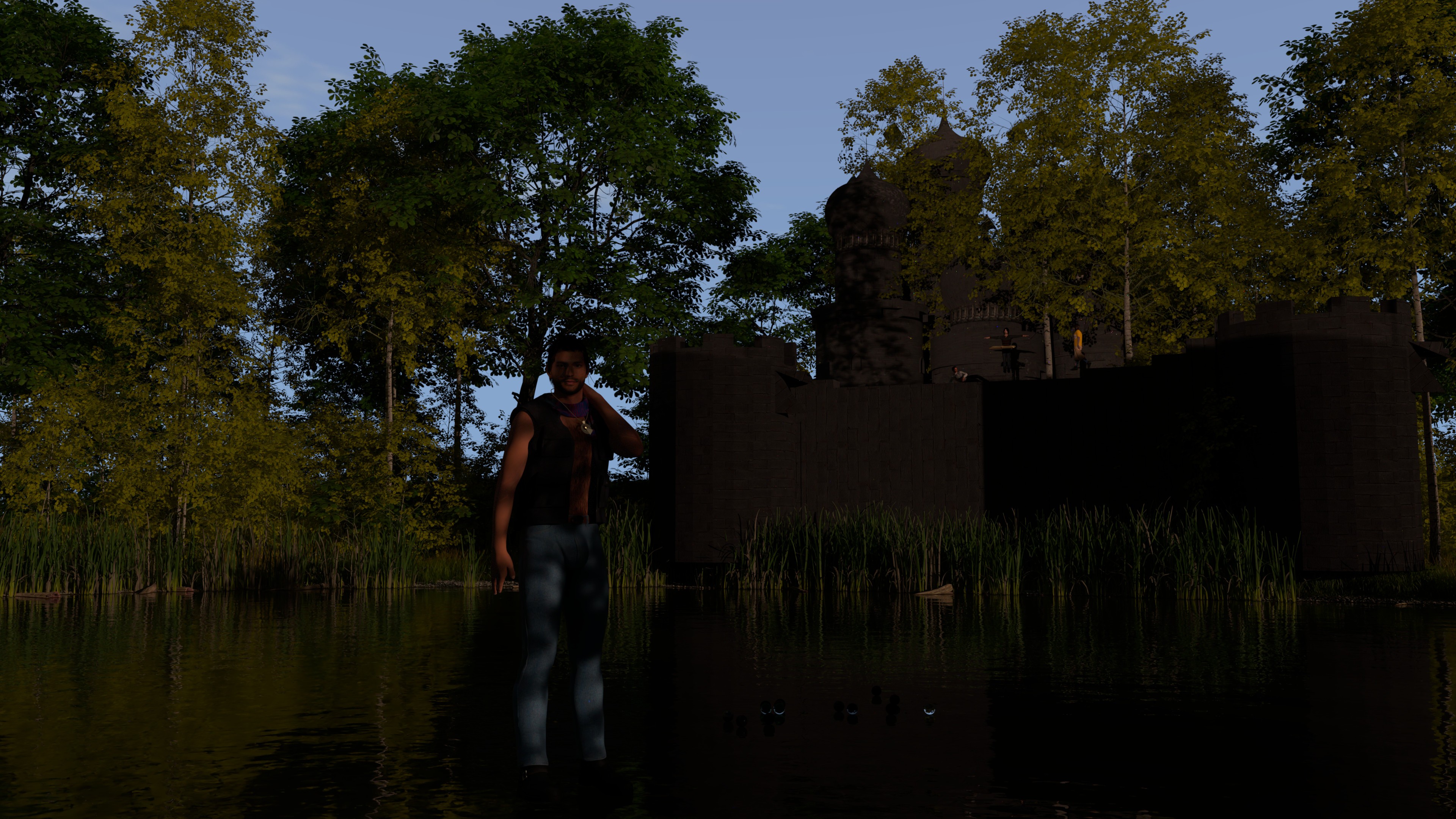
I was watching a great video session of WP Guru going on and on as to the benefits of UltraScenery 2 over the original and XT - I know that I am broke, but I had to get it. I mean, look at rendering. Just Wow!
I know the trees kind of partially block the castle of black spire, but I am ok with it.
As a result, I was going to do another rendering of the character Penny performed by the great Arjun Gupta @arjunguptabk and I might as well put the new plugin to the test, right
Love you like a brother

Comments (4)
Nice image. I must admit I see UltraScenery 2 and UltraScenery XT as complementary rather than an either-or situation. USC2 can go up to 256m square, while USXT can go out to 5km across for the scene. Just need a height map or something to make sure you don't get a USXT mountain in the middle of your USC2 landscape. I still use USC1, as there seem to be more biomes compatible with it than USC2. Anyway, continue to have fun with it.
Thank you. I wish there was a way to control areas of where the trees or biomes (plants) will appear so that there is at least a place to put a castle without it being covered up :-) BTW, I had to disable biomes in this rendering because of the low Y translation of my camera, so that I could get that angel. With the biomes enabled, it blocked everything - I mean everything. It was if you were in a jungle from prehistoric times. With biomes disabled, you can see everything
There is a way to control where the plants go using 'layer masks'. I did a little explanation in the daz forum for how to create and use layer masks for each individual layer of vegetation to control where the vegetation appears. However, frustratingly, I can't find the post at the moment. I have the original image files on another machine, so I think I should create a separate tutorial document so I don't manage to lose it again. I doubt if I can get it done before Monday 20 April 2026, but will let you know by PM where it is when it's published.
Ahh. Not needed. I found it, here: (https://www.daz3d.com/forums/discussion/comment/9425876/#Comment_9425876). Hope it solves the problem. Then, for an extended forest look at barbult's suggestion post here (https://www.daz3d.com/forums/discussion/comment/9494886/#Comment_9494886)
Thank you. I will let you know how it works the next time that I try UltraScenery 2