
















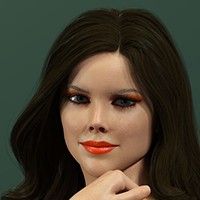
Stop Rebuilding Makeup Every Time You Change Characters | DAZ Studio Workflow by digitaldraperyco
Members remain the original copyright holder in all their materials here at Renderosity. Use of any of their material inconsistent with the terms and conditions set forth is prohibited and is considered an infringement of the copyrights of the respective holders unless specially stated otherwise.
No AI - This artwork was created entirely by hand or with traditional digital tools.
Description
Every DAZ portrait artist eventually hits this loop:
You change the character
- the makeup breaks
- you rebuild everything
- lighting changes it again
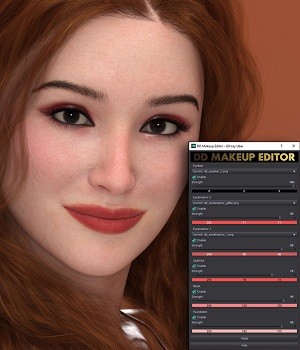
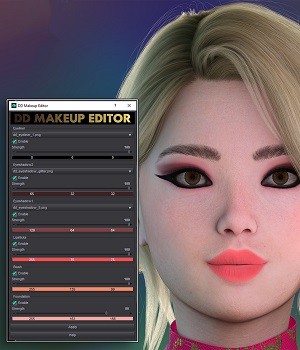
So instead of collecting presets, I tested a consistent workflow.
This video shows the Genesis 9 PBR skin version, but the same interaction works across:
- Genesis 9 PBR
- Genesis 9 Uber
- Genesis 8 (coming soon)
The shader logic changes internally, but the artist steps stay the same.
The goal is to treat makeup like color grading rather than texture replacement.
In future videos I’ll compare multiple characters and lighting setups to test how stable the results stay.
Genesis 9 versions: Available in the store
Genesis 8 version coming soon.
#daz3d
#dazstudio
#genesis9
#genesis8
#iray
#3dart
#3drender
#cgart
#characterart
#digitalhuman
#visualnovel
#gamedev
#indiedev
#3dtutorial
#virtualphotography

Comments (1)
Very nice work good tutorial
Thank you so much