
















The Steve Holland Experiment by kalebdaark

Close
Hover over top left image to zoom.
Click anywhere to exit.
Members remain the original copyright holder in all their materials here at Renderosity. Use of any of their material inconsistent with the terms and conditions set forth is prohibited and is considered an infringement of the copyrights of the respective holders unless specially stated otherwise.

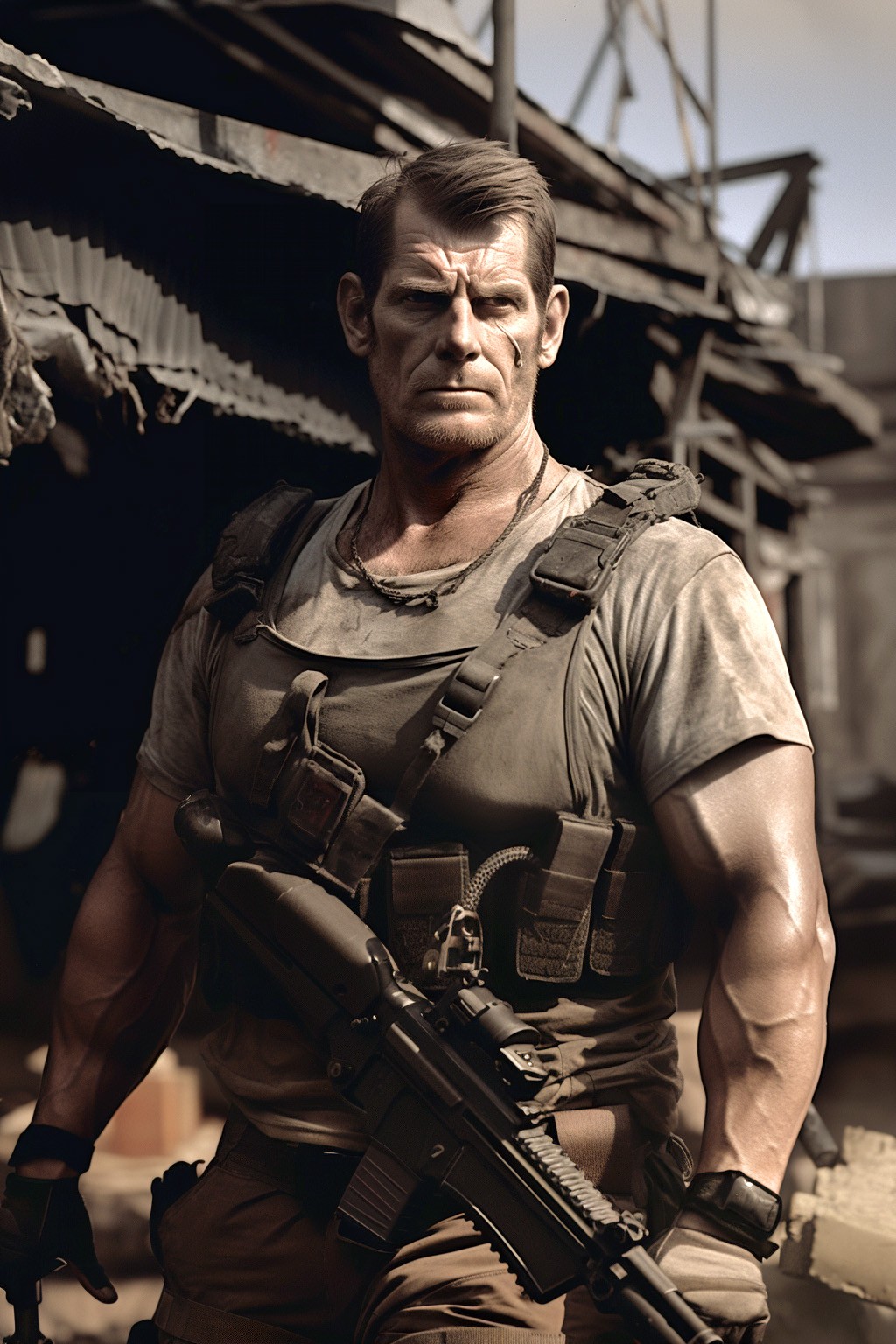
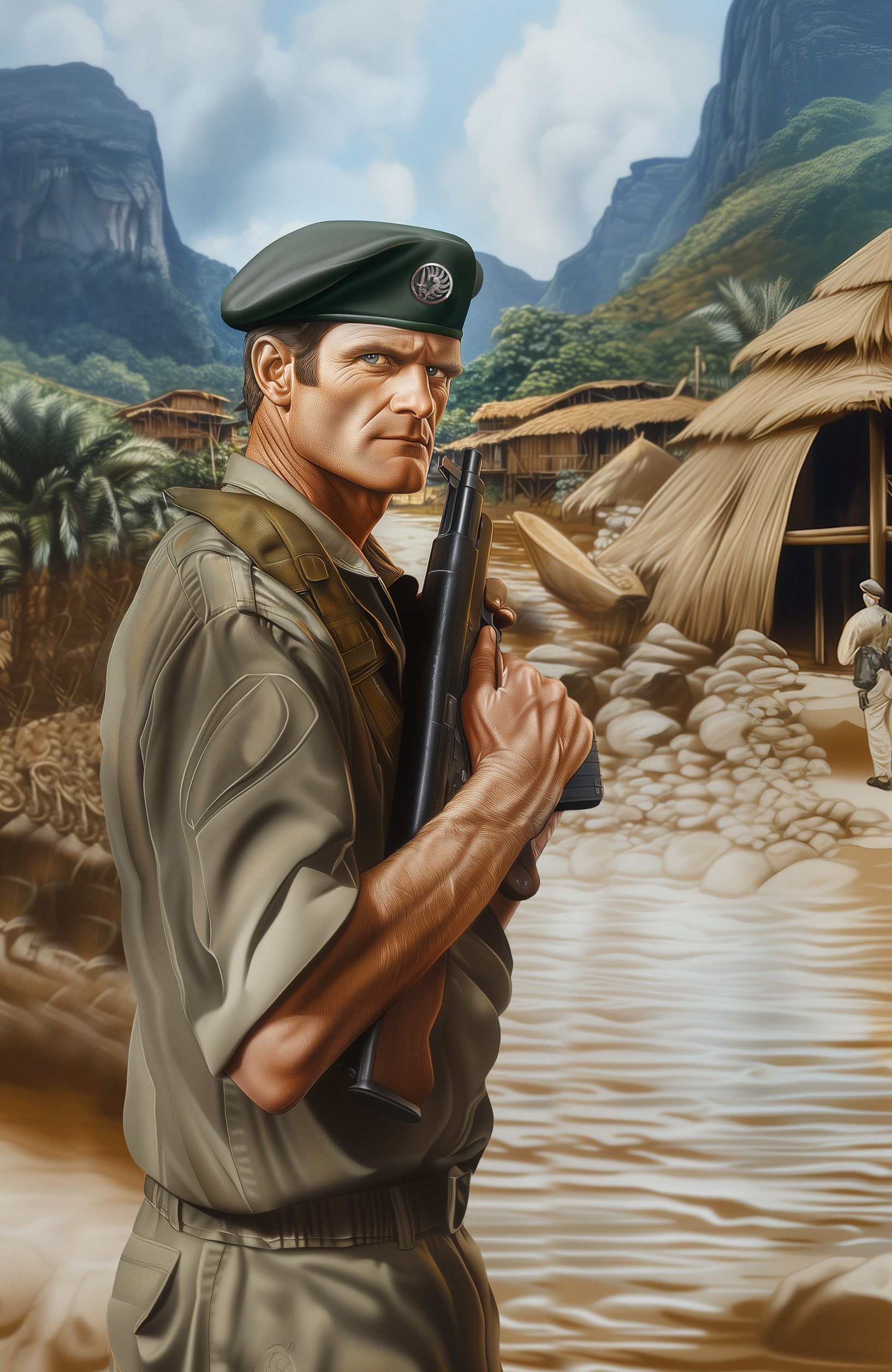
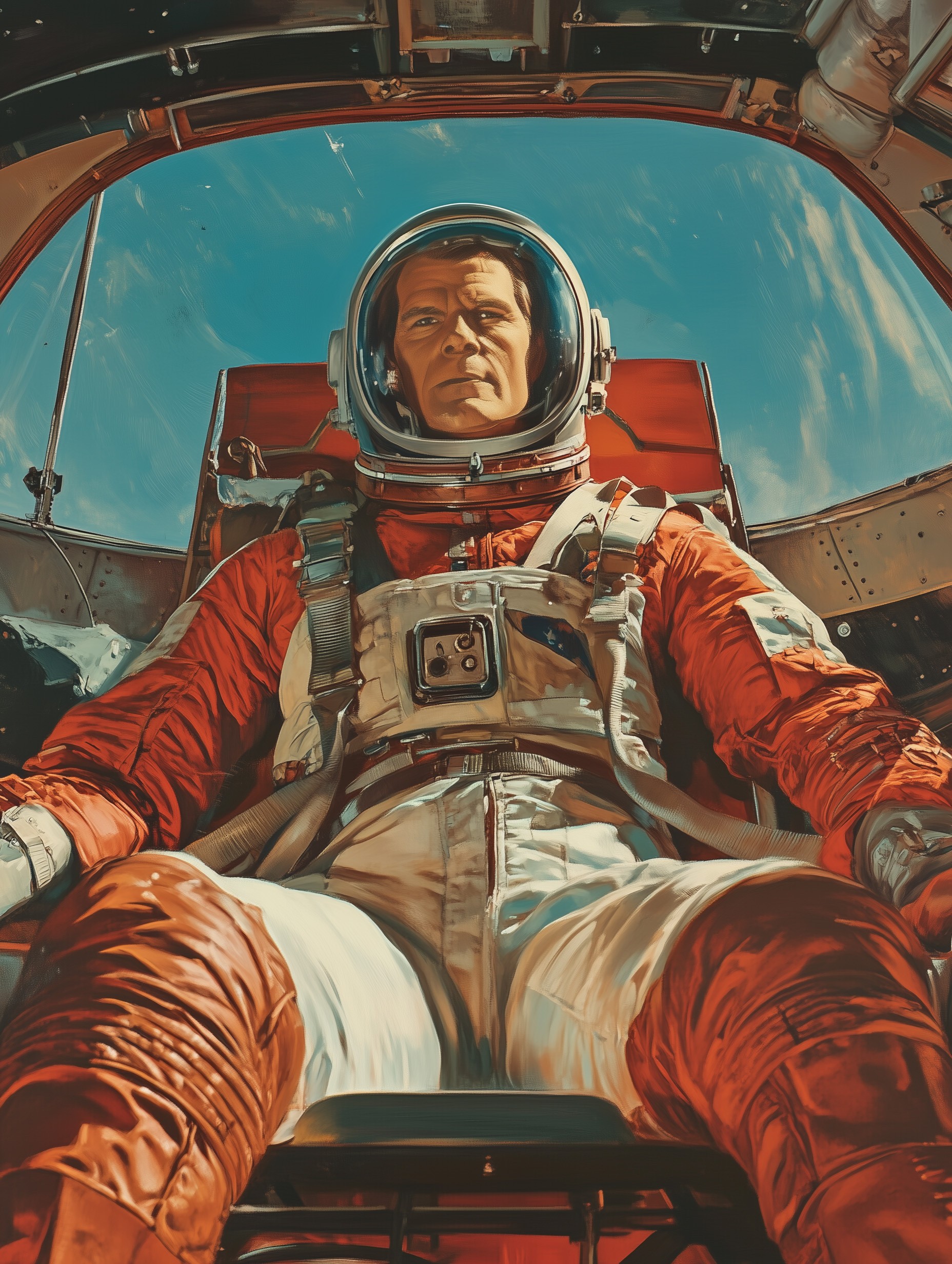
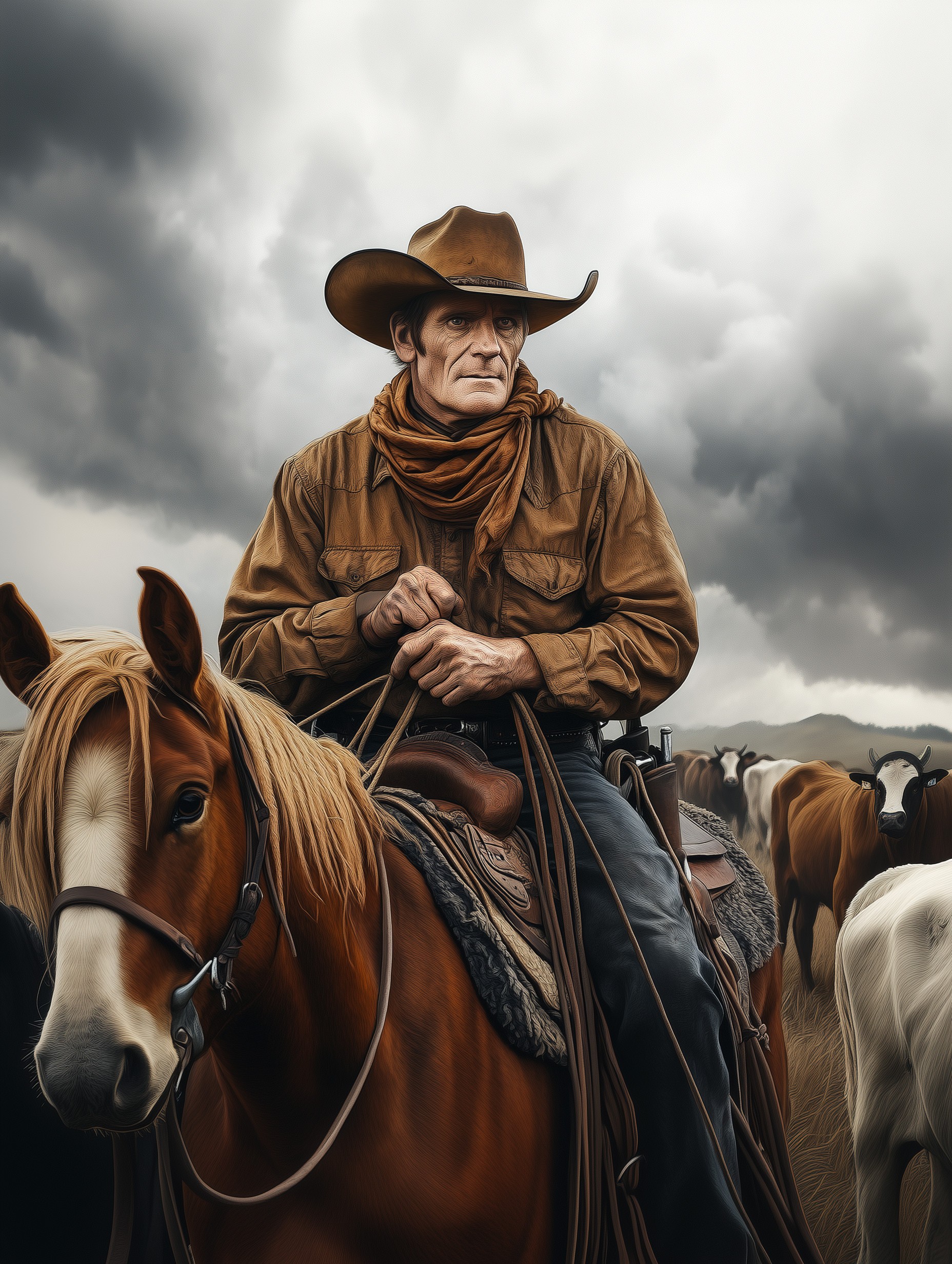
MidJourney 7
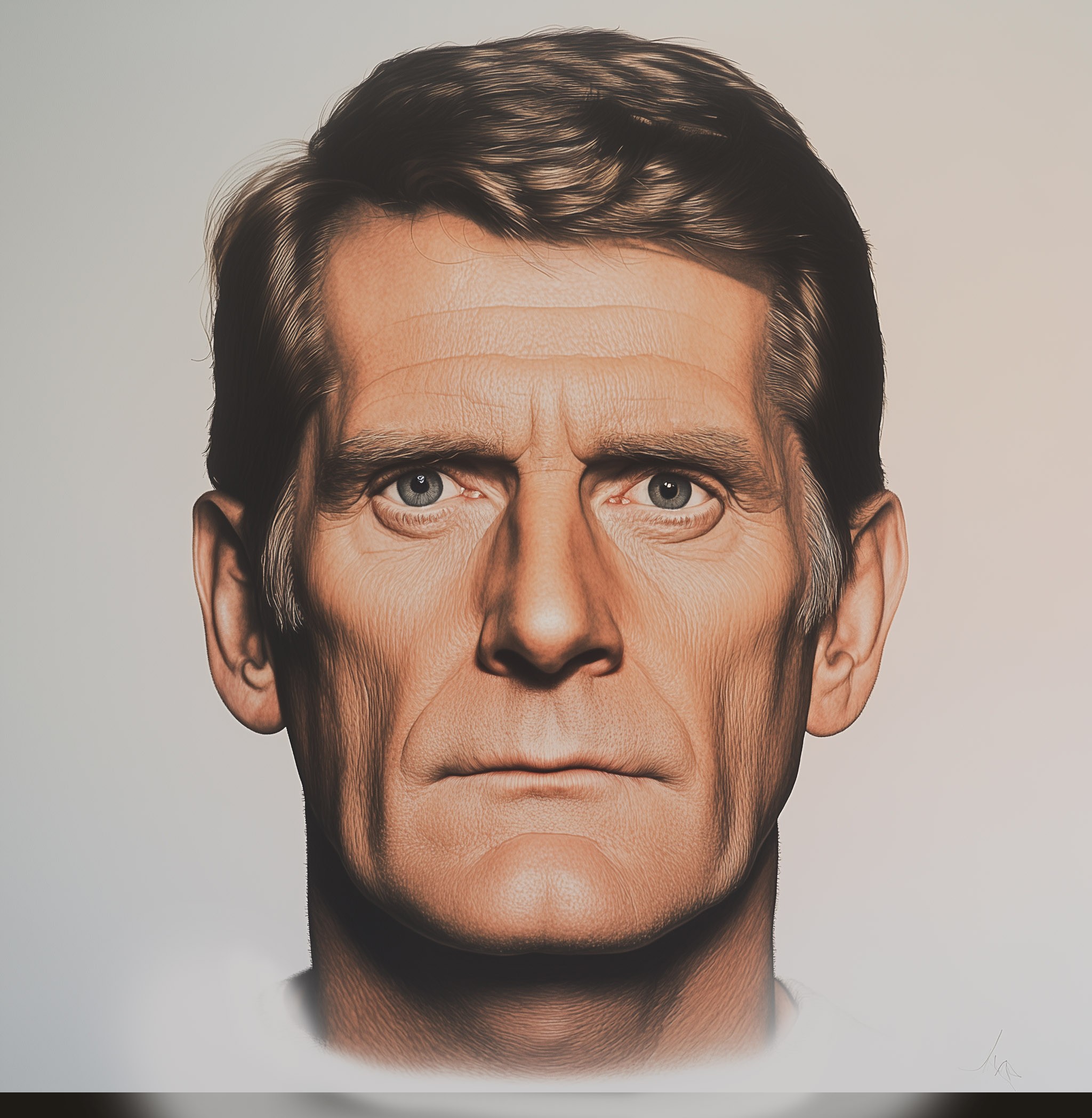
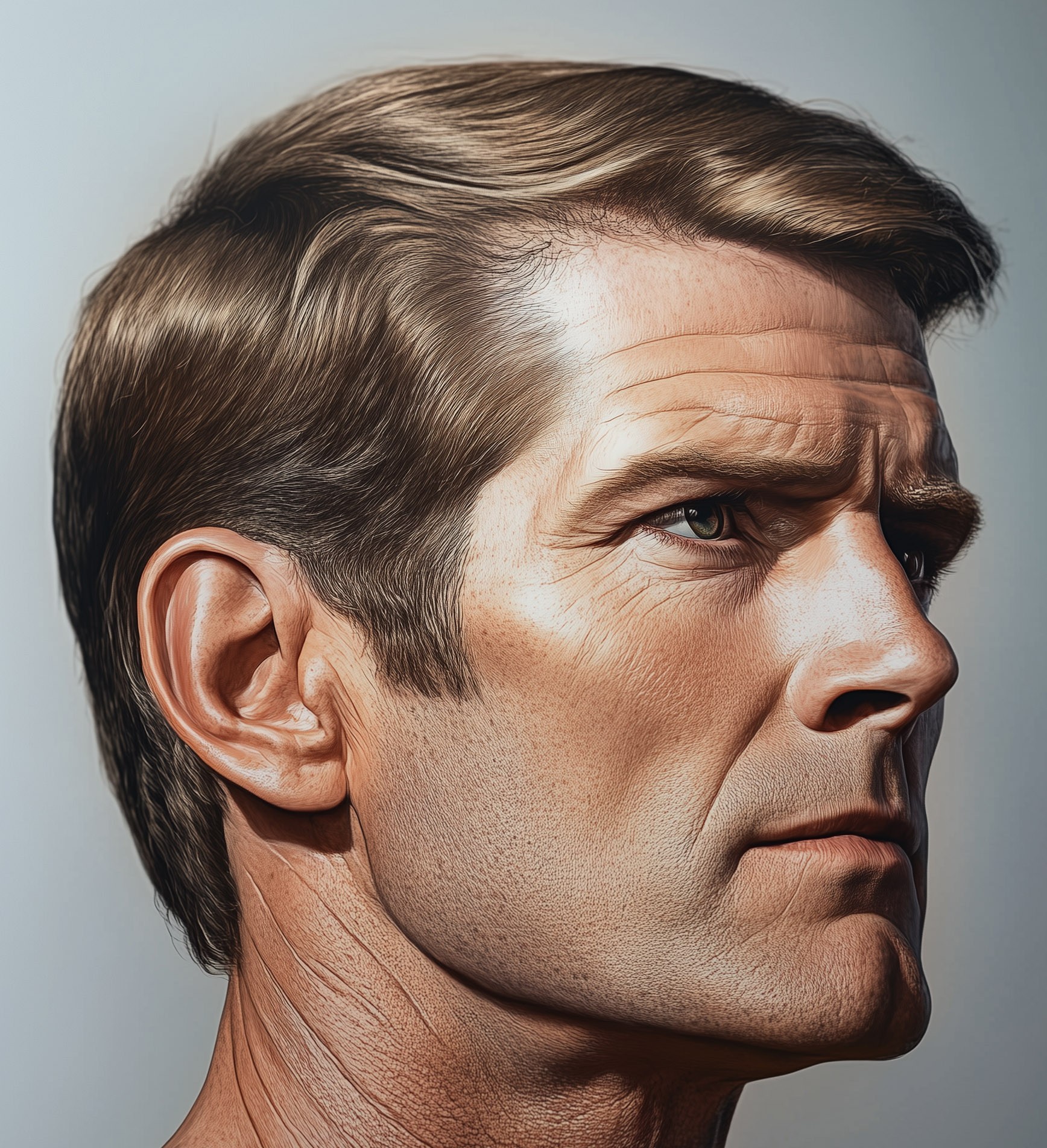
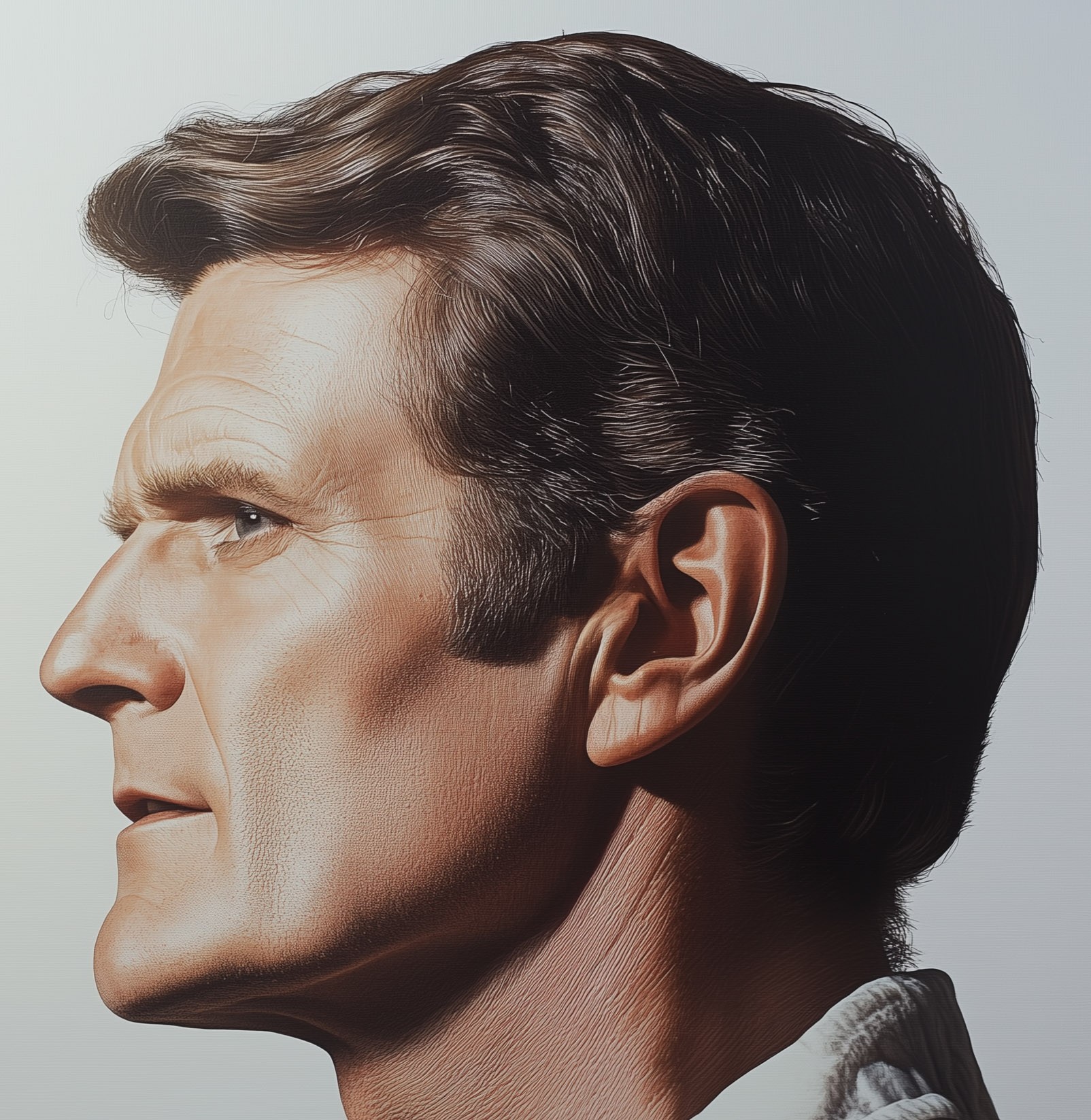
Base images, had to do it in such a way as to have a consistent character. Photoshop for details.
Description
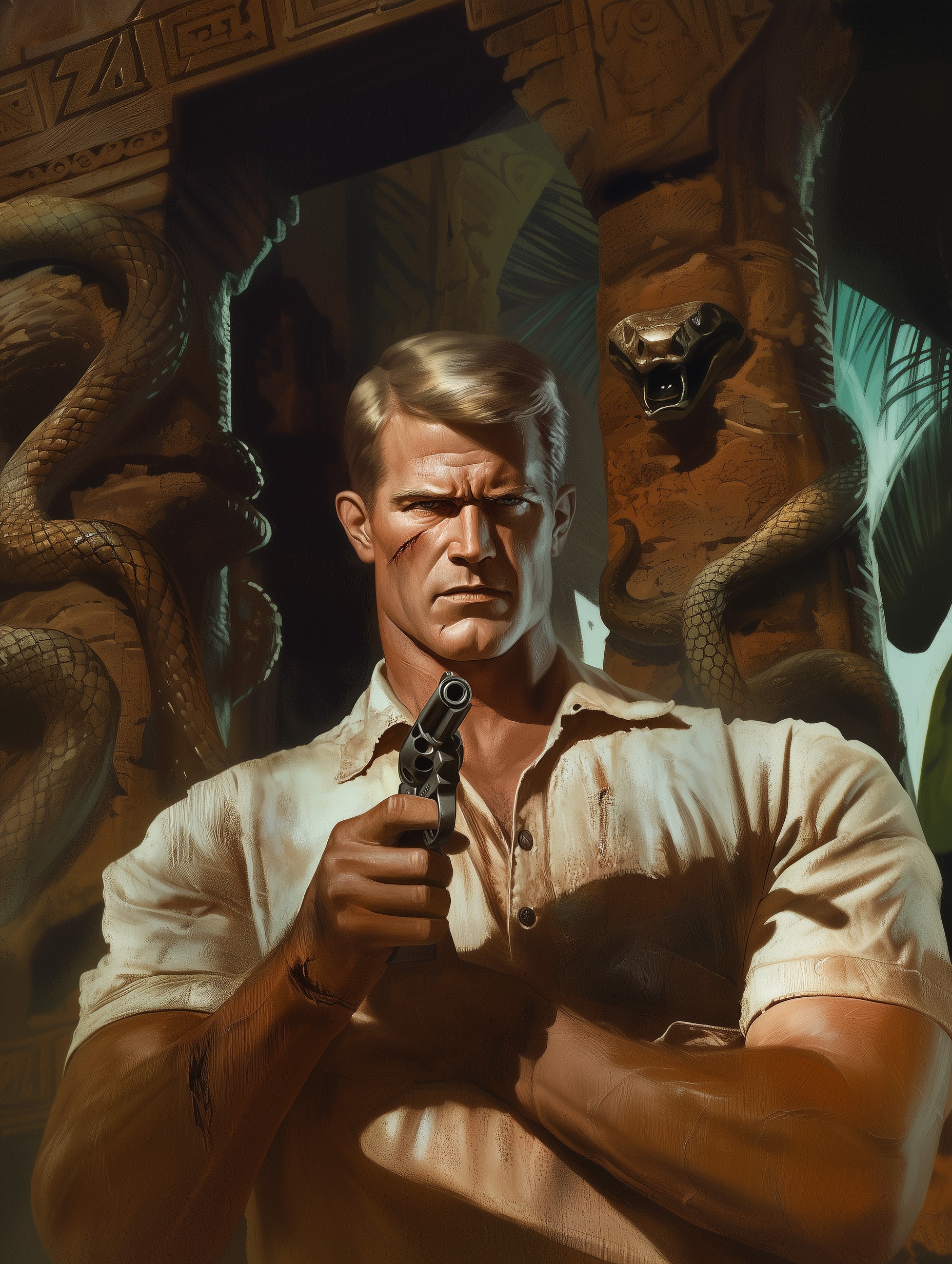
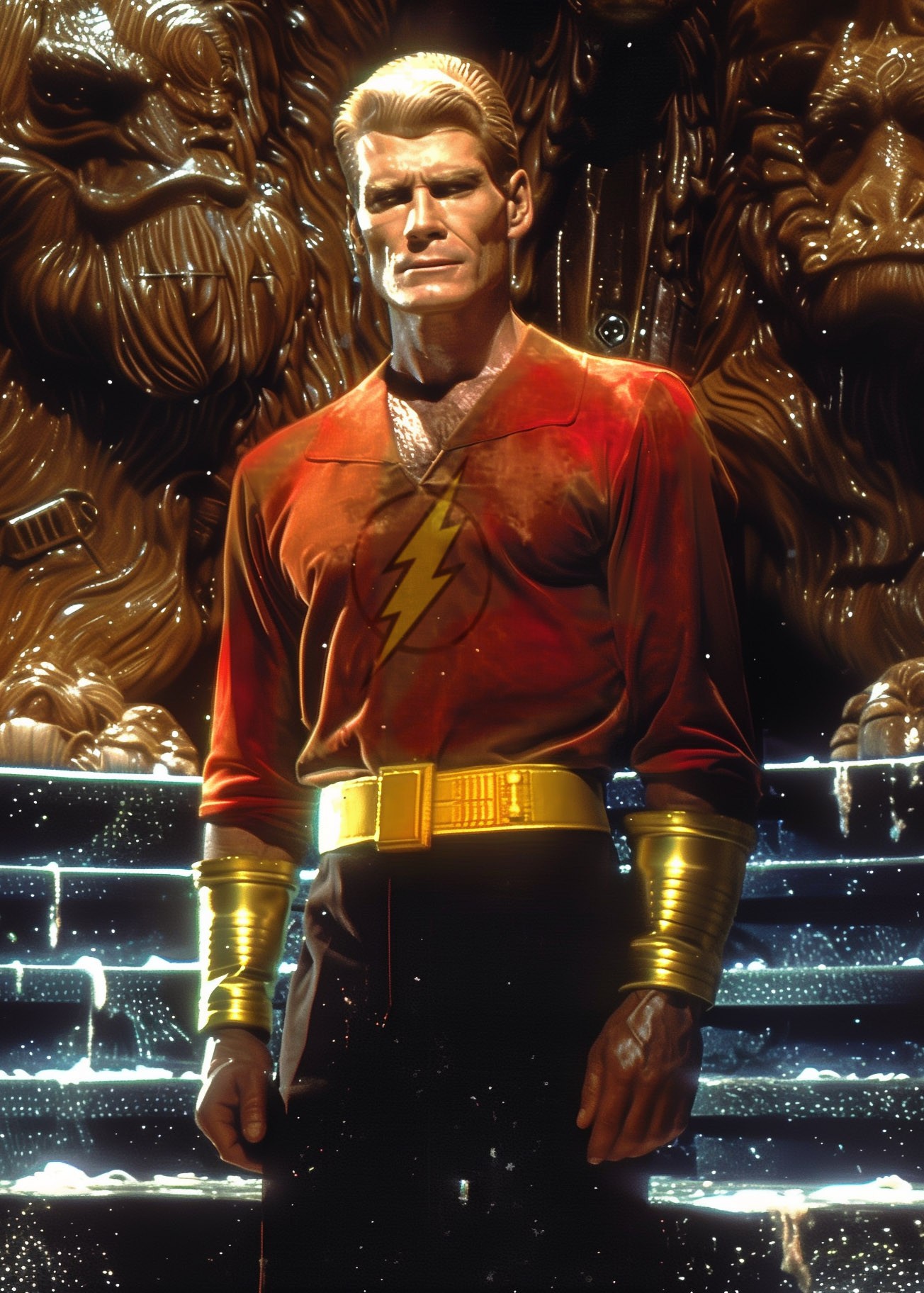
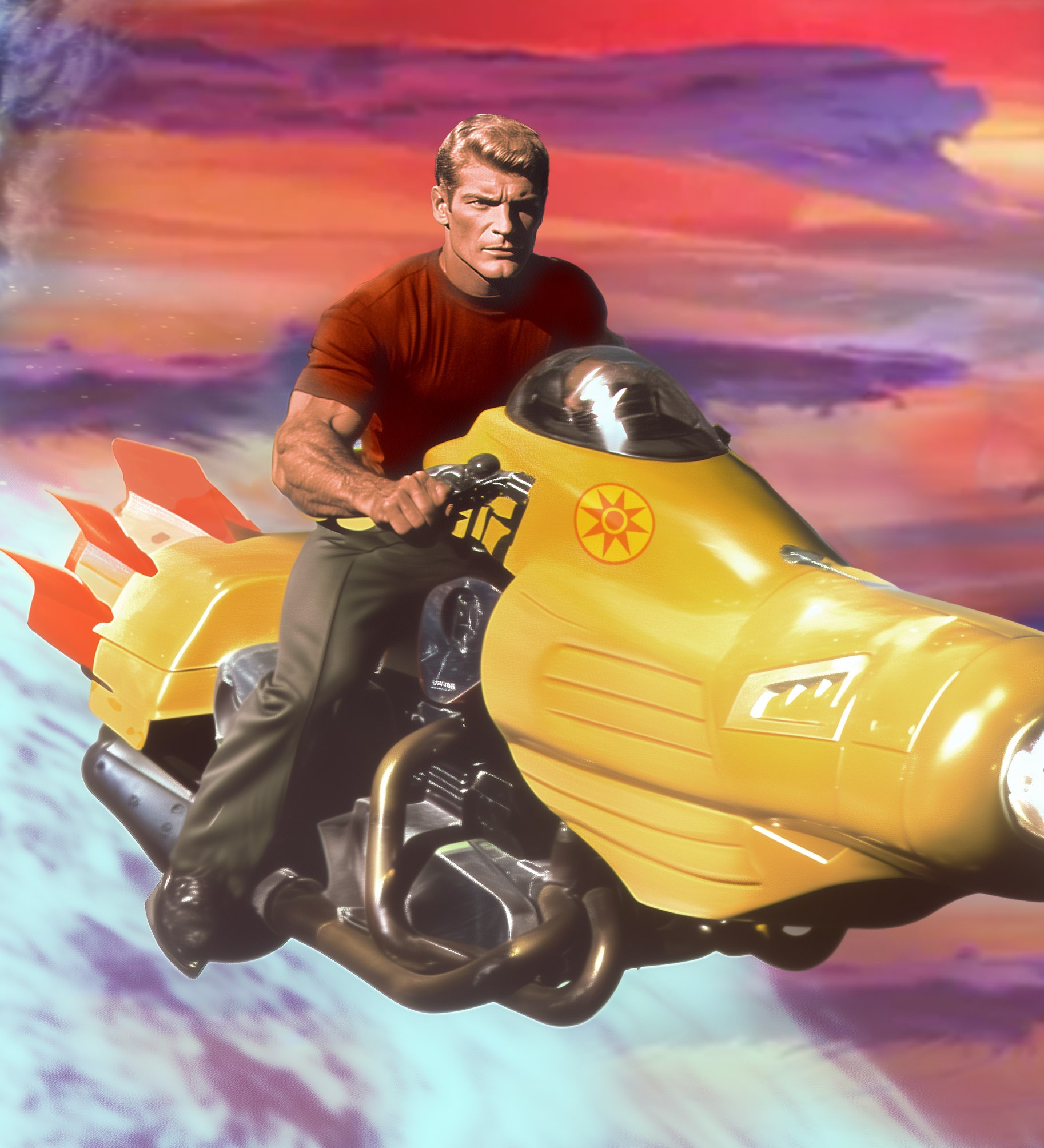
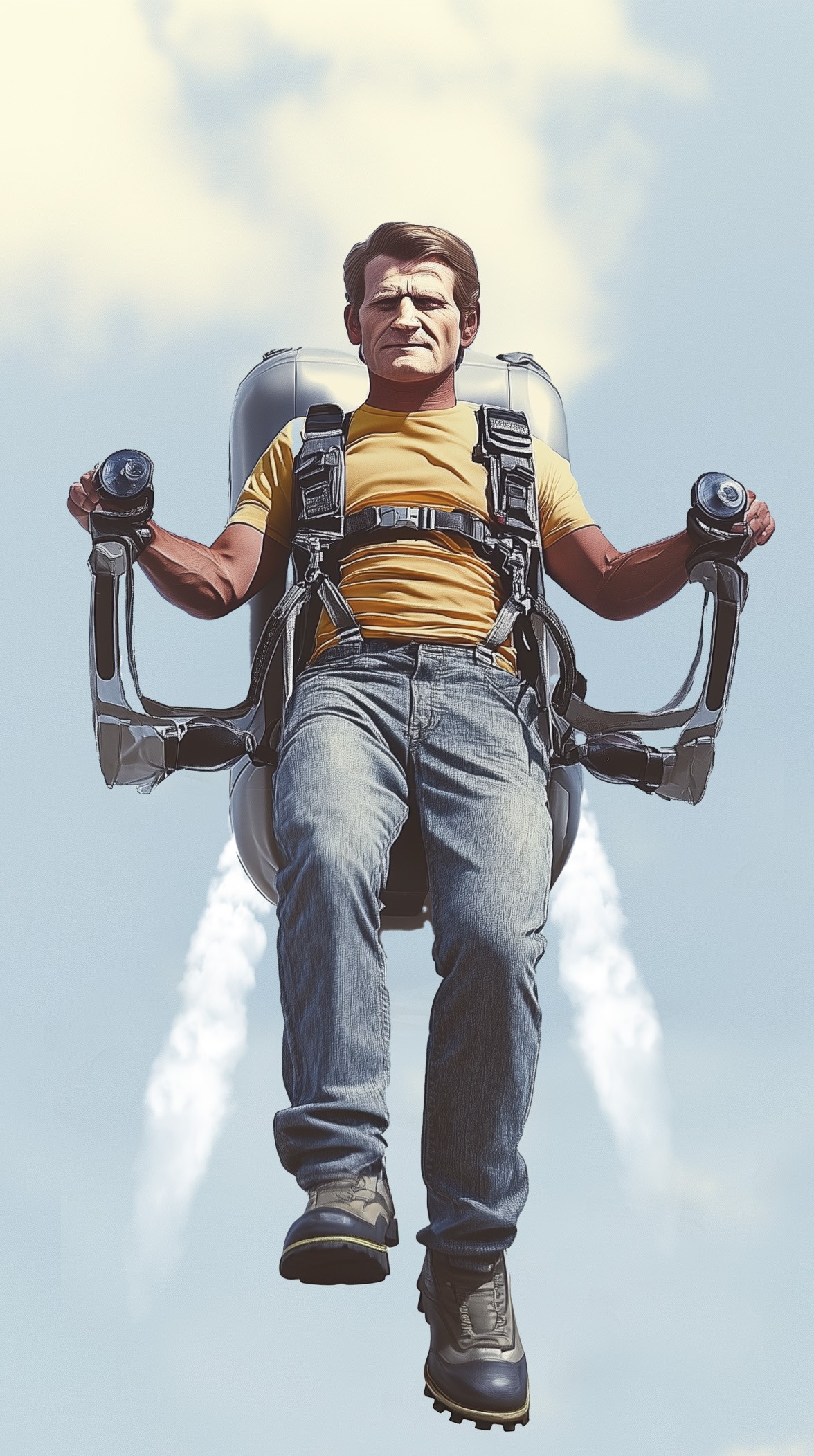
Years ago, during the Pulp book era, going into the trade paperback cover era, there were several artists like Bruce Minney and James Bama who consistently used a model by the name of Steve Holland for various covers and other commercial art. He was in a lot of action covers, was the model for Doc Savage and Mac Bolan, Western pulp novels, etc. So you can see how he got consistent work from consistent series.
This post is an experiment in creating consistent characters as some AIs allow pics to be used as a character reference. I'm using MidJourney here, so your AI might work differently. Also, this is only an experiment. Use your own characters - Poser or Daz Studio work really well for this. All honor to Steve Holland here, and I'm not trying to collect anything based on his body of work, it's just to show what can be done.
To set this up, you'll need to create a set of internally consistent face shots (samples are included here, though I use more than these). You'll need a front face shot, a 45 degree orthogonal side shot, and a full profile AT THE VERY LEAST. I would also suggest you create the same with an angry expression and with a laughing/smiling expression, so minimum of nine. The key is to select and save character definition pics that are consistent within their own set in the way that they look, or the AI will go off the rails and create things that aren't within the realm of what you want. When creating your prompt, load your face shots and click the icon that shows a head/face. Describe whatever you want, and the creation should have the character's face on whatever you've described.
If your AI allows "inpainting" or editiing, create your picture first, then select the facial region to "edit" and then load your appropriate face pics and define them as face/character items. Then submit and it should place the character face into the appropriate space. This works well in that you can just create something fairly novel, then just put your character into that context.
Get the iteration you like, upscale and you're mostly there. The pics posted here also required postwork in Photoshop for various parts and Select -> Subject is your friend. Then do your post-work and you'll have something pretty darn close to what you want, and hopefully be able to create your character in various contexts and doing various different things things. It's been my experience that good post-work leads to far better results than just prompt and go.
Anyhow, hope this has been helpful, happy rendering
#character #prompts #pulp #doc savage

Comments (12)
Very nice renders
I do love number 3
Yeah, there were a lot of "Nam" and "Mercenary" books in those days, so I tried to create something that looked like a cover to one of those 1970s - 1980s pulp books, which were often placed next to the harlequin romances at places like K-Mart or Woolworth's. Now most of the stuff is online, with some "mommy porn" like 50 shades dominating, but pretty much nothing for a young male audience.
You've done well with this Steve Holland series of images, he looks like a tough hombre ready for action to come his way! My compliments towards helping all those who wish to accomplish something similar with your great set of instructions above. If I ever venture into AI myself, I am going to come looking for some help from you my friend...keep up the great work! :-)
Your own characters: just about any source will do, as long as it has a clean background. CGI (Poser or Daz), photos, or even hand-drawn character studies scanned and saved. Make sure the background is a solid, neutral color, or at least heavily blurred. Try not to get too much of a shirt or blouse around the neck, or the machine will try to incorporate those into the render. The opposite mistake (?) is bare shoulders. I had one where the character headshot had a bare neck and shoulders, but the AI interpreted that to mean that she was topless, even though that went against the community guidelines, so be aware and use or don't use that as needed.
Oh FYI, I use the neutral "Poser Gray" as my typical background color, but white works well too.
Great work and thanks for the info !
Thanks. I've left some extra notes on this post under other replies that may help a bit too.
I do remember a lot of those covers - might even have a couple around here someplace. I rarely ever use any kind of AI, but I find this experiment fascinating. You certainly nailed the look and feel with these. Well done!
I've played with AI a few times, but for me, I'd rather do all the creation stuff myself - I just enjoy the process. That's not to say I wouldn't use a background created with an AI app. I'm certainly not going to disrespect anyone for using it - we're all free to create art using whatever tools or apps we enjoy working with. I'll try anything, myself! I might even try a few experiments with AI thanks to your descriptions here.
This is the perfect comment, as it gives me the opportunity for me to get on my soapbox for a moment and state my position so thanks.
I think AI is just a tool. One that's still in the process of developing, with a lot of new folks "trying their hand" at something approaching art. It can also be a really easy, low-effort cheat in the hands of some people. So it democratizes art, but yes, there's the real potential for it to cheapen it too.
There are a lot of things AI CAN'T do, and it gives the person less control over the outcome that a lot of other mediums.
I think that Digital pieces (such as Poser or DAZ without AI) are superior to AI, and methods such as sculpture, actual drawing and hand-painting superior to that.
Why? Because it requires more human effort and base-line artistic skill and talent than some of the other media, though those do require some of the above too. If a human puts in the work or has the knack, then that's respectable.
Well, with a few exceptions anyway. I don't think duct-taping a banana on a wall, letting paint splatter onto a canvas by itself, or letting piglets starve in an art exhibit require very much talent or have much merit at all, even though they're considered more "legit" than AI, but hey, I guess that's just me, right?
Anyhow, it still gives interesting results and the craft of AI art is still being honed by several people as they explore this new area of artistic endeavor. Give it a go. If you don't like it and it doesn't give you the results you're looking for, then try something else. I've done a bunch of background pics for Poser renders, it would really excel at that. I'd blur them slightly to give your Poser or Daz figs the more prominent place int he composition.
great realism.
Nice work. You should do one of Flash Gordon.
Flash Gordon added!
Thise new graphics have all turned out very beautiful! Love especially the first one! 🙂
nice work
Love what you have done here. Really fantastic results...
Very cool!
I'm a big Steve Holland fan the original photographs of him posing for covers is a valuable resource for creating realistic (Pulp worthy and cool) poses if anyone wants to track them down. Not to mention the fact a hunky guy with chiseled features in a torn shirt and riding pants pings my hormones ... for lack of a more appropriate and socially acceptable expression =^P. I think that #8 the Jetbike sums up the era best for me, I prefer determination to swagger in my protagonists. The mercenary images are a close 2nd up but it seems like MidJourney like every other AI program is for some reason is incapable of scrapping the literal billions of firearm images on the internet and equipping it's characters with anything resembling a functioning weapon. Great work, and useful information =)
Midjourney and others know two things about firearms: Diddly and Squat. The new "Omni" feature which is "Put this into the image" might be able to do it, but they messed up and couldn't figure out how to load multiple images, so you have to photoshop bash the two things (face and firearm) side-by-side, and even then there's no guarantee that the beast will put them together right. MidJ knows what an AK is, and can do an AR in the context of "modern military gear" if that's specified as an outfit, but other than that you get monstrosities. Same thing with medieval hand weapons. Doesn't know a sword from a halberd, and the armor is usually too ornate. Still and all, glad you like it. Doc Savage Lives Again.
sehr schöne Bilder tolle Arbeit