














Aviary for Poser Corrected by mazzam


Close
Hover over top left image to zoom.
Click anywhere to exit.
Members remain the original copyright holder in all their materials here at Renderosity. Use of any of their material inconsistent with the terms and conditions set forth is prohibited and is considered an infringement of the copyrights of the respective holders unless specially stated otherwise.
No AI - This artwork was created entirely by hand or with traditional digital tools.
Description
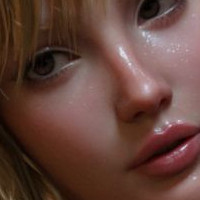
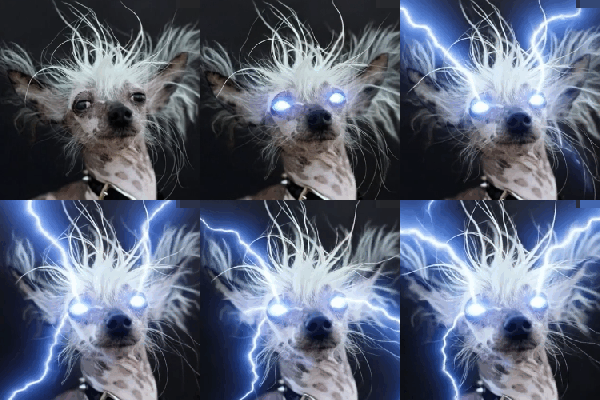
When fixe, it looks super. Note details of screen in second image.
Transparency mask as delivered is mostly white. Aha - this must be the DAZ version, white is transparent in DAZ. Poser is opposite. Use a DAZ transparency map in Poser and you get a mess.
Do you need a new transparency map? With the magic of color math you can flip the DAZ gray scale so it works in Poser. The image shows the result. The only documentation that I know of that explains how to use color math is the D3D Materials Compendium product.
The fix? Subtract from white.


Comments (3)
Looks fantastic, excellent lighting!
Beautiful image! About the maps, there is the "Transparency Mode" option (in PhysicalSurface at least, I don't recall now about PoserSurface).
Opacity is the default mode in Poser (white = opaque), but you can change it to "Transparency" (white = transparent).
This one looks better.