















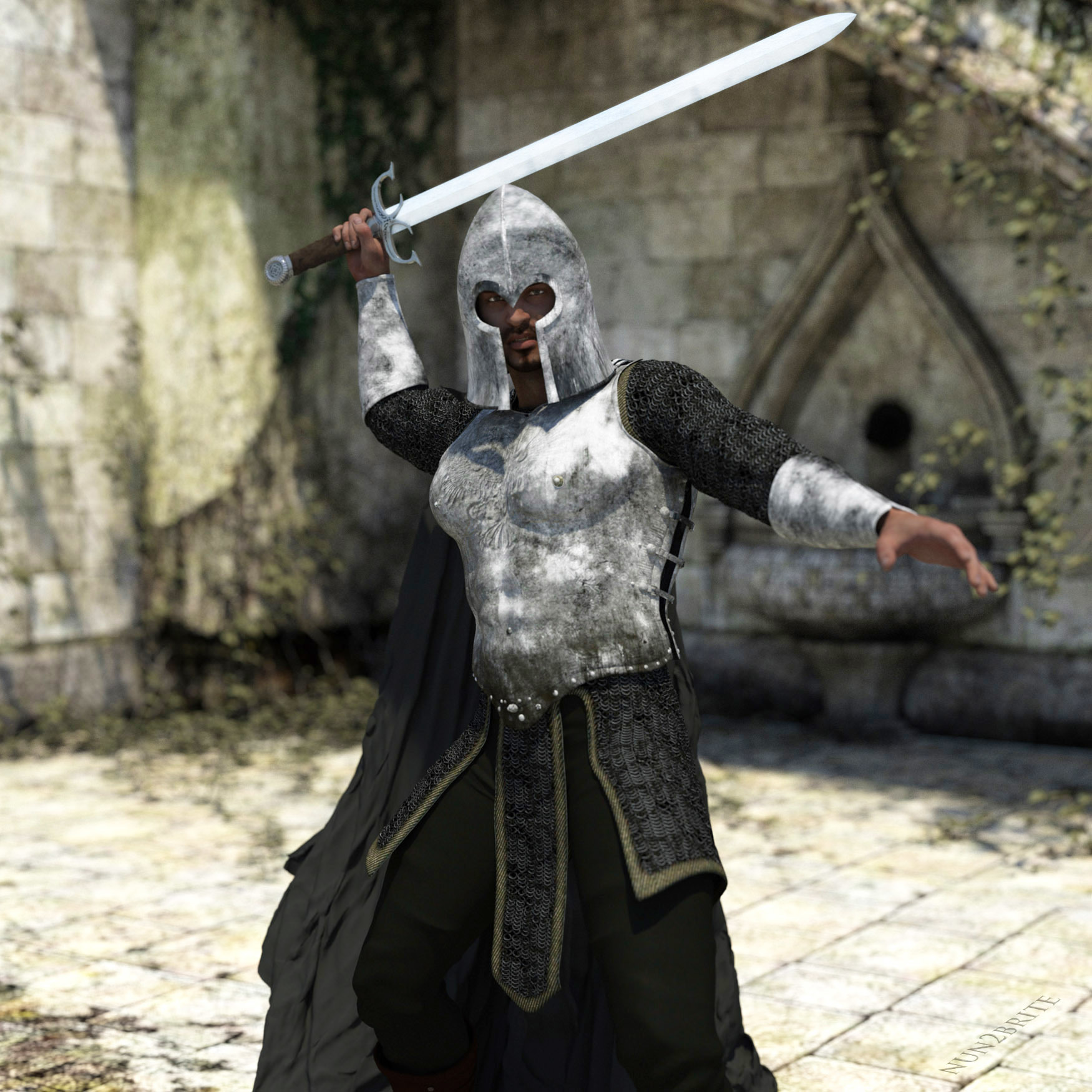
Be Gone or know my Blade! by nun2brite
Close
Hover over top left image to zoom.
Click anywhere to exit.
Members remain the original copyright holder in all their materials here at Renderosity. Use of any of their material inconsistent with the terms and conditions set forth is prohibited and is considered an infringement of the copyrights of the respective holders unless specially stated otherwise.
No AI - This artwork was created entirely by hand or with traditional digital tools.
Description
learning Iray, or should I say stumbling around the Iray parameters

Comments (6)
Fair warning, great render!
Iray ! Just when you think you know what you are doing then it throws you for a loop do I change this setting or that one or start all over again? what Fun!
Ah you know just how I feel
First of all, this scene is awesome and a great render!! Now as for iRay, you will find there are several ways to use it but the key is to extend the time and render quality. Plus when available use iRay shaders. BUT with all that said your render is perfect!!
Thanks, yes, 1 for test purposes, this is a 3, lights, lights always matter. Also, I found little tricks around textures, not reflections, those I had to purchase.
I be gone! Great work
This render is excellent. A tip. Go to Shader presets in DAZ Content Library and then to Iray Uber Defaults. With Uber Iray base you get all the necessary Iray dialers for your props. A bit further down you find several metal shaders and just try silver or chrome for the blade of the sword. For more questions let me know.
Like your version, had a similar idea (see my gallery, Canned Food). Both the standard gold & silver iRay shaders work well, sometimes the old 3delight shaders work, too (e.g. latex by lilflame), depends in your choice of lighting. As far as lighting a scene is concerned: switch off the *+##@!! standard headlight (with EACH camera) then start with a single light source. Hope that helps.
Thanks, I'll try that on my next rendering