

















Tree HDR by kgb224
Close
Hover over top left image to zoom.
Click anywhere to exit.
Members remain the original copyright holder in all their materials here at Renderosity. Use of any of their material inconsistent with the terms and conditions set forth is prohibited and is considered an infringement of the copyrights of the respective holders unless specially stated otherwise.
No AI - This artwork was created entirely by hand or with traditional digital tools.
Description
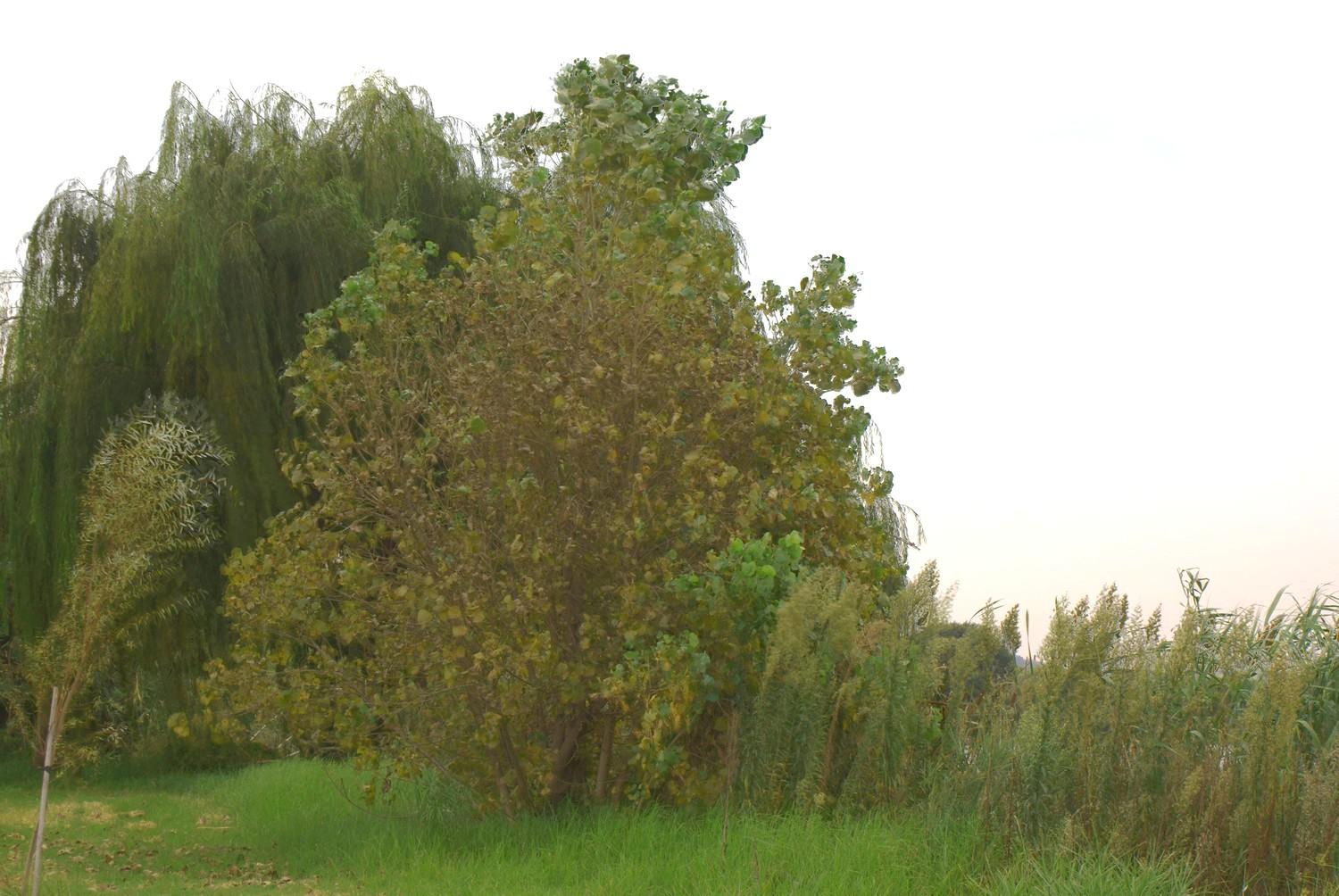
And after noticing the sunset i captured some trees on camera.So here is a Tree HDR.

Comments (4)
for a hdr image (particularly a sunset) the sky seems rather overexposed.. looking at the exif data in fact it doesn't look as if you bracketed the exposures for a 'proper' hdr, and instead created it from the one exposure.... looking at the way it has come out my guess is that that exposure was metered for the foreground, and as a result some of the highlight detail in the sky has been lost... no matter how much you 'stretch' a file to create differing exposures to create hdr images, if the highlights or shadows are clipped in the original file, you'll never regain the detail.. my advice would be to check the histogram in-camera after having taken the exposure and make sure the exposure is even, with no blown highlights... then you'll have a lot more play when you come to editing the images. better still, set your camera somewhere steady (tripod ideally) and auto-bracket your exposures. hope this helps a little mate ;)
I agree with Meowgli, but I have created my own exposures at times when I realize I could turn something into a decent HDR and only had the one shot. I do lose some clarity but a great deal can be saved when I sharpen and tone map the image. Sometimes I further soften it instead. With this one, I probably would try a little tone mapping or just bump the contrast a bit. Still, good job and you are doing a great job of learning this process - I'm still learning too. :-)
Some great advice there for you Christo.. Keep em coming my friend!
There we are Christo, just like I said before they lack contrast and are a little flat, but bravo for your efforts my friend, you can also shoot in the RAW format if you prefere to work on one image, tweak your values there in a raw processor, then save the files as radiance.HDR then go into the HDR software and do a little tone mapping to bring out the details, but I reiterate, you are doing fine my friend, this piece has a lovely POV.