Theron The Wolf by HWW0
Software:
DAZ Studio 4 With IRAY
Requirements:
DAZ Dog 8
Available Uses:
AI Use:
No AI was used in the creation of this product or its promotional content.
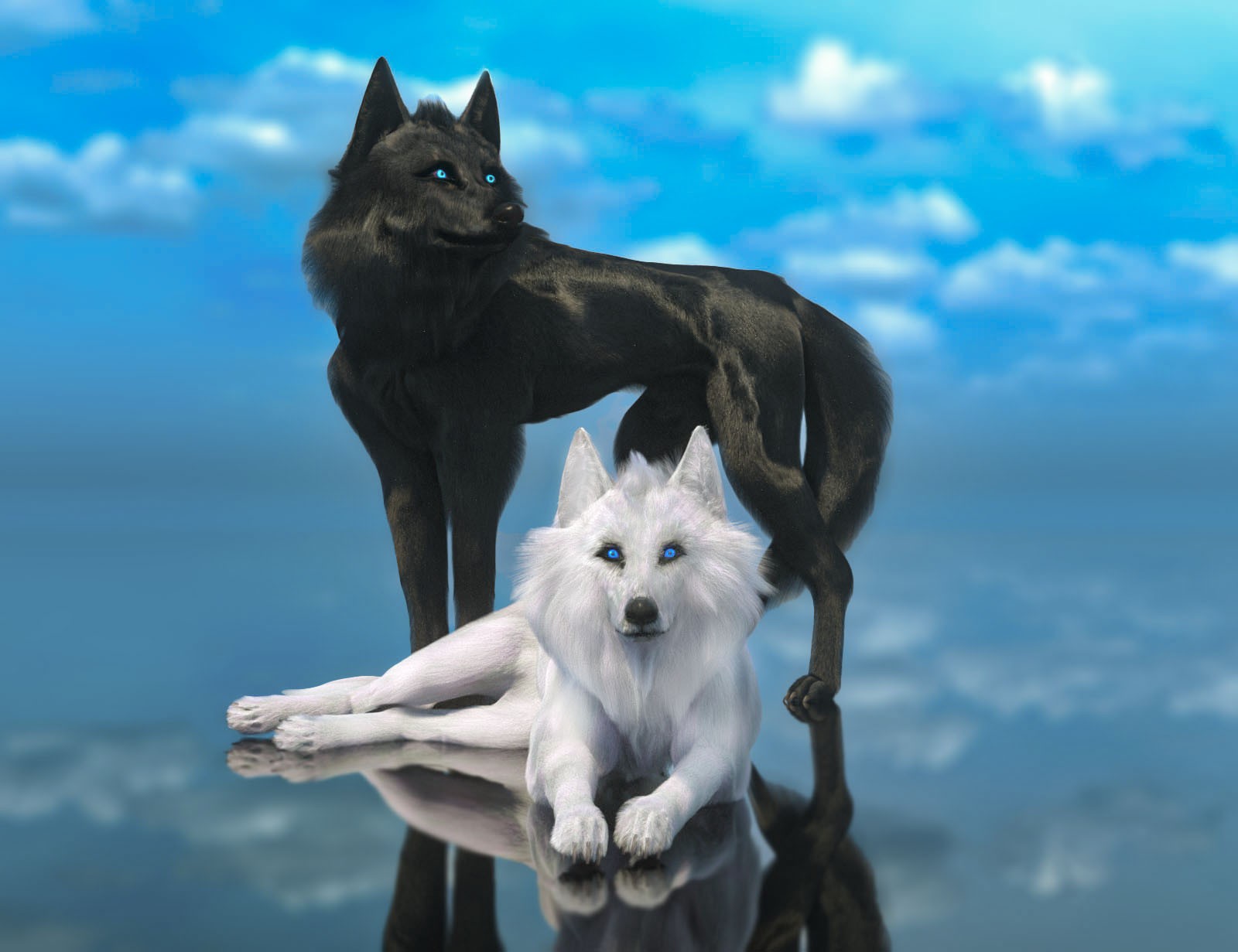
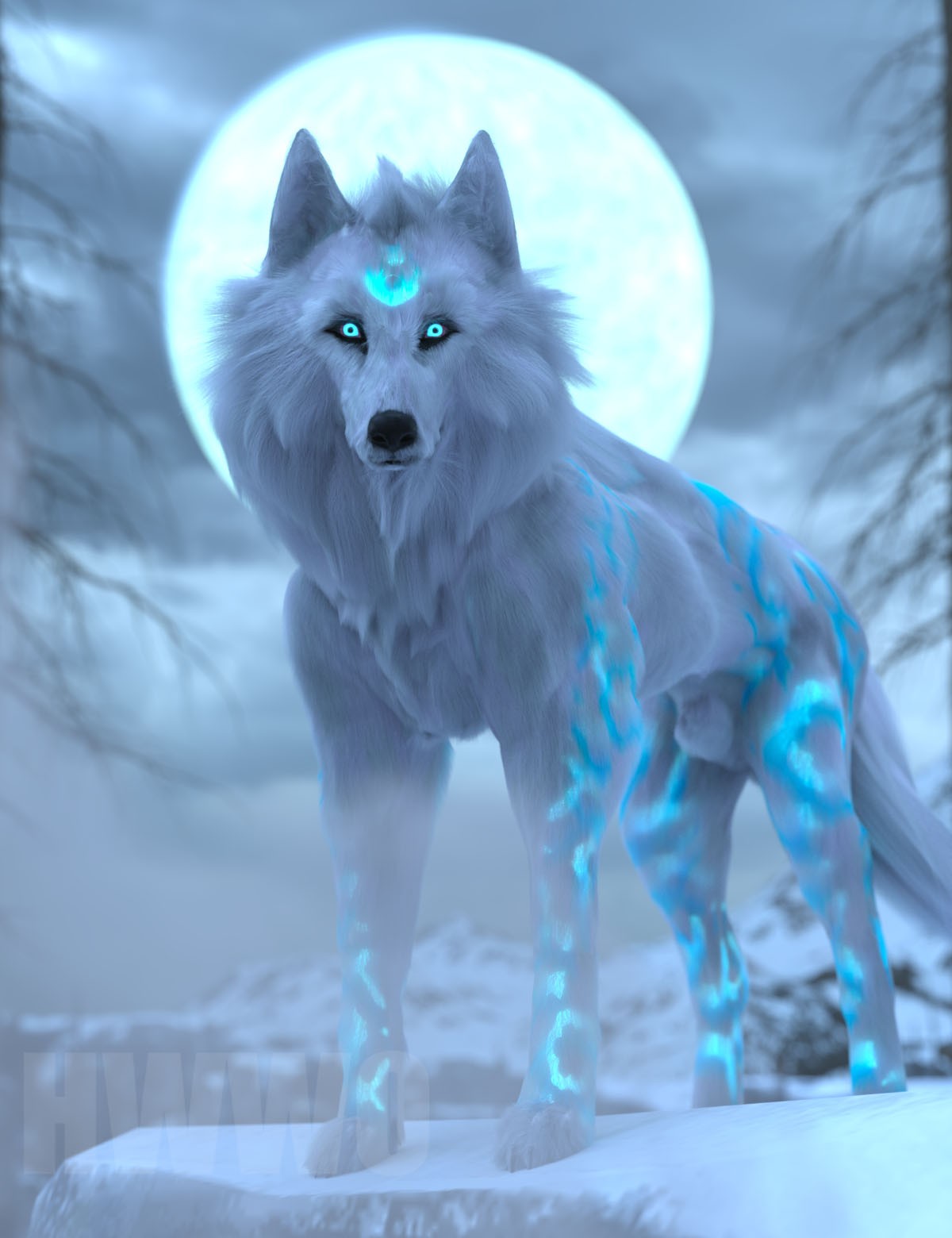
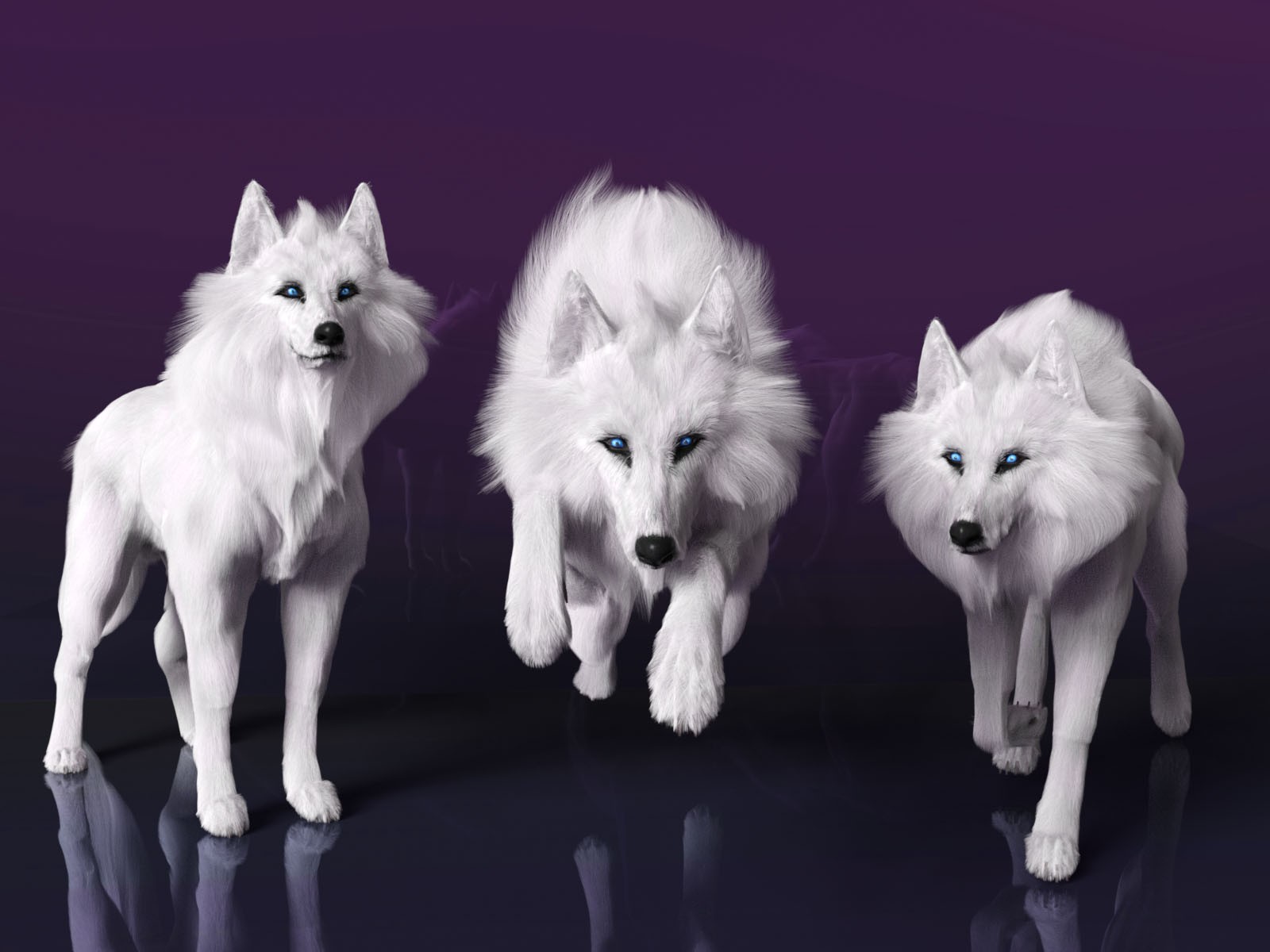
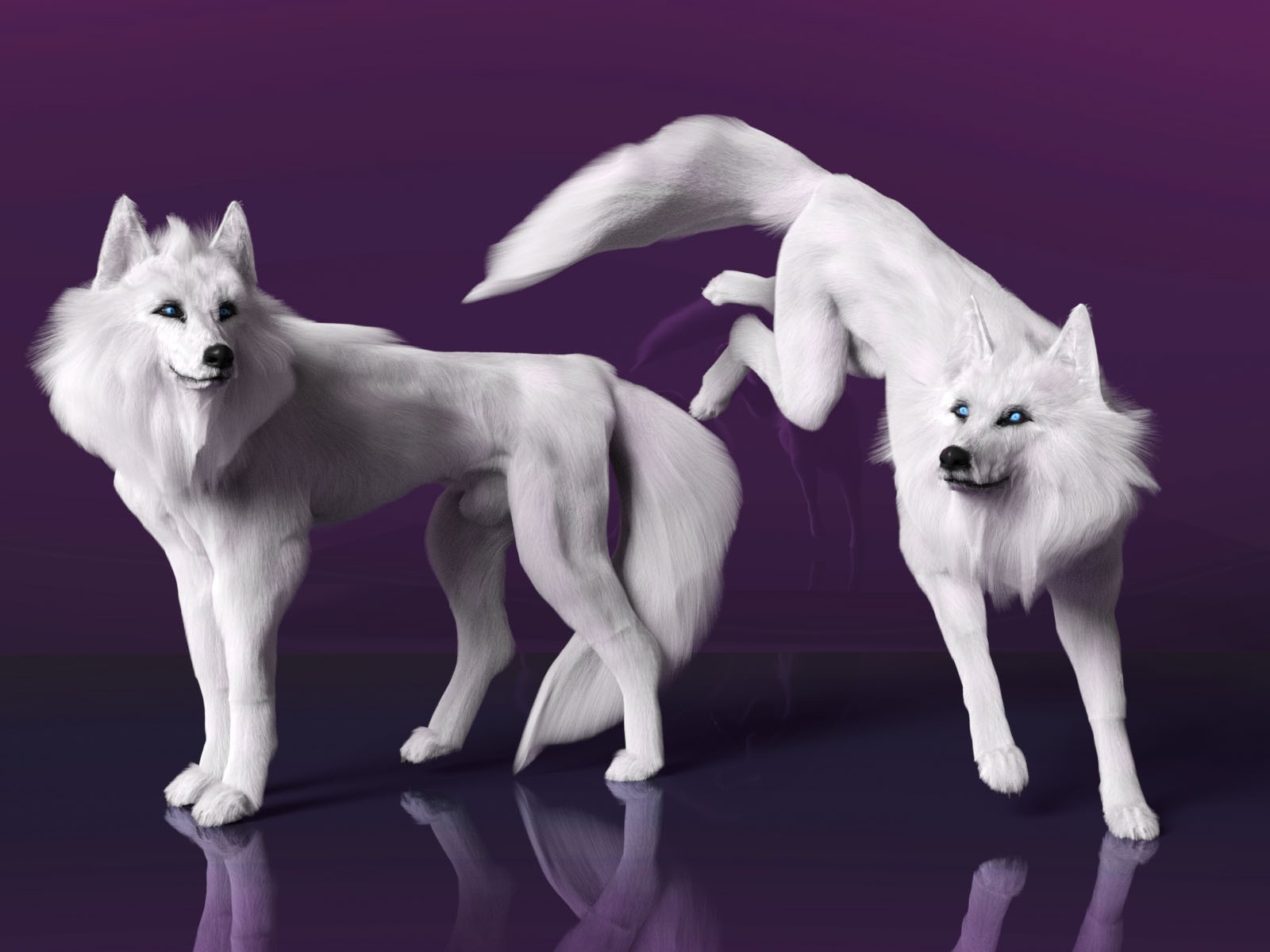
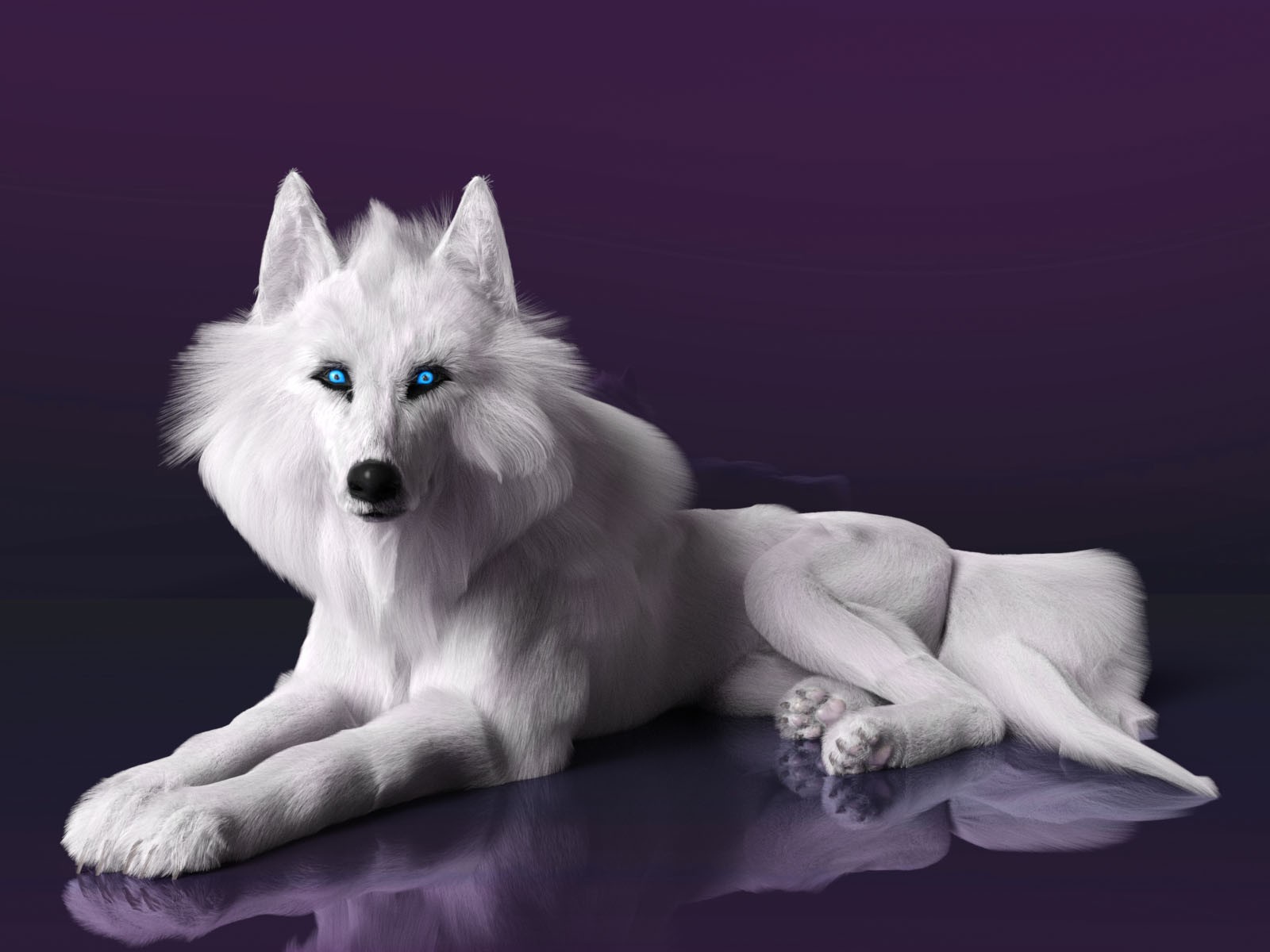
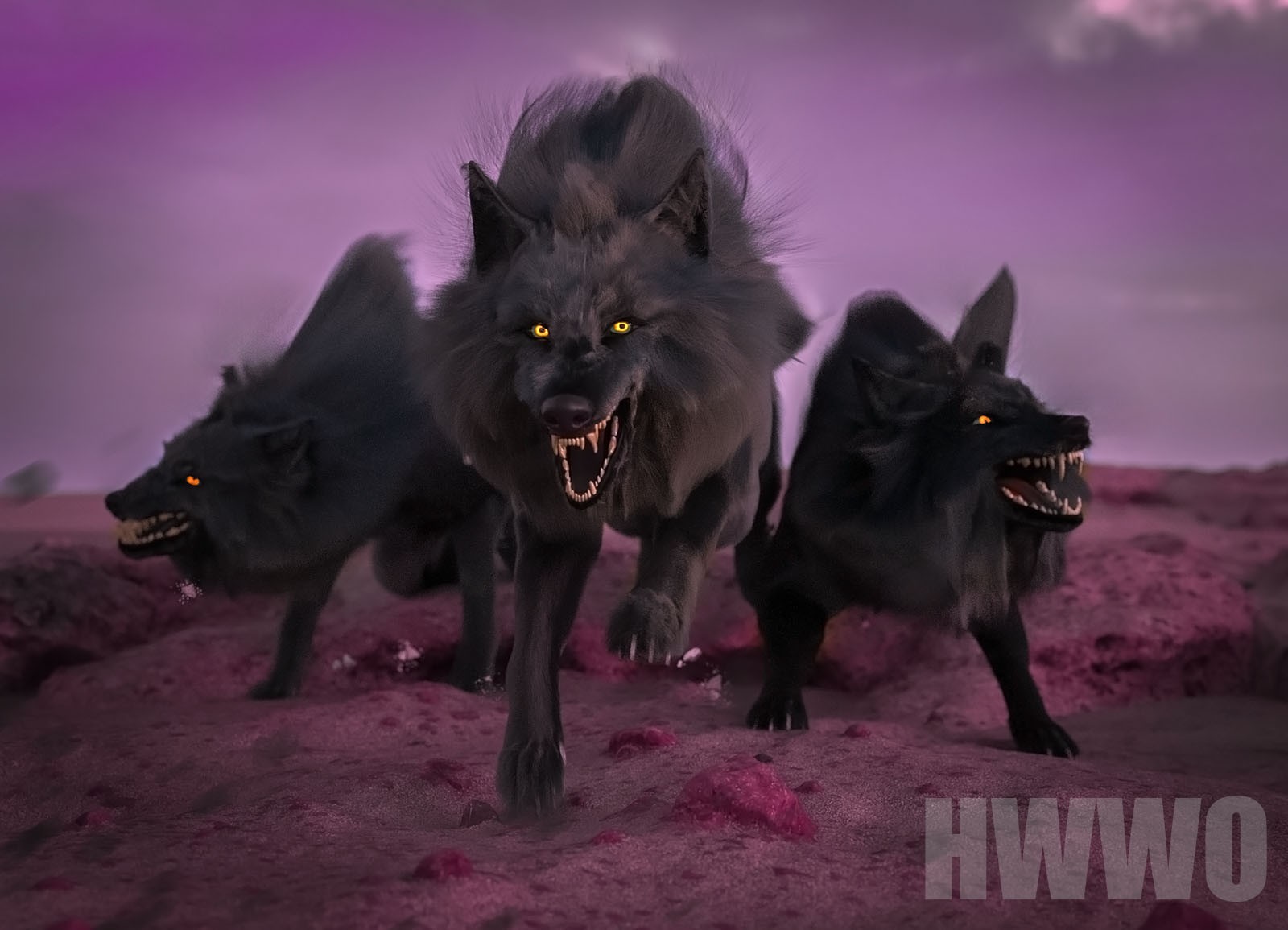
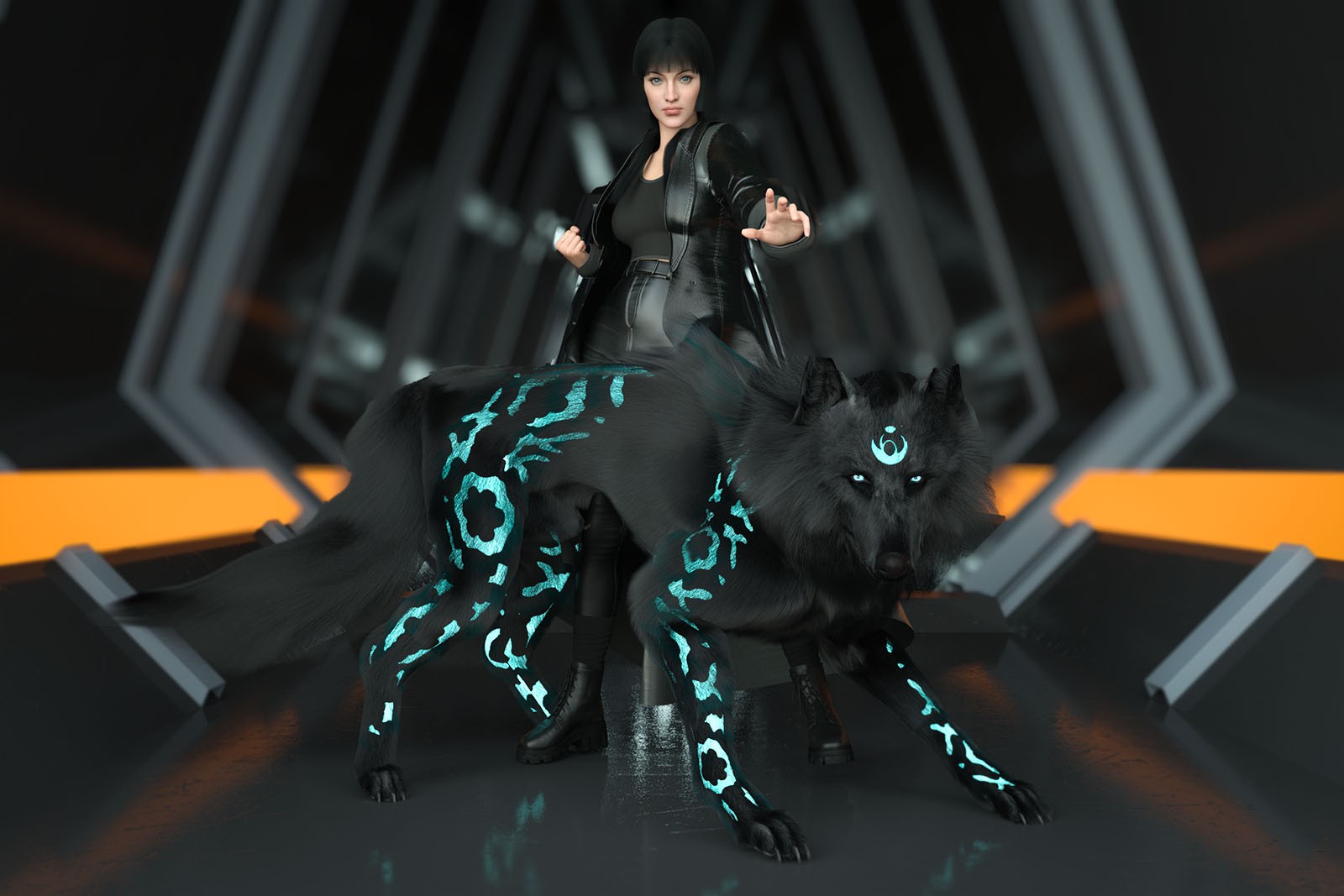
Theron The Wolf for Daz Dog 8
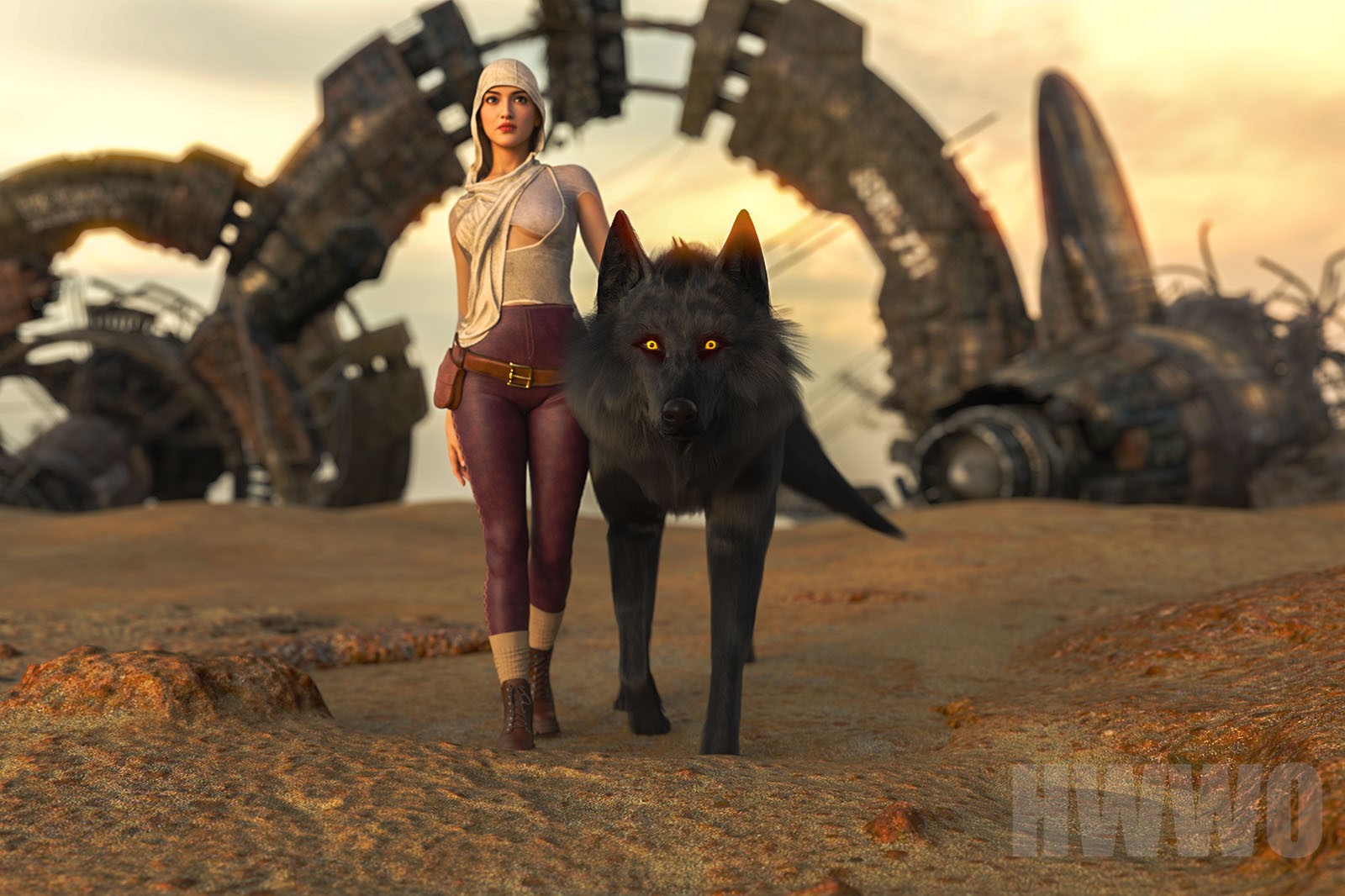
As an artist, I was missing a fantasy wolf for DAZ, and that's how Theron came to life. Theron The Wolf is not your ordinary wolf, he is your Spirit Guide and a warm presence in your life's endeavours.
The Product Includes:
- Theron's morph for Dog 8
- Custom Strand-Based Hair in 3 different resolutions, depending on your PC power. I recommend you start with the medium resolution.
(Strand-Based Hair edit mode included for advanced users)
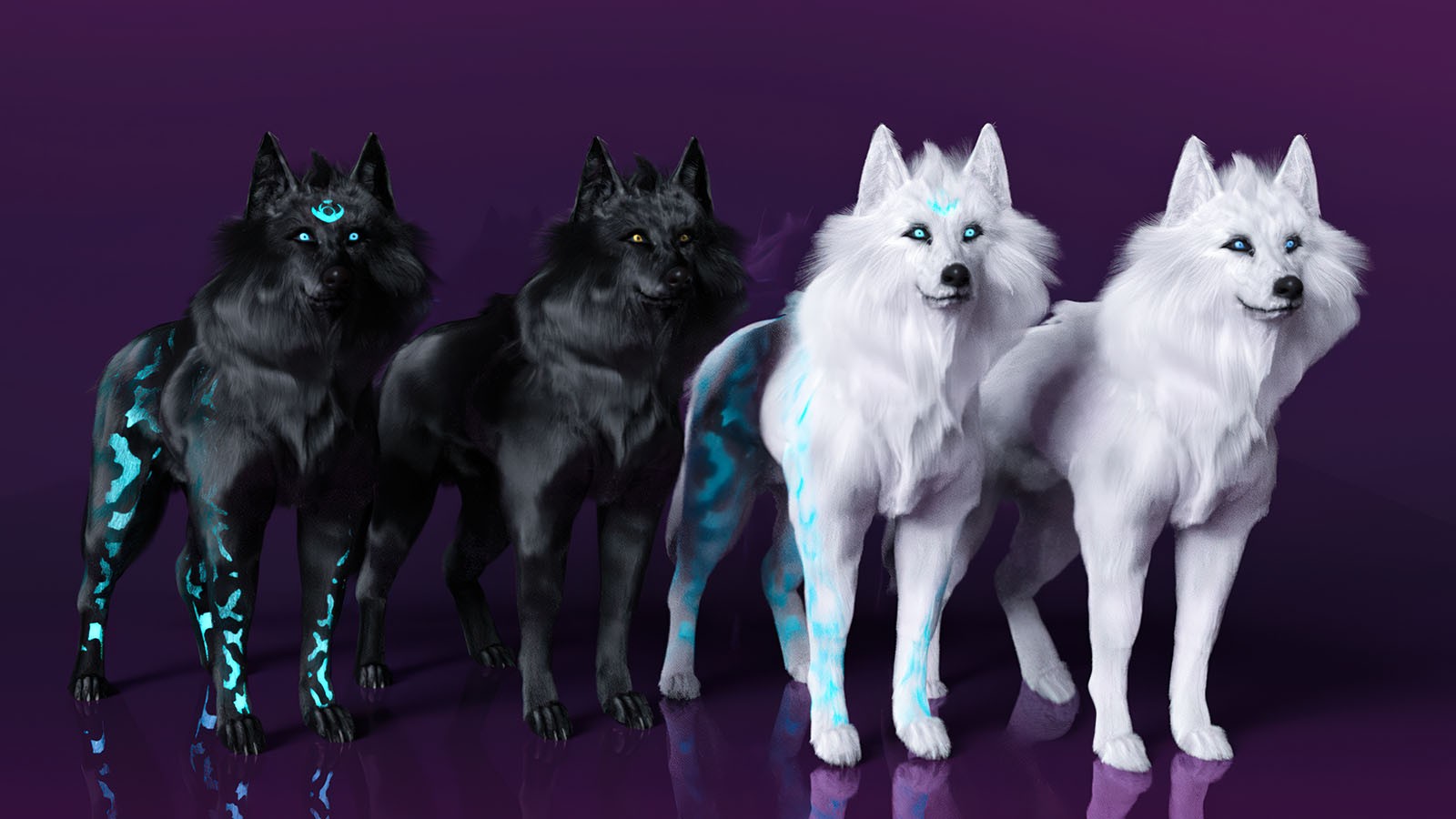
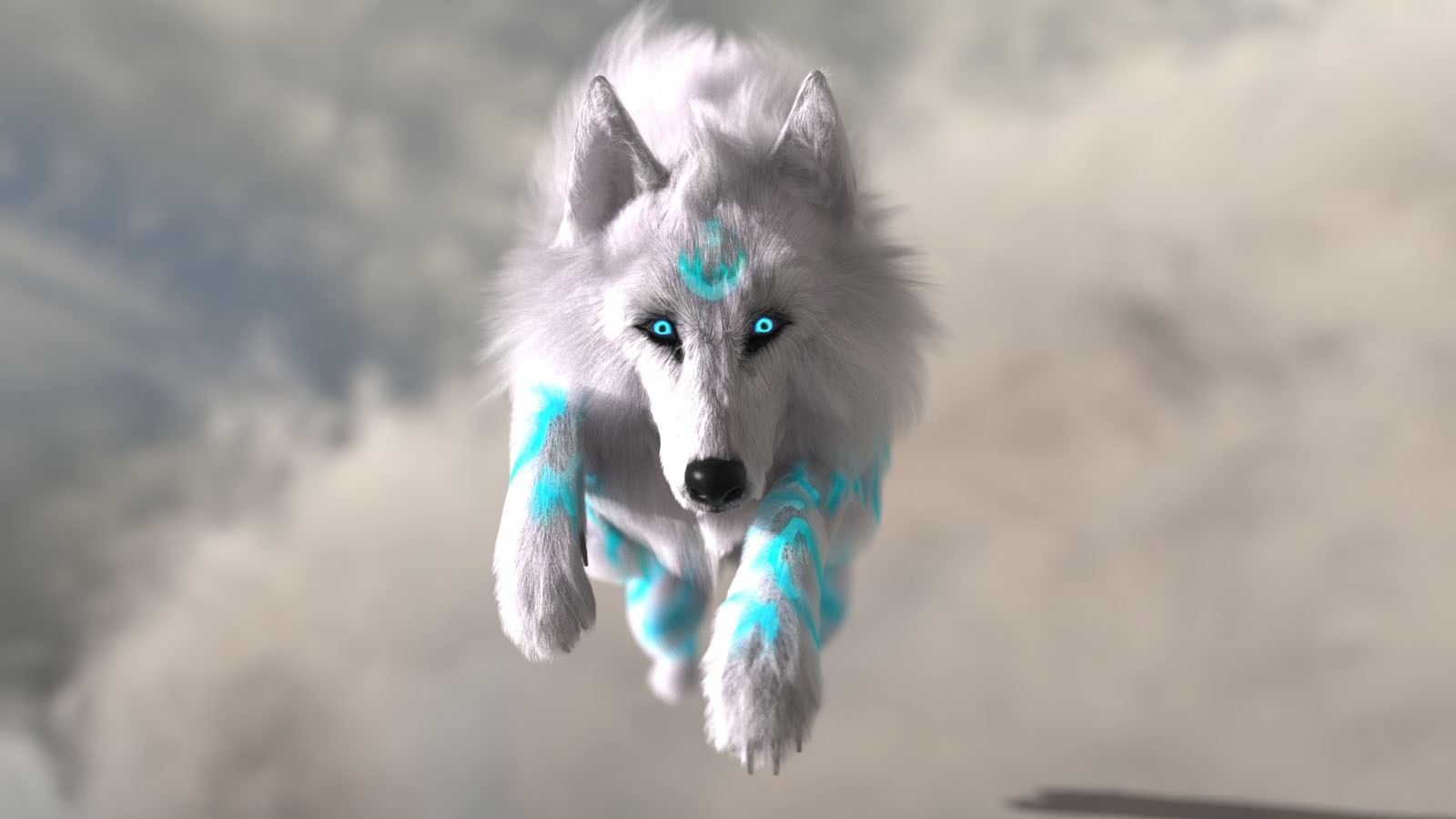
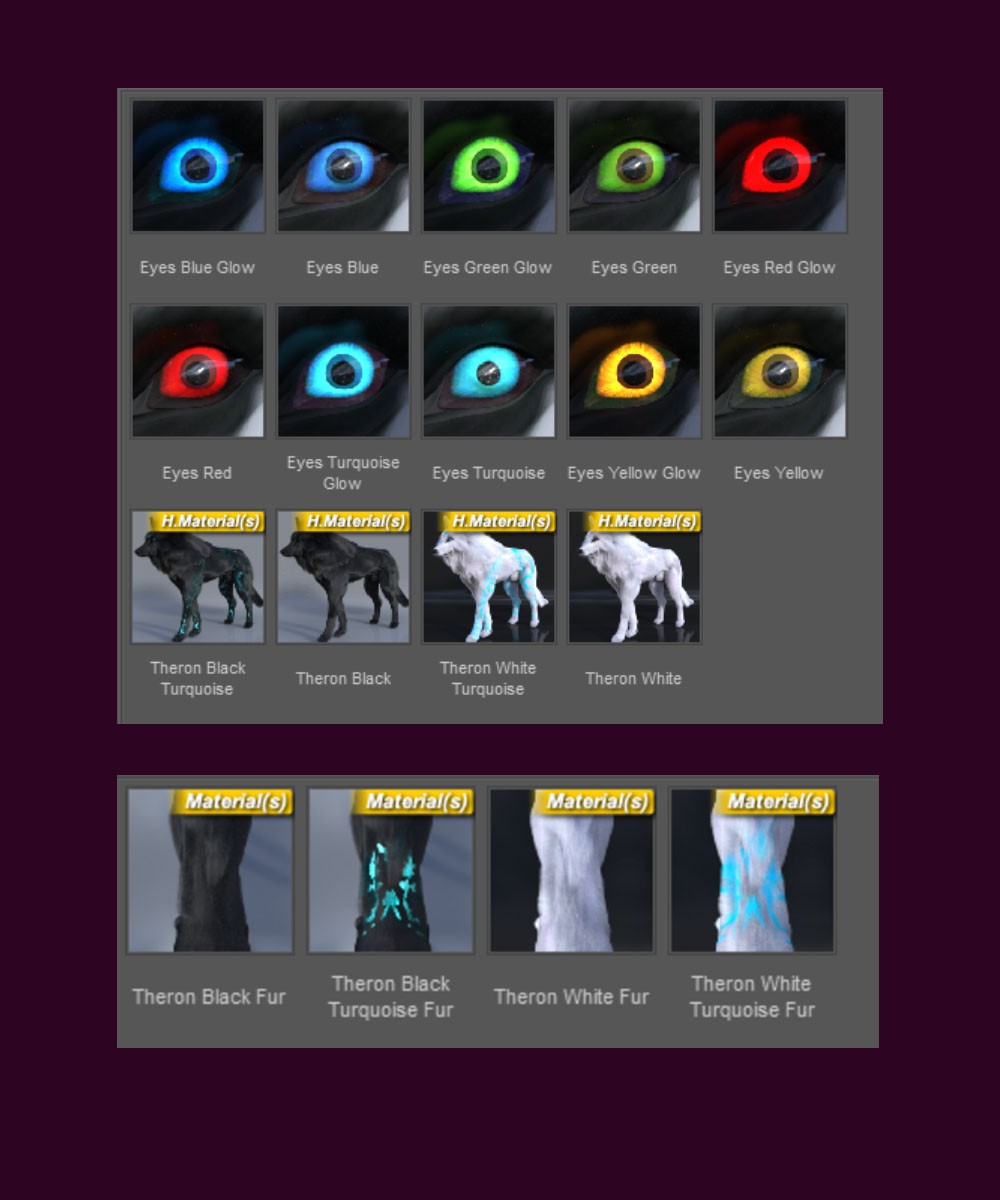
- 4 skin color options: White, Black, White with Turquoise Tribal Design, Black with Turquoise Tribal Design (each skin goes only with its matching fur color)
- 4 fur color options: White, Black, White with Turquoise Tribal Design, Black with Turquoise Tribal Design
- 5 eye colors in regular and glow versions
**Important Notes:**
1. Make the fur visible in the viewport
Select Theron Fur → Parameters tab → turn Preview PR Hairs on. Turn it off again whenever you need to work faster.
(Preview PR is off by default so your scene loads quickly while you set up your pose, lighting, and positioning.)
2. Applying materials
Select Theron The Wolf in the Scene panel, then double-click any preset in the Theron Materials folder.
This updates both the skin and the fur in one click.
3. If you accidentally delete the fur:
- Select Theron The Wolf, then double-click Theron Fur from the Hair folder. It will fit to his current pose automatically.
- With Theron The Wolf still selected, apply the matching preset from the Theron Materials folder to restore the style you prefer.
4. Improving render speed with multiple wolves
Select Theron Fur → Parameters tab → set Render Line Tessellation Side to less than 3.
This helps performance at lower resolution or when multiple wolves are loaded in the same scene.