
UVDan opened this issue on Jan 20, 2008 · 19 posts
UVDan posted Sun, 20 January 2008 at 6:09 AM Forum Moderator
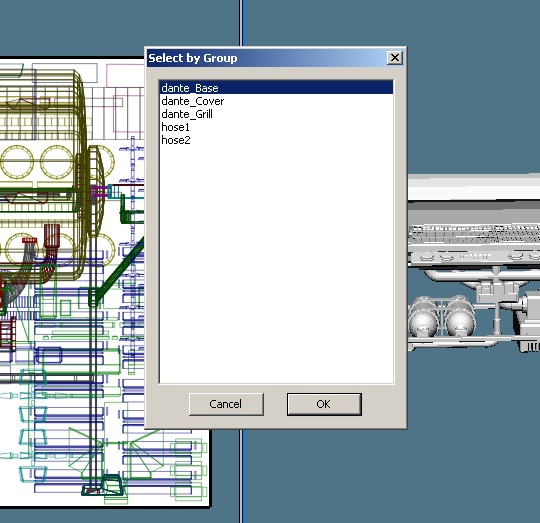
Here are the groups in UVMP.**
Free men do not ask permission to bear
arms!!
UVDan posted Sun, 20 January 2008 at 6:10 AM Forum Moderator
Free men do not ask permission to bear
arms!!
UVDan posted Sun, 20 January 2008 at 6:11 AM Forum Moderator
Free men do not ask permission to bear
arms!!
UVDan posted Sun, 20 January 2008 at 6:13 AM Forum Moderator
I just want to be able to select hose1 and hose2 separately and straighten them out in the vertex modeler. They keep getting broken down into two separate pieces each.
Free men do not ask permission to bear
arms!!

GKDantas posted Sun, 20 January 2008 at 9:08 AM
UVDan posted Sun, 20 January 2008 at 11:19 AM Forum Moderator
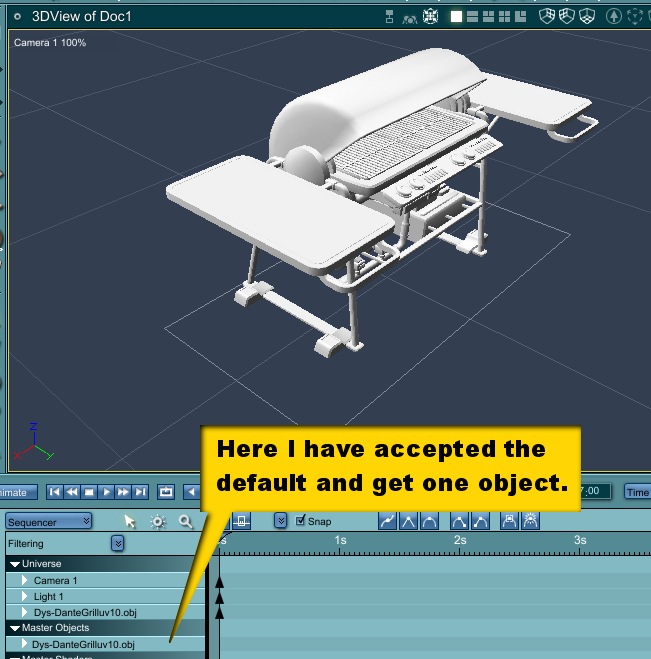
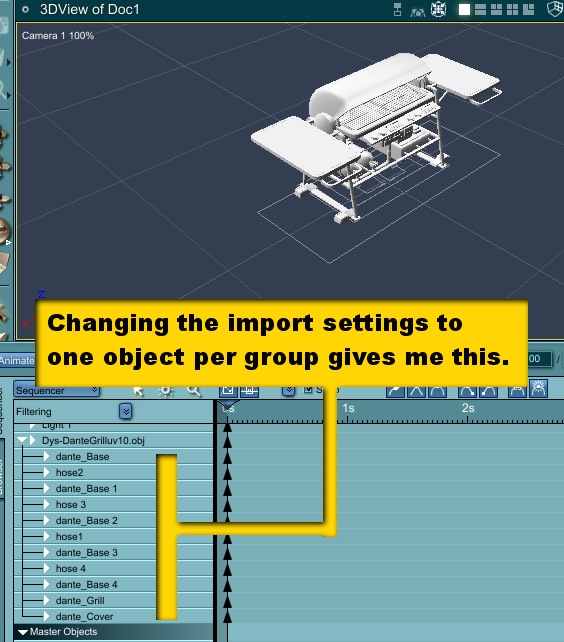
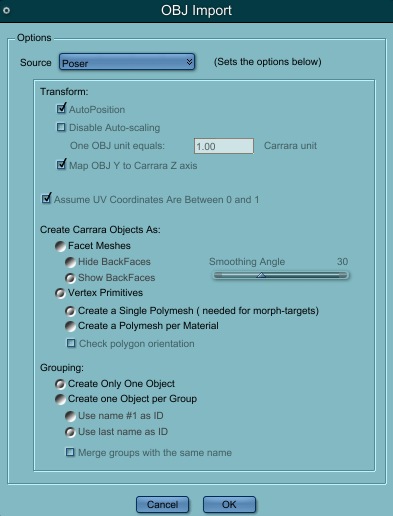
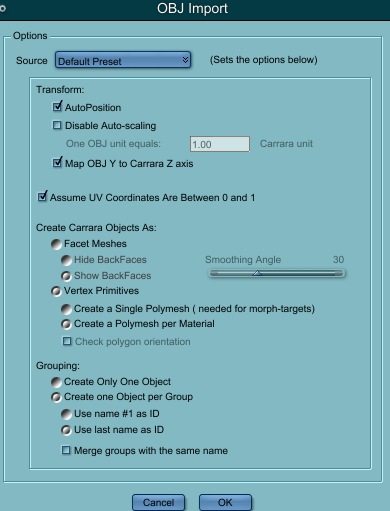
One the first try, the defaults. On the second I changed it to one object per group. Neither setting is what I need.
Free men do not ask permission to bear
arms!!
GKDantas posted Sun, 20 January 2008 at 1:02 PM
Can you create a simple box with the same setting so we can try for you?
Follow me at euQfiz Digital
UVDan posted Sun, 20 January 2008 at 2:08 PM Forum Moderator
Thanks. Do you mean two simple boxes each with its own material and group?
Free men do not ask permission to bear
arms!!
GKDantas posted Sun, 20 January 2008 at 5:35 PM

nomuse posted Sun, 20 January 2008 at 6:16 PM
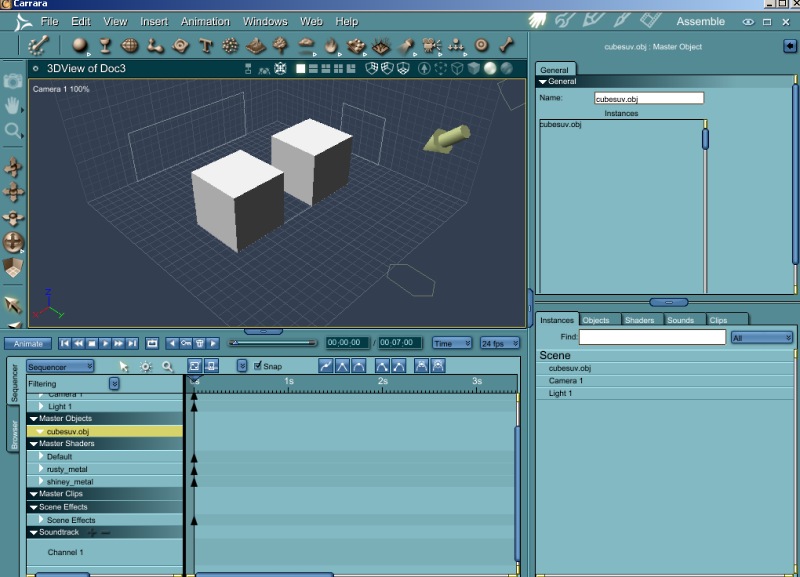
My experience is that if you select vertex object, one object, polymesh for material, you get a single item in the Assembly Room that upon inspection in the Vertex Room has fully selectable polygon groups as well as material zones. I find this quite useable, as long as it is not your intent to rig the object in Carrara.
If you use the "one object per group" you get just that. A Poser figure, for instance, will import with one Carrara object for every body part/actor.
UVDan posted Sun, 20 January 2008 at 7:08 PM Forum Moderator
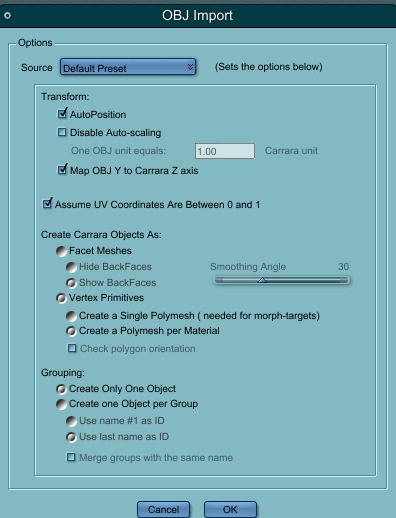
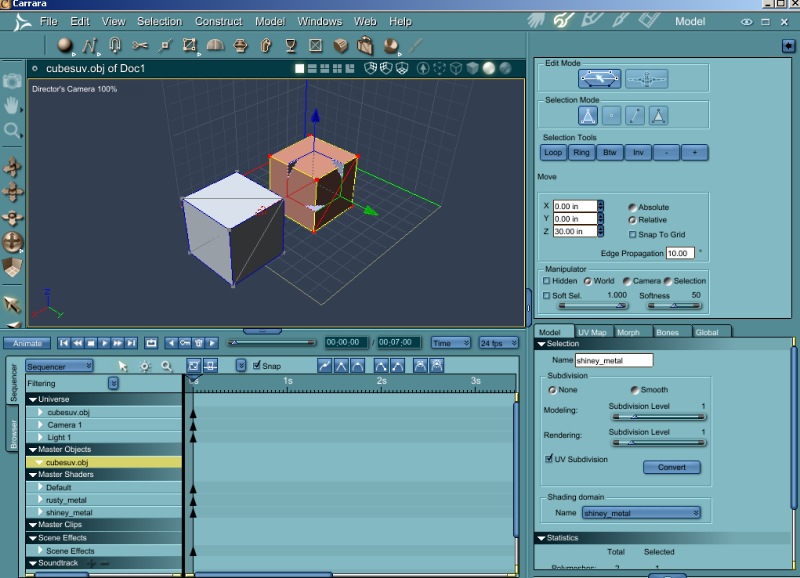
All I want is the same groups going out of Carrara as I had when my obj came in.
Free men do not ask permission to bear
arms!!
UVDan posted Sun, 20 January 2008 at 7:21 PM Forum Moderator
Free men do not ask permission to bear
arms!!
UVDan posted Sun, 20 January 2008 at 7:23 PM Forum Moderator
Free men do not ask permission to bear
arms!!

cryptojoe posted Sun, 20 January 2008 at 7:30 PM
Dan, instead of importing, try simply opening it.
Yank My Doodle, It's a
Dandy!
UVDan posted Sun, 20 January 2008 at 7:39 PM Forum Moderator
Free men do not ask permission to bear
arms!!
UVDan posted Sun, 20 January 2008 at 7:41 PM Forum Moderator
Free men do not ask permission to bear
arms!!
UVDan posted Sun, 20 January 2008 at 7:48 PM Forum Moderator
Free men do not ask permission to bear
arms!!
UVDan posted Sun, 20 January 2008 at 7:50 PM Forum Moderator
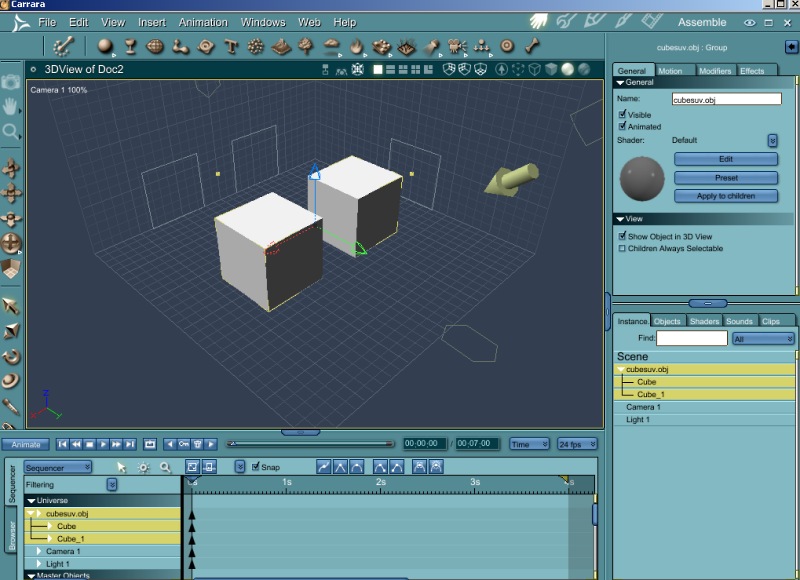
Free men do not ask permission to bear
arms!!
cryptojoe posted Sun, 20 January 2008 at 8:03 PM
No clue Dan.
Yank My Doodle, It's a
Dandy!