Pose Architect Add-on Pack 1 for Genesis 8 Female by 3DUniverse
Some images have been hidden according to your Max Maturity Rating : Safe
Settings
Software:
Daz Studio 4, DAZ Studio 4 With IRAY, Daz Studio 6
Base Figures:
Genesis 8 Female
Departments:
Available Uses:
AI Use:
No AI was used in the creation of this product or its promotional content.
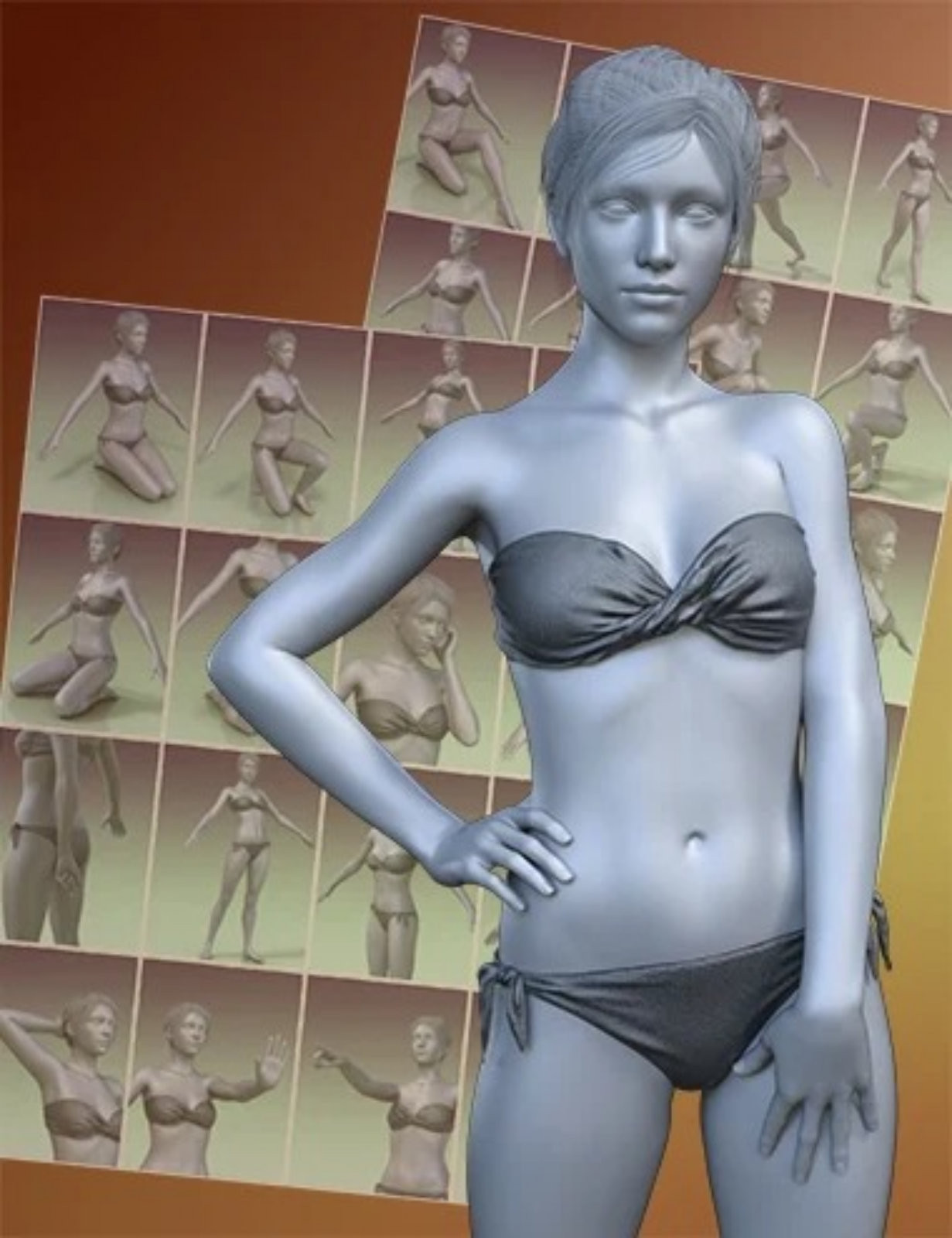
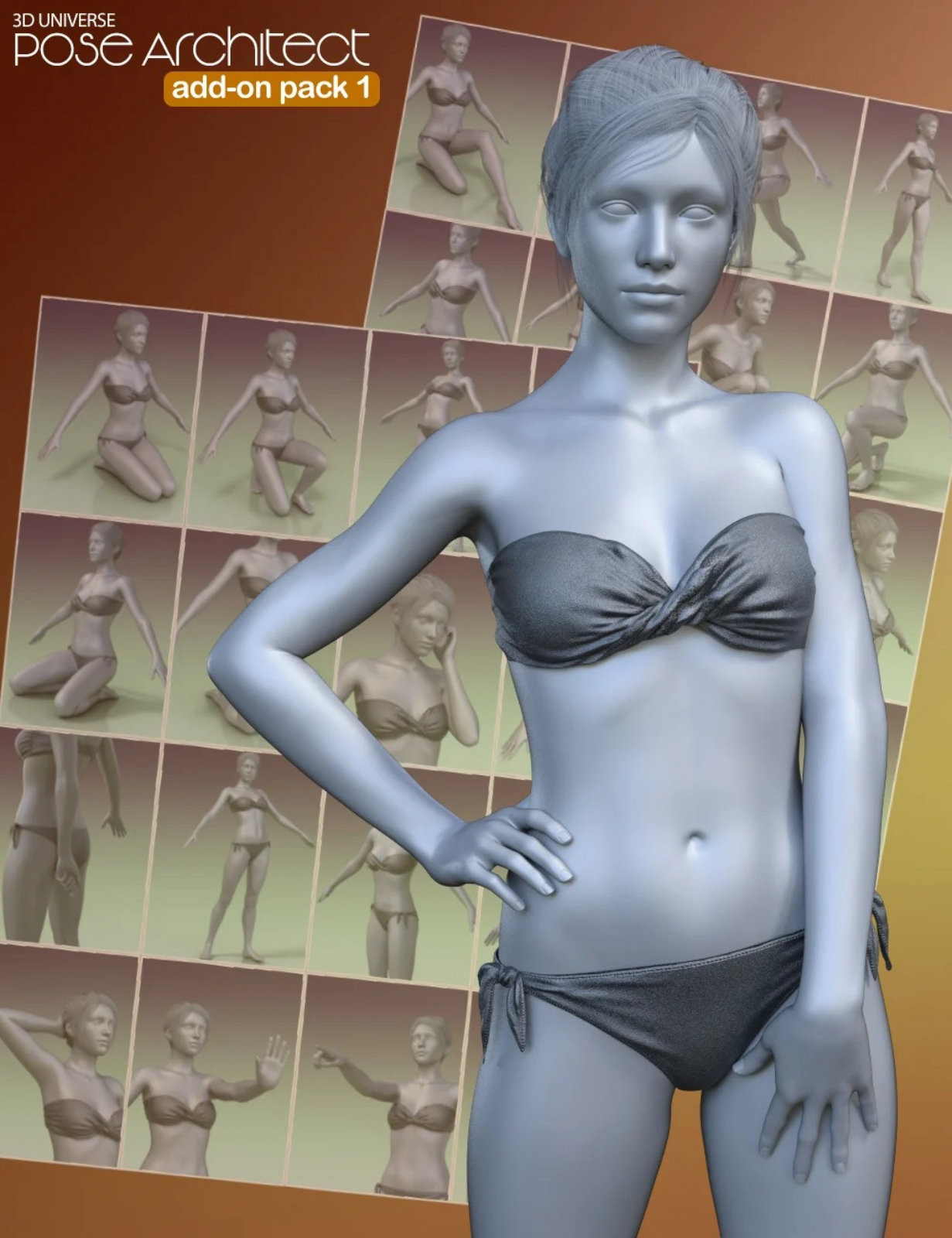
The original Pose Architect product made creating realistic body poses as easy as 1-2-3. This add-on pack adds even more fully-animated pose dials to increase the power of Pose Architect even more!
The included animated pose-control dials take the figure's body center-of-balance into account to keep the figure well-balanced. These pose-dials use natural animated movement instead of stiff joint rotation.
The included leg pose-dials maintain foot contact with the ground plane for a more natural look.
The included arm pose-dials are separated into left and right side, so that you can mix and match pose-dials.
Pose Architect also works with the base pose-dials included with Genesis 8 Female. Pose-dials can be combined with standard joint posing to further perfect your pose.
To overcome the limitations with pose-dials (see below), a preset is included to extract the resulting joint pose parameters from the pose-dial values creating a simple body pose.
Simply follow these 3 steps:
• Use as many of the pose-dials as needed to create your pose. Multiple pose-dials can be added in together with existing joint body posing to create your perfect pose.
• Once your pose is created, use the included preset to automatically convert the dial values into standard joint posing.
• You can now save out your pose without the pose-dial as a standard figure pose.
Control Dial Limitations that are solved by this product:
• They do not work well with Inverse-Kinematics.
• Controls Dial values saved in a pose cannot be applied to a figure that doesn’t have the same control poses.
See below video for an example of one of the included Leg Pose dials showing how the feet stay fixed on the ground plane.
https://www.youtube.com/watch?v=nAefJuUkM_0
Here is an example of one of the Leg Pose Dials with feet staying on the ground plane:
What's Included and Features
• Pose Architect for Genesis 8 Female(s)
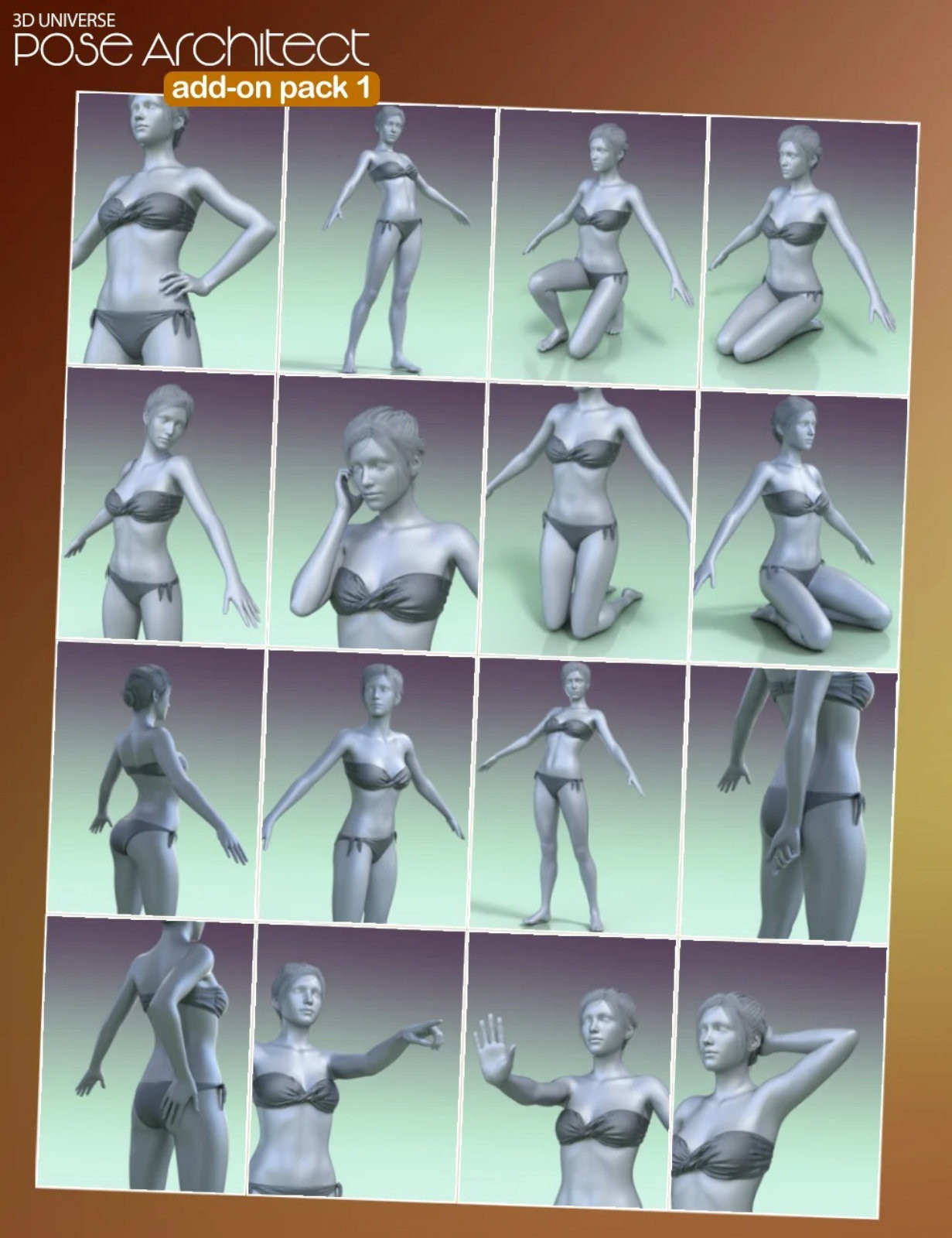
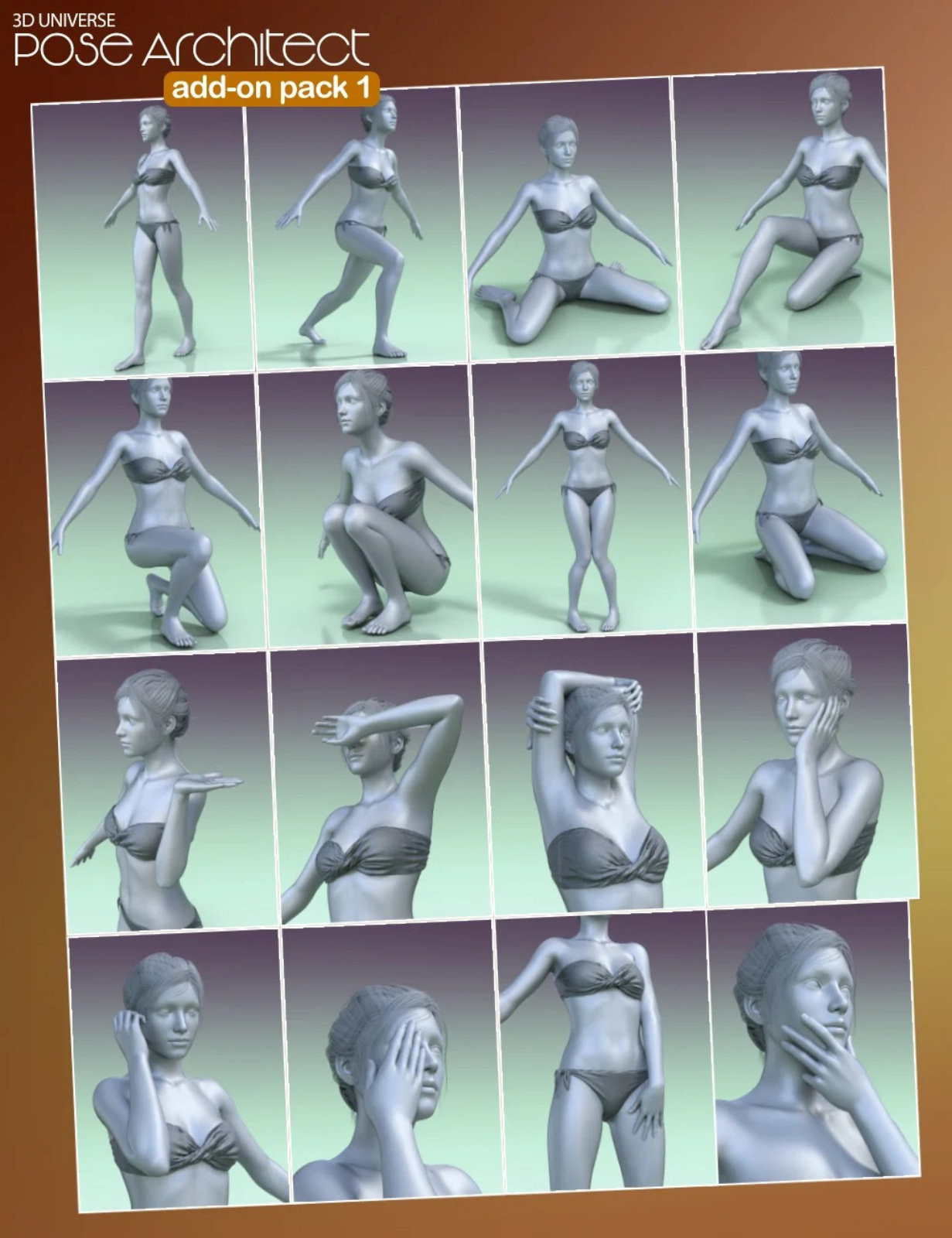
Included Animated Pose-dials (.DSF):
Head:
• Look Behind Left-Right
Arms:
• Arm Behind Back (Left)
• Arm Behind Back (Right)
Hands:
• Hand Behind Head (Left)
• Hand Behind Head (Right)
• Hand Block Front (Left)
• Hand Block Front (Right)
• Hand Lazy Point (Left)
• Hand Lazy Point (Right)
• Hand on Buttock (Left)
• Hand on Buttock (Right)
• Hand on Cheek (Left)
• Hand on Cheek (Right)
• Hand on Chin (Left)
• Hand on Chin (Right)
• Hand on Hip (Left)
• Hand on Hip (Right)
• Hand on Thigh Front (Left)
• Hand on Thigh Front (Right)
• Hand Palm Up (Left)
• Hand Palm Up (Right)
• Hand Phone Talk (Left) Hand Phone Talk (Right)
• Hand Shield Eyes (Left)
• Hand Shield Eyes (Right)
• Hands over Head
Torso:
• Buttocks Out
• Torso Forward Turn (Left)
• Torso Forward Turn (Right)
• Torso Weight Shift 01 Left-Right
Legs:
• Leg Knees Together
• Leg Squat Floor
• Leg Step Back (Left)
• Leg Step Back (Right)
• Legs Kneel 01
• Legs Kneel 02
• Legs Kneel 03
• Legs Kneel 04
• Legs to Chest
• Single Leg Kneel 01 (Left)
• Single Leg Kneel 01 (Right)
• Single Leg Kneel 02 (Left)
• Single Leg Kneel 02 (Right)
• Weight Forward (Left)
• Weight Forward (Right)
Script Preset to extract Pose-Dials into a Standard Body Pose (.DUF)