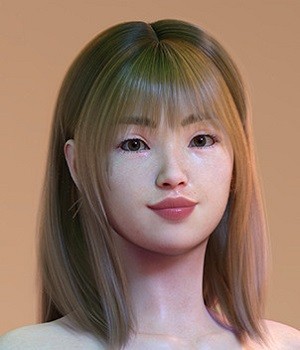
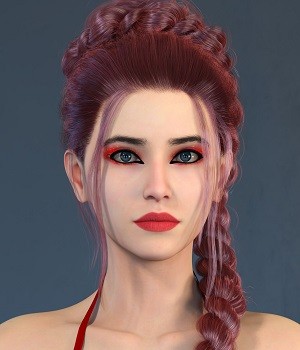
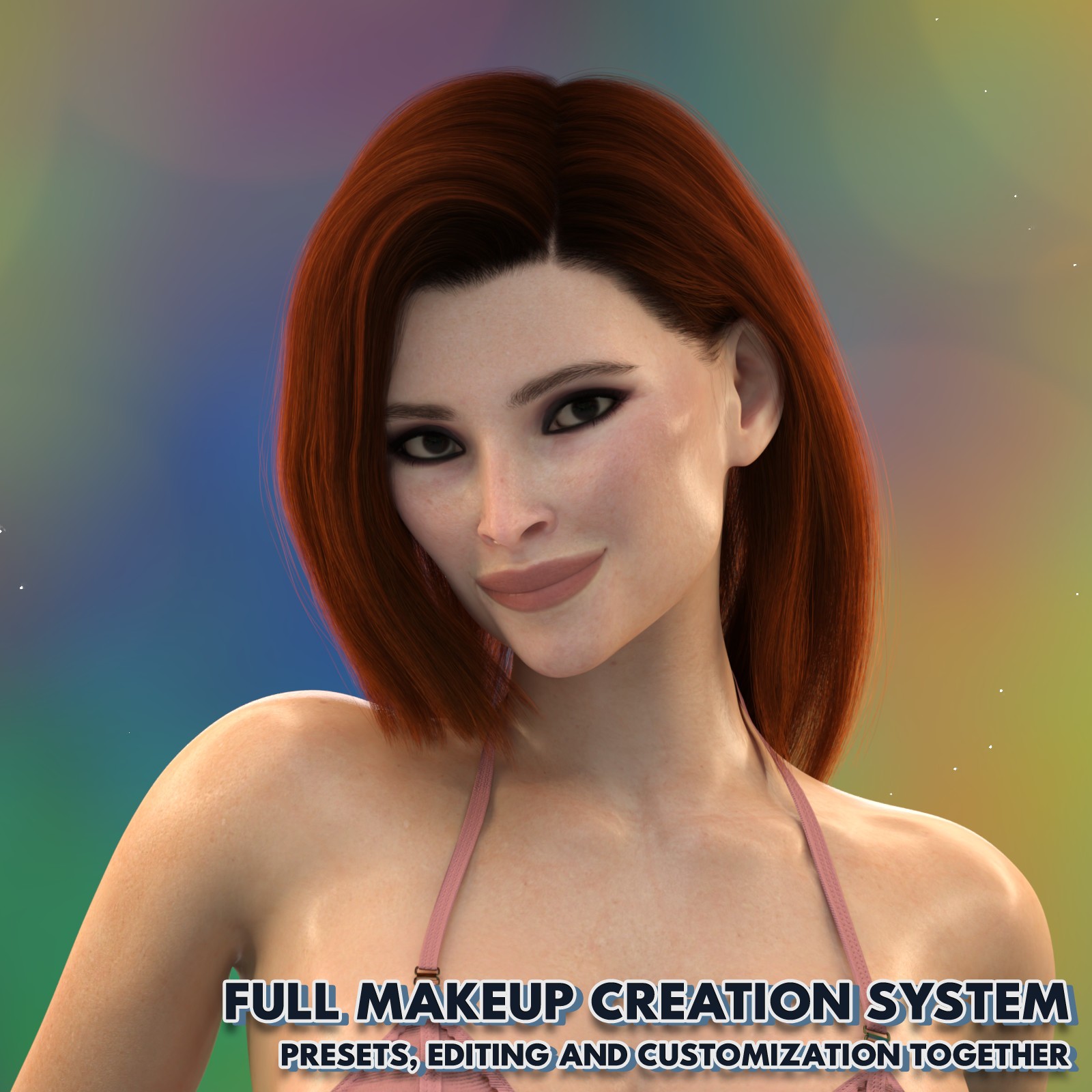
DD Makeup Editor - Iray Uber Skin Makeup System for Genesis 9 by digitaldraperyco
Software:
Daz Studio 4, DAZ Studio 4 With IRAY
Base Figures:
Genesis 9
Available Uses:
Standard License, Merchant Resource
AI Use:
No AI was used in the creation of this product or its promotional content.
DD Makeup Editor — Iray Uber Skin Makeup System for Genesis 9
--------------------------------------------------------------------------------
Version 3.5.7 | Genesis 9 Iray Uber (Daz 6 and 4.24)
---
What this tool actually solves
--------------------------------------------------------------------------------
Makeup in DAZ Studio usually behaves like texture swapping.
Every skin needs a different preset, and many presets only fit certain characters.
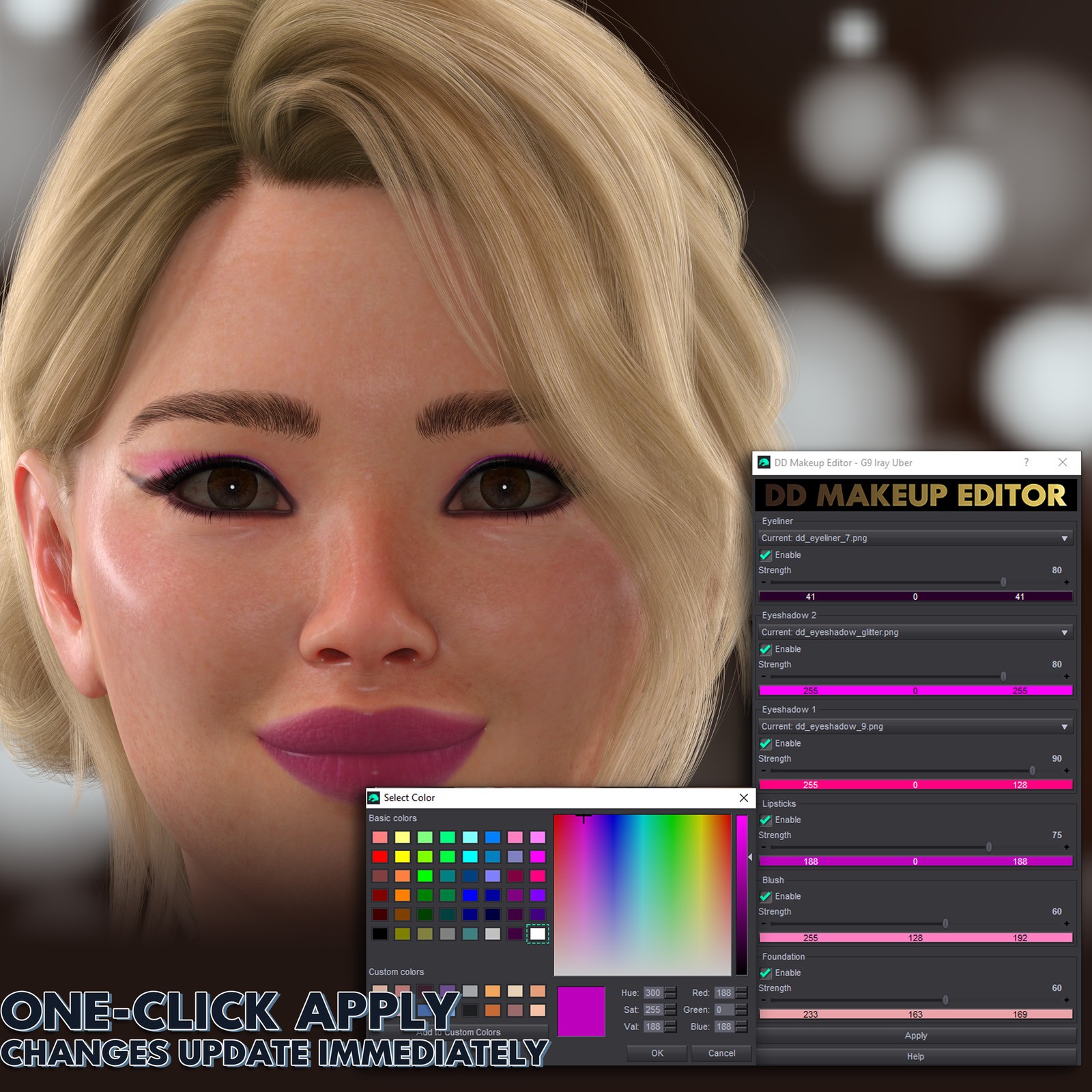
DD Makeup Editor turns makeup into an adjustable material behavior instead of a fixed texture.
You start from a style and shape it to the character.
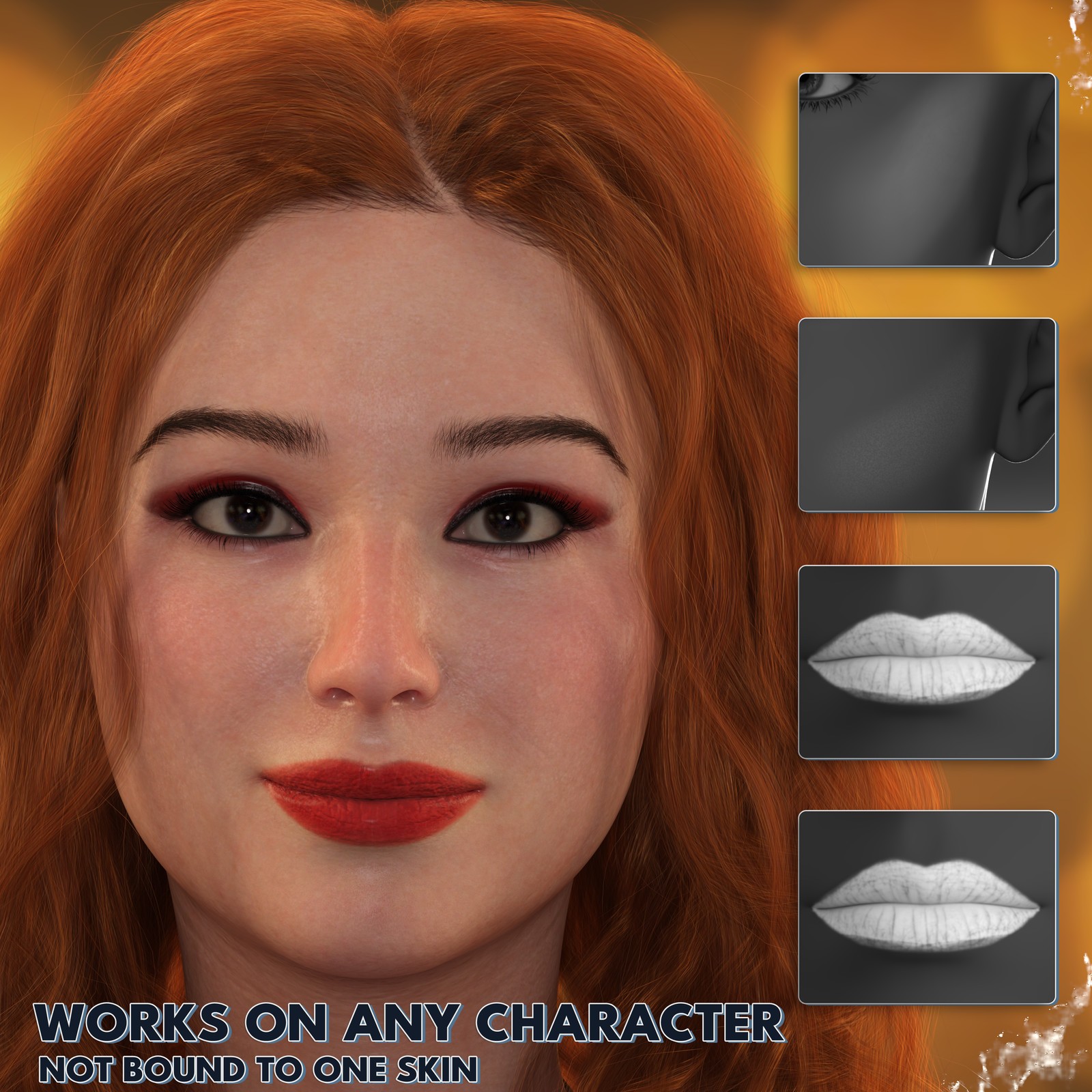
Lipstick, blush, eyeliner and foundation adapt to the existing skin rather than replacing it.
Skin pores, tone variation and lighting response remain intact because the shader itself is being edited.
---
Everyday workflow
--------------------------------------------------------------------------------
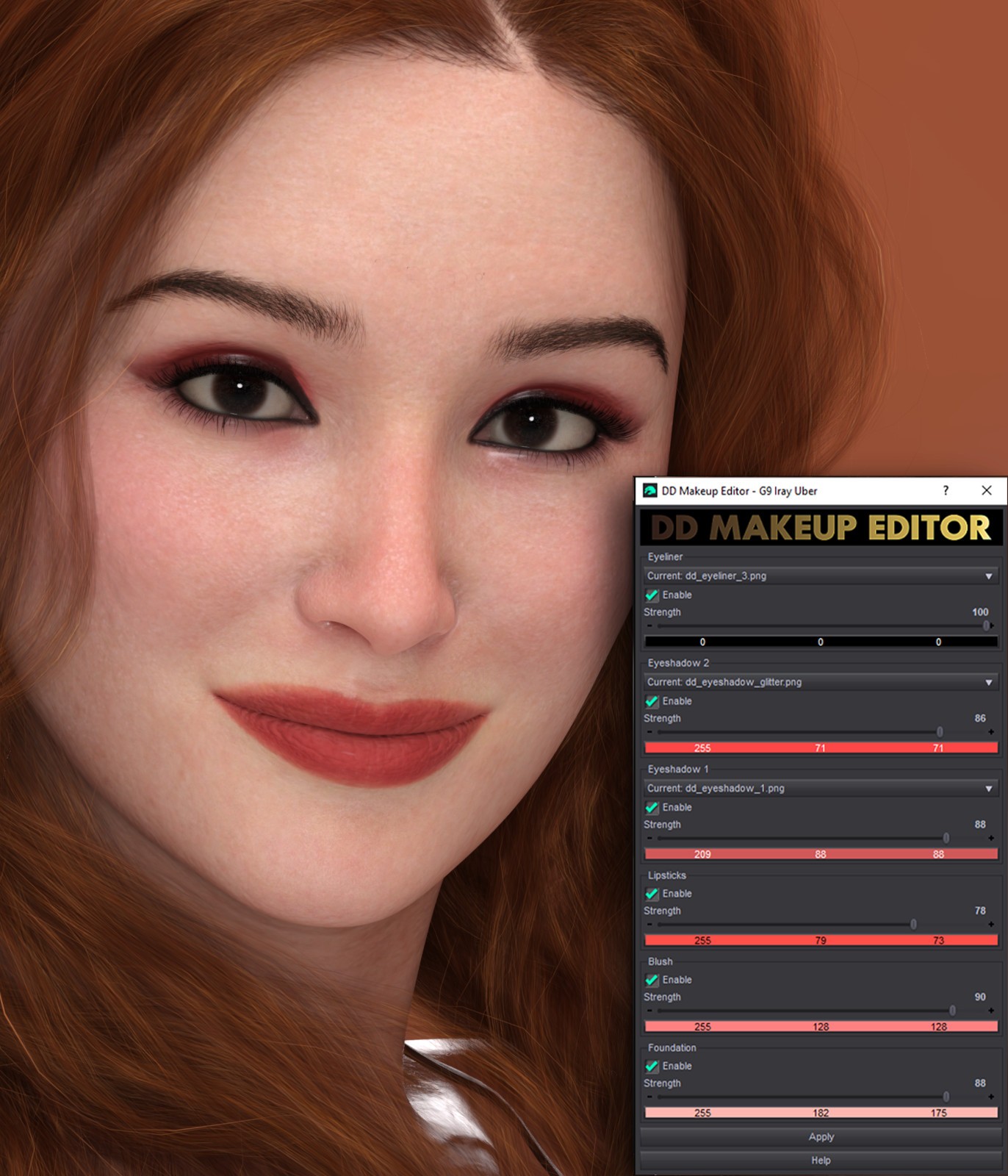
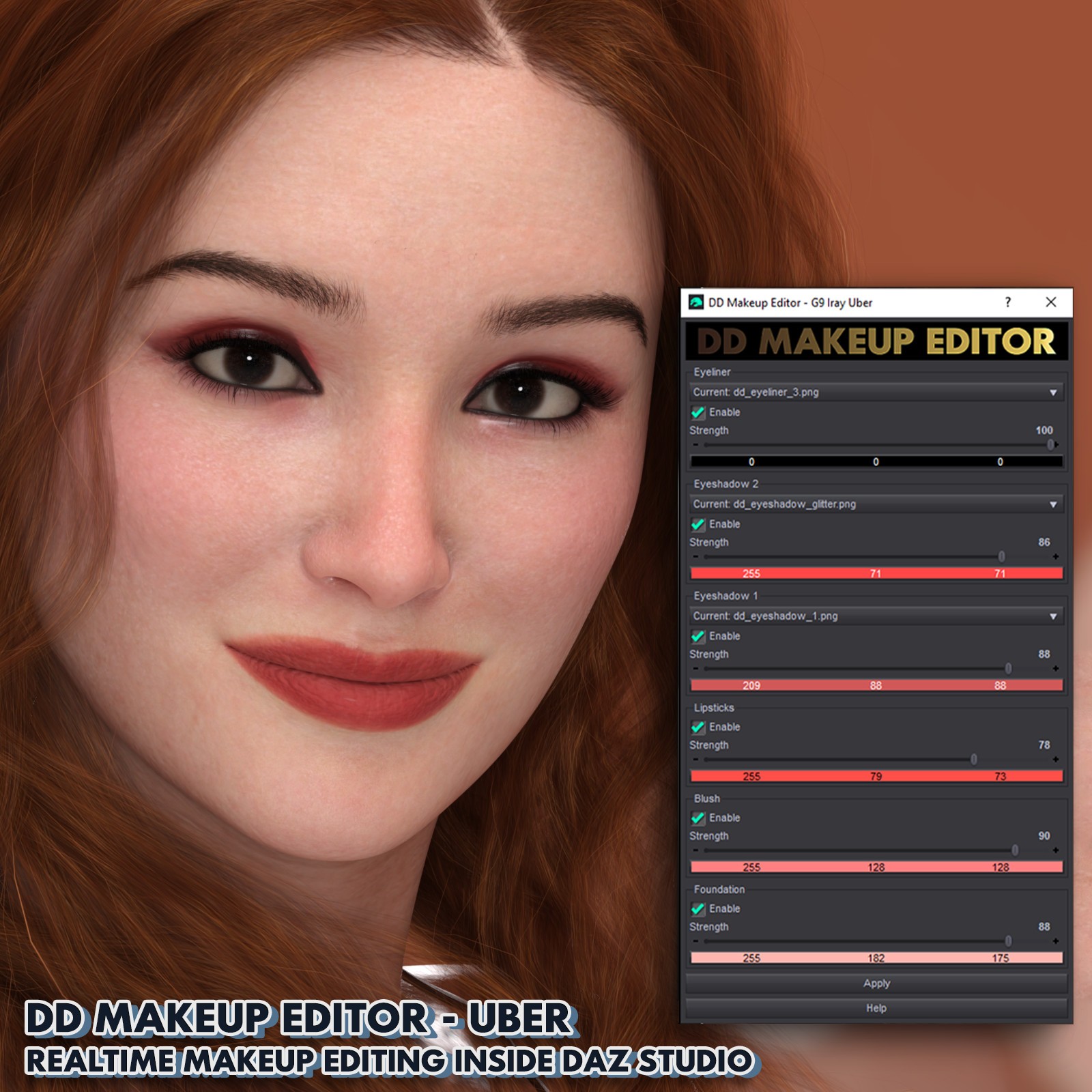
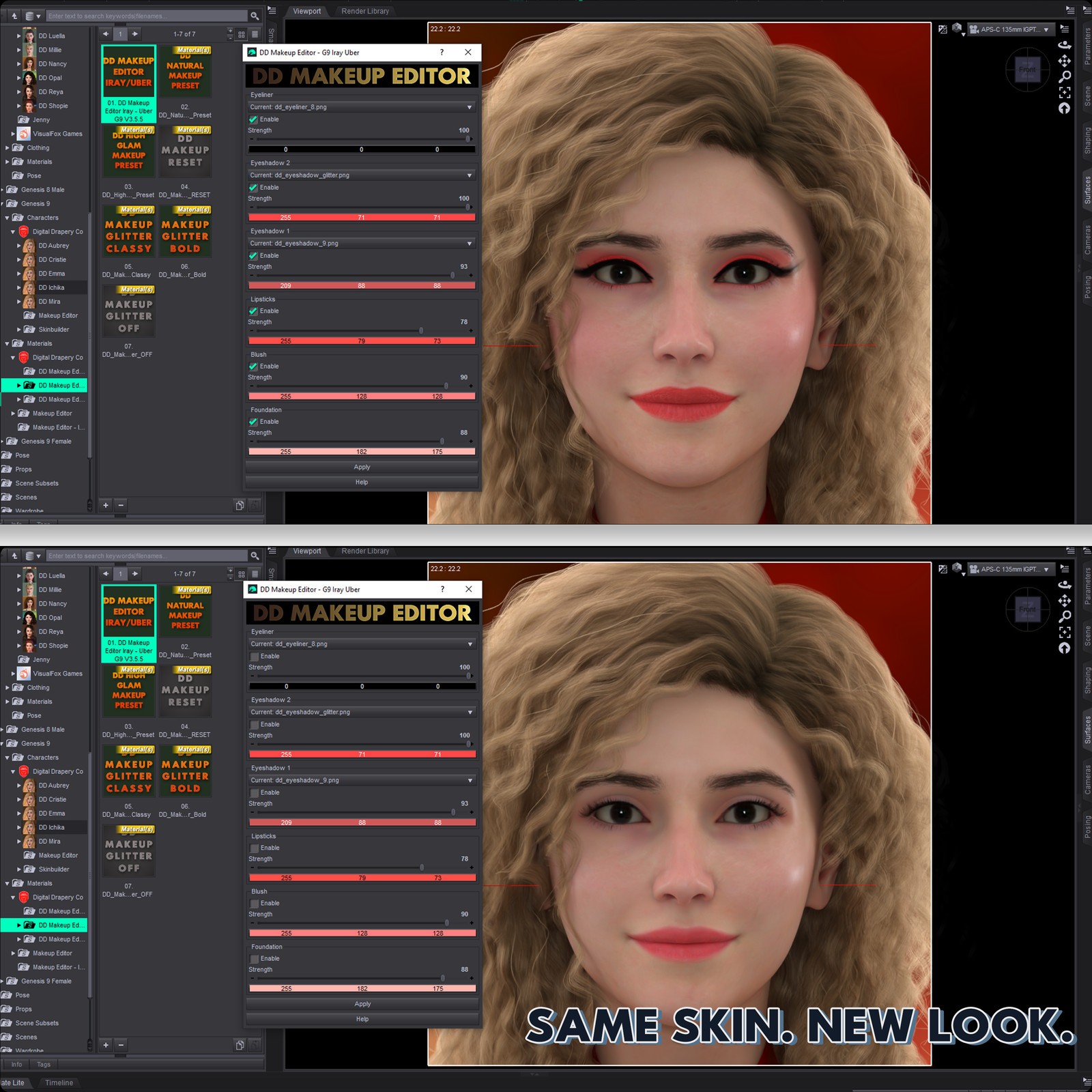
1. Apply any DD Makeup Style preset
2. Open DD Makeup Editor
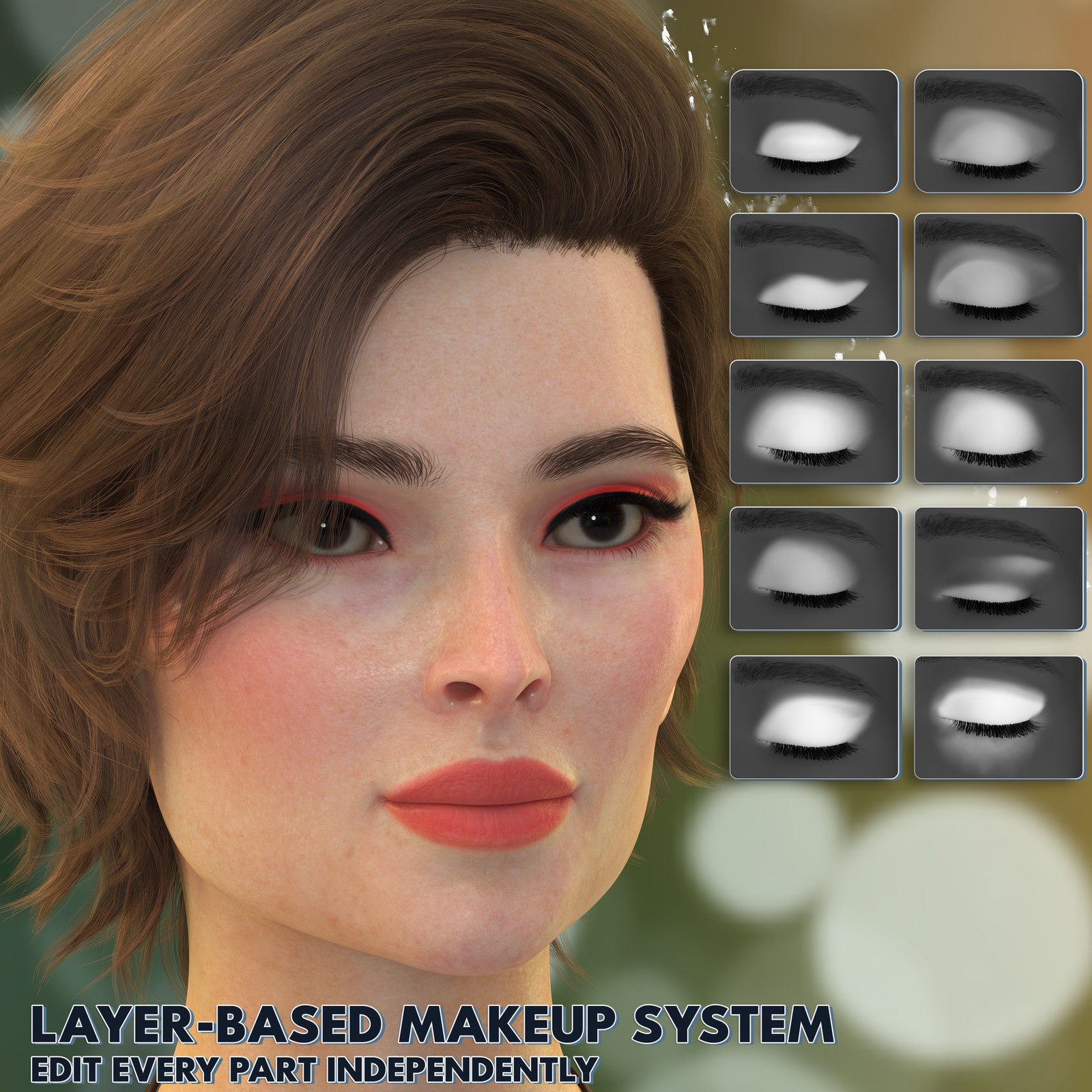
3. Enable layers (Foundation / Eyes / Lips / Blush)
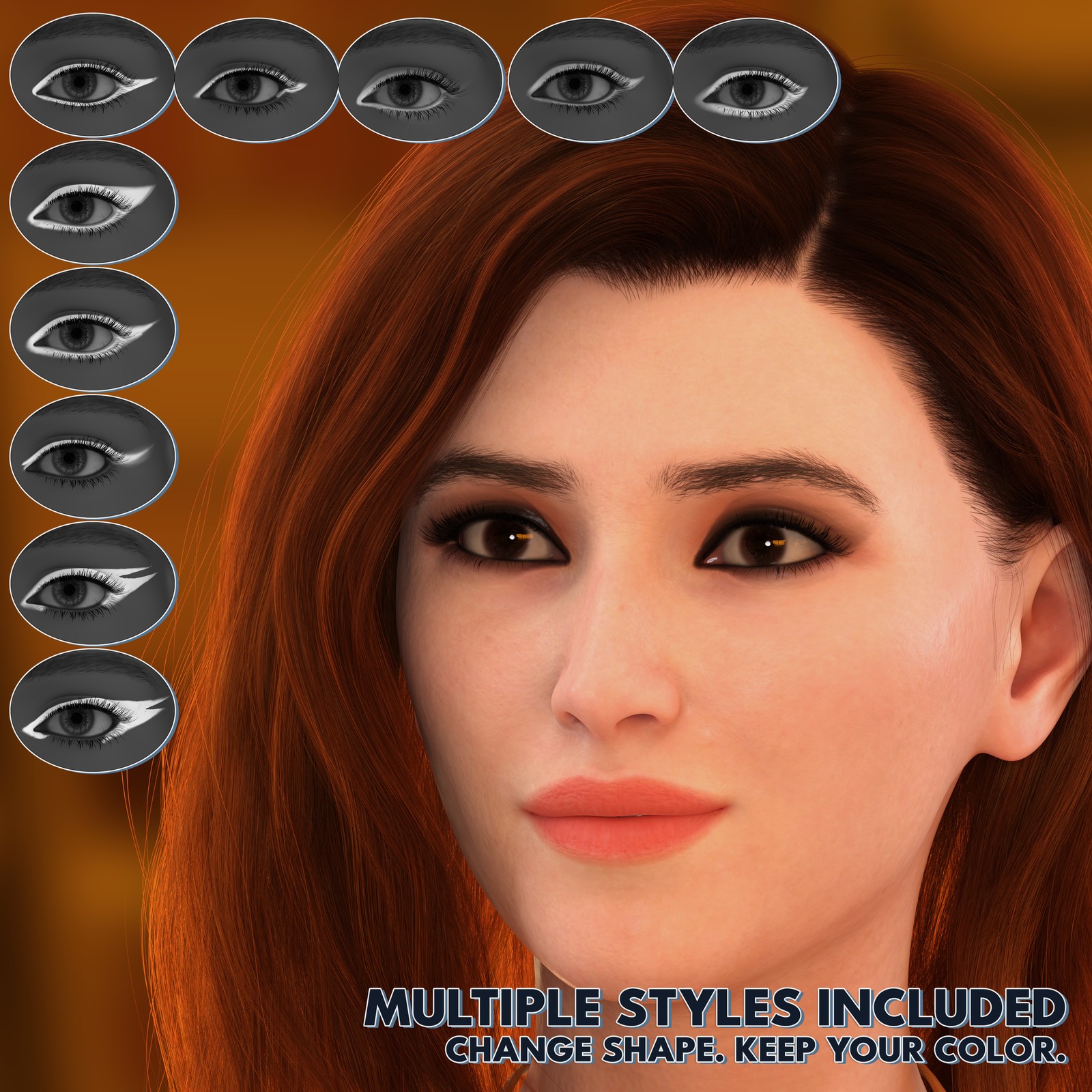
4. Choose a style mask
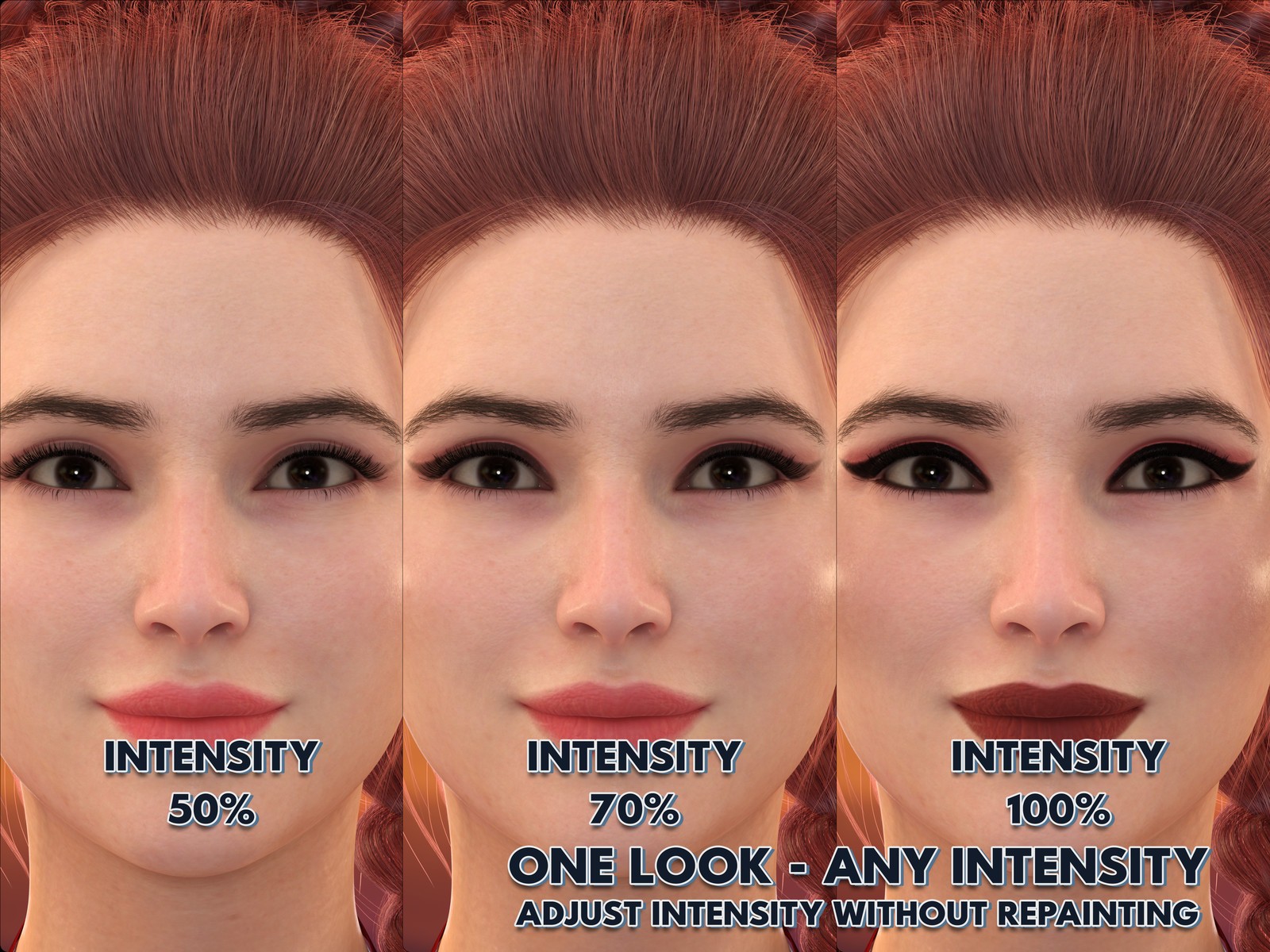
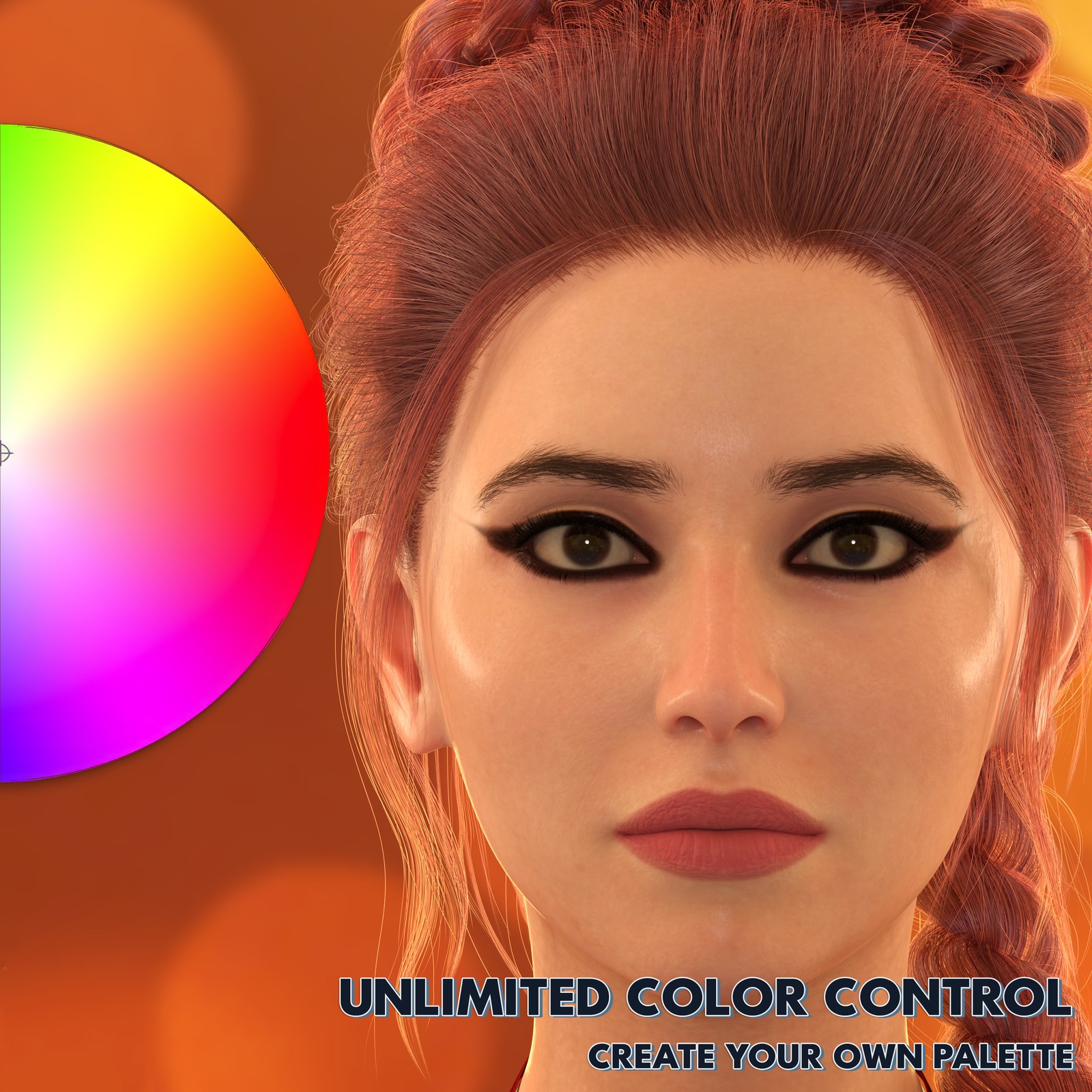
5. Adjust color and strength (0–100)
6. Click Apply and refine anytime
You are not reapplying presets.
You are shaping makeup.
---
Skin Shader Awareness (Important)
--------------------------------------------------------------------------------
Genesis 9 uses two skin material systems:
- PBRSkin (default DAZ skin)
- Iray Uber Skin
This version of the editor is designed for Iray Uber.
If a character uses PBRSkin you can:
1. Use DD Makeup Editor PBR for best accuracy
2. Use the included Skin Shader Converter to convert the material to Iray Uber
The converter standardizes the shader so makeup blends correctly with the original textures.
It does not replace the character’s texture maps.
---
About visual differences after conversion
--------------------------------------------------------------------------------
PBRSkin and Iray Uber interpret roughness, specular and translucency differently.
After conversion the lighting response or gloss level may appear slightly different.
This is normal and does not change the actual textures.
For the closest match to the original artist’s skin:
- PBRSkin → use DD Makeup Editor PBR
- Iray Uber → use DD Makeup Editor Iray Uber
The converter exists for compatibility, while matching the editor to the shader gives the most accurate result.
---
Non-Destructive Editing
--------------------------------------------------------------------------------
The Makeup Editor does NOT overwrite skin textures.
It only adds adjustable shader layers inside the scene.
You can reapply, adjust and refine indefinitely.
Only the optional converter changes shader structure.
---
Saving Your Result
--------------------------------------------------------------------------------
The editor modifies materials in the current scene only.
Nothing in your content library is changed automatically.
To keep the look:
File → Save As → Material Preset
---
Where this fits
--------------------------------------------------------------------------------
Ideal for:
- recurring characters
- visual novels
- animation close-ups
- portrait renders
- lighting experiments
- consistent characters across scenes
Instead of searching for a matching preset, you adapt one look across all characters.
---
Technical Details & Compatibility
--------------------------------------------------------------------------------
- Genesis 9 Female
- DAZ Studio 4.20+ and 6
- Iray Uber Skin (MDL)
- Layered shader editing system
- Adjustable intensity 0–100
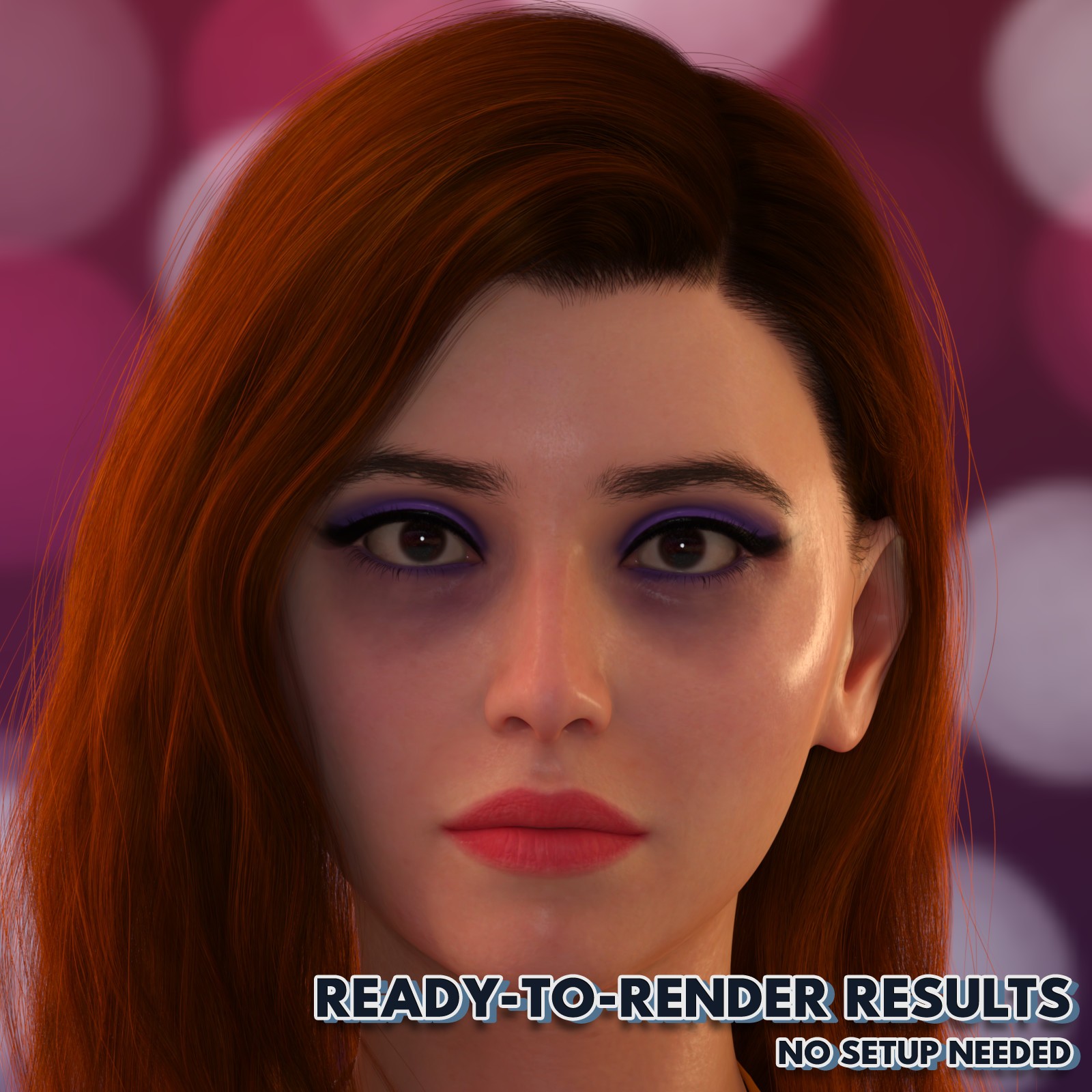
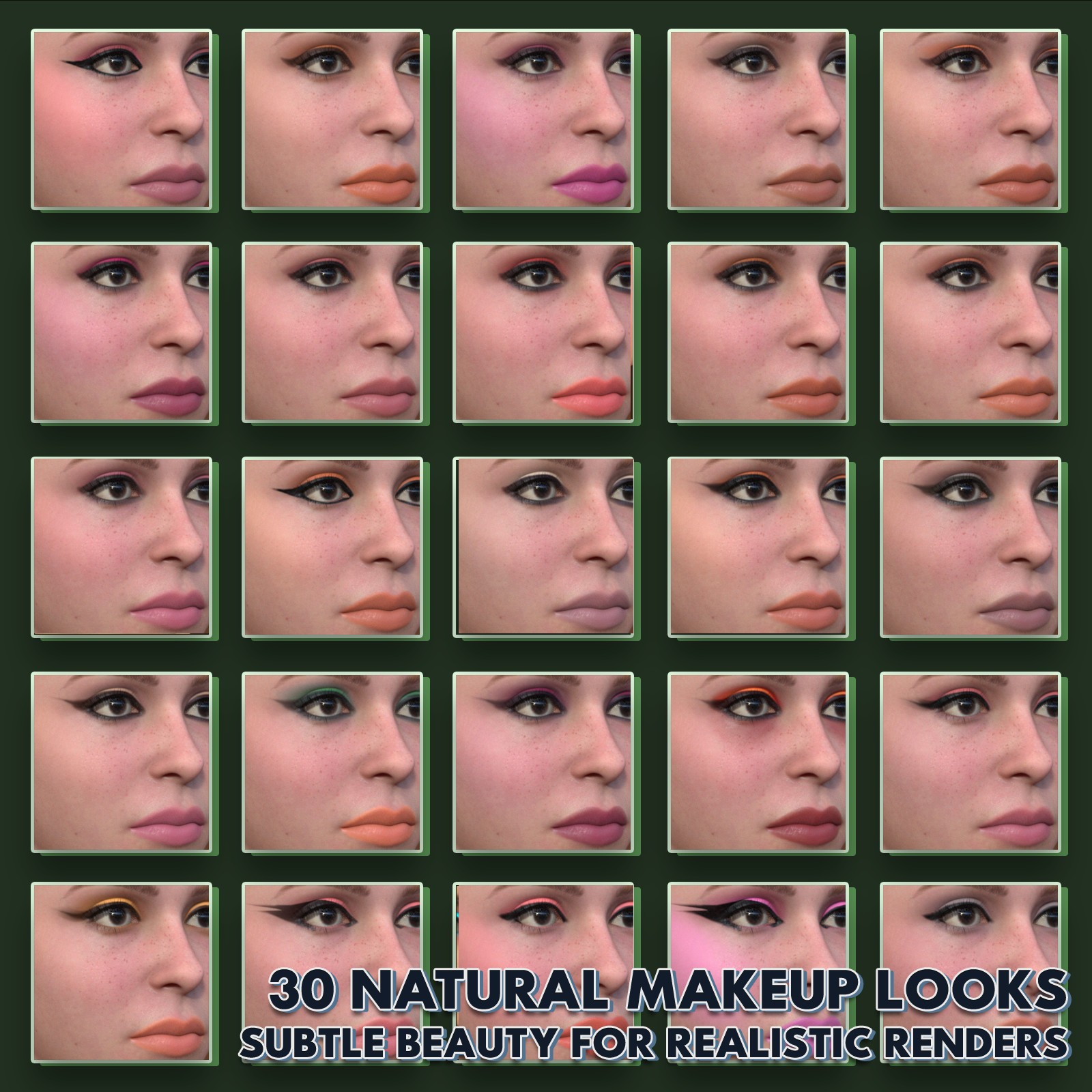
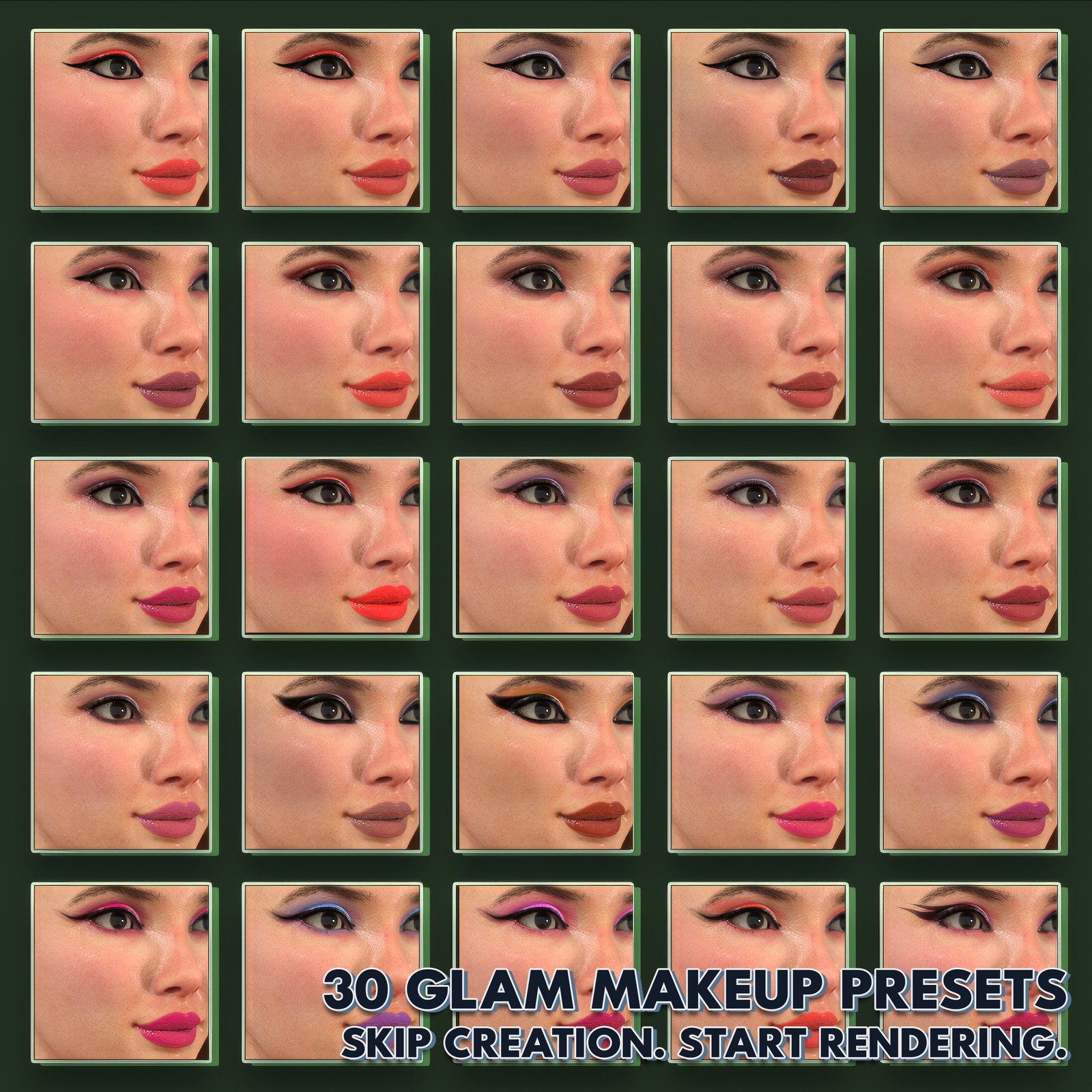
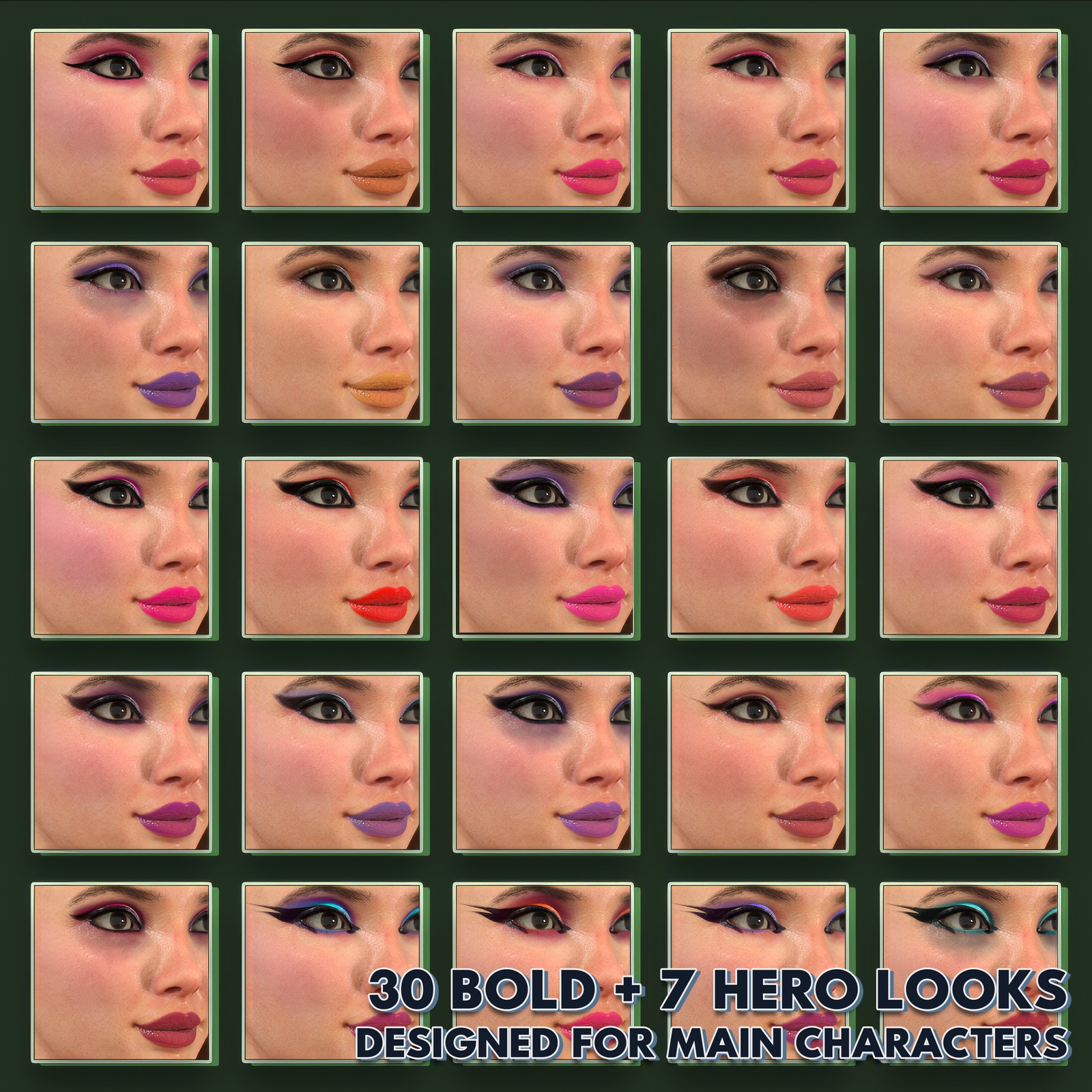
- 97 presets (Natural / Glam / Bold / Hero)
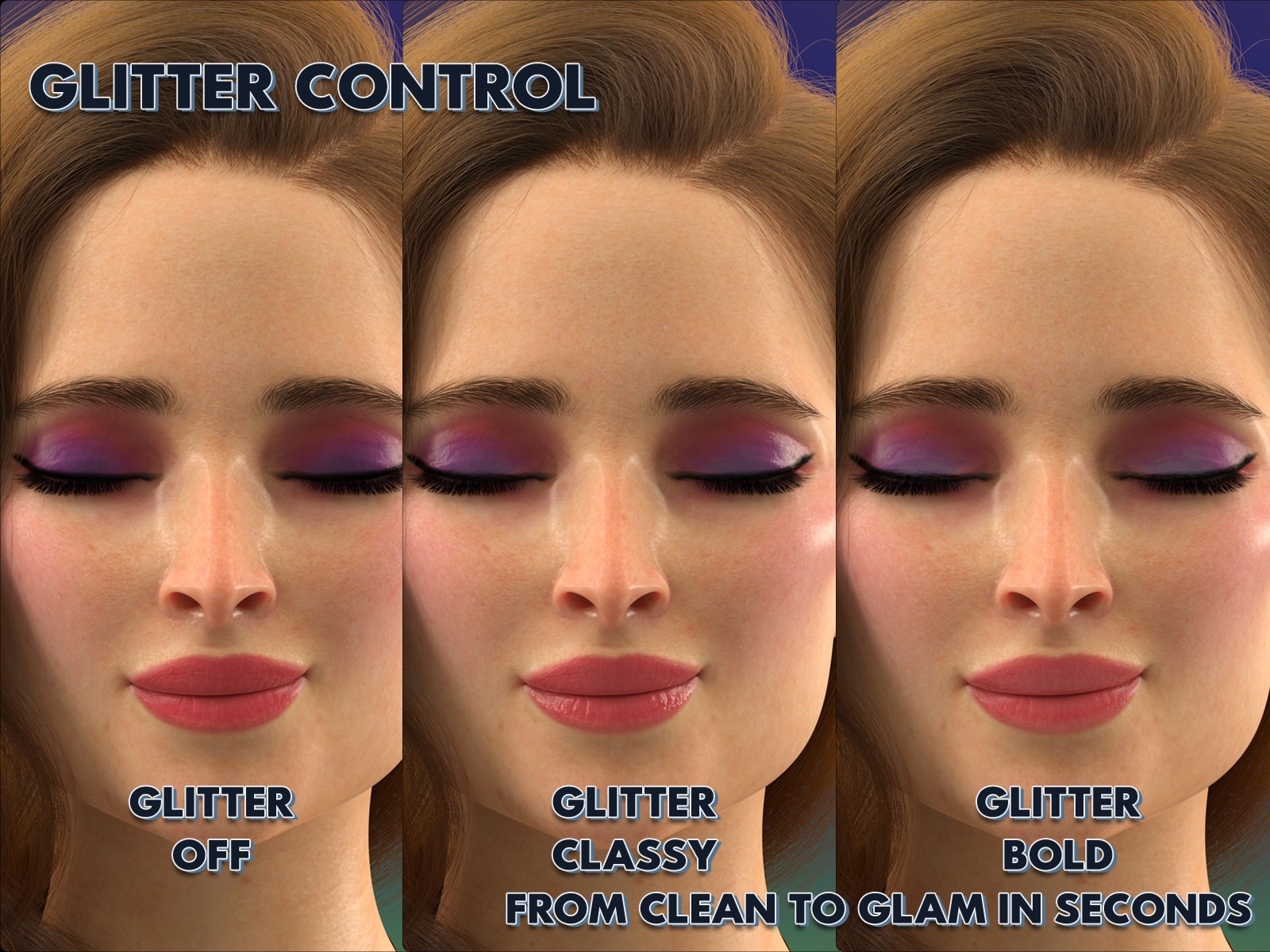
- Glitter control options
- 37 mask textures
- Scene-based non-destructive workflow
- Optional PBRSkin → Uber converter included
---
Included Content
--------------------------------------------------------------------------------
Core Tools
- Makeup Editor
- Skin Shader Converter (PBRSkin → Uber)
- Reset Utility
- Glitter presets: Classy / Bold / Off
- Skin Shader Converter Script (PBR -> Uber)
Preset Library
- 30 Natural
- 30 Glam
- 30 Bold
- 7 Hero
Total: 97 editable makeup looks
DAZ Studio 6 Compatibility Notice
------------------------------------------------------------
DD Makeup Editor v3.5.8 has been updated to support both
DAZ Studio 4.24 and DAZ Studio 6.
Please note that DAZ Studio 6 introduced changes to its
default rendering environment, tone mapping, and lighting
behavior. As a result, some makeup presets may appear
slightly brighter, darker, or differ in intensity compared
to the original promotional thumbnails or their appearance
in DAZ Studio 4.24.
All makeup textures, presets, masks, and material settings
remain unchanged from the originally approved release.
Only the user interface and supporting scripts were updated
to ensure compatibility with DAZ Studio 6.
For the most accurate comparison with the promotional
images, users are encouraged to use similar lighting and
render settings to those shown in the product promos.
---
Software: DAZ Studio
Figure: Genesis 9 Female
Shader: Iray Uber Skin (MDL)
Category: Character Materials / Makeup
Content Type: Script Tool + Material Presets