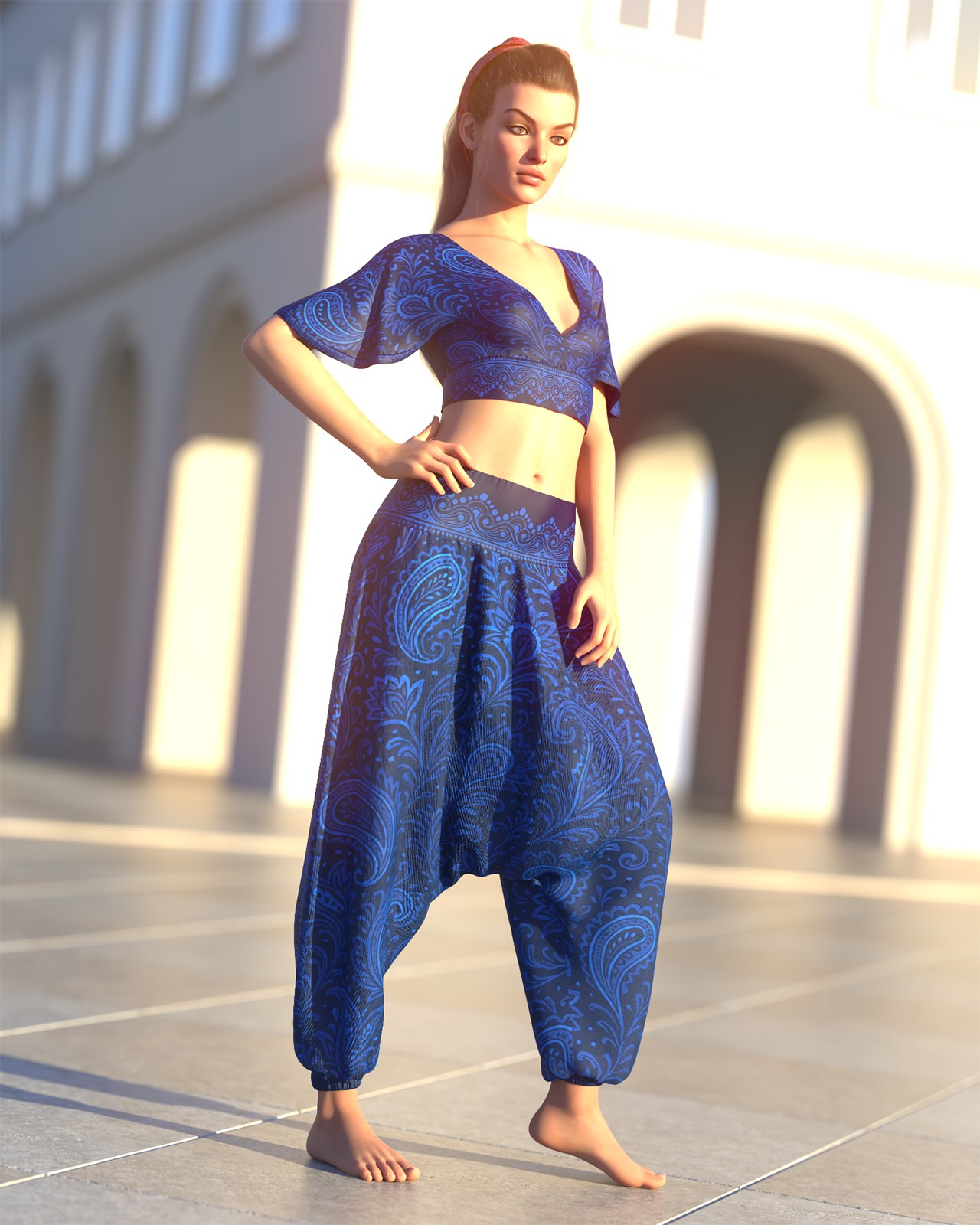
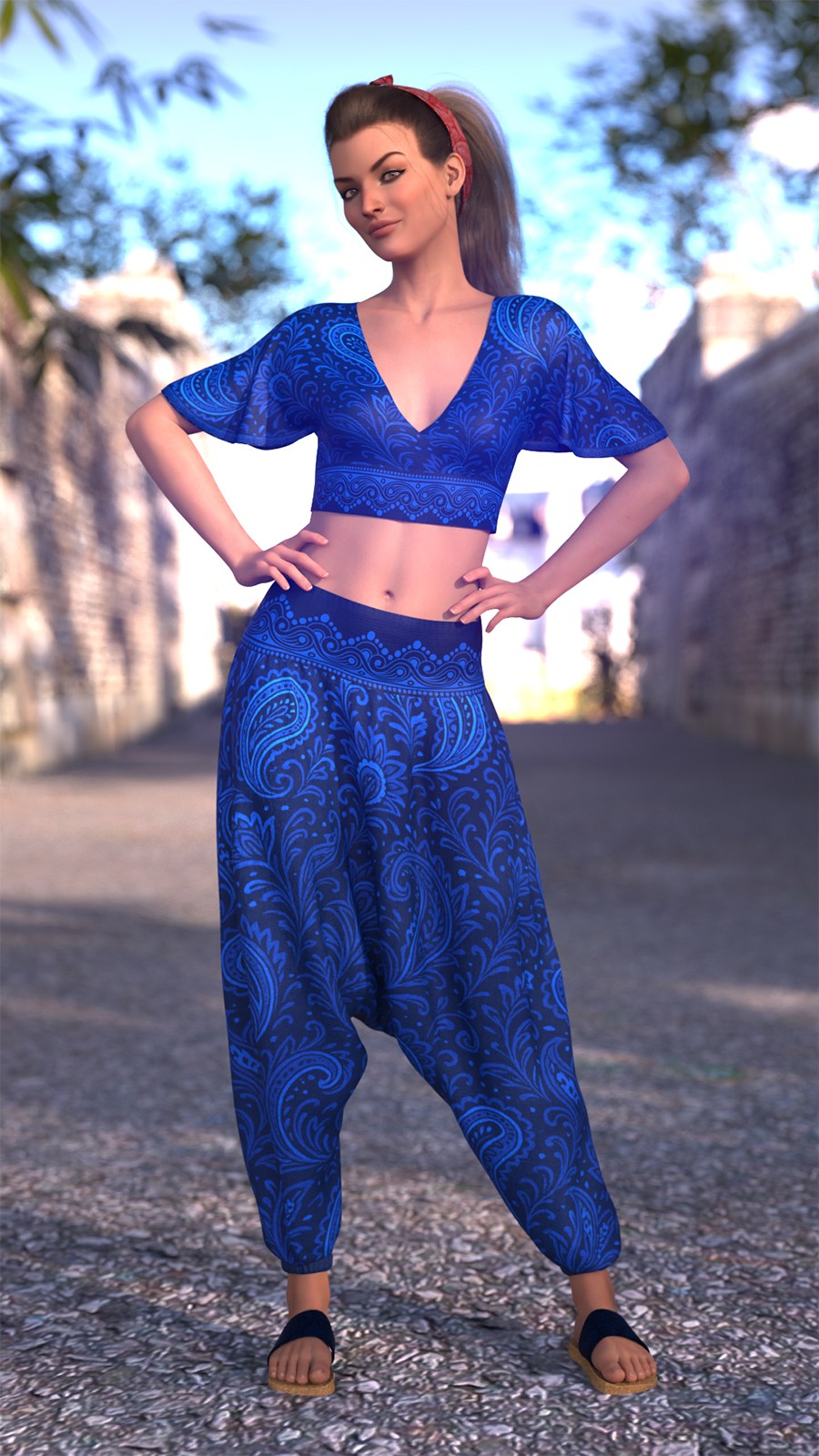
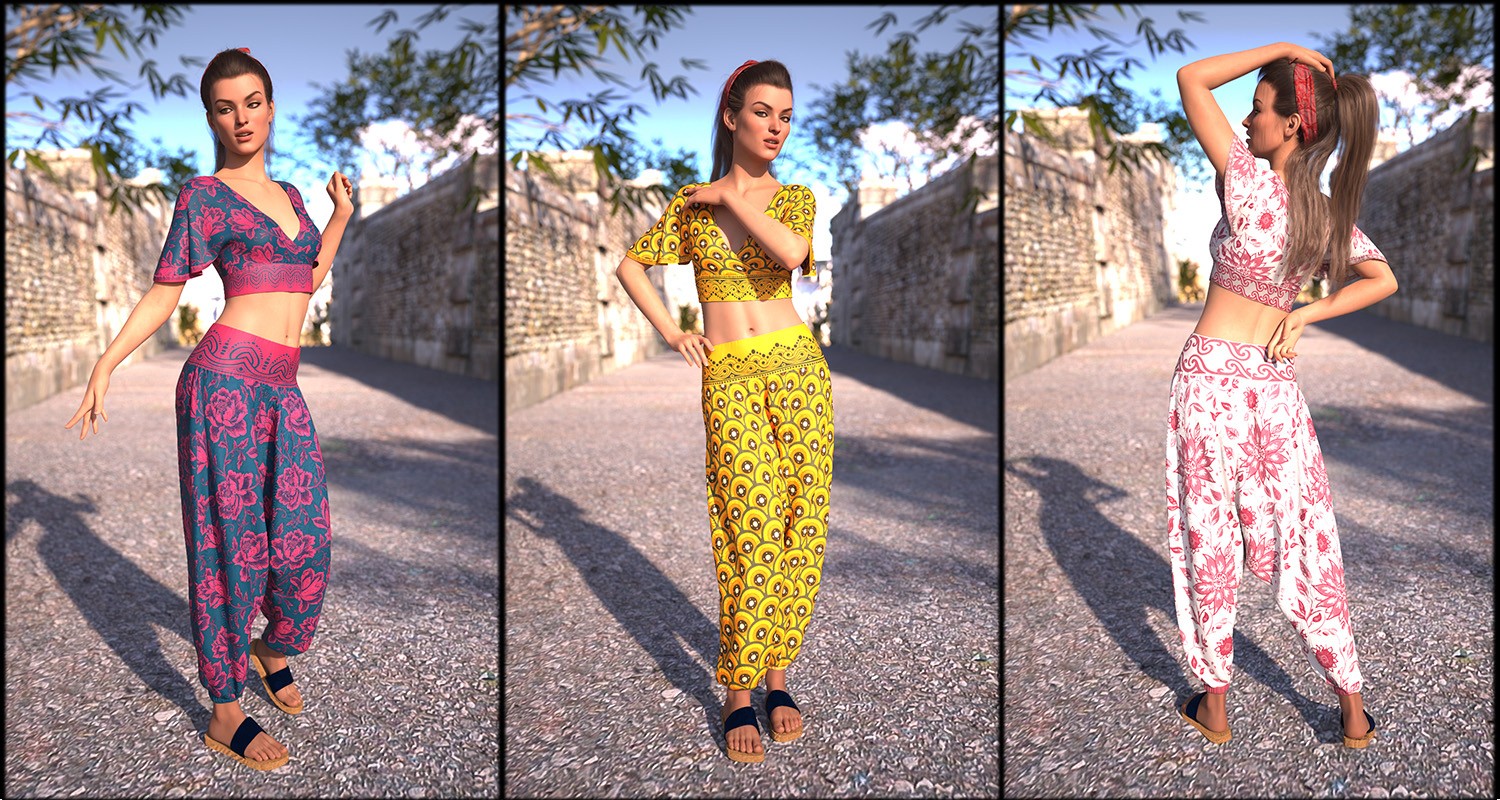
CSR dForce Harem Pants and Wrapped Crop Top G8f and G9 by CaesarTheGreat
Some images have been hidden according to your Max Maturity Rating : Safe
Settings
Contains Adult Content!
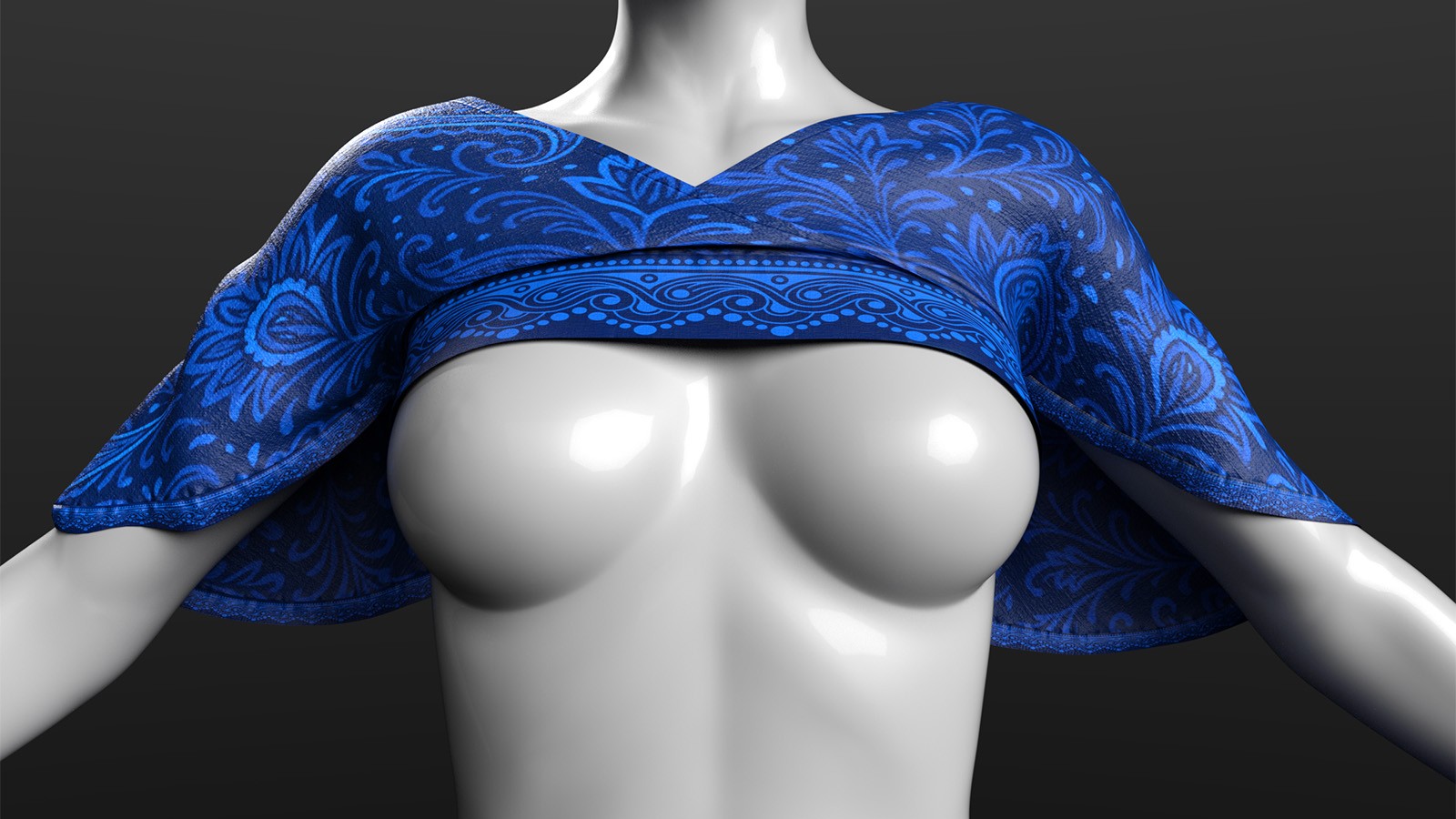
Contains Adult Content!
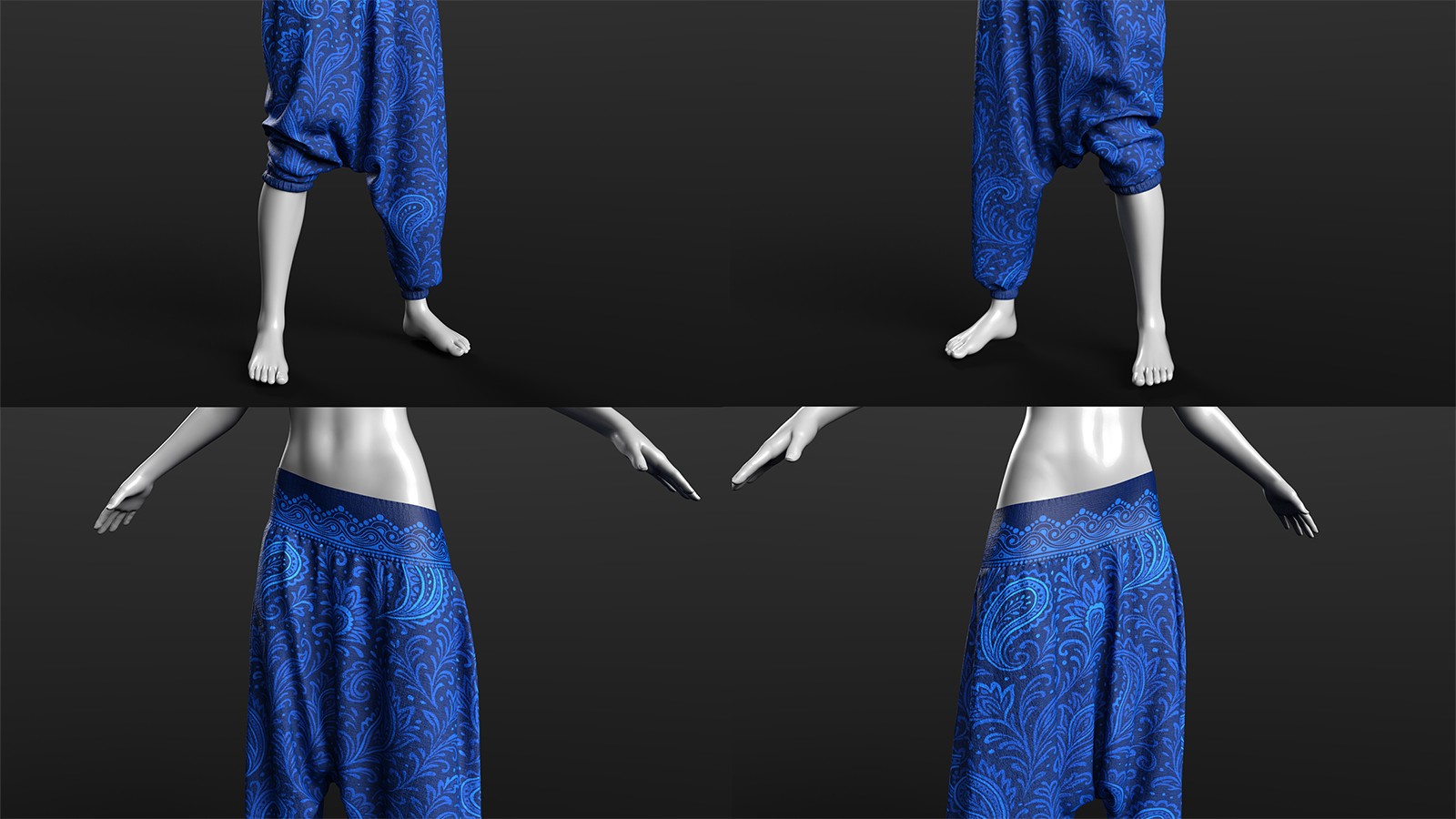
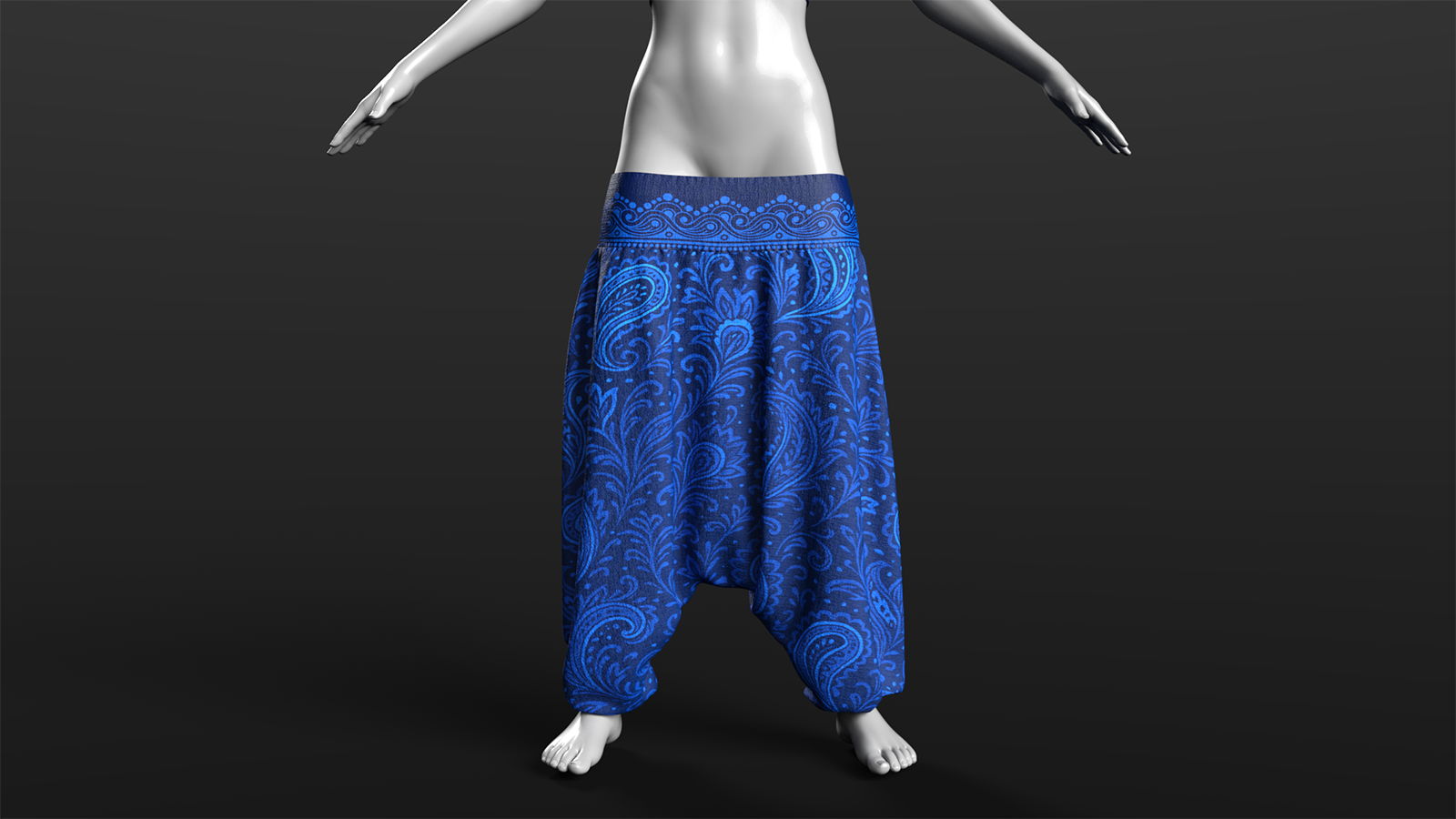
Contains Adult Content!
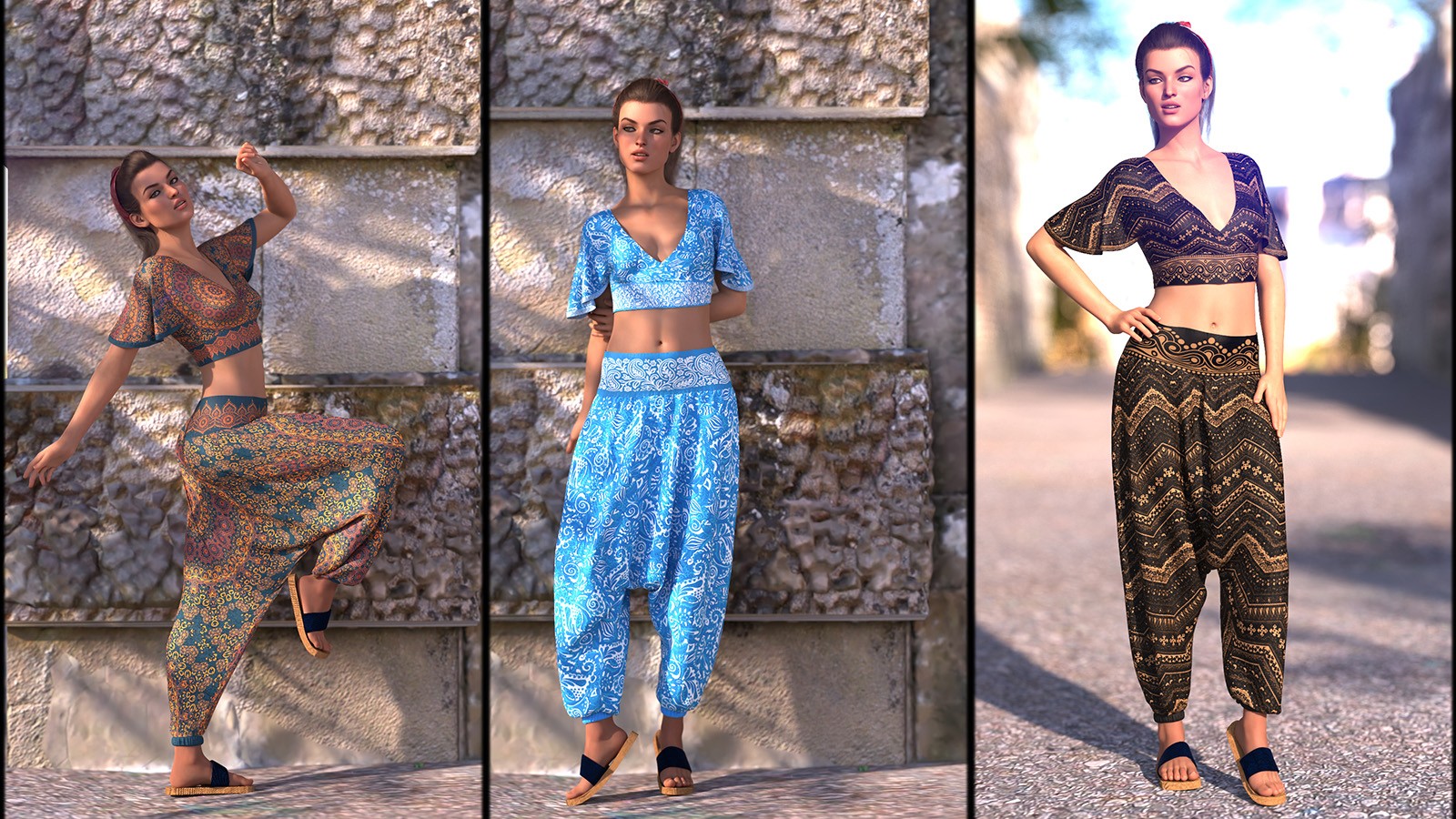
Software:
Daz Studio 4
Base Figures:
Genesis 8 Female, Genesis 9
Departments:
Available Uses:
AI Use:
No Data
************************************************************
--Product Name: CSR Harem Pants and Wrapped Crop Top
--Copyright Dec, 2025
--By: CaesarTheGreat
************************************************************
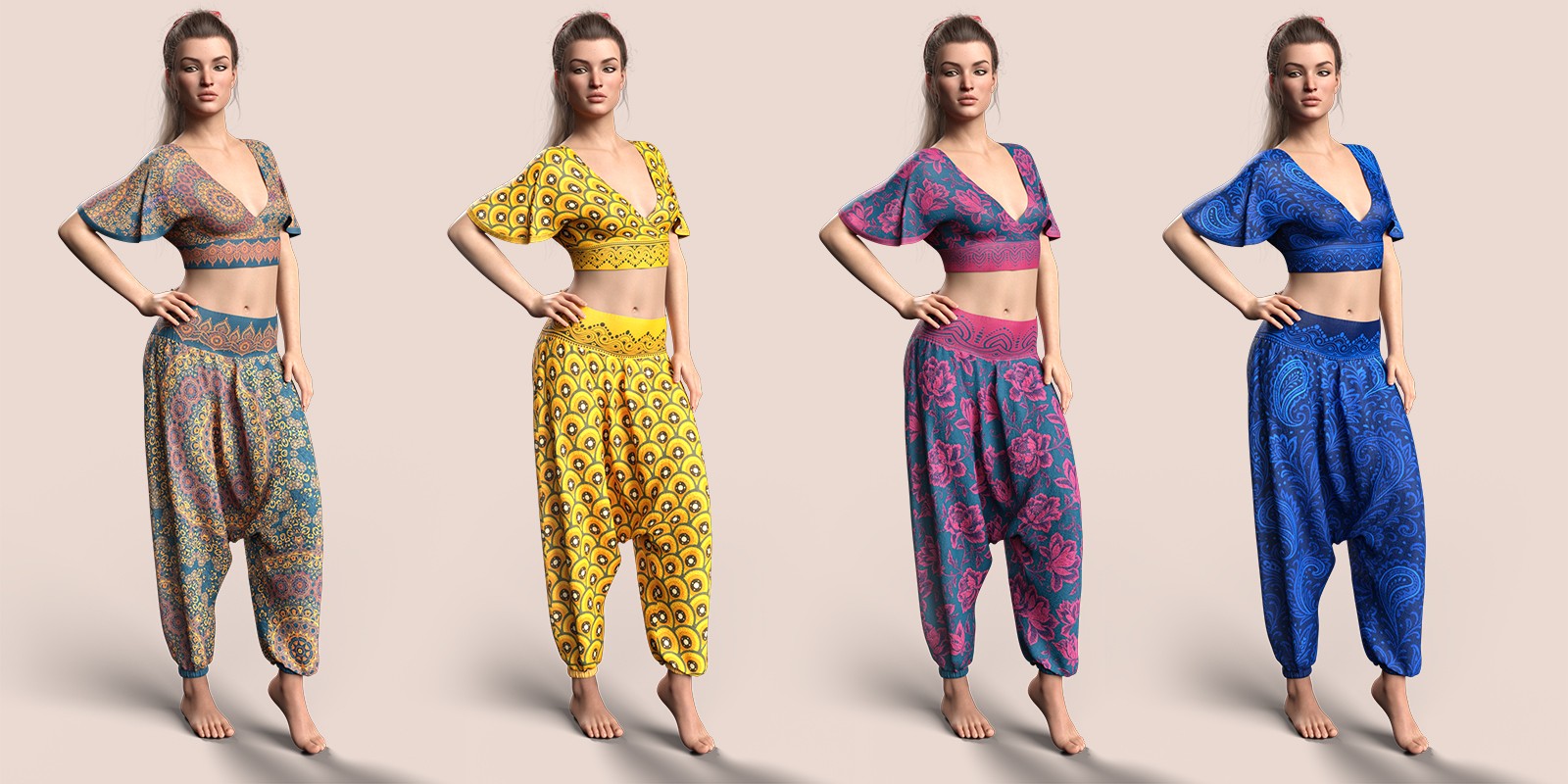
The product contains CSR Harem Pants and Wrapped Crop Top G9 G8 and Female Base.
MORPHS:
Pants morphs:
Cuff Left up
Cuff Right up
Waist Down
Waist Down Left
Waist Down Right
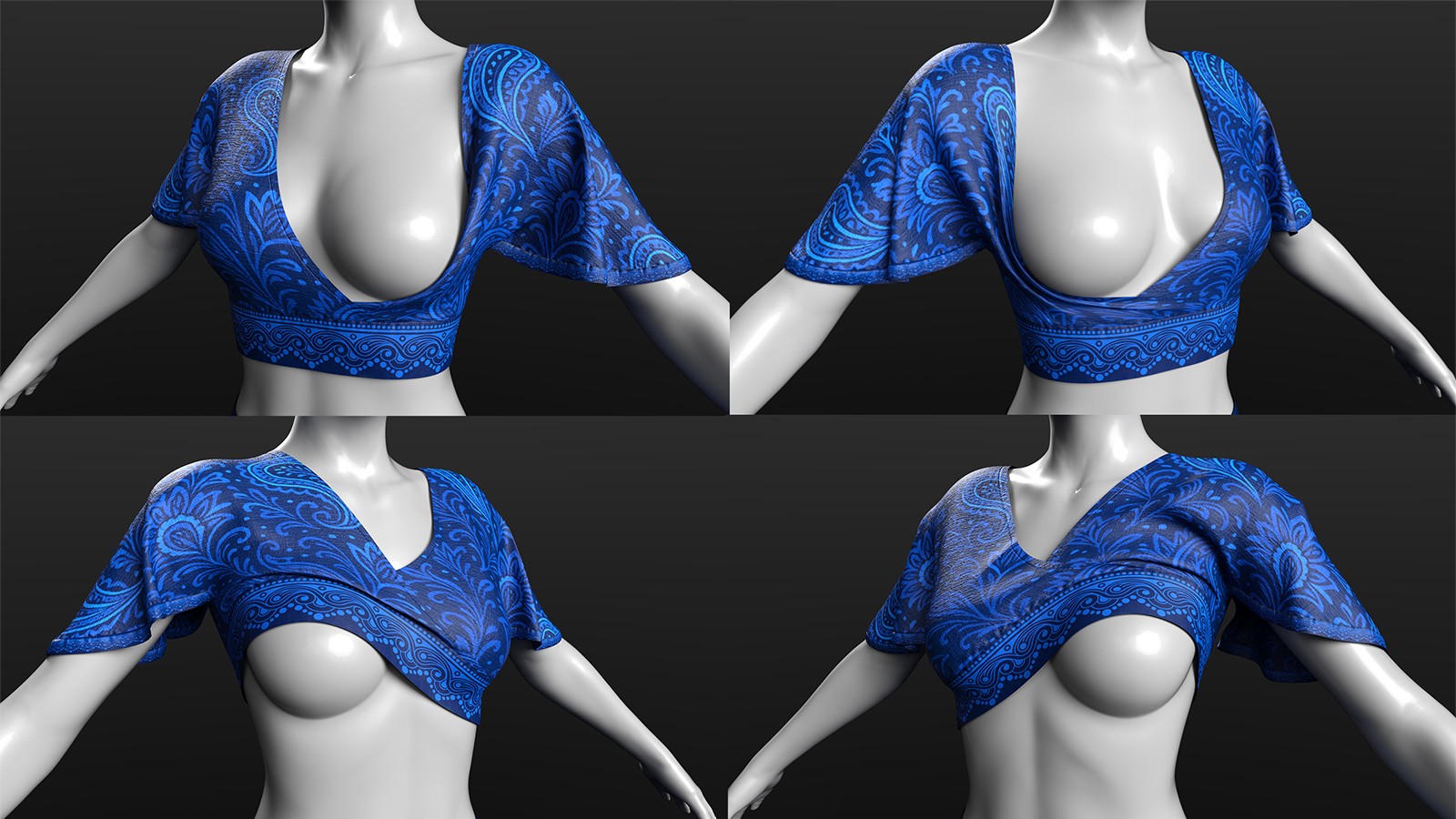
Top morphs:
Show Breast Left
Show Breast Left 2
Show Breast Right
Show Breast Right 2
Show Breast Both
-------------------------------------------------------------------------------
USAGE :
-------------------------------------------------------------------------------
1. Select G9F or G8f in the scene.
2. Double click the icon of the prop which you want to load onto G9 or G8 Female Base
3. To change the material, select the corresponding prop in the scene and double click the icon of the desired material preset.
-------------------------------------------------------------------------------
INSTALLATION :
-------------------------------------------------------------------------------
1. Unzip archive to "C:\Users\*YOUR_USERNAME*\Documents\DAZ 3D\Studio\My Library". (Replace *YOUR_USERNAME* with your username on the PC)
2. Refresh "My Library" on Content Library Pane.
3. New Folder named "...My Library\People\Genesis 9\Clothing\CaesarTheGreat\Harem Pants and Wrapped Crop Top" and "...My Library\People\Genesis 8 female\Clothing\CaesarTheGreat\Harem Pants and Wrapped Crop Top" will appear.
4. Here is your new content.
-------------------------------------------------------------------------------
REQUIREMENTS :
-------------------------------------------------------------------------------
Daz Studio 4.23+
G9 Female Base
G8 Female Base
-------------------------------------------------------------------------------
CONTENTS :
-------------------------------------------------------------------------------
...People\Genesis 9\Clothing\CaesarTheGreat\Harem Pants and Wrapped Crop Top
Harem Pants
Wrapped Crop Top
...People\Genesis 9\Clothing\CaesarTheGreat\Harem Pants and Wrapped Crop Top\Materials
Textures:
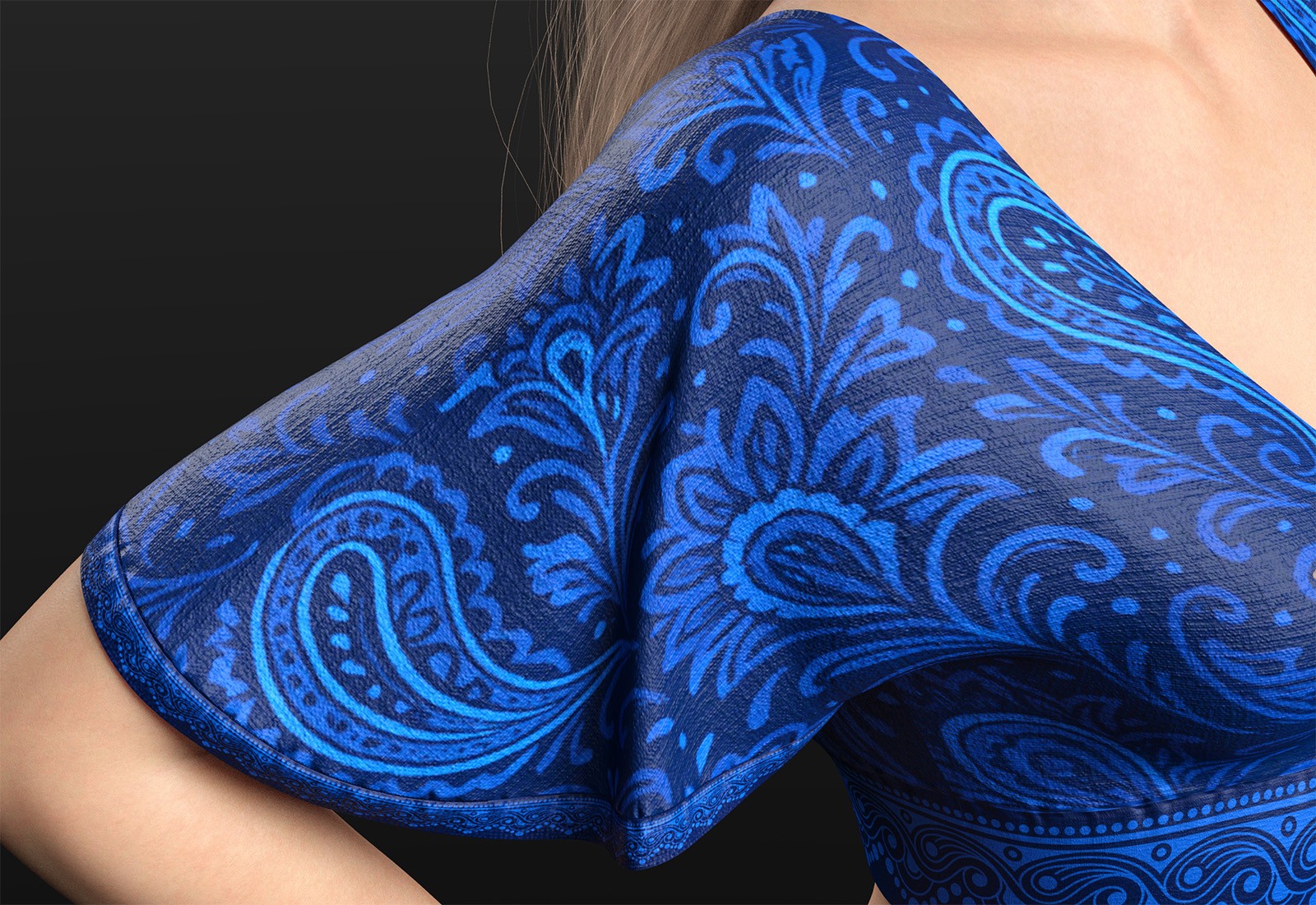
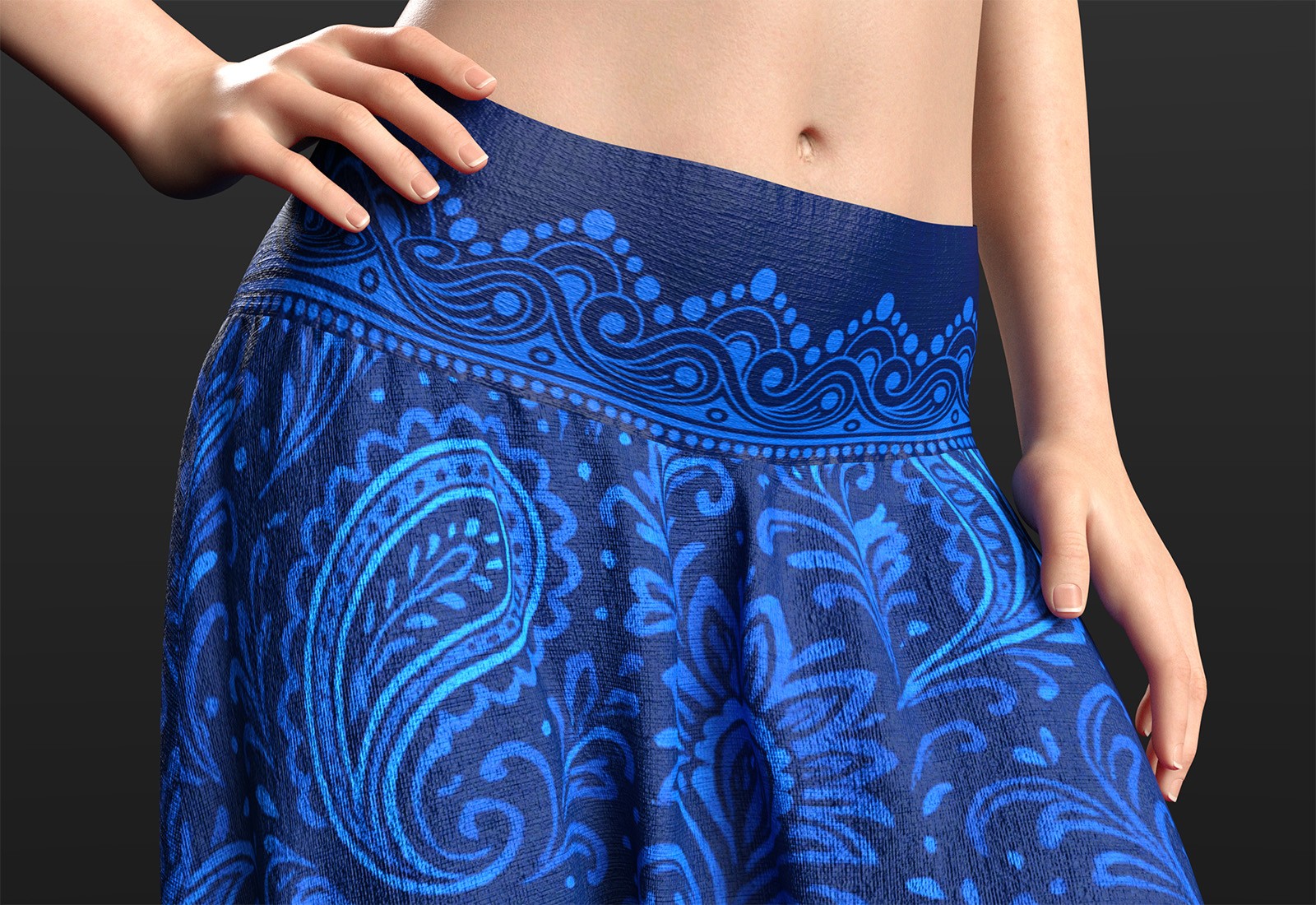
8 different pattern texture options
-------------------------------------------------------------------------------
LEGAL :
-------------------------------------------------------------------------------
CaesarTheGreat © 2025
Please see the enclosed EndUserlicense.txt file for details.
-------------------------------------------------------------------------------
OWNERSHIP STATEMENTS :
-------------------------------------------------------------------------------
All of the content in this package was created by CaesarTheGreat
No contents of this package can be resold, repackaged, repurposed in any form whatsoever, reused in other products in parts or full, redistributed free of charge or at any price.
You can use this product freely in any kind of renders, commercial or non commercial.
You are not allowed to share this file or any parts of it on a peer to peer network.
You are not allowed to use any part of these textures for your own commercial products.
This cannot be resold as a 3d model in ANY form (eg: .obj, .fbx and SecondLife!).
The content of this package may not be redistributed, sold, or copied in any way whatsoever.