
phil_lawson opened this issue on Jul 21, 2026 · 13 posts
phil_lawson posted Tue, 21 July 2026 at 2:09 PM
So, today I noticed a message from Windows Defender that it had found and cleared a Trojan. It popped up just after I'd launched Poser (Pro 2014). I have the External Adobe Air Library activated and not the defunct internal one.
I did some testing and digging to find that the problem files are in the Appdata Local folder under my user account in a hidden folder.
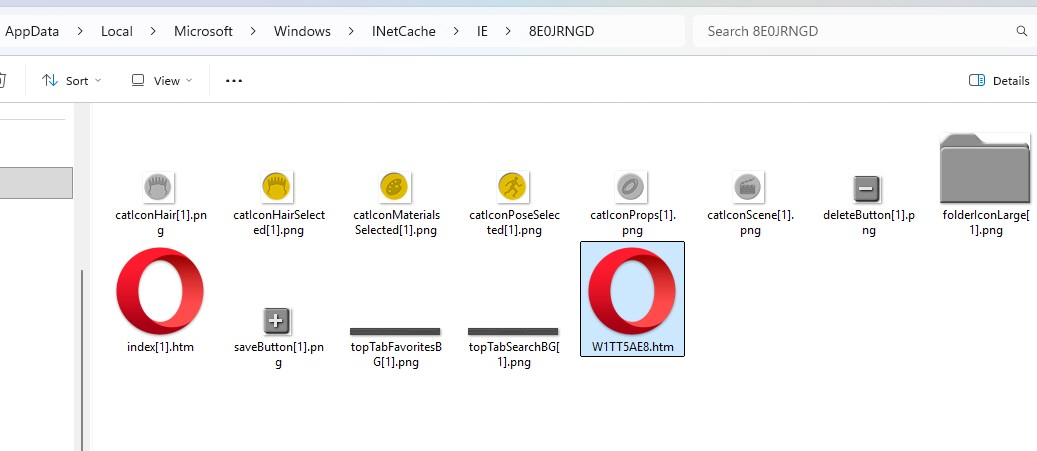 and using Notepad++ to open it found some very odd content inside it.
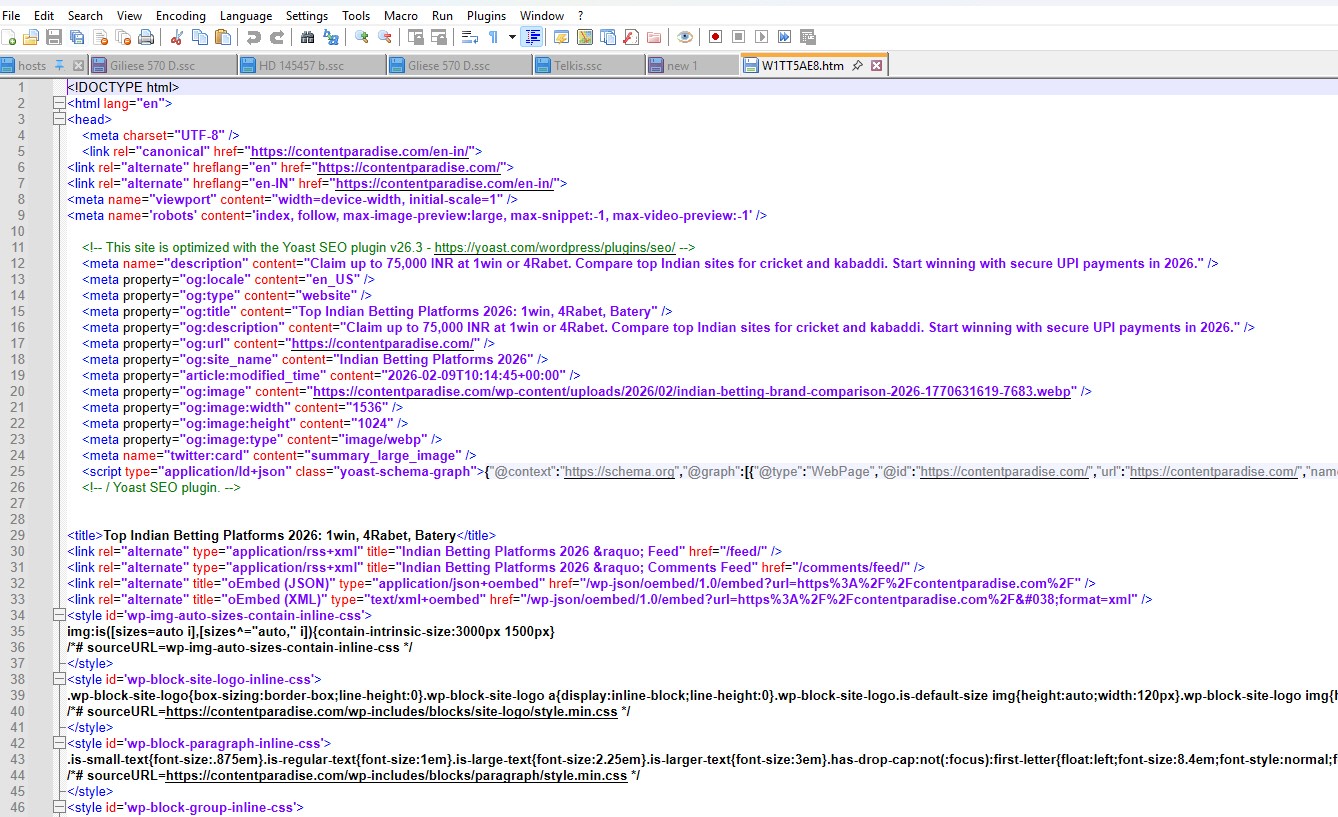 Its what looks like an Indian betting site that's somehow linked to the old Content Paradise site.
If I put the Library back to Internal the file isn't created and Defender doesn't bug me. Put the Library back to External and even after clearing the files out of the folder and the other folders in the IE folder it comes back.
I don't actually know if this is the file that's causing me the issue or if its what's called a false positive caused by using old software (I really should upgrade Poser you know).
Has anyone else seen this and dealt with it? Am I being paranoid? I know I haven't been on any dodgy websites and I've certainly not been betting so I'm stumped!