
DocPhoton opened this issue on Jun 22, 2026 · 8 posts
DocPhoton posted Mon, 22 June 2026 at 3:34 PM
I realize that not all is Daz6 ready yet. ManFriday's dForce Companion V2 apparently isn't yet, but I'm having an odd issue with the dForce ArchMage product that is.
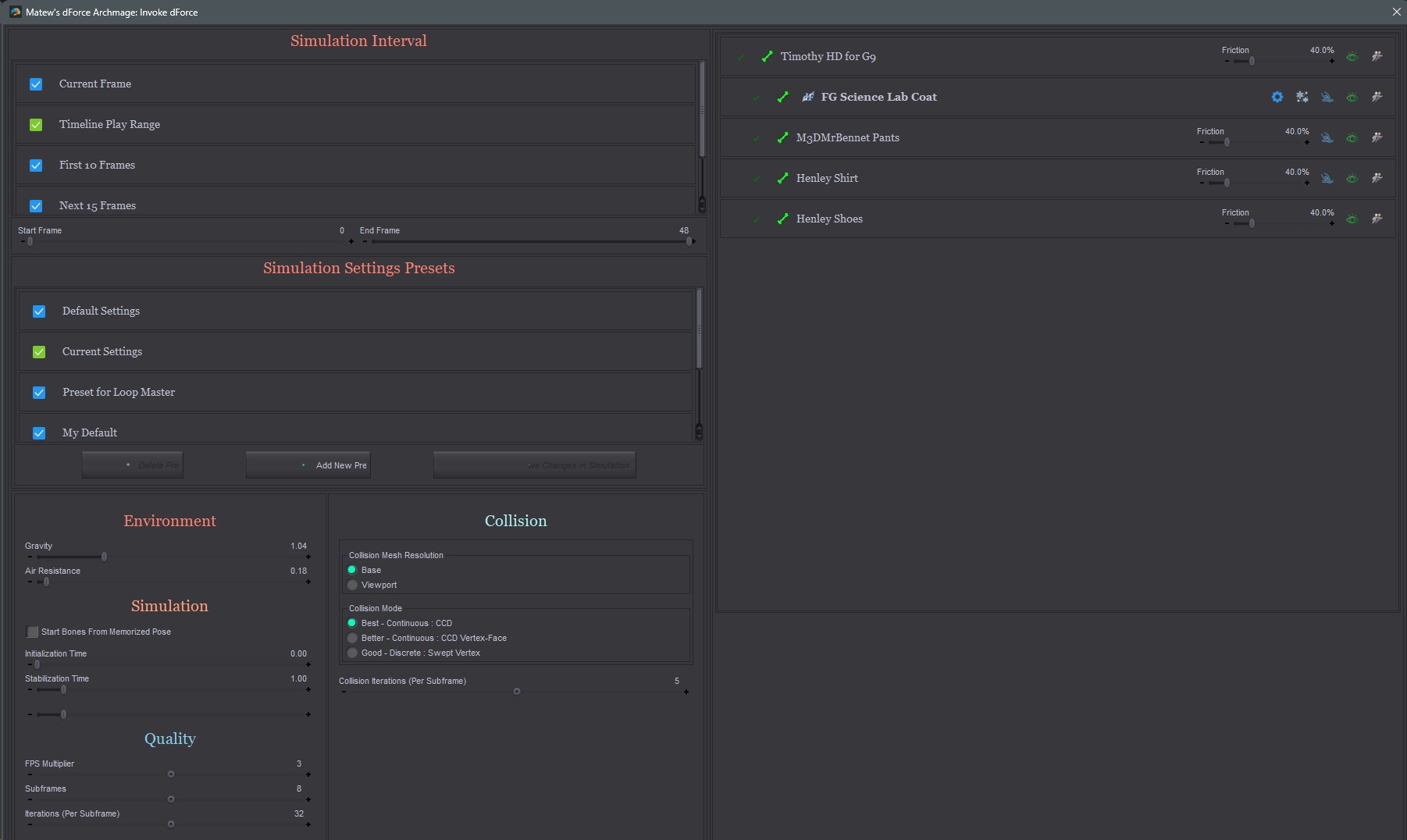
If you invoke Invoke dForce from the main listing in Smart Content, it launches but the UI is too large so don't have access to the lower section of controls. Nor do any of the sizing controls work.
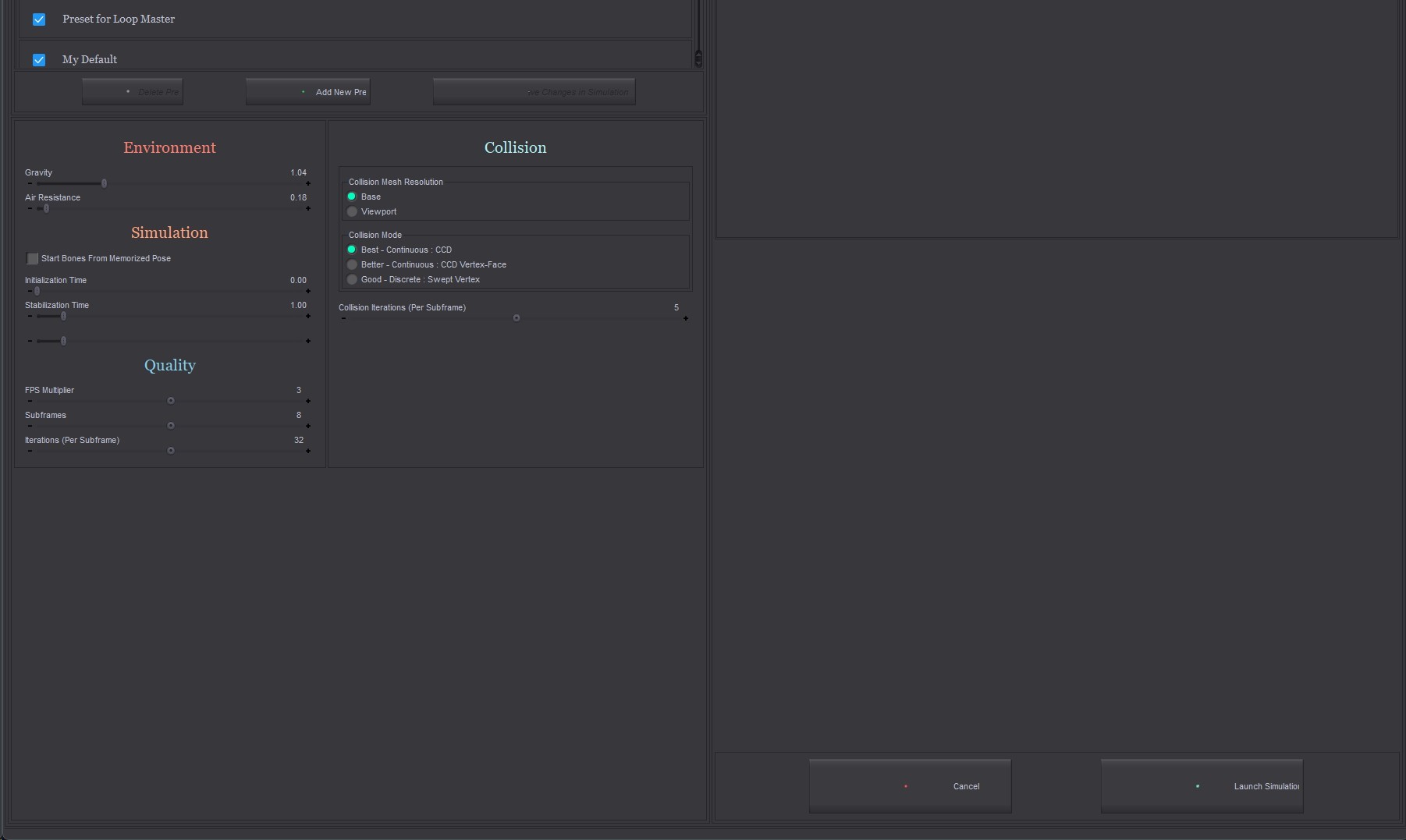
If you create a Custom script and launch that way, similar situation except you only get the bottom portion of the UI.
So, what are folks doin' for dForce in Daz6? Just the basic panel?

RHaseltine posted Mon, 22 June 2026 at 3:42 PM
The Premier version of dForce Companion has been updated, the older, PA versions won't be as far as I kno.
scropts may or may not work - this sounds like one which will not work fully without an update, though it will run (and with a larger display might be usable).
DocPhoton posted Mon, 22 June 2026 at 5:23 PM
I was wondering if it was a Daz issue or video driver. I've dual screens.
RHaseltine posted Tue, 23 June 2026 at 4:57 PM
Are some of the displays scaled to something other than 100%?
DocPhoton posted Wed, 24 June 2026 at 12:36 AM
No, normal. Matched. I'll do some screen grabs tomorrow.
DocPhoton posted Wed, 24 June 2026 at 10:32 AM
Here are a couple screen grabs to explain:
You have the width but not height and can't move to get to all the controls.
RHaseltine posted Wed, 24 June 2026 at 6:59 PM
How does it look in DS 4?
DocPhoton posted Wed, 24 June 2026 at 7:02 PM
Just fine. Normal. Same launching either way.