
niffty24 opened this issue on Jun 02, 2026 · 9 posts
niffty24 posted Tue, 02 June 2026 at 4:59 PM
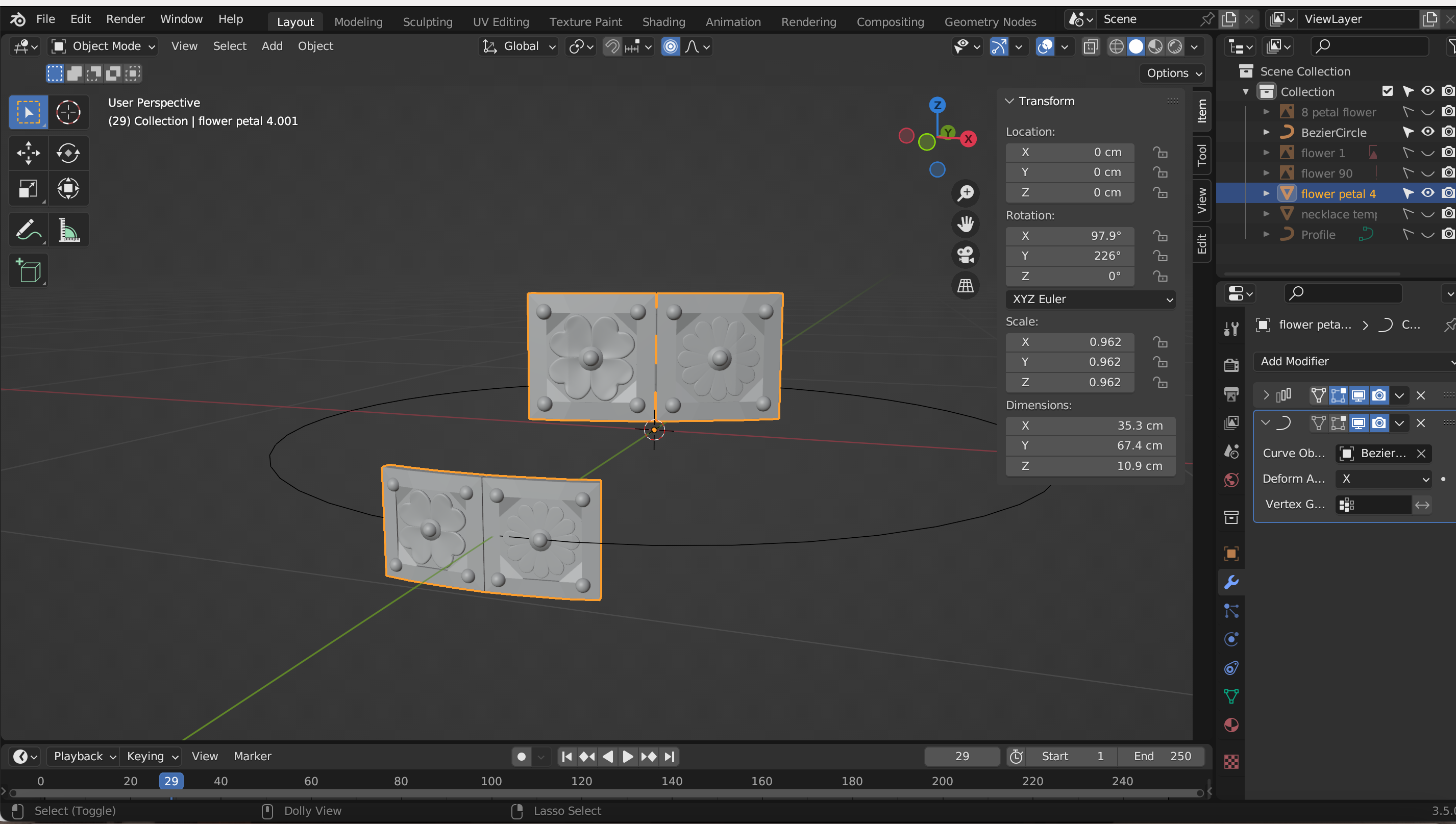
I've tried to fix this myself and keep almost getting it and then falling just shy of actually managing to. Posting picture to show what I mean, and can submit more with other information to see what I'm missing.
The object I'm trying to array I made myself and joined, if that's of
any assistance and what I'm ultimately trying to do is create a golden
custom belt

Lobo3433 posted Wed, 03 June 2026 at 7:53 AM Forum Moderator
OK first thing I see and might be the cause of your issue is before joining make sure scale has been applied set then do your array and join I see from your window the scale has not been applied do this by using the keyboard shortcut cntrl A and apply scale and I pretty sure that will resolve 90% of modifier issues
Lobo3433
Blender Maya & 3D Forum Moderator

LuxXeon posted Wed, 03 June 2026 at 4:01 PM
As Lobo suggests, be sure to apply all object-level transforms. Select the object and CTRL + A, then All Transforms.
______________________________________
My Store
My Free Models
My Video Tutorials
My CG Animations
Instagram: @luxxeon3d
Facebook: https://www.facebook.com/luxxeon
niffty24 posted Wed, 03 June 2026 at 7:26 PM
LuxXeon posted at 4:01 PM Wed, 3 June 2026 - #4506970
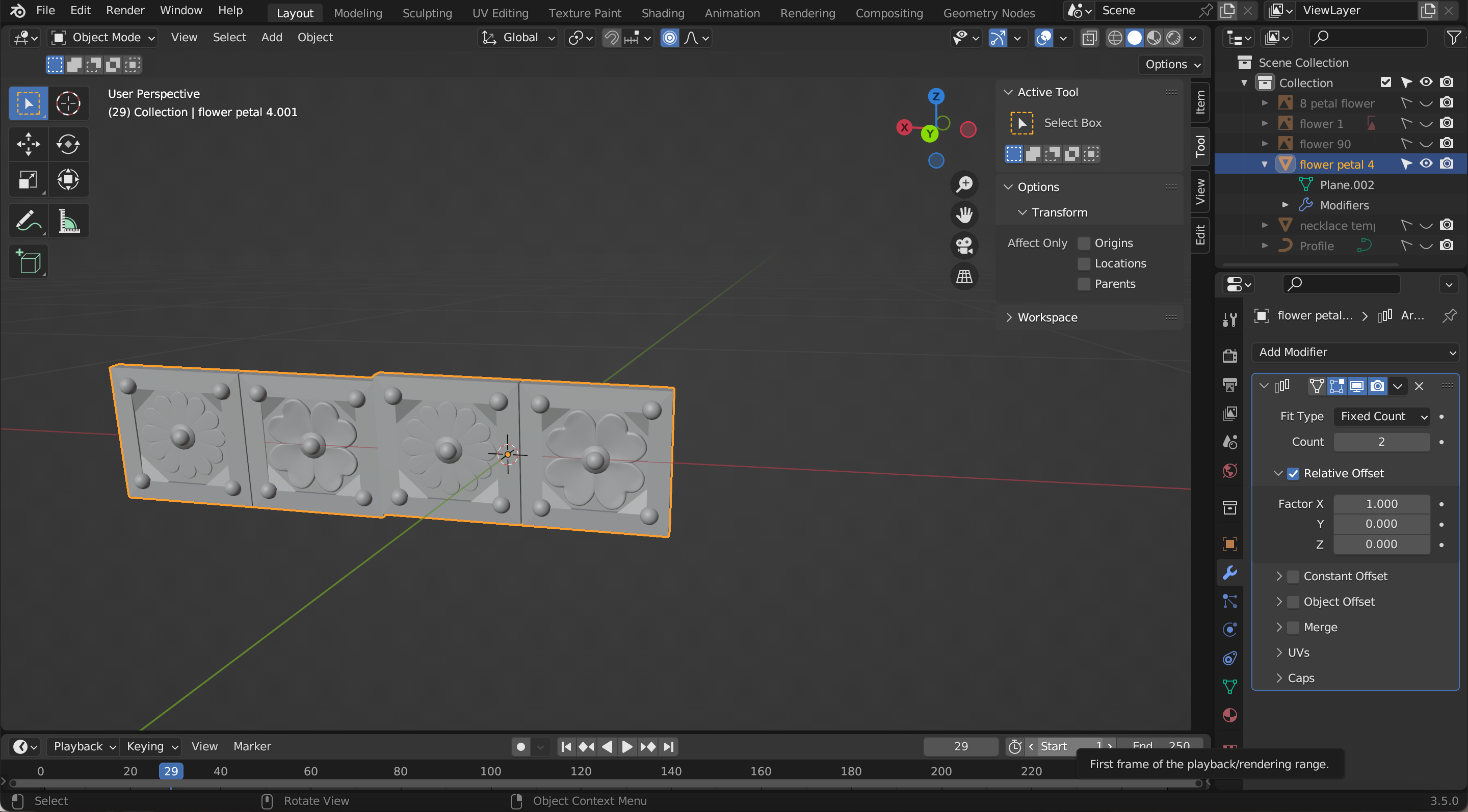
Thank you, both of you for your assistance. This part worked almost completely, and perhaps I'm still missing a step?As Lobo suggests, be sure to apply all object-level transforms. Select the object and CTRL + A, then All Transforms.
Lobo3433 posted Wed, 03 June 2026 at 7:56 PM Forum Moderator
OK did you apply the all transforms on the one single object or on a joined object? Because I can see that it seems like the offset is not right the apply all transforms scale rotation and location should be applied to the original single object them you can copy move it into place join and then an array I know it sounds a bit complicated but one thing I have learned in Blender is things need to be done usually in a specific order or you run into issues and I see you are using Blender 3.5 and in earlier versions of Blender if you do not do things in order it will just give you annoying errors along the way lucky you caught it before you go further.
Lobo3433
Blender Maya & 3D Forum Moderator
niffty24 posted Thu, 04 June 2026 at 7:47 AM
Yes, I actually fixed it by going back and doing what you'd suggested before but after setting the orientation and alignment to perfectly straight. It works now, thank you both so much!OK did you apply the all transforms on the one single object or on a joined object? Because I can see that it seems like the offset is not right the apply all transforms scale rotation and location should be applied to the original single object them you can copy move it into place join and then an array I know it sounds a bit complicated but one thing I have learned in Blender is things need to be done usually in a specific order or you run into issues and I see you are using Blender 3.5 and in earlier versions of Blender if you do not do things in order it will just give you annoying errors along the way lucky you caught it before you go further.
niffty24 posted Thu, 04 June 2026 at 8:21 AM
Lobo3433 posted at 7:56 PM Wed, 3 June 2026 - #4506972
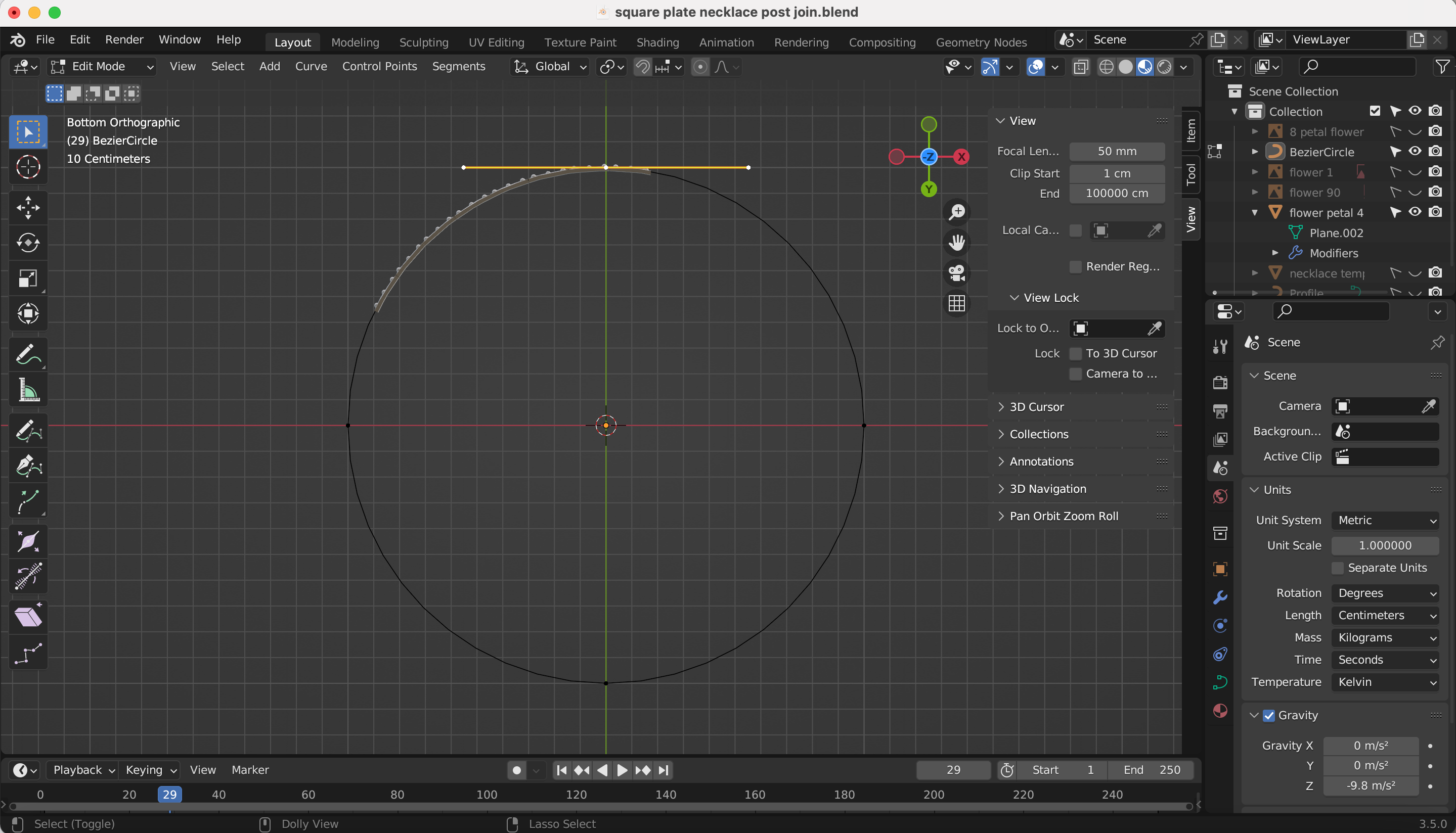
Could I ask for one last bit of help? I somehow removed the tools to mirror, grab by vertices/side/face and I don't even know how to search in google to get it back. I am a fool who struggles;OK did you apply the all transforms on the one single object or on a joined object? Because I can see that it seems like the offset is not right the apply all transforms scale rotation and location should be applied to the original single object them you can copy move it into place join and then an array I know it sounds a bit complicated but one thing I have learned in Blender is things need to be done usually in a specific order or you run into issues and I see you are using Blender 3.5 and in earlier versions of Blender if you do not do things in order it will just give you annoying errors along the way lucky you caught it before you go further.
niffty24 posted Thu, 04 June 2026 at 10:41 AM
Not sure how to delete a comment but I figured out what I did wrong here too v.vLobo3433 posted at 7:56 PM Wed, 3 June 2026 - #4506972
Could I ask for one last bit of help? I somehow removed the tools to mirror, grab by vertices/side/face and I don't even know how to search in google to get it back. I am a fool who struggles;OK did you apply the all transforms on the one single object or on a joined object? Because I can see that it seems like the offset is not right the apply all transforms scale rotation and location should be applied to the original single object them you can copy move it into place join and then an array I know it sounds a bit complicated but one thing I have learned in Blender is things need to be done usually in a specific order or you run into issues and I see you are using Blender 3.5 and in earlier versions of Blender if you do not do things in order it will just give you annoying errors along the way lucky you caught it before you go further.
Lobo3433 posted Fri, 05 June 2026 at 7:19 AM Forum Moderator
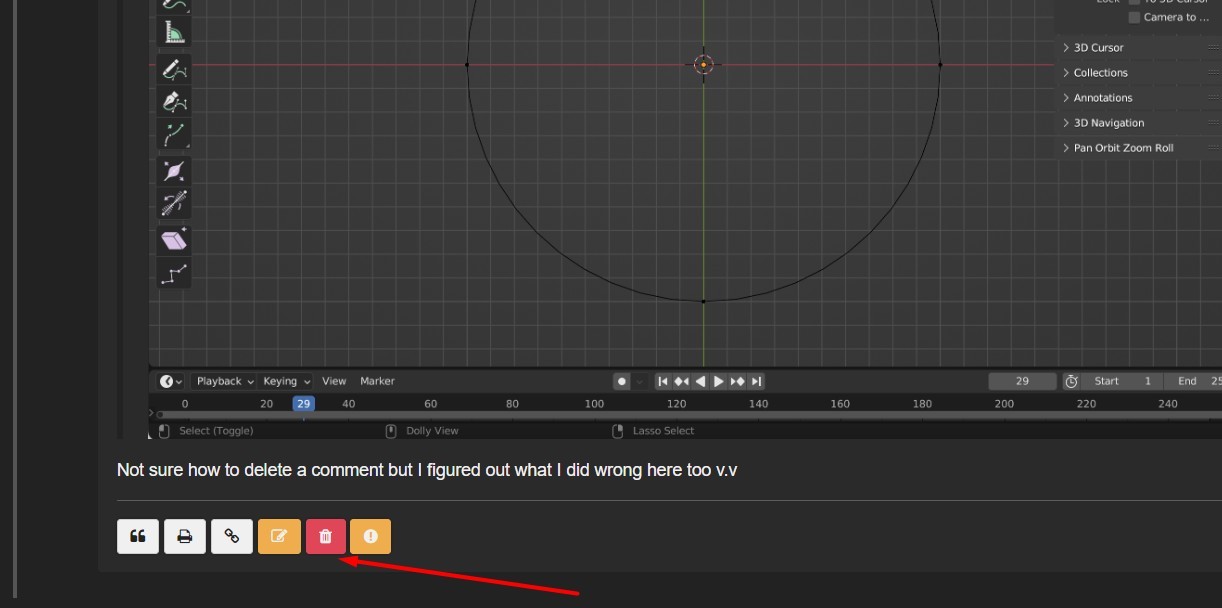
So you did find the solution your OK now and no worries about the comment I can handle that but you should see a delete button on your screen with comments you can delete
Lobo3433
Blender Maya & 3D Forum Moderator