
DocPhoton opened this issue on May 09, 2026 · 11 posts
DocPhoton posted Sat, 09 May 2026 at 7:11 PM
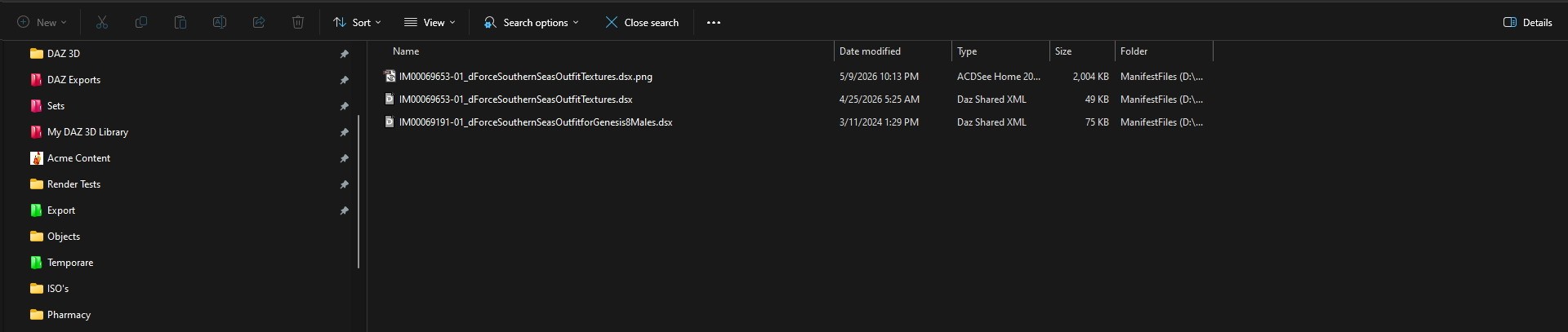
Once upon a time, you could restore a products missing icon by placing an image in the Manifest folder & renaming to match the Manifest product name and simply add a .jpg extension.
That no longer works, and I noticed the items missing use .webp format instead and wondering if that's the problem.
How is it done now?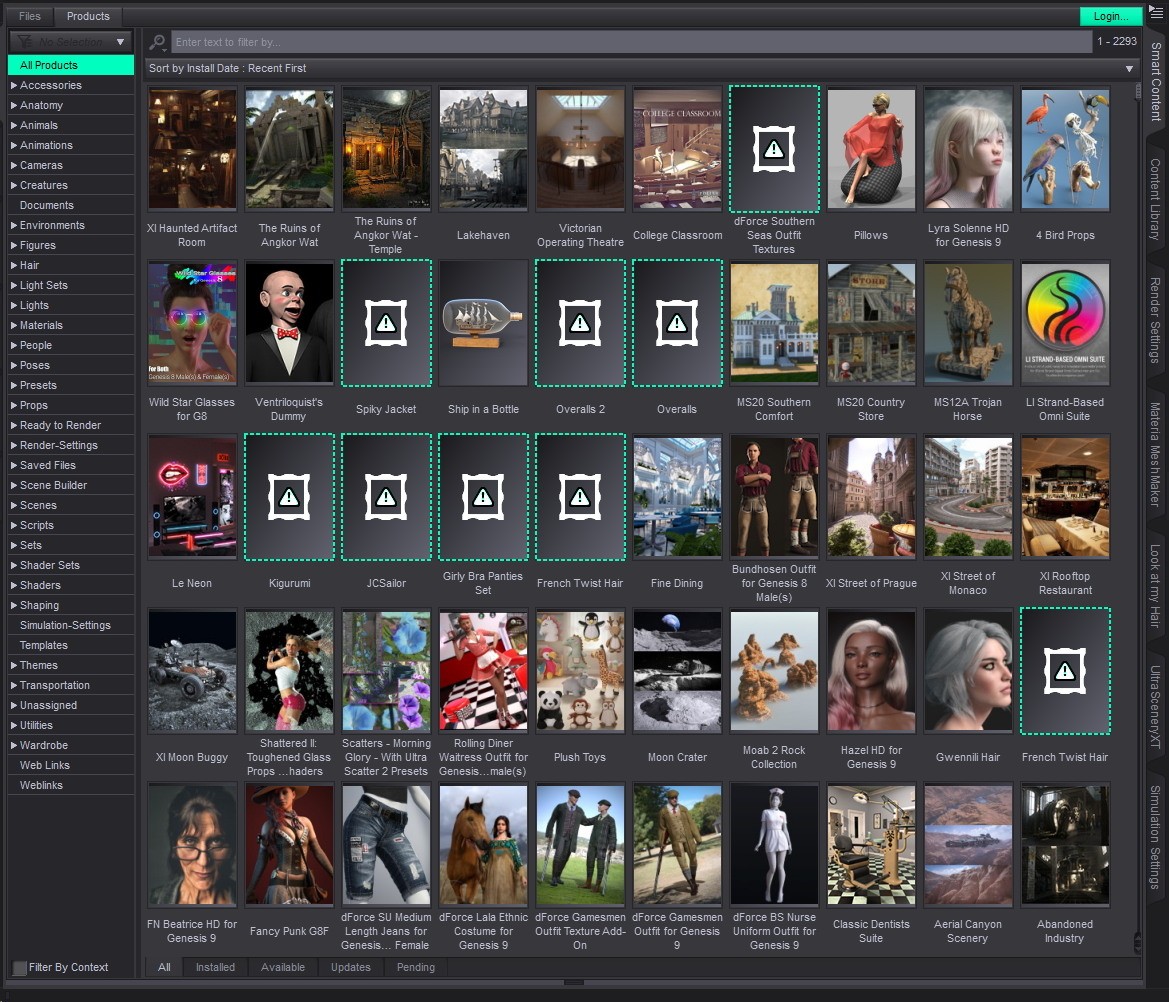

donnena posted Sat, 09 May 2026 at 9:06 PM
Maybe try *.png?
;>
Andy!

GGreen posted Sat, 09 May 2026 at 11:12 PM
I aways use the png extension. JPG never shows up within Daz Studio panels unless there is also a png file with the same name. JPG is used for the Texture folder
DocPhoton posted Sun, 10 May 2026 at 12:05 AM
Good to know. Will give that a try.
DocPhoton posted Sun, 10 May 2026 at 12:24 AM
Still no luck. File size of the png perhaps?

hborre posted Tue, 12 May 2026 at 11:26 AM
The dimensions of the thumbnails are 91 x 91 pixels, by default, although I am seeing 214 x 214 pixels in the Library.
VintageGold posted Tue, 12 May 2026 at 2:25 PM
Product images are usually stored in the support folder, not the manifest.
DocPhoton posted Tue, 12 May 2026 at 2:43 PM
I'll check there then.
In any event, since this a long time issue, seems like an opportunity for a script or utility product for some programmer.
DocPhoton posted Tue, 12 May 2026 at 5:45 PM
That worked. A slow process to be sure.

PendraiaFaeCreations posted Wed, 20 May 2026 at 9:14 PM
Textures in Daz aren't just jpg. You can use a variety of formats. When testing textures I've even used the psd file not that I would use psd for the final product.
DocPhoton posted Wed, 20 May 2026 at 9:55 PM
Good to know. But as with all things DAZ, getting it in the correct spot was the key. I was given mis-information years ago.