
willyb53 opened this issue on Dec 15, 2025 · 7 posts
willyb53 posted Mon, 15 December 2025 at 1:23 PM
Character Creation in the Beginning
The following hows how I set up for creating a new character
This example uses LaFemme 1 but applies to any figure (ilel V4 or M4)
It is important to only; use the Front or Side cameras when working to avoid paralex
First:
Get a reference photo, either off the web or a personal photo
This should be full front, without expression if possible
For this example I searched for India female Faces
Note the image size (important!) in this case 1000 x 667
Select the Front camera
Now load your figure and inject morphs if they are not already
Load a primitive square, go to the material room and set spectacular to 0
add your reference photo to the square
Back to pose room
adjust x and y scale to the pixel values of you image divided by 10
in my case 100% x, 66.7 y
., This sets the square to the same aspect ration of your reference image
Now, move the square up to near the face, zoom and move your camera so the
face and square fill the work space.
Using the floating library as a guide, scale the photo to the same size
as the face of your figure and align he point of the chins
Move the reference photo back -Z, it does not matter how far
because the Front camera has no Parralex. Just fare enough so it does not
intersect the figure
You are now ready to start morphs (NOTE: do not use scale of the face chips,
they are not considered morphs and will not be any morph injection
I now use the library panel as a guide to moving eyebrows, eyes, nose and mouth
The rest of the morphs are up to you
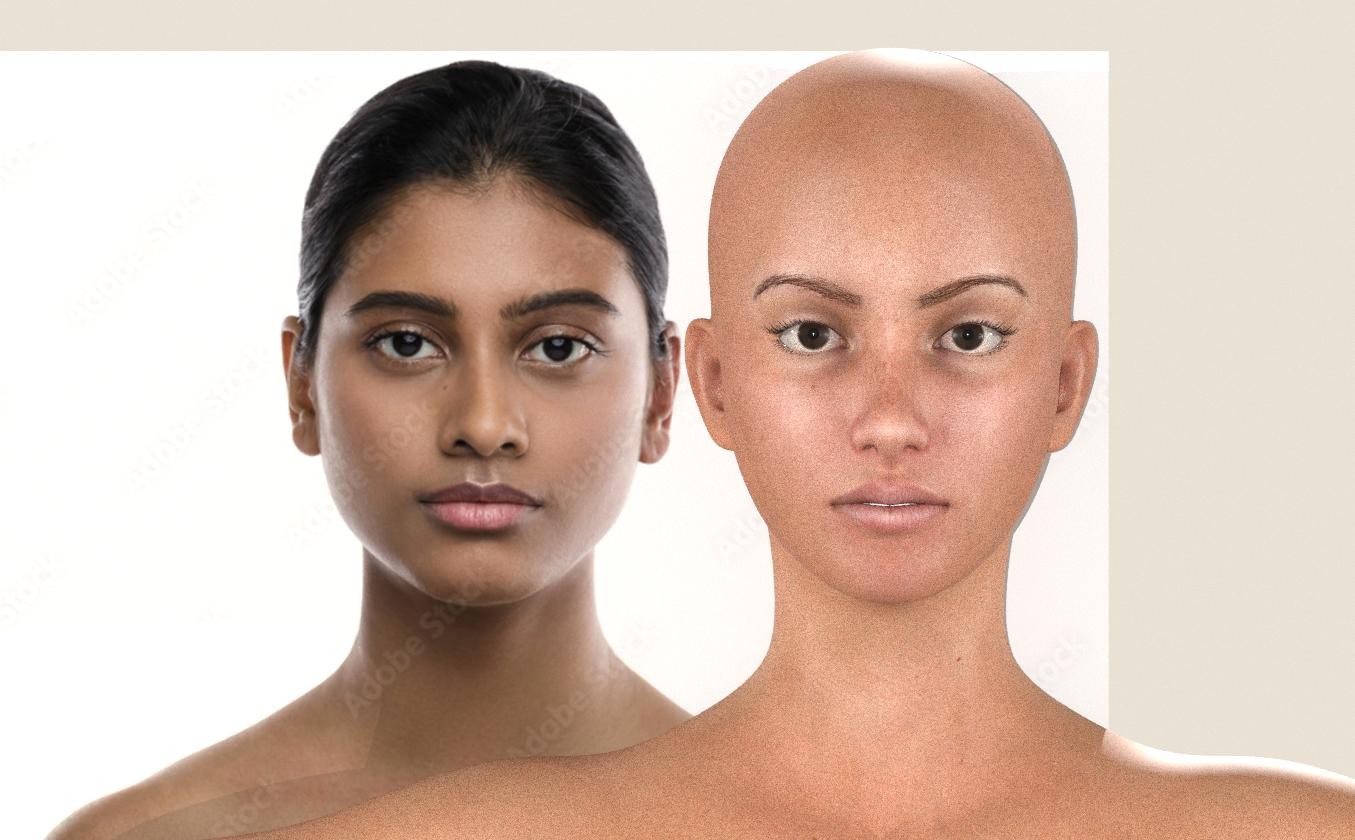
It should look something like this in the beginning
Have fun :D
Bill
People that know everything by definition can not learn anything