
drawn opened this issue on Mar 08, 2025 · 5 posts
drawn posted Sat, 08 March 2025 at 2:53 PM
I seem to have forgotten everything. how may I change her eye color? see snapshot where I got in material room.
drawn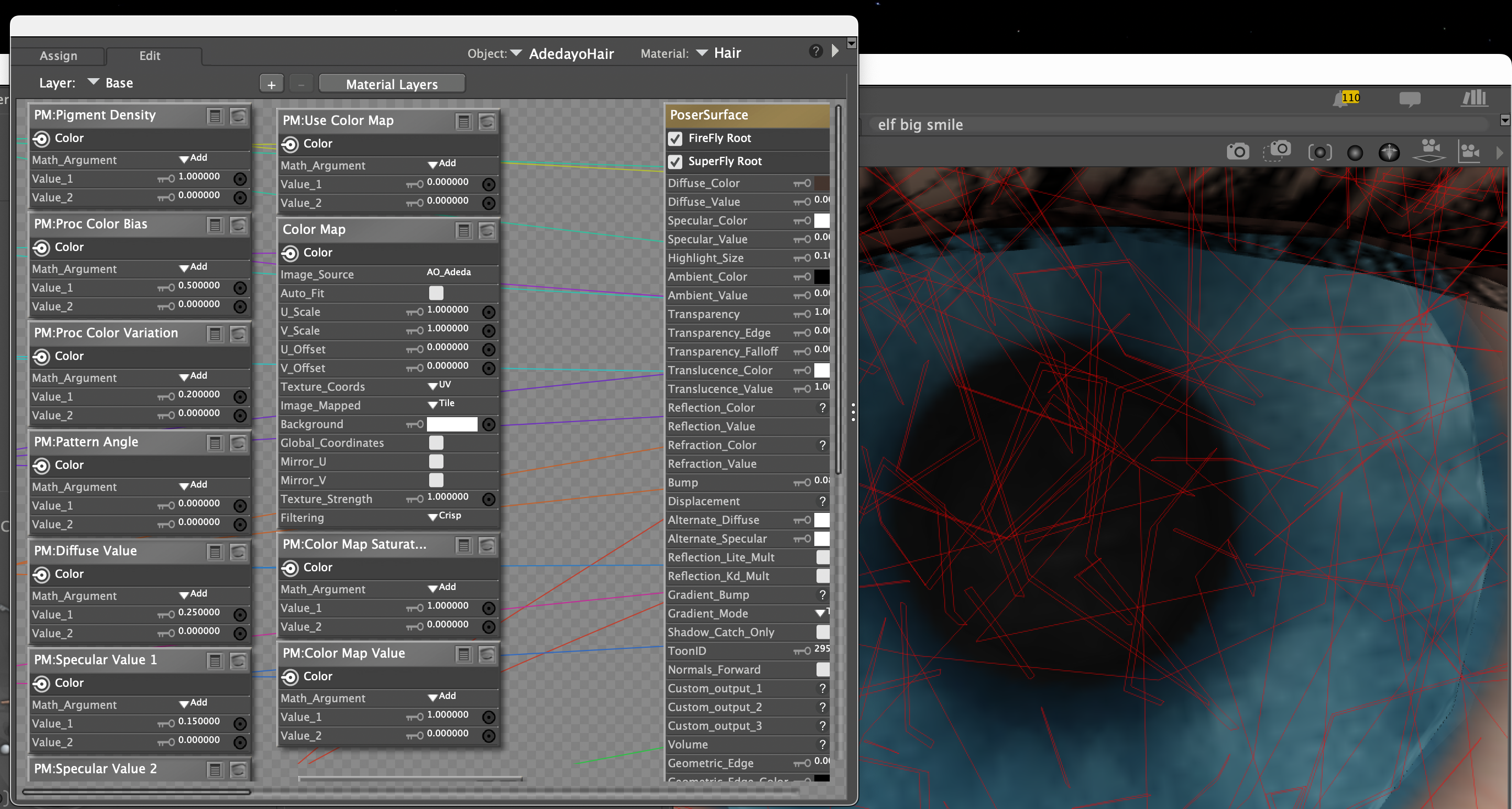

Sunfire posted Sat, 08 March 2025 at 3:34 PM
Well instead of having the hair focused, make sure it's your figure. Then in the materials tab, there should be other eye colors to choose.
"It's not that I don't understand, it's just that the world changes too fast."
drawn posted Sat, 08 March 2025 at 4:25 PM
ok, I selected her and then the left eye and then started materials and picked a color, but how to actually apply that to her eyes(s_?
d
Sunfire posted Sat, 08 March 2025 at 4:52 PM
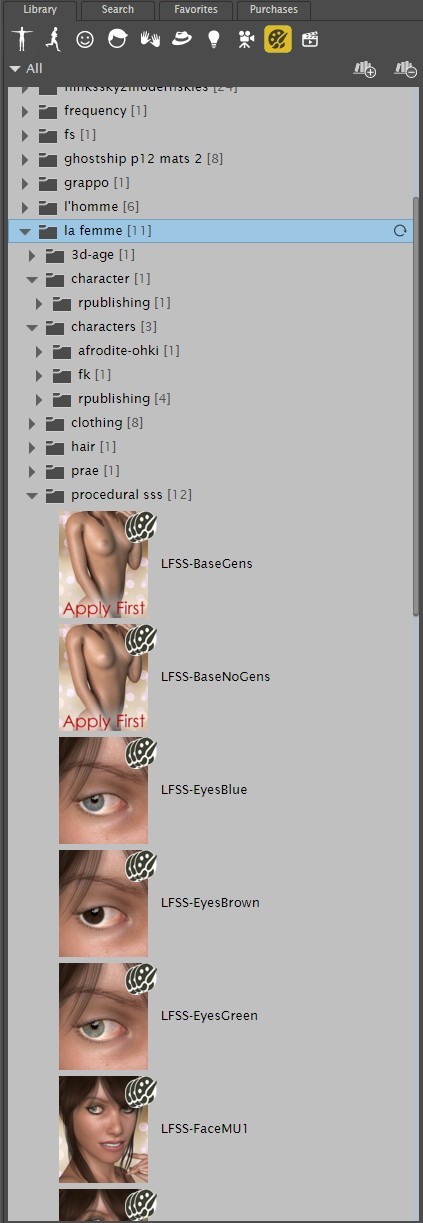
In the materials library, not in the material room. In the library, there should be materials for the figure, where you can apply them with a click or a double click of a mouse button.
This is an example, and is the base materials for La Femme, you can see three eye colors for her, and if you have any of the characters they usually have choices for eye color as well.
"It's not that I don't understand, it's just that the world changes too fast."

RedPhantom posted Sat, 08 March 2025 at 9:03 PM Site Admin
As Sunfire said, your best bet is to load an eye texture from the library. If you need to do it manually, you first need to be on the eye texture.
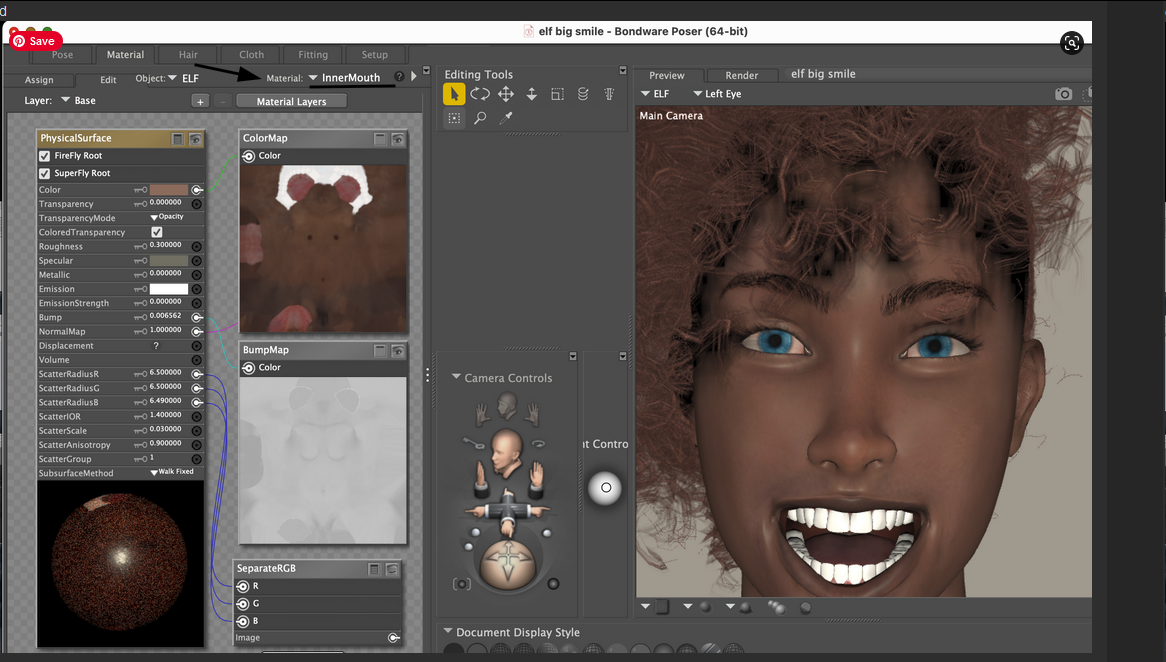
If you'll look where I've underlined, you'll see you have the inner mouth selected. Click where I have my arrow to select the correct material zone. You'll want to look for iris. You'll probably need to update the pupil and sclera too as image maps sometimes bleed over.
Available on Amazon for the Kindle E-Reader Monster of the North and The Shimmering Mage
Today I break my own personal record for the number of days for being alive.
Check out my store here or my free stuff here
I use Poser 13 and win 10