
JoePublic opened this issue on Feb 10, 2024 · 11 posts
JoePublic posted Sat, 10 February 2024 at 7:25 PM
...then Muhammad must go to the mountain."
*****************************************************************************************************************************
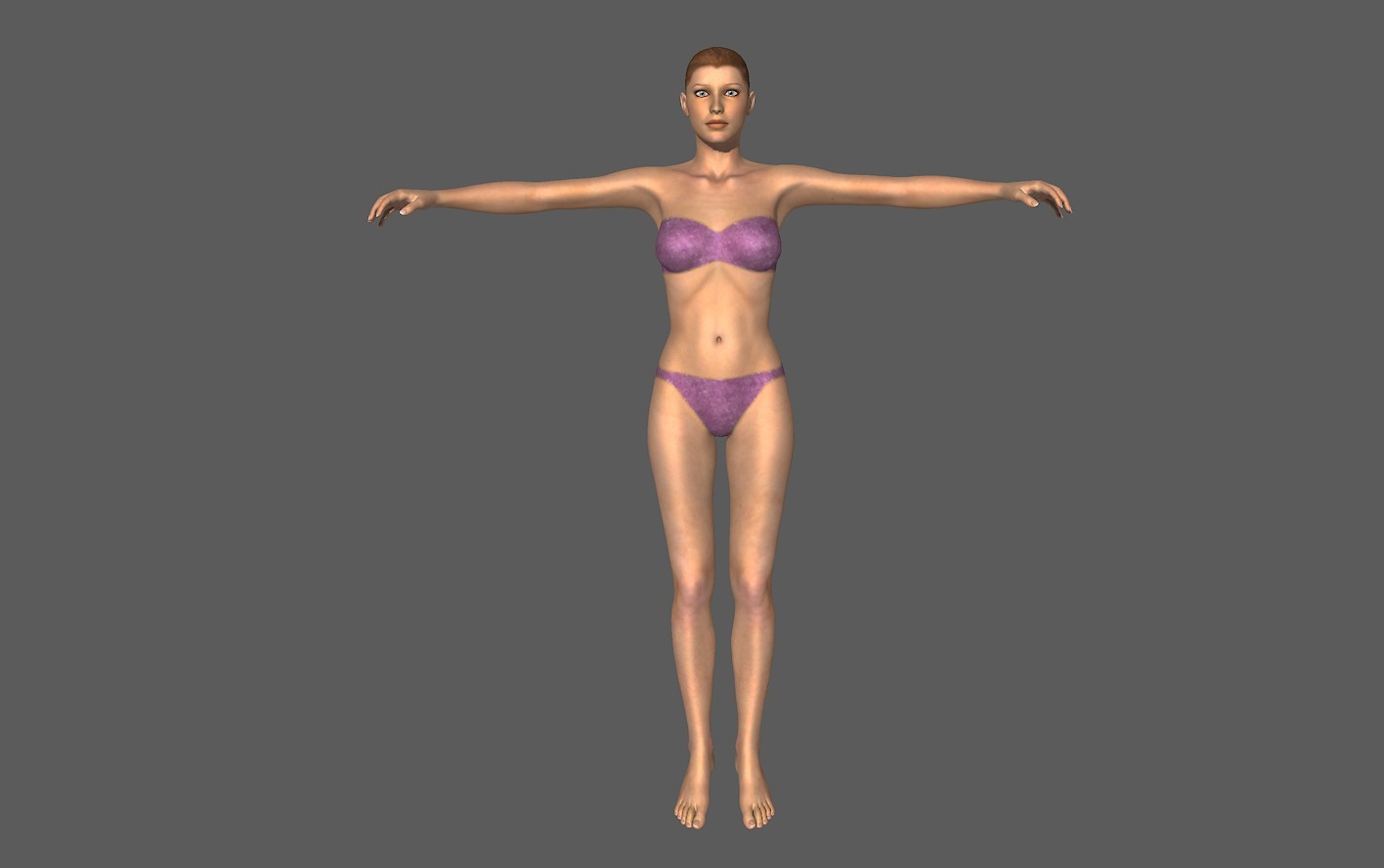
So, let's make LaFemme2 wear all of V4 clothing.
1. Load V4 and ZERO as well as LOCK her:
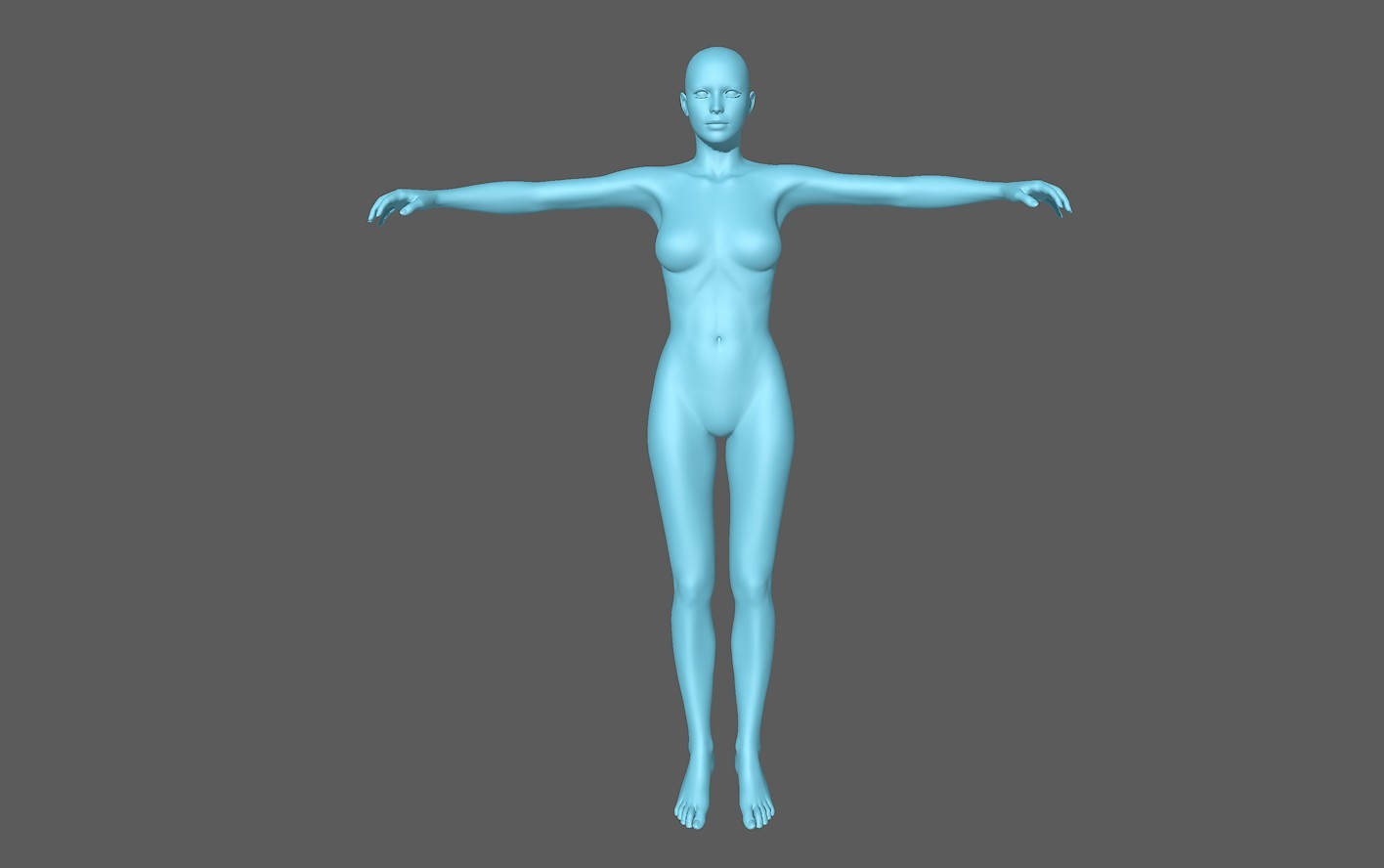
2. Turn her skin into an uniform color. This helps with the sculpting:
3. Load LF2 and pose her as close as possible "over" V4. Take especially care of her hands and toes. as the fingertips and toes shouldn't be morphed too much because otherwise you will loose the nails detail. If necessary, use scaling along one or several axis to make everything fit.
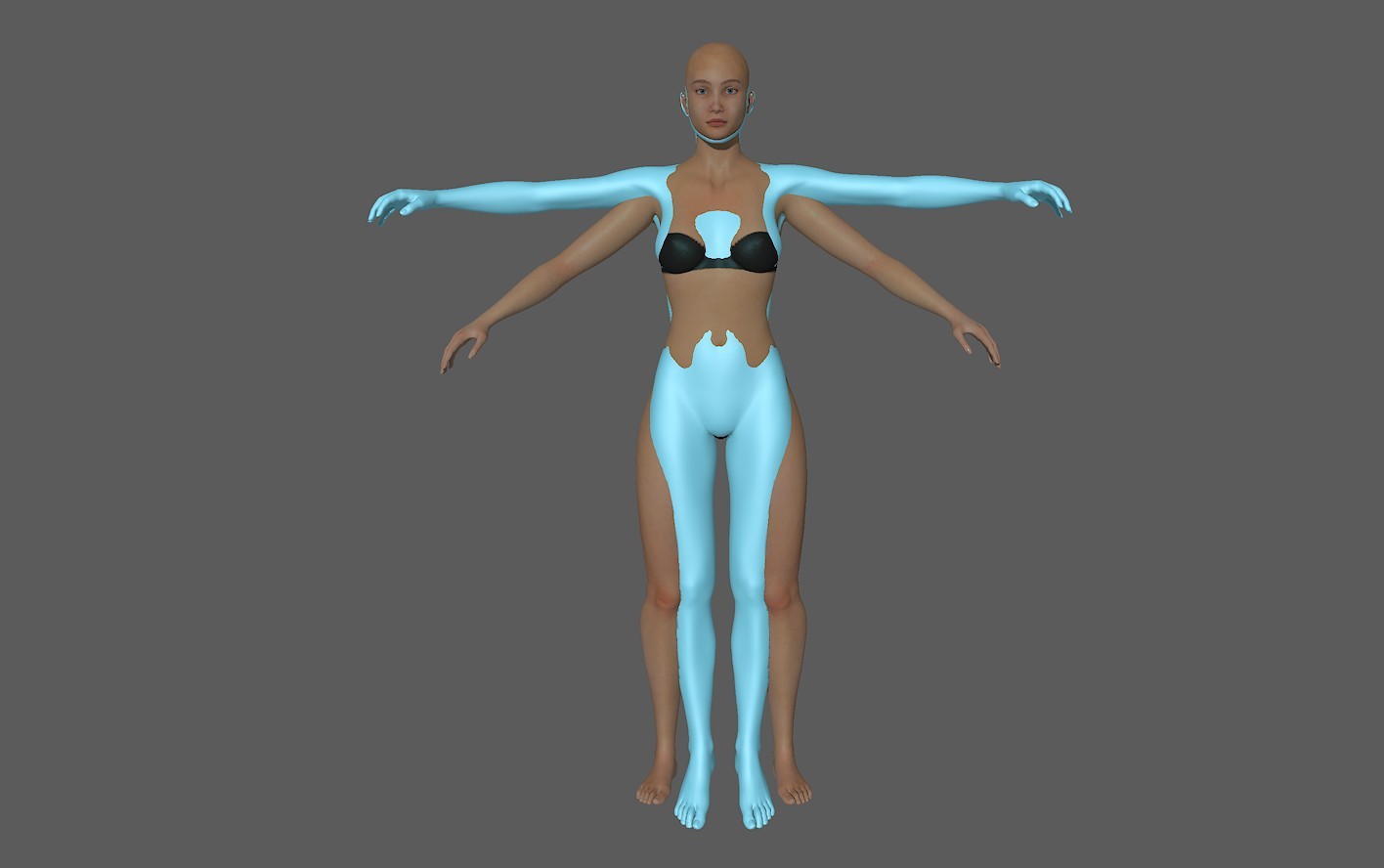
4. I made LF2 a contrasting color to better differentiate between the shapes:
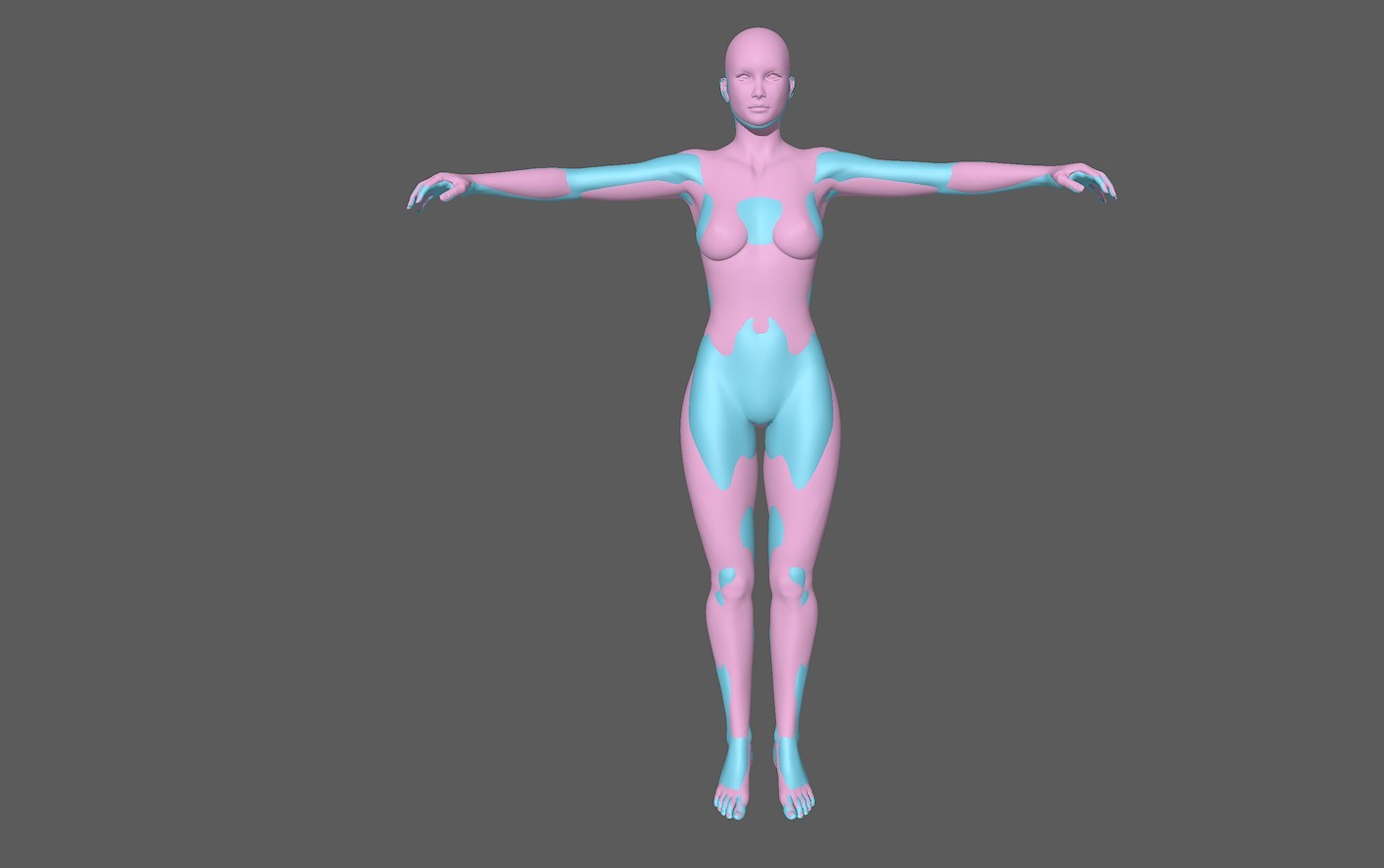
5. Use the Morphing Brush and "Loosen as well as Tighten Fit" and V4 as the "Target" to copy V4's shape over to LF2.
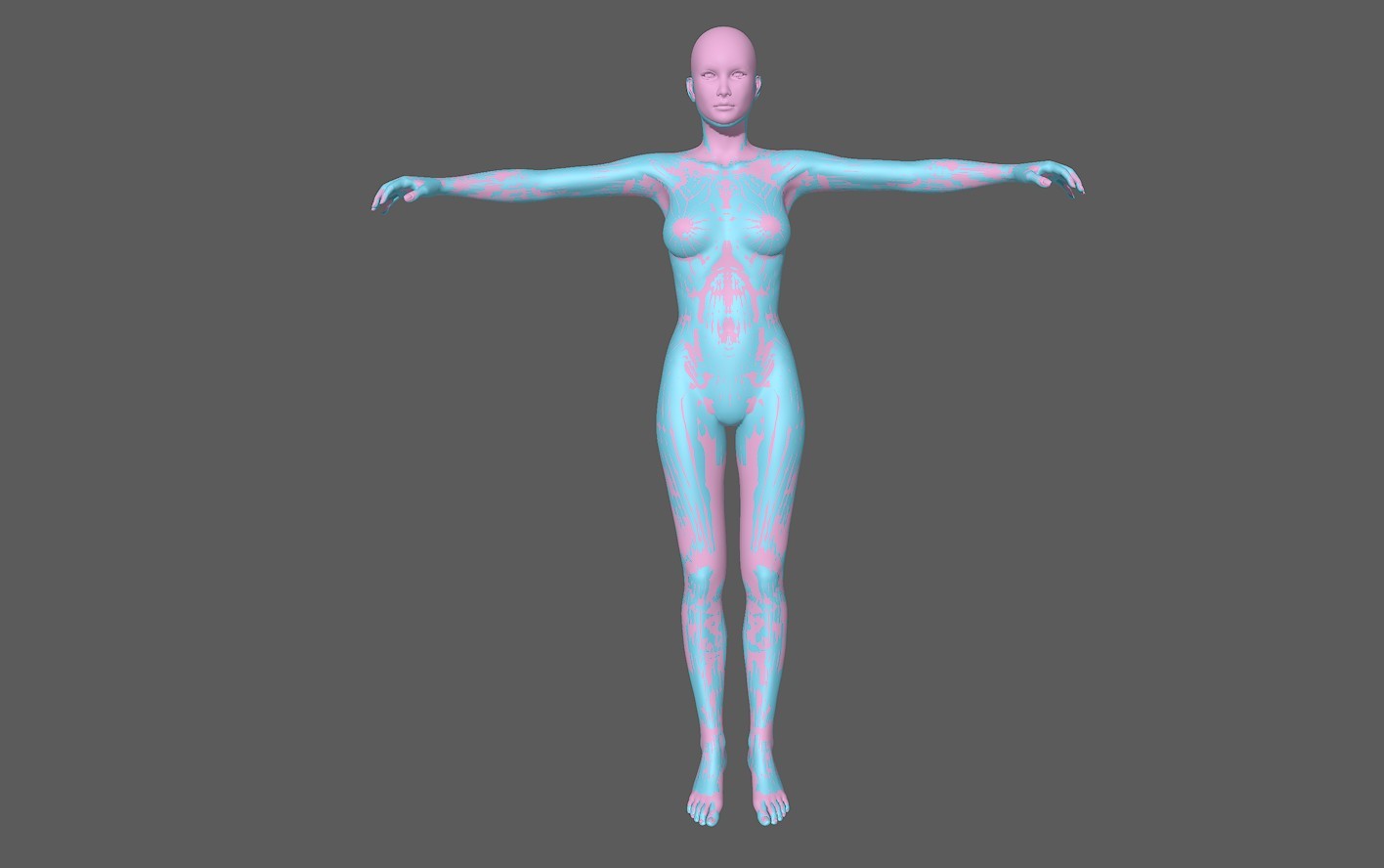
6. This is what it should look like in the end:
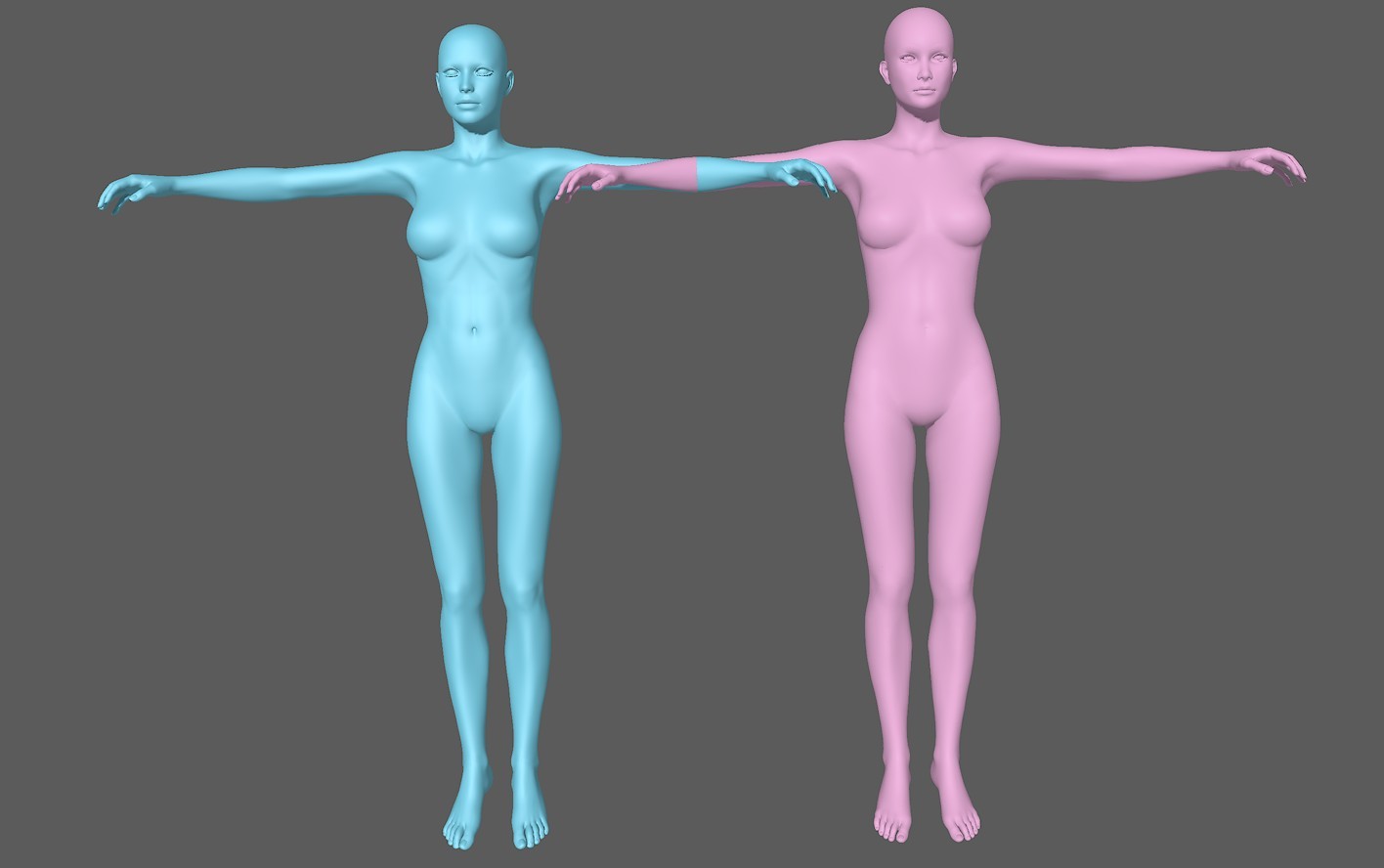
If you mess up, you can use the smoothing brush as well as the restore brush. Also use the "Smooth shaded lined" figure style to check if the mesh accidently crumpled somewhere.
7.
Now it gets tricky. ALL of LF2's body parts must be named EXACTLY like V4!
Also the number must correspond. This CAN be done in Poser using the grouping tool, but it gets A LOT easier and faster in a modelling app like Wings 3D.
So export the modified LF2 mesh as an object file.
Import into Wings3D (Poser objects are tiny, so set Import size to 20.0 and export size 0.05)
DO NOT MOVE ANYTHING AROUND!!!
Select the abdomen and waist, COMBINE them into a single object and RENAME the new part to be just abdomen.
(Make sure that the spelling is EXACTLY like the corresponding V4 bodypart)
Also combine LF2's foot and metastarsal parts this way.
Also the toe part and the separate toes. V4 only has ONE single toe part on each foot.
Again, NOTE the spelling and upper/lowercase.
EXPORT the mesh as an object file.
If there are more than two figures present, Poser adds a :2 to each bodypart.
So open the new LF2 object file in a word editor, search for :2 and simply delete al instances.
(So for example "head:2" will be turned into just "head")
Safe the modified object file in a folder or your desktop.
NORMALLY you could import the new object file into Poser and use the Setup room to turn it into a figure, but Poser gets confused by LF2's face chips.
Sooo...instead put a copy of your new object file into LF2's geometry folder.
Now open LF2's cr2 with a word editor and swap the name of her original object file to the name you gave her modified object file.(There are two instances of this in her cr2. Make sure you replace both)
Safe the new cr2 file (With a new name, of course) to your Poser library.
8. In Poser, now load that cr2:
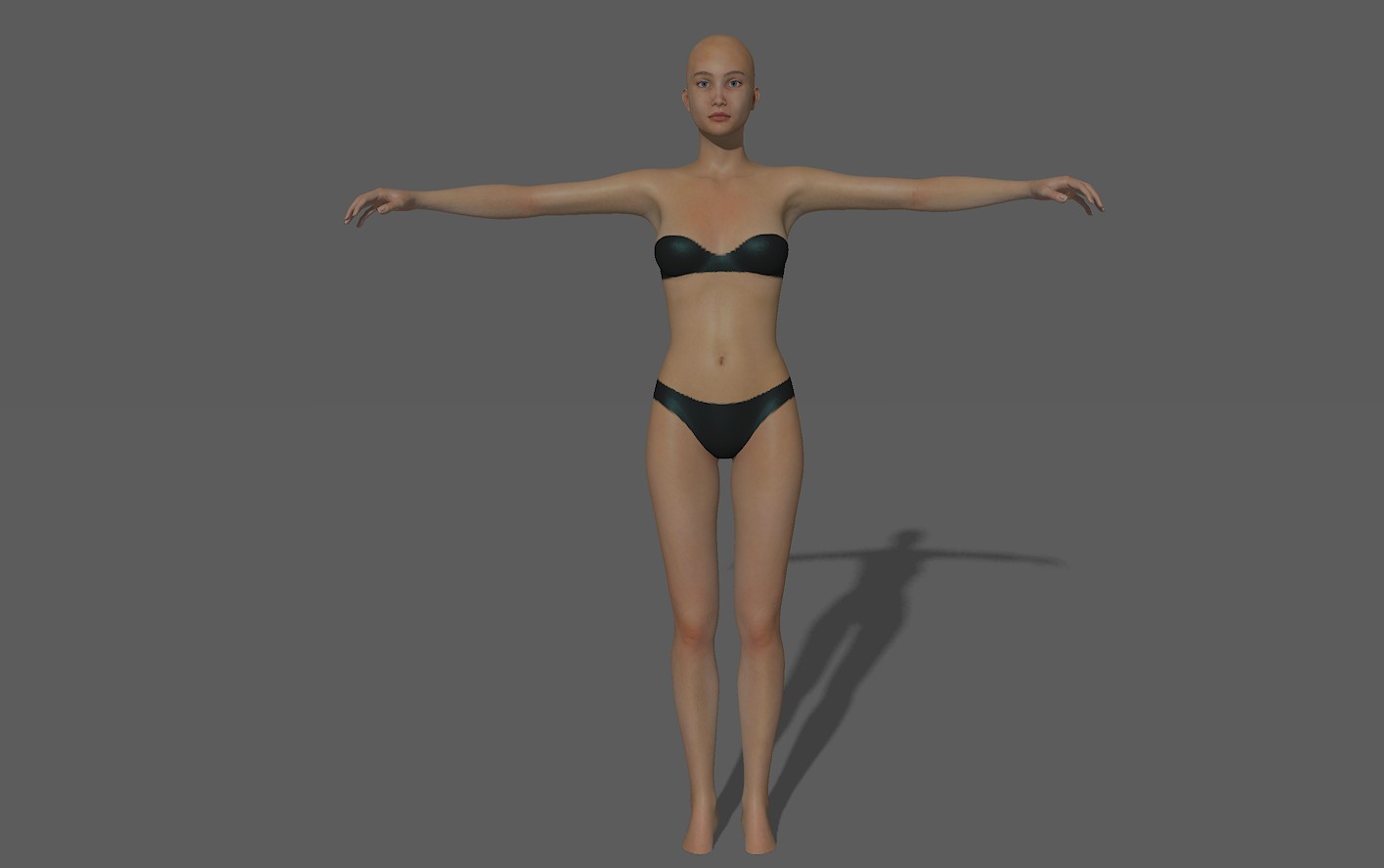
Now careful, her body might LOOK like V4, but she can't move like her (yet).
So, load a copy of V4 next to LF2.
Select LF2, then FIGURE-->COPY JOINT ZONES FROM and select V4.
This will transfer V4's rigging over to LF2.
You might have to adjust the rigging a bid, but generally this should be the result now:
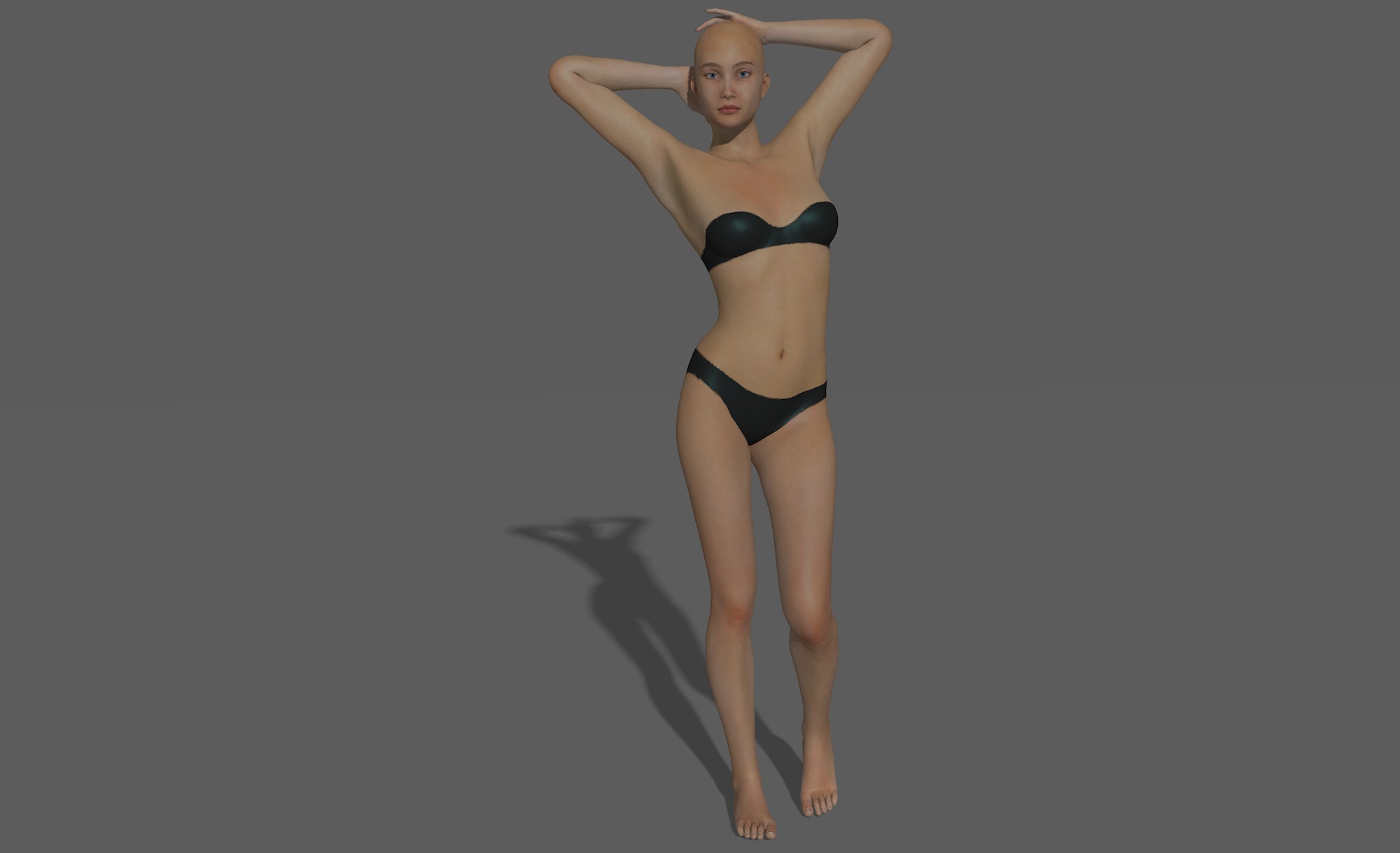
A copy of LF2 with a working expression rig that should be able to pose like V4 and wear V4 clothing without too much fuzz.
Of course weightmapping could greatly improve her posing, but that's another story.
:-)