
willdial opened this issue on Aug 28, 2016 · 11 posts
willdial posted Sun, 28 August 2016 at 3:44 PM
If you import Genesis 3 into Poser and then bends are off like this:
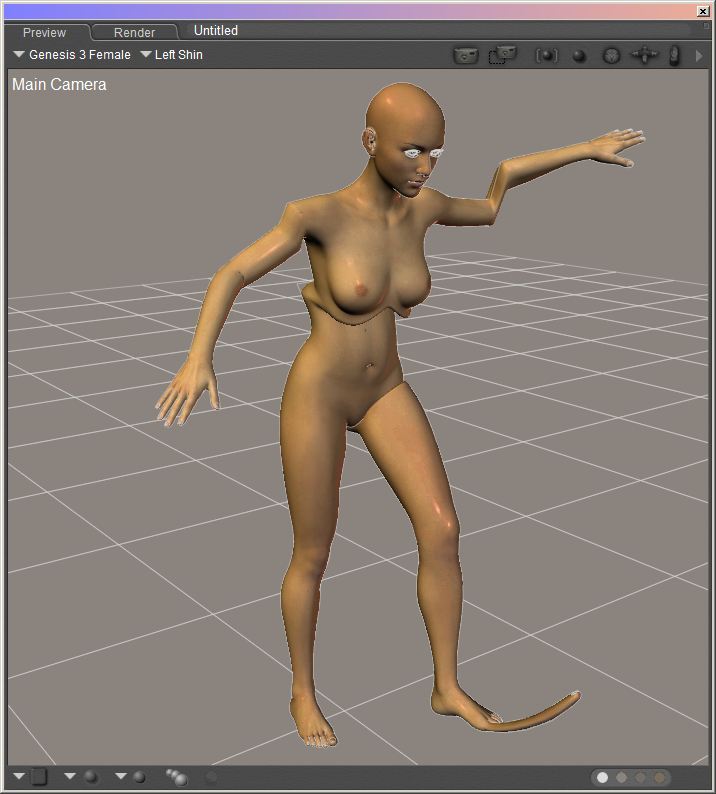
This can occur if the the DSON Importer version is too old or the generated background files are not good. Also, the Updater will throw errors if you attempt run it on a bad file.
Possible Solution 1
Genesis 3 needs DSON Importer version 1.1.3.49 or newer. You can check the version number in the DSON Importer Preference screen.

Uninstall the older version and install the correct version.
Possible Solution 2
DSON Importer generated an OBJ, PMD, and CR2 files. They need to deleted so DSON Importer will create new versions. The OBJ and PMD are under the folder "RuntimeDSONauto_adapteddataDAZ 3DGenesis 3"
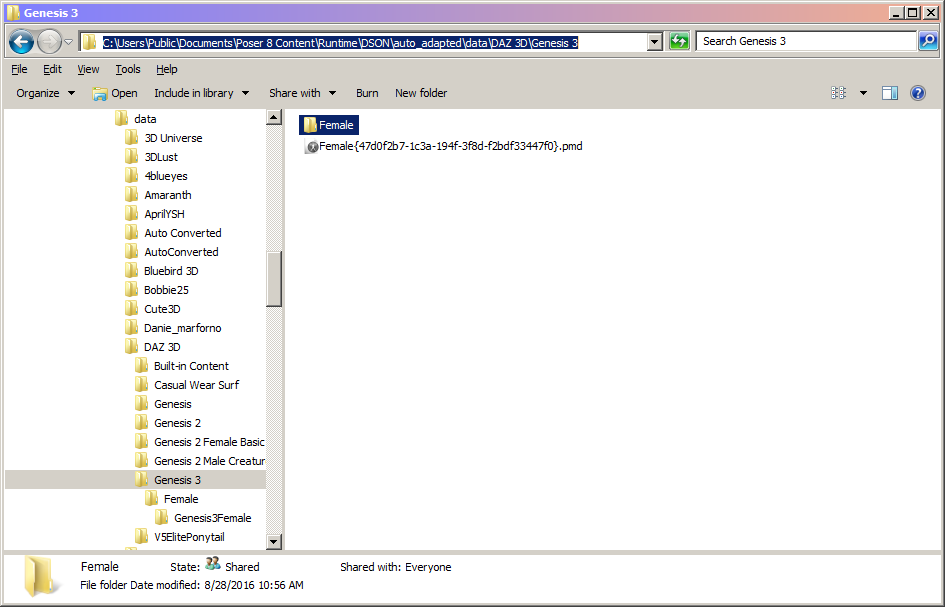
Delete the PMD and the "Female" folder.
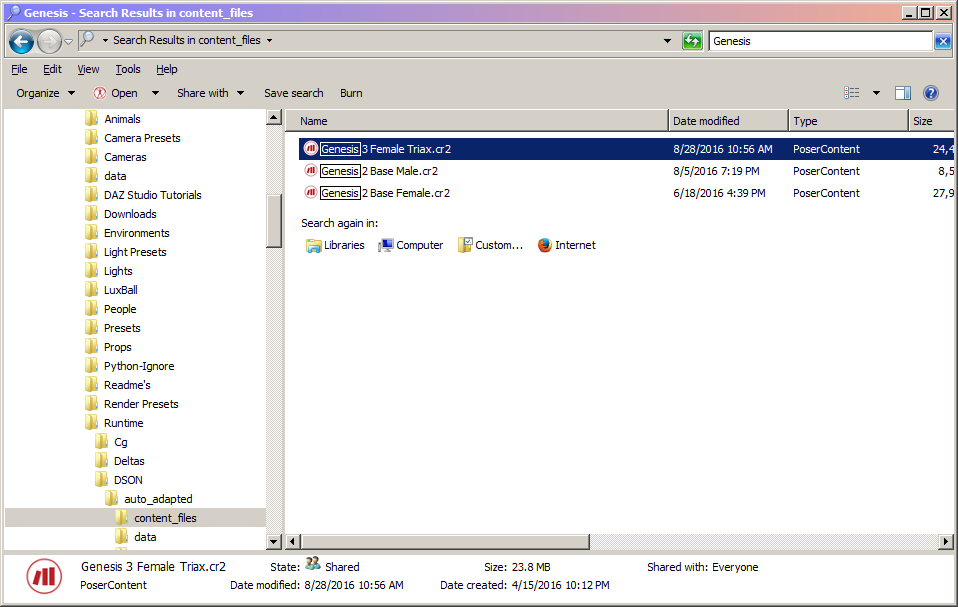
The CR2 is under the folder "RuntimeDSONauto_adaptedcontent_files". But, it could be in one of many generated folders.
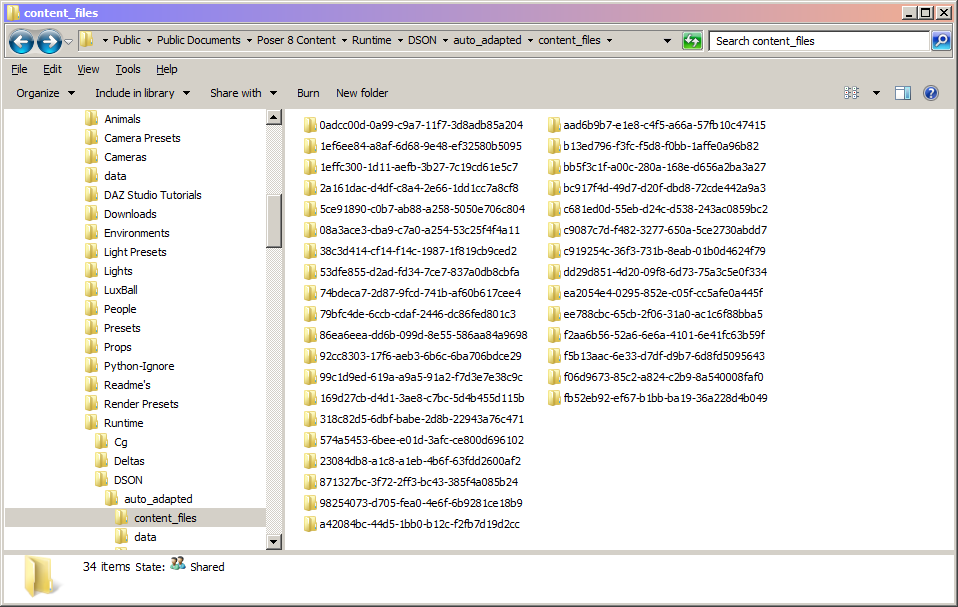
The CR2 file will have the same name as the Poser Companion File. My file was called "Genesis 3 Female Triax".
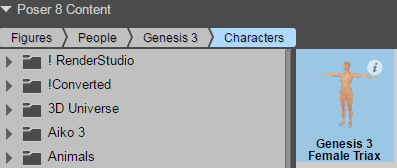
Search for the name and delete the appropriate file
Once the files are deleted, go into the DSON Importer Preference screen and clear the cache.
Now in Poser, re-open the Genesis 3 Poser Companion file.
If the bends are correct, you can now create the Poser CR2 and update that file.