
headwax. opened this issue on Apr 30, 2014 · 9 posts
headwax. posted Wed, 30 April 2014 at 3:24 PM
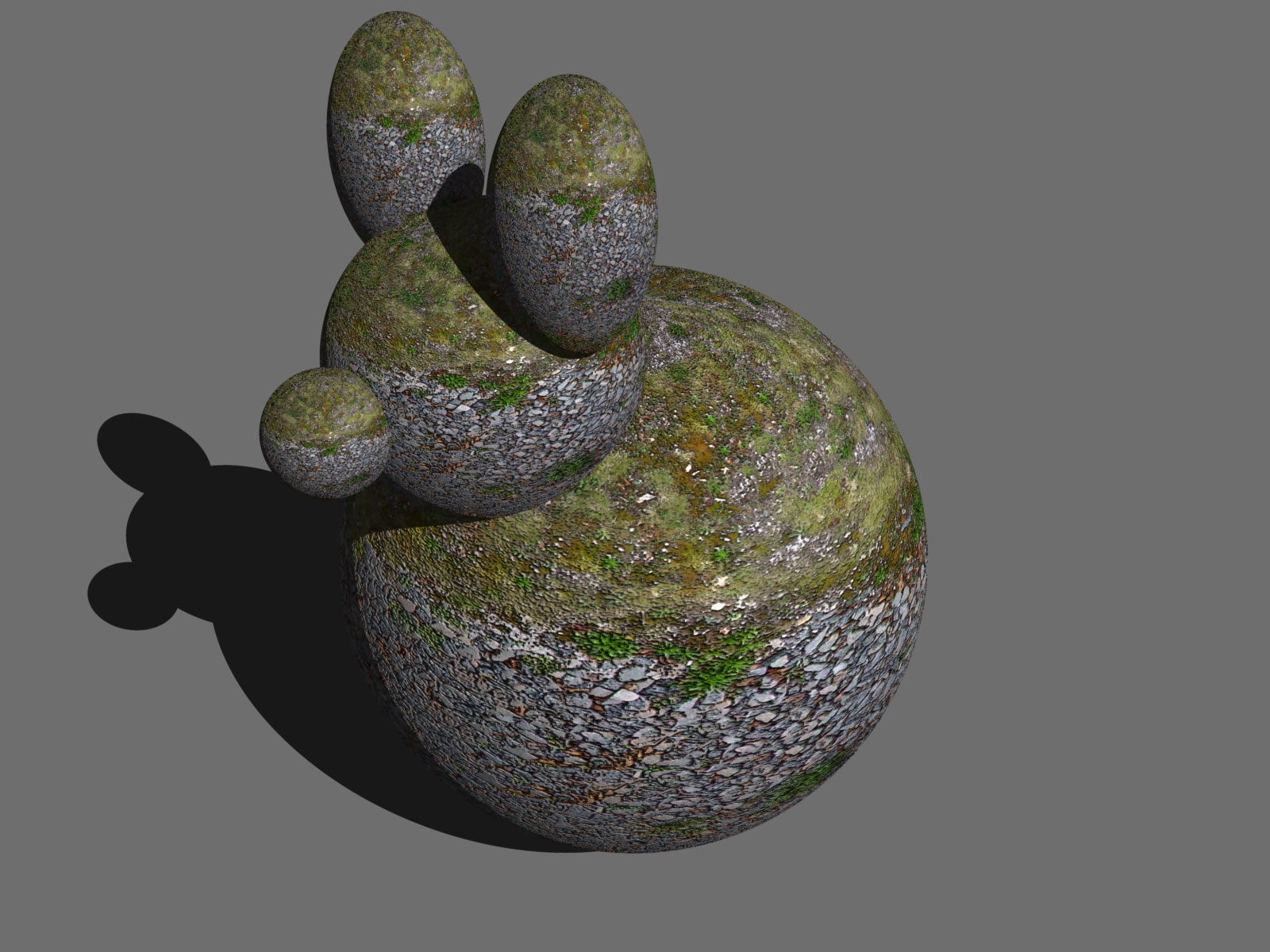
original render and results
headwax. posted Wed, 30 April 2014 at 3:25 PM
headwax. posted Wed, 30 April 2014 at 3:26 PM
booksbydavid posted Wed, 30 April 2014 at 4:50 PM
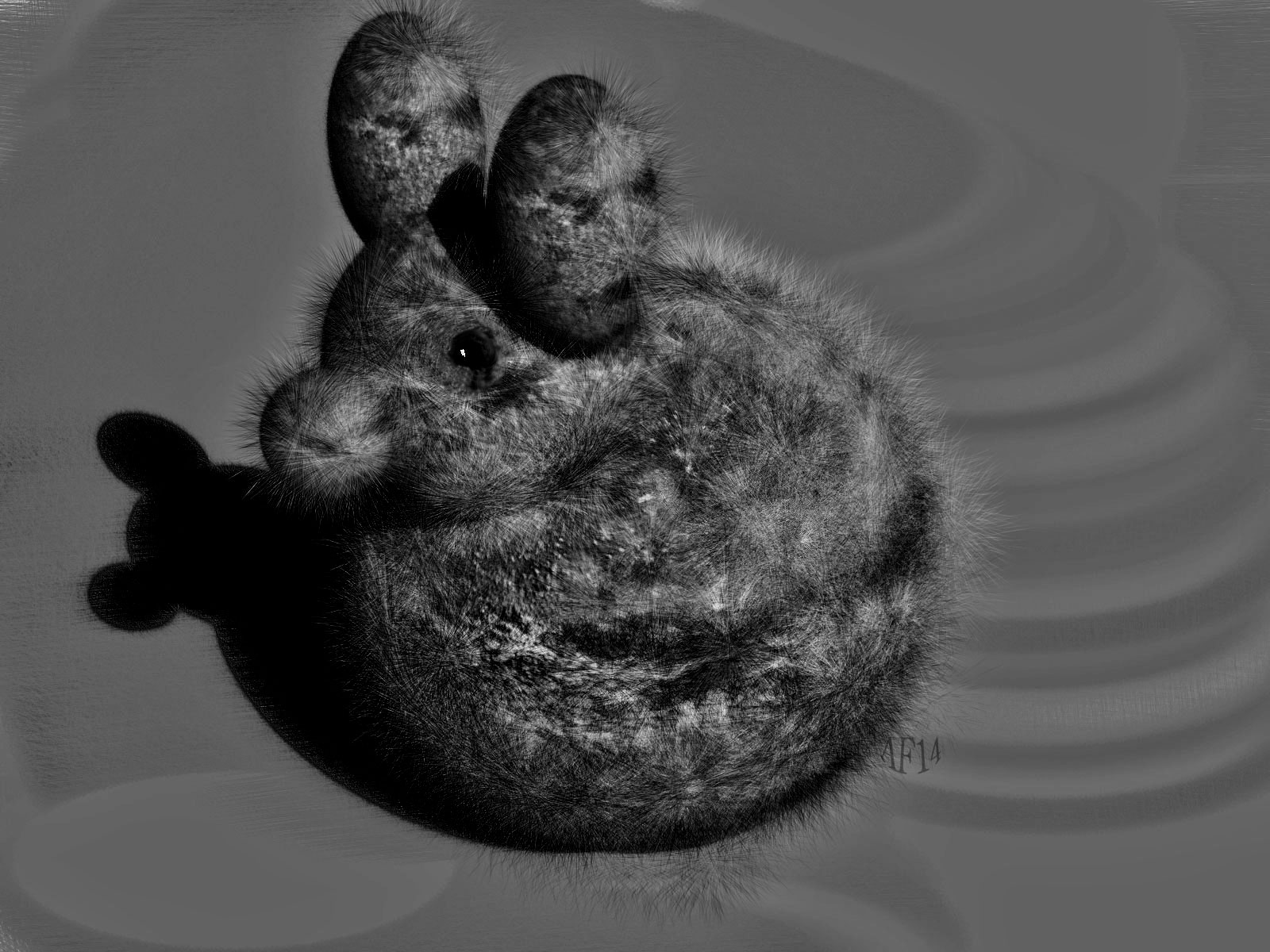
Neat! Never tried that. I've got some fur brushes for photoshop and some similar for Krita. I'm going to have to give it a try. Matter of fact, I have an upcoming project where something like this might come in handy. Not necessarily fur, but something like a fuzzy fungus like look.
Any tips? Come on, you know you have some. :)
booksbydavid posted Wed, 30 April 2014 at 4:52 PM
OK. Up close is extra cool. You're going to derail my mental train with this, you know.
I'm going to start channeling Holly...
"TUTORIAL!"
Heh, heh.
headwax. posted Wed, 30 April 2014 at 10:09 PM
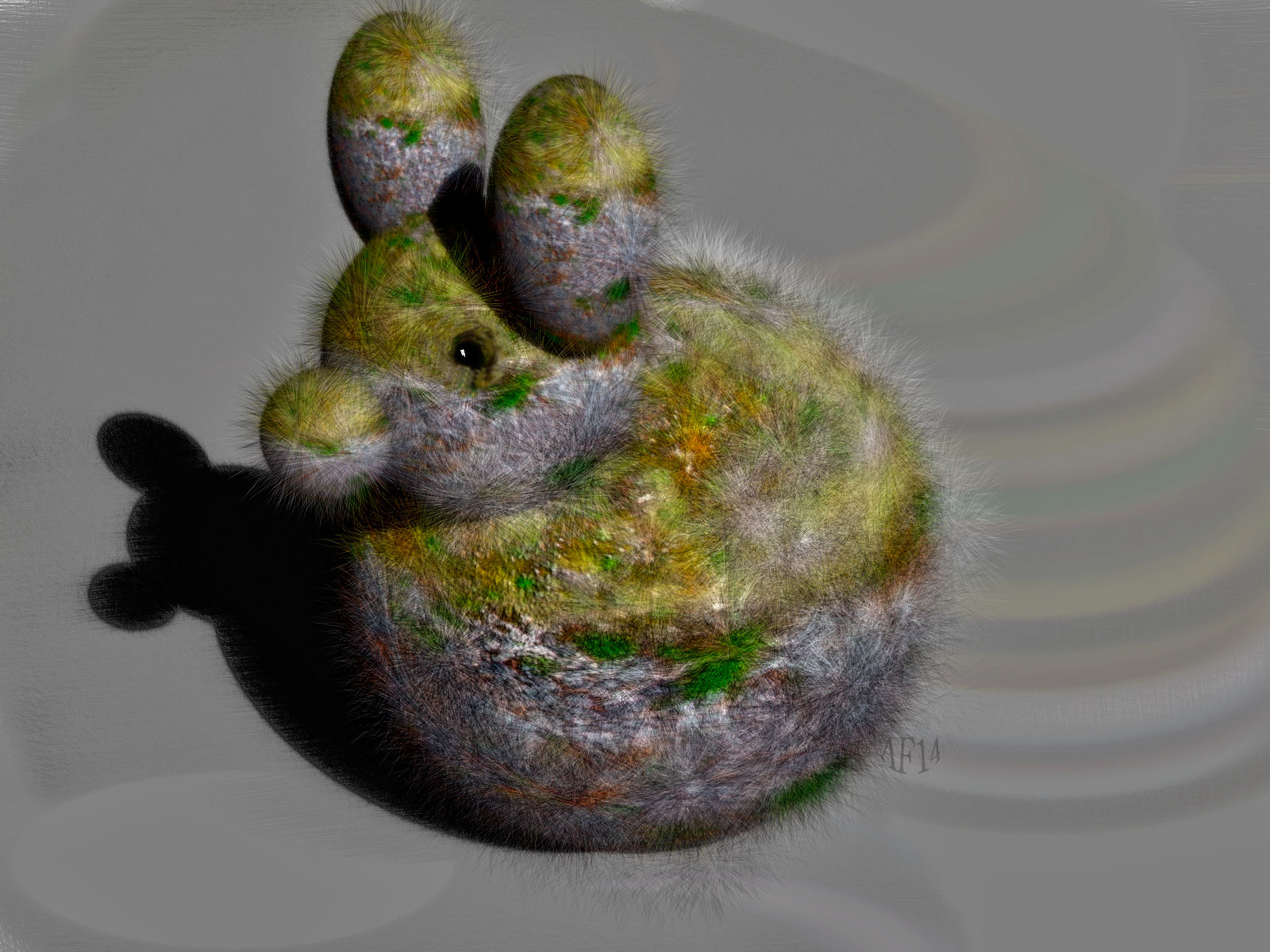
oh it was just point and shoot!
I used the clone thing in painter which means the fur brush picks up the underlying colours of whatever you are cloning.
I went over it with a normal paint job to add a bit of shadow.
I havn't figured out layers in painter yet :( it only lets me paint on the canvas - bottom layer - so I have to read the destructions I guess. I reckon that the go would be to paint the fur in different layers then use faint drop shadows. Painter lets you use a few different clone sources which eans you could have a source which represented shadows and a source which was just ambient light and thengo between the two I think.
you know the great thing about painter is I now can render my images without aa. As I will be 'oiling' them up in post work. So in a scene which is 14 inches by 28 inches at 300 dpi I can save an enormpus amount of render time. It's bliss . Krita eh , will need to check that.
cheers from here :)
headwax. posted Wed, 30 April 2014 at 10:11 PM
ha ha the first think i see is Danas Anis !! http://krita.org/
booksbydavid posted Thu, 01 May 2014 at 11:14 AM
Quote - ha ha the first think i see is Danas Anis !! http://krita.org/
Gets around, doesn't he? :) I really like him. He's had a lot of rough patches in his young life, but he still keeps going. He's pasionate about his art and in all my communications with him he's been positive and supportive.
I wish him the best of luck and hope he goes far in this life.
:)
booksbydavid posted Thu, 01 May 2014 at 11:18 AM
Quote - oh it was just point and shoot!
I used the clone thing in painter which means the fur brush picks up the underlying colours of whatever you are cloning.
I went over it with a normal paint job to add a bit of shadow.
I havn't figured out layers in painter yet :( it only lets me paint on the canvas - bottom layer - so I have to read the destructions I guess. I reckon that the go would be to paint the fur in different layers then use faint drop shadows. Painter lets you use a few different clone sources which eans you could have a source which represented shadows and a source which was just ambient light and thengo between the two I think.
you know the great thing about painter is I now can render my images without aa. As I will be 'oiling' them up in post work. So in a scene which is 14 inches by 28 inches at 300 dpi I can save an enormpus amount of render time. It's bliss . Krita eh , will need to check that.
cheers from here :)
Thanks.
Haven't had much time to play with Krita, but I do like how it handles brushes. And the resource section on their site has good collection of brushes (a bit down the page). I do know that the layers in Krita behave like layers in Photoshop or Paintshop.