
jackhalsey opened this issue on Jun 17, 2008 · 9 posts
jackhalsey posted Tue, 17 June 2008 at 6:33 PM
jackhalsey posted Tue, 17 June 2008 at 6:36 PM

sparrownightmare posted Tue, 17 June 2008 at 6:51 PM
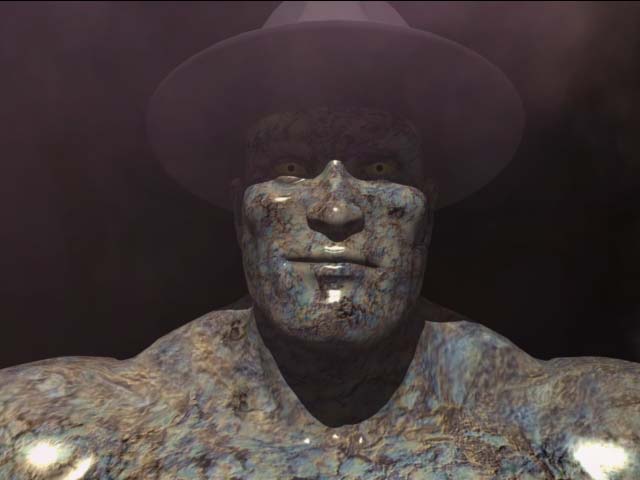
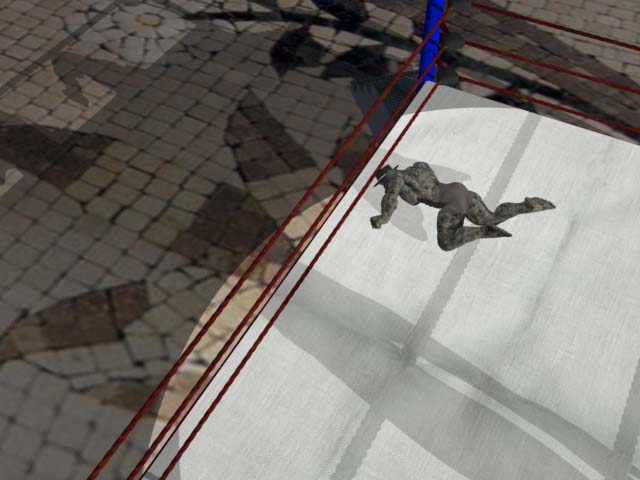
Have you double checked the texture settings in the texture room? It looks like the skin is not reflecting. Send a screen shot of your skin shader tree for the figure.
Rich
Sueposer posted Tue, 17 June 2008 at 7:23 PM
Also, are you using global illumination (or skylight) in the render? It is usually better.

GKDantas posted Tue, 17 June 2008 at 7:47 PM
Light postion can cause this problem, highlight can be very little spots and couldnt be visible at large distance too.
Follow me at euQfiz Digital
jackhalsey posted Tue, 17 June 2008 at 8:11 PM
Thank you all will follow your suggestions and post follow up.

Hoofdcommissaris posted Wed, 18 June 2008 at 3:27 AM
The highlight are traditionally faked, to be photorealistic, highlights should actually be caused by reflections off light sources. Maybe you should add more reflectivity?
GKDantas posted Wed, 18 June 2008 at 8:08 AM
Hoof you remeber me about to add a fresnel effect so highlights can change based on light position....
Follow me at euQfiz Digital
jackhalsey posted Wed, 18 June 2008 at 10:54 AM
Thank you both am still working on this.