
ninhalo5 opened this issue on Jan 23, 2008 · 13 posts
ninhalo5 posted Wed, 23 January 2008 at 8:35 AM
Hi guys, I just got a copy of carrara express. I'm trying to render a V4 character but I can't figure out the eyelashes. I've been playing with the transparencies and it goes from bad to worse. does anyone have a tip on how to properly set up the lashes so they look like lashes?
everything else seems pretty basic with setting up materials or shaders what have you.
thanks
jeff

MarkBremmer posted Wed, 23 January 2008 at 9:02 AM
Make sure that you have "light through transparency" enabled in the render room. Is the texture map showing on the lashes correctly?

Incognitas posted Wed, 23 January 2008 at 9:52 AM
I hardly like to second guess Mark but have you ticked BOTH light through transparency boxes in the render room?

GKDantas posted Wed, 23 January 2008 at 10:13 AM
The second transparency option is for GI only, if you dont turn SkyLigt or Indirect Light on you dont need it.
Follow me at euQfiz Digital
Incognitas posted Wed, 23 January 2008 at 10:23 AM
Well I didn't know from the OP's post where they had got to with the lighting.
ninhalo5 posted Wed, 23 January 2008 at 12:53 PM
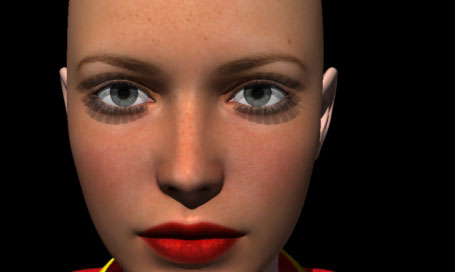

MarkBremmer posted Wed, 23 January 2008 at 12:59 PM
Move the transparency map to the alpha channel - This is the best to actually "hide" geometry with a texture map. Then make sure that the color in the Shader is what you want.

Miss Nancy posted Wed, 23 January 2008 at 3:54 PM
just to agree that one should use an alpha channel for the lashes in c6pro.
this differs from poser and even older versions of carrara, where it was possible to
use the transparency channel (in combination with diffuse and specular) to get a glowing
surface, due to the way the combination of the three could add up to more than 100%.
one other item in regard to c6pro's handling of lash transparency:
it's apparent even in the small image above that the shadows are wrong and/or bad,
which is a big part of the problem (beyond proper render and shader settings).
I've found it's very difficult to get a realistic shadow appearance in c6pro when zooming in
on the lashes. the lashes may look solid in a typical render, but it's actually the bad shadows
that are making 'em look solid.
ninhalo5 posted Wed, 23 January 2008 at 4:32 PM
Attached Link: http://i116.photobucket.com/albums/o32/skywlkr5/car1.png
well I tried the alpha ugh horrible, now I'm really confused how does one make a shadow bad and or wrong? possibly the angle of the light? I'm not doing anything special here just imported V4 and I'm adding textures the lights and stuff are left to default. I'm just trying to get a feel for this program. I left a link to a screenshot for my current settings maybe this i'll help figuring out what's wrong with my settings. thanks guys for all your help.
MarkBremmer posted Wed, 23 January 2008 at 6:04 PM
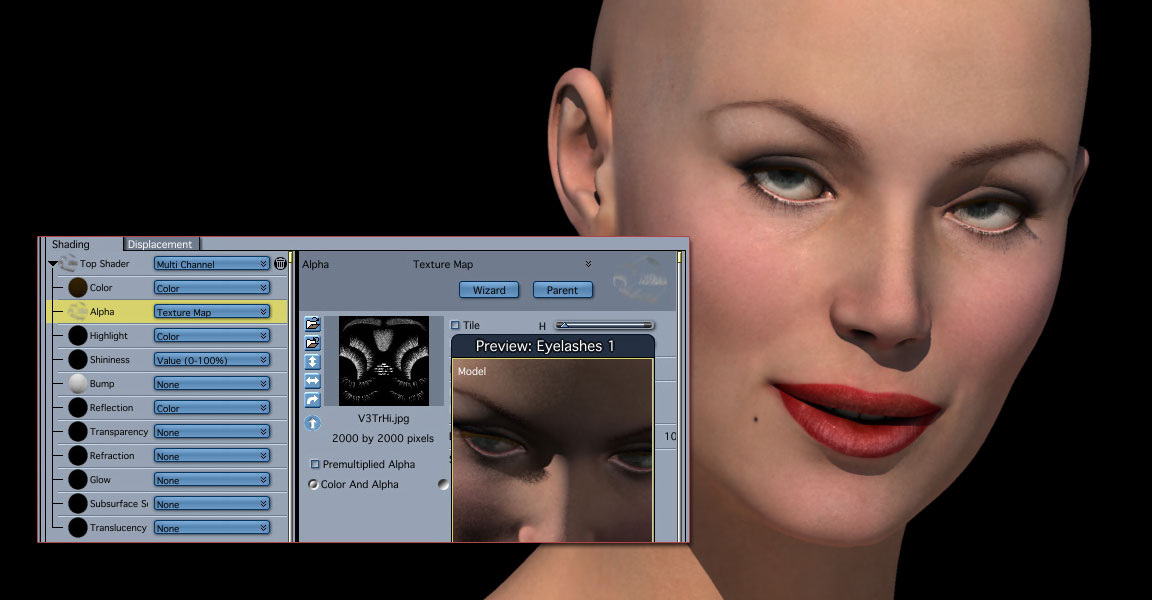
ninhalo5 posted Wed, 23 January 2008 at 6:25 PM
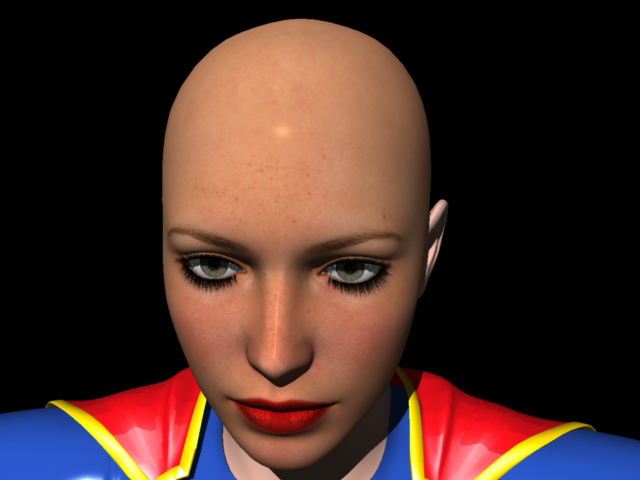
MarkBremmer posted Wed, 23 January 2008 at 6:37 PM
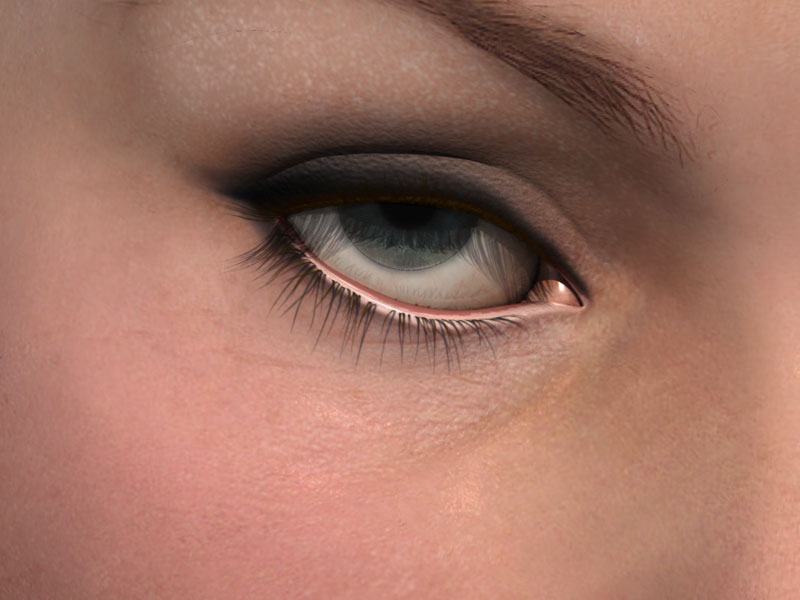
Miss Nancy posted Wed, 23 January 2008 at 10:09 PM
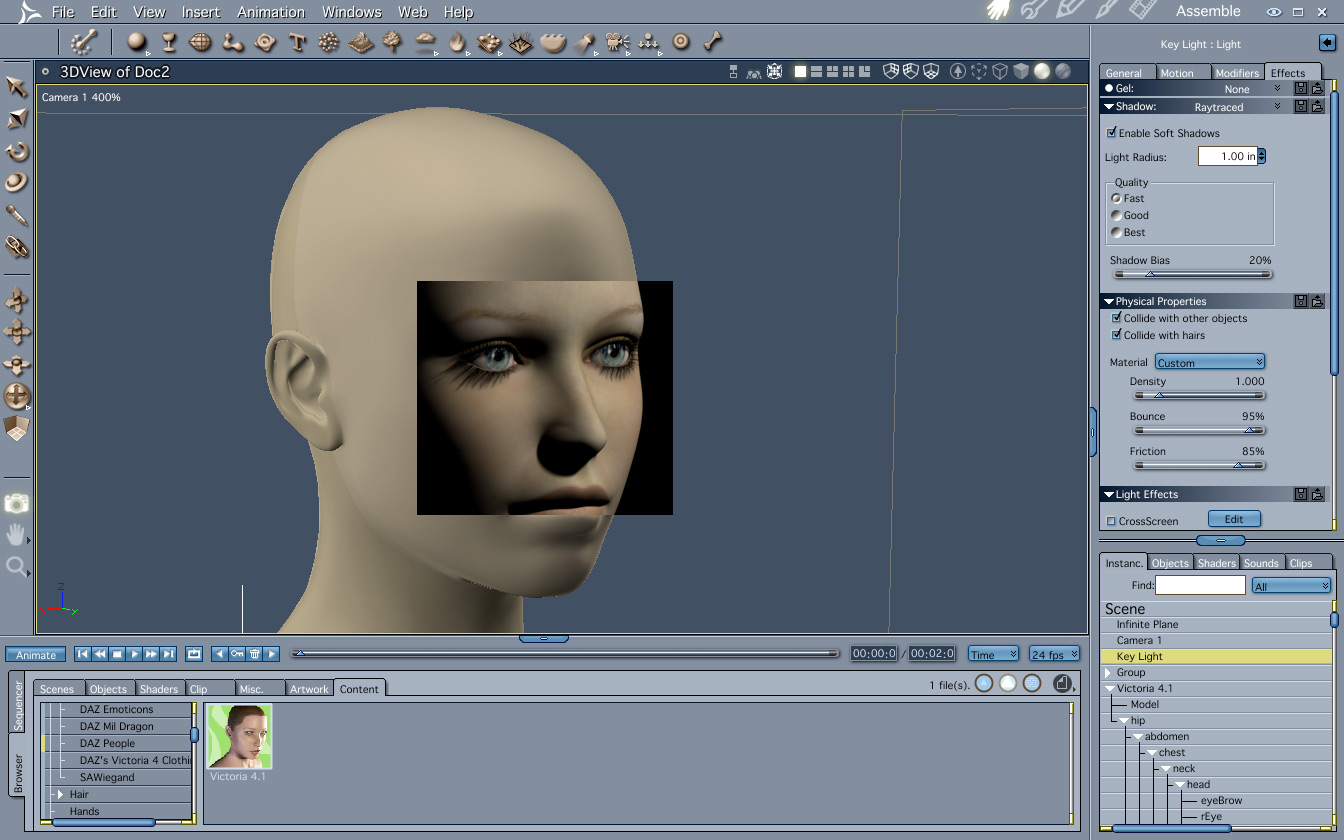
but looking at peoples' eyes up close, and looking at stock photos, I'm not seeing any lash
shadows, hence I daresay it must be rather difficult to take a photo of an actual human and
get distinct lash shadows, although the laws of optics dictate that it must be possible.