
Pinklet opened this issue on Dec 07, 2007 · 10 posts
Pinklet posted Fri, 07 December 2007 at 12:39 PM

ominousplay posted Fri, 07 December 2007 at 1:33 PM
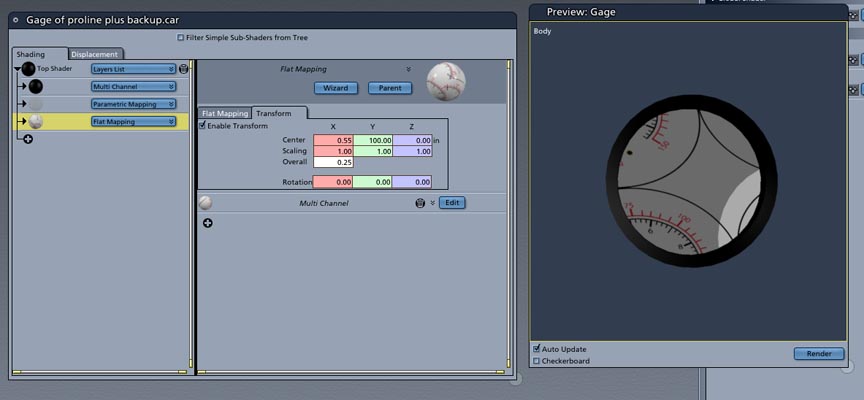
For one face I would assign a shading domain to that one domain and use the UV in Carrara to place the texture map on just that face. You'll have to assign the shading domain first, go into the UV editor, save a large template of the uv out of the editor, use Photoshop (or whatever) to paint on the artwork, then take it back into Carrara as a texture map on just that shading domain. That is how I'd try it. R
Never Give Up!

Miss Nancy posted Fri, 07 December 2007 at 2:40 PM
it's a flat, one-sided disk upon which ya wanna map the gauge label? unclear on how that would be one polygon.
Pinklet posted Fri, 07 December 2007 at 3:32 PM
Pinklet posted Fri, 07 December 2007 at 3:46 PM
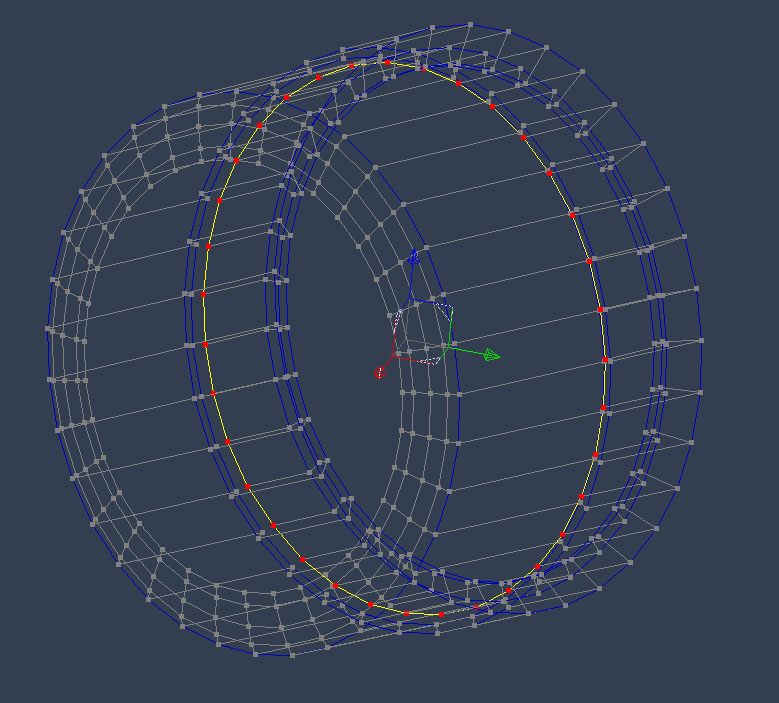
I get the gist of the UV mapping tool, the problem is when I export, I don't get a grid, only a gray square box. What am I missing?
Miss Nancy posted Fri, 07 December 2007 at 3:58 PM
so the yellow and red thing is one polygon with about 30 or 40 sides? maybe triangualte it so there are pie-slice polygons and a centre vertex.
Pinklet posted Fri, 07 December 2007 at 4:39 PM
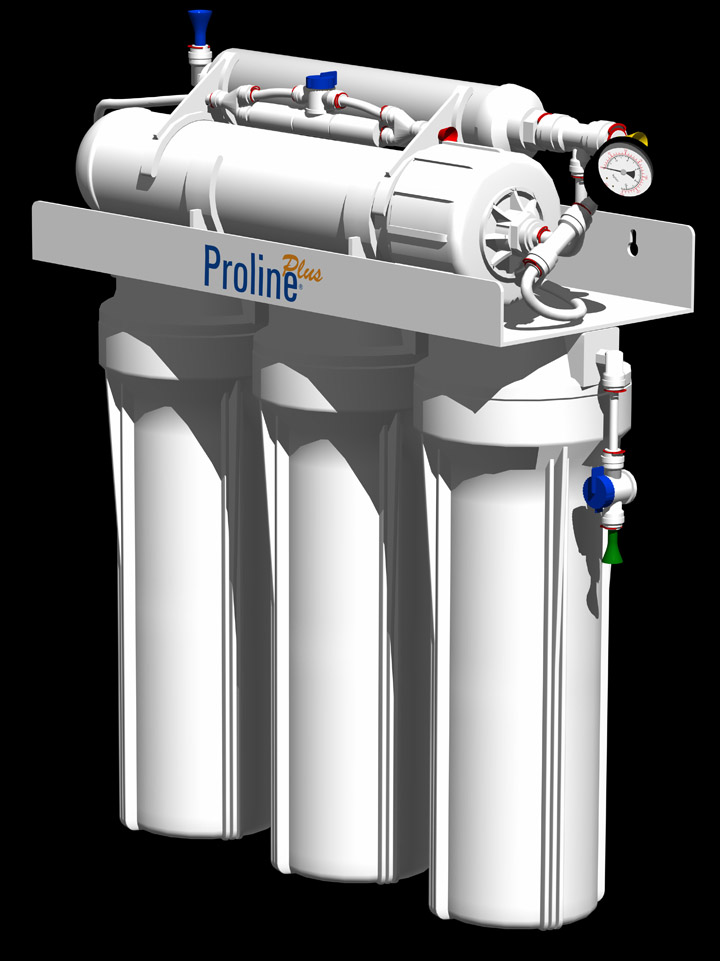
O.k. I figured it out. I was only naming one domain. Once I named the rest of the object, it all made sense. Thanks to both. Tessellating the object in to pie slices helped greatly too.
Pinklet posted Fri, 07 December 2007 at 5:47 PM
ominousplay posted Fri, 07 December 2007 at 6:04 PM
Right on! Looks great. How did you position the Proline label?
Never Give Up!
Pinklet posted Sun, 09 December 2007 at 2:51 PM
With the rectangle layer list list features. Your UV solution took some learning, but once I figured it out, it's pretty good actually. Thank for your help, both.