
ominousplay opened this issue on Sep 27, 2007 · 10 posts
ominousplay posted Thu, 27 September 2007 at 8:35 PM
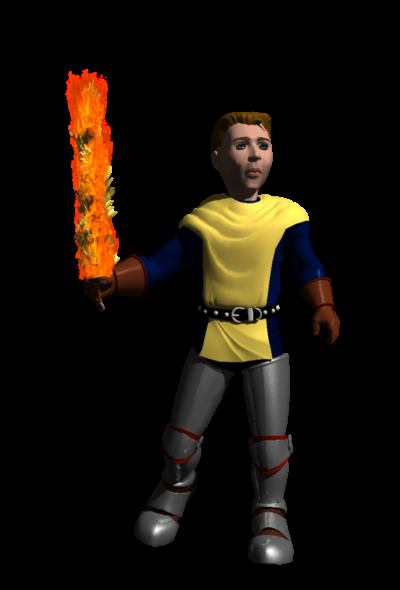
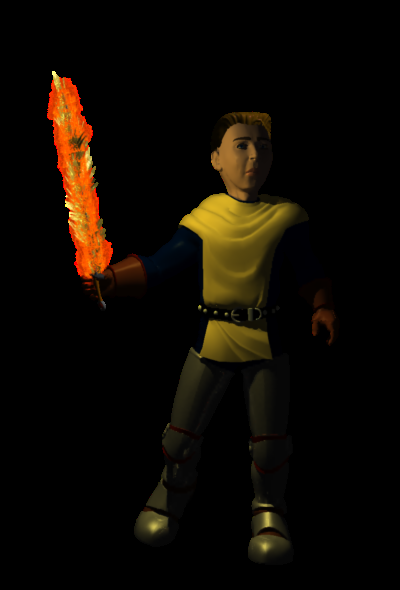
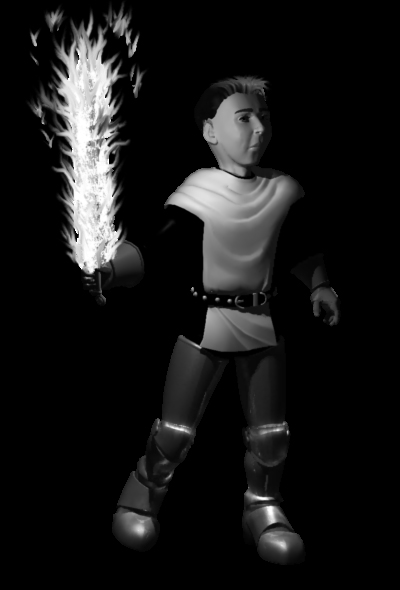
I am trying to render a simple transparent background ( no background ) behind a single model - like is possible in Poser - .png file. It renders out transparent. How do I do this in Carrara?
Never Give Up!

hdaggers posted Thu, 27 September 2007 at 9:06 PM
If you have a background or backdrop it will render, but will only show if your viewing program can't use the transparency.
ominousplay posted Fri, 28 September 2007 at 11:12 PM
Never Give Up!
ominousplay posted Fri, 28 September 2007 at 11:49 PM
Never Give Up!
ominousplay posted Sat, 29 September 2007 at 12:45 AM
Never Give Up!

bwtr posted Sat, 29 September 2007 at 1:14 AM
Hope I can explain this clearly.
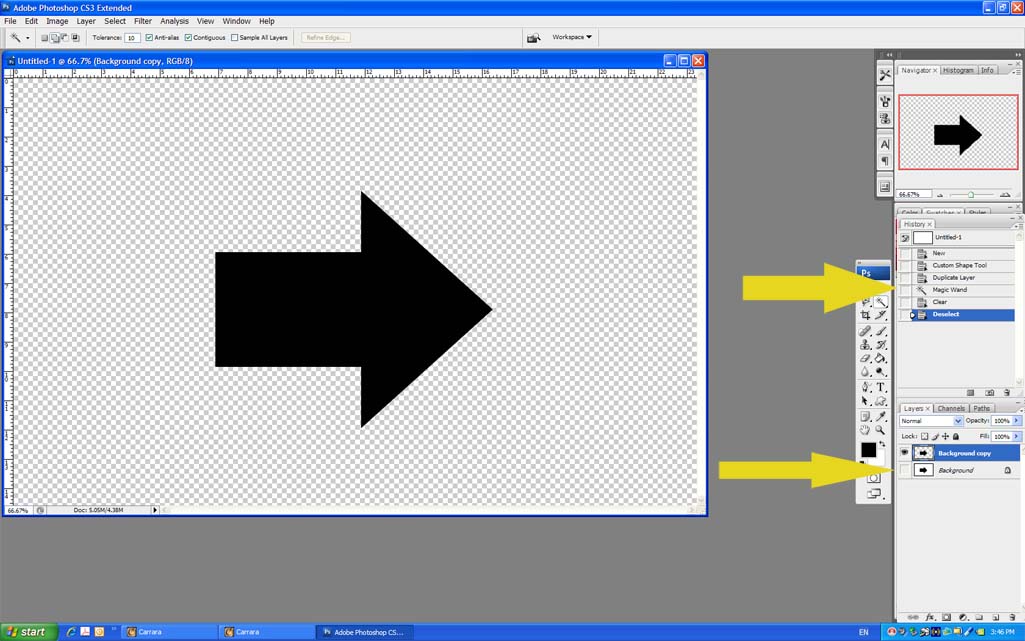
In Photoshop duplicate the image .Select the background with the magic wand and click delete.
Close the "eye" on the original background image.
Save the result as a .png file.
Hope that helps.
bwtr
bwtr posted Sat, 29 September 2007 at 1:20 AM
bwtr
ominousplay posted Sat, 29 September 2007 at 2:39 AM
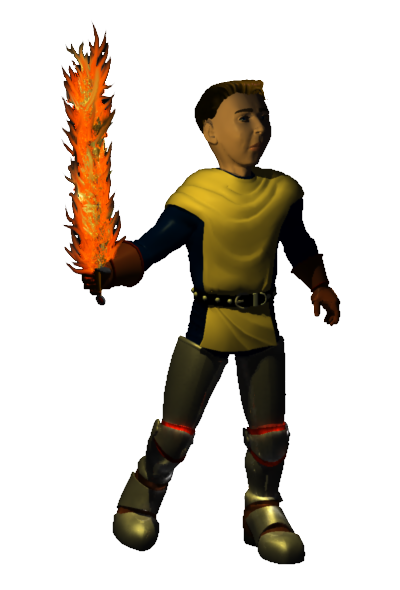
Never Give Up!
bwtr posted Sat, 29 September 2007 at 4:22 AM
It can be very helpfull at times to change the value of the wand. I think 32 is the default setting.
Keep that in mind. You can start off with a low setting and gradually add areas with the add to selection un til you get exactly only what areas you want.
A brilliant tool!
bwtr

lululee posted Sun, 07 October 2007 at 3:27 PM
If you render ot a Targa with a black background it will give you a transparent background.
cheerio lululee