
ominousplay opened this issue on Dec 16, 2006 · 6 posts
ominousplay posted Sat, 16 December 2006 at 3:26 AM
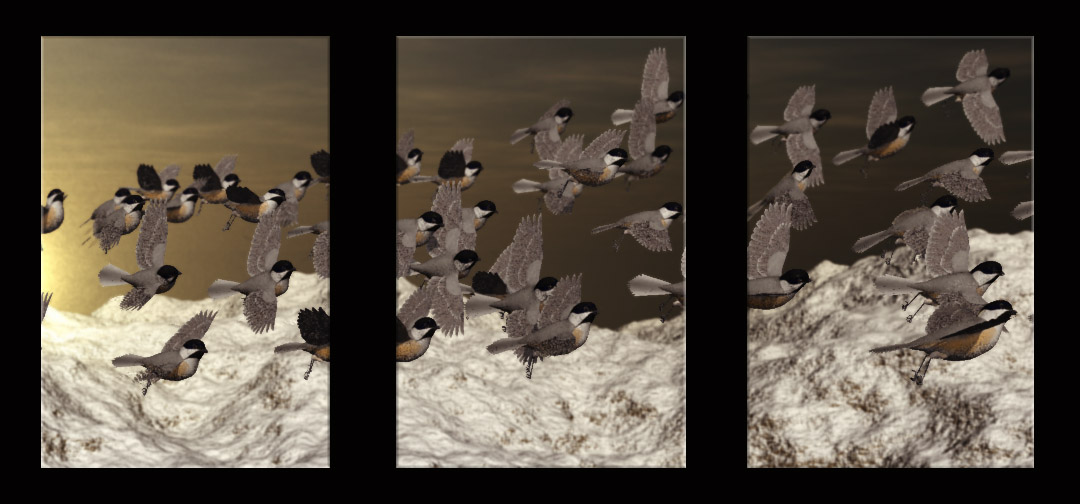
Never Give Up!

AndyCLon posted Sat, 16 December 2006 at 6:22 AM
Looks brilliant. Perhaps when you render it at a large size you could put some depth of field in so that the focus is taken off the background.
There's also a tool called "swap" from http://www.inagoni.com which you could use to put some balls or low rez models in place of birds then swap them back when you are happy.
ominousplay posted Sat, 16 December 2006 at 1:19 PM
I wish swap would work for what I doing. I think if I had 33 actual boned birds in the scene, I'd drash for sure. Another thing I was thinking was to bring in each bird as a posed, not boned, maybe low polycount with nice texture.. then I could have a lalf dozen poses instead of three - or twelve poses - and the little legs are not tucked back. I don't have enough depth of field going, just a little. Thanks for the tip. R
Never Give Up!
ominousplay posted Mon, 18 December 2006 at 10:10 AM
I've made a quick render or an animation, birds flying, then went to save as an animated gif but was unhappy with the results. What are the best settings for saving as animated gif?
Never Give Up!
AndyCLon posted Mon, 18 December 2006 at 11:03 AM
What you are attempting to do would not work well as an animated gif which only support 256 colours.
Depending on your platform, you could export as a .MOV (probably best for posting here) or a series of frames (to convert in a video package of your choice) or I use uncompress AVI and then use Microsoft Movie maker to convert that into a WMV.

MarkBremmer posted Mon, 18 December 2006 at 11:06 AM
Hi Onimousplay, Animated gif are THE lowest common denominator. To get get good quality usually results in files too big to post here at Renderosity. Gifs are better for non-photographic subjects. It's just a curse of the format. That said, the settings of Adaptive and 256 colors are usually the best. I wouldn't be optimistic that these will yield satisfactory results. :-/