
gavotte opened this issue on Jan 13, 2006 · 11 posts
gavotte posted Fri, 13 January 2006 at 2:44 PM
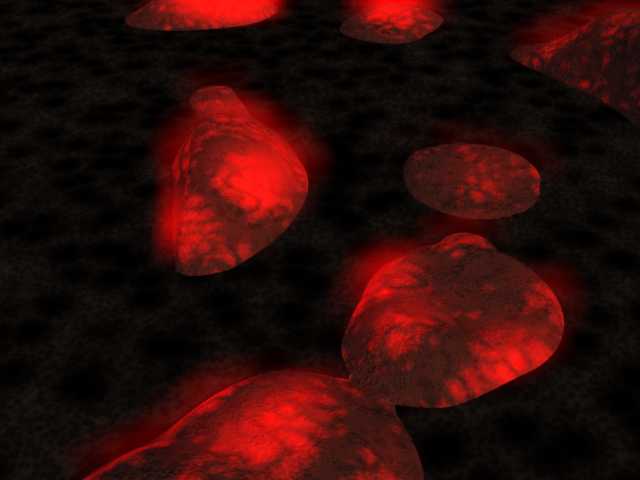
I am having trouble applying Anything Glows (AG) and getting multiple light sources from it. What I am trying to do is simulate the light being generated by a molten lava field. What I have is a terrain in which I am using a flat plane as my lava field. Where the plane pokes up through the terrain, I would like some light to illuminate the surrounding terrain.
I have placed the lava plane into the vertex modeler and subdivided it many, many times in order to get a fine mesh on the surface to assure that at least some mesh centers (or mesh vertices) are uncovered at the points where the lava plane pokes above the terrain.
I then turned on AG for this plane. I have used both the vertex and the facet light source options but all I ever get is some light peaking out at the outer edge of the lava plane, but never on the surface. I have also tried inverting the normals on the plane and that had no effect.
I have also tried using an actual 3d vertex object on which I again subdivided the top surface multiple times and this also did not work.
Any thoughts or suggestions on how to make this work would be greatly appreciated.

steama posted Fri, 13 January 2006 at 3:42 PM

ren_mem posted Fri, 13 January 2006 at 5:26 PM
There was just a thread about aglows...there is a good kixum tut in the backroomw/ several ways to use it. Part of the problem is people thinking it works like glow.Kinda hard to assist further w/ out seeing your shaders.
No need to think outside the box....
Just make it
invisible.
steama posted Fri, 13 January 2006 at 11:51 PM
gavotte posted Sat, 14 January 2006 at 12:05 AM
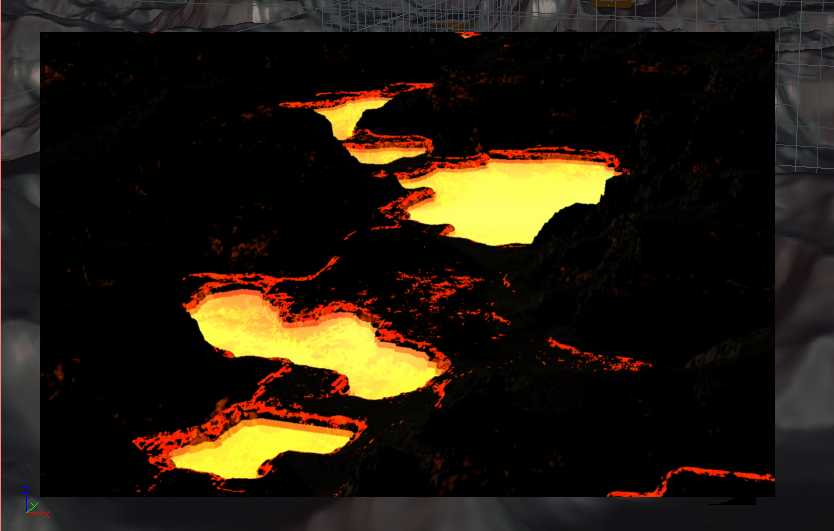
The AG settings are as follows: brightness 200, range 400, falloff 45, cast shadows on, color Light Color, origin Vertex,
fidelity 5000, standoff 0.25, min distance 0.25.
steama posted Sat, 14 January 2006 at 12:33 AM
It looks like the lava pools are below darker the terrain level, therefore they may not luminate the terrain because the light would shine upwards being blocked at the edges (no way to dispers on the terrain. Just a possible observation. Very cool image so far! Maybe fake it with ambient light? Just an idea.
Good Luck,
Stan
Message edited on: 01/14/2006 00:34
Message edited on: 01/14/2006 00:36

chuckerii posted Sat, 14 January 2006 at 8:48 AM
Yes, you may need to fake it with another light source placed above the terrain. I really like what you have so far - looks great!
Chuck
gavotte posted Sat, 14 January 2006 at 11:24 AM
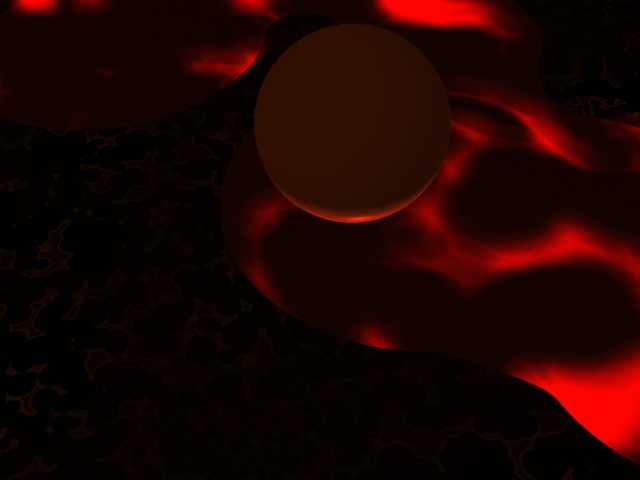
Steama - I was able to confirm that that you are correct by placing a simple sphere above one of the lava fields. The sphere was illuminated from below.
It looks like my only option at this point is placing a series of small light bulbs just above the places where the lava field
shows up.
Thanks for all the help!
ren_mem posted Sat, 14 January 2006 at 10:00 PM
Looks good.Some volumetric clouds or primivol might look good also as vapors.Definitely take a look at the tutorials tho it covers multiple ways to use aglows I believe.
Message edited on: 01/14/2006 22:01
No need to think outside the box....
Just make it
invisible.
ren_mem posted Sat, 14 January 2006 at 10:16 PM
I just checked. It covers multiple ways to get an object to glow. Aglows is covered.The glow channel is less controllable, but it can do some nice things also.Might want to try the glow channel with an operator. A nice particle emitter spitting out lava would also be great;)
Message edited on: 01/14/2006 22:18
No need to think outside the box....
Just make it
invisible.

AndyCLon posted Fri, 20 January 2006 at 11:05 AM
Have you tried putting a large white plane as a reflector above the image. It strikes me that there is no way light could reach the top of the lava directly?