ren_mem opened this issue on Jan 12, 2006 · 14 posts
ren_mem posted Thu, 12 January 2006 at 1:31 PM
No need to think outside the box....
Just make it
invisible.
ren_mem posted Thu, 12 January 2006 at 1:44 PM
No need to think outside the box....
Just make it
invisible.
ren_mem posted Thu, 12 January 2006 at 1:47 PM
No need to think outside the box....
Just make it
invisible.

steama posted Thu, 12 January 2006 at 2:06 PM
Attached Link: http://www.des-web.net/html/samples.html
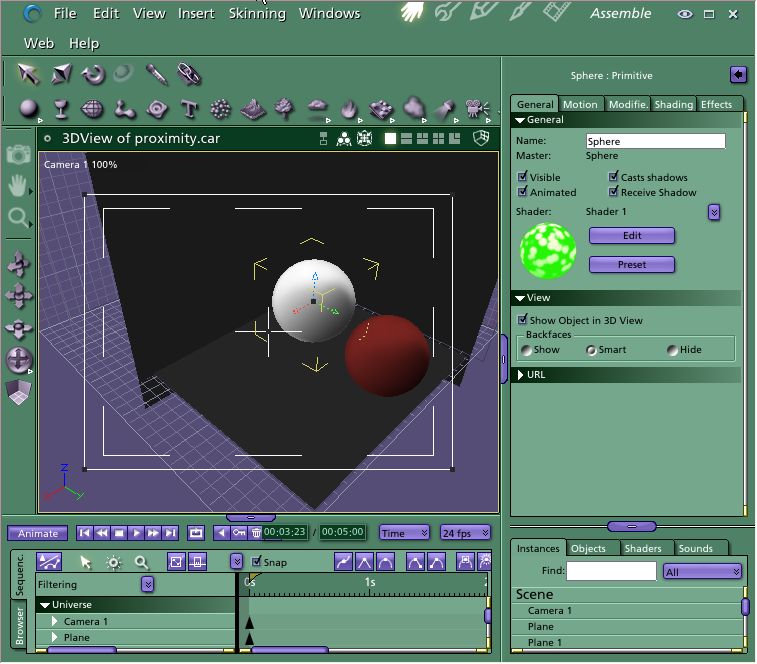
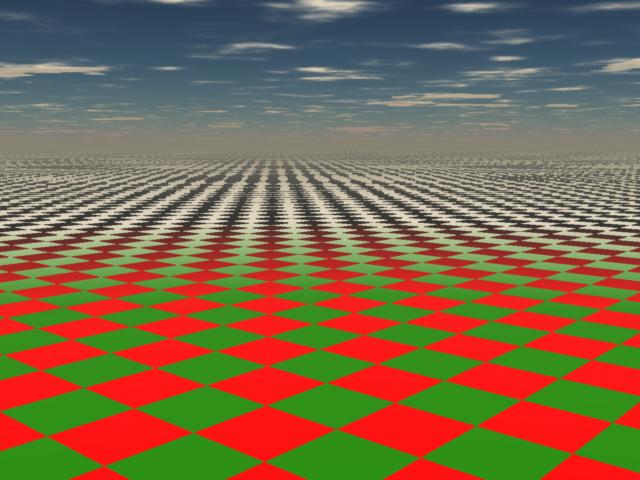
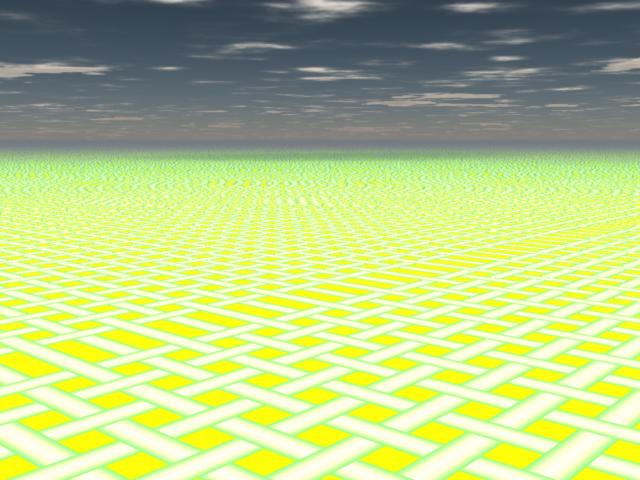
Thanks ren mem. It help me. I also got it to work last night! There is one technique that still escapes me that has an example in the Shoestring samples page. It is the sample "Proximity used to fade distance". The proximity.car file associated with the image does not seem to work properly in C5 so I couldn't find anything out from it. I have tried to contact Mark Desmarais about it. I will share what I find out. Thanks Much, Stan
ren_mem posted Thu, 12 January 2006 at 6:16 PM
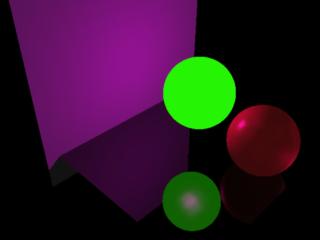
Your welcome. I was trying to use something simple.If you render it to a movie you will see how it works.However, the render isn't the same as the final shader(probably a logical explanation). Haven't really been able to look at it.I checked out supermixer then decided to do that later. The complex supermixer ought to really boggle(LoL). Actually, probably not that bad just have SO many other things to learn right now. That example(Mark's proximity.car) doesn't appear to be using proximity. I think the idea is to use proximity w/ it to mimic his result on the web site. I have to say I have been amazed. After only a few hrs between hex and carrara and being new to computer 3D and both programs I have been able to model and set scenes from scratch w/ some nice detail and effects. Now granted...all the time will be in the details, but it's still pretty amazing.The really hard part so far is being patient for final renders :)
No need to think outside the box....
Just make it
invisible.
steama posted Thu, 12 January 2006 at 7:13 PM
The prox_multi.car file revealed a lot. I agree. Hex and Carrara are an awesome duo. It is easy getting up and running especially when compared to other 3d packages. I don't think anyone out there even touches Eovia on what they offer for the price. Have a good one, Stan
steama posted Thu, 12 January 2006 at 7:16 PM
Are there any experienced Shoestring Shader users out there that know how to create the "Proximity used to fade distance" as shown on Shoestrings sample page? http://www.des-web.net/html/samples.html Thanks

jrabbit posted Fri, 13 January 2006 at 3:03 AM
Attached Link: http://www.a1gems.org/Carrara/proxtesthC4.wmv
jrabbit posted Fri, 13 January 2006 at 3:26 AM
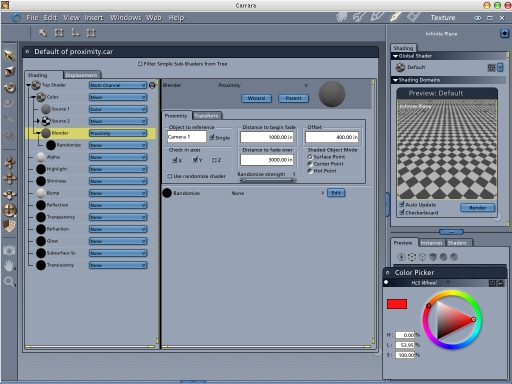
try changing the distance to begin fade to 10 , and the distance to fade over to 500. you will see how these controls relate. than try changing offset from 400 to 90. gives a kinda foggy edge thats nice.
steama posted Fri, 13 January 2006 at 11:27 AM
Mark said he uploaded a new proximity.car file. Looks like you got it already jrabbit. Those Shoestring shaders are great especially for the price. Thanks for the help everyone! Stan
ren_mem posted Fri, 13 January 2006 at 4:07 PM
No need to think outside the box....
Just make it
invisible.
steama posted Fri, 13 January 2006 at 6:06 PM
Looks great ren_mem! Cool effect. Stan
ren_mem posted Fri, 13 January 2006 at 6:35 PM
Maybe now I can actually use it(LoL)now. I will have to go take a look at the new file. I think I want to try to use drip on something so I need to play w/ it too.
No need to think outside the box....
Just make it
invisible.
ren_mem posted Fri, 13 January 2006 at 10:06 PM
No need to think outside the box....
Just make it
invisible.