
dlk30341 opened this issue on Nov 19, 2005 · 8 posts
dlk30341 posted Sat, 19 November 2005 at 3:51 PM
I can't seem to find the place in the texture editor where you can increase/decrease the size. Using a JPG & want to scale it down. TIA :)

mmoir posted Sat, 19 November 2005 at 4:07 PM
Hi,
Several thing come to mind.
Message edited on: 11/19/2005 16:07
dlk30341 posted Sat, 19 November 2005 at 4:28 PM
Thanks :)
dlk30341 posted Sat, 19 November 2005 at 6:18 PM
I find the terrain scale under transform....But I'm looking just to scale down the texture..... I hate/don't want to compare but in Vue in the material editor I can scale the TEXTURE ONLY up or down. This is what I need to do.....as my jpg. it is too big relative to the terrain. Hope I'm making sense :) If I've missed thing, could you please post a screen grab :) Thanks again :)
dlk30341 posted Sat, 19 November 2005 at 6:48 PM
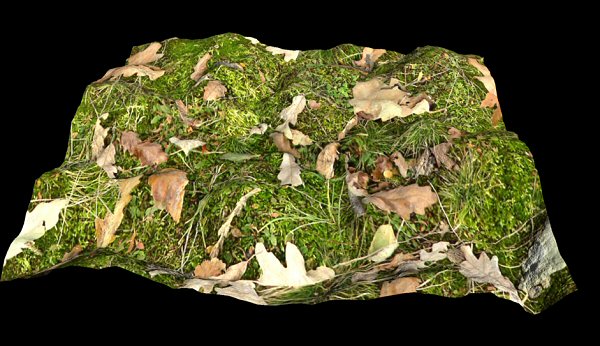
Message edited on: 11/19/2005 18:49
dlk30341 posted Sat, 19 November 2005 at 10:14 PM
As stated above...got it figured out :)
sfdex posted Mon, 21 November 2005 at 11:06 AM
And what did you do? I'm not intimately familiar with the new terrain editor, so I'd be interested. Thanks! Dex
dlk30341 posted Mon, 21 November 2005 at 12:49 PM
Where it says seamless I INCREASED the number from 1 to 5-7. This would depend as to the size of your map.