
-Waldo- opened this issue on Apr 24, 2004 · 8 posts
-Waldo- posted Sat, 24 April 2004 at 4:32 AM

ewinemiller posted Sat, 24 April 2004 at 11:53 AM
Waldo,
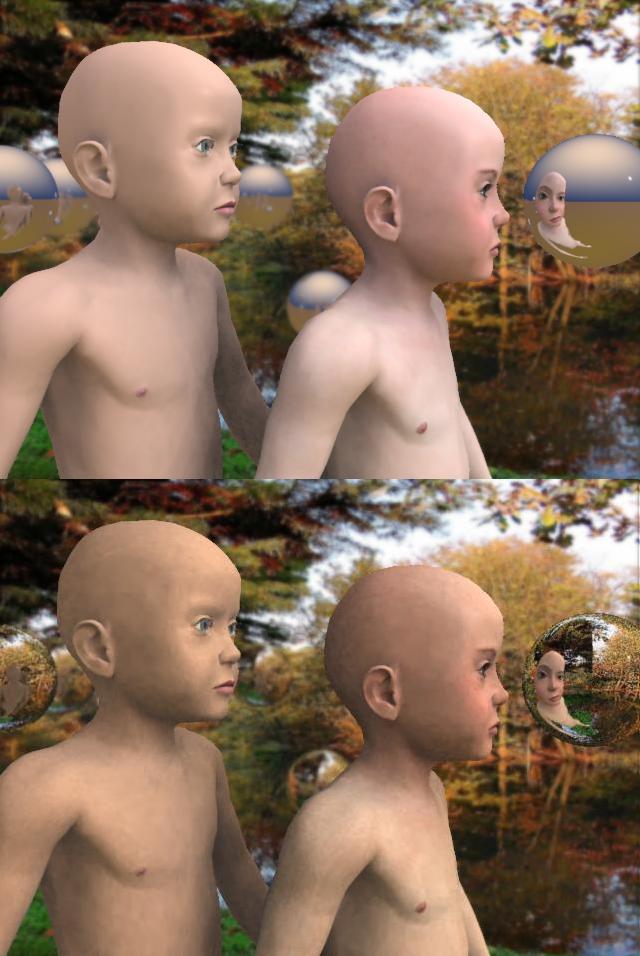
I've had noise problems like that too. In my particular scene turning up the Lighting Quality fixed the problem.
Regards,
Eric Winemiller
Digital Carvers Guild
3D plug-ins for Carrara
http://digitalcarversguild.com
Eric Winemiller
Digital Carvers Guild
Carrara and LightWave
plug-ins
-Waldo- posted Sat, 24 April 2004 at 12:01 PM
What light quality did you fix?
Nicholas86 posted Sat, 24 April 2004 at 12:11 PM
Attached Link: http://www.vizualds.com
Nicholas86 posted Sat, 24 April 2004 at 12:13 PM
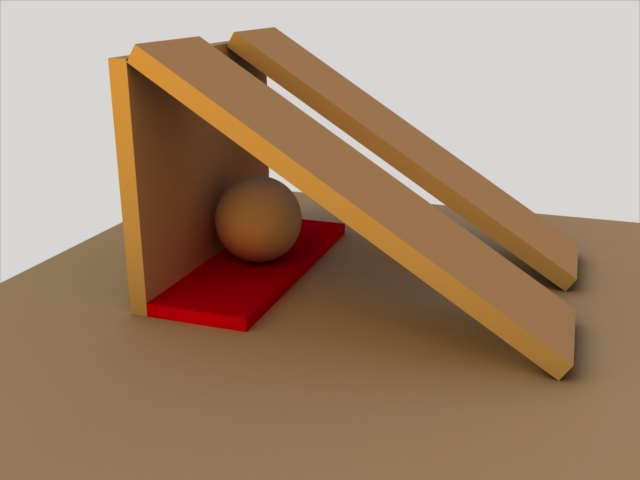
ps. that is the default GI scene, but I got rid of the fill light, and the walls, its a cloudy orange sky as the background (hence the color) and a grey color to cover the background since the hirez image isn't the best looking thing:)
-Waldo- posted Sat, 24 April 2004 at 1:11 PM
Thank you all for your help. I downslided photon count to 1000 and selected light quality to best. It solved the problem.

ShawnDriscoll posted Sat, 24 April 2004 at 6:38 PM
I normally set lighting quality to BEST instead of GOOD and make sure the model I'm rendering is bigger than 1" in size. If you have 512MB RAM or more, turn on Interpolation and set it to 100% so Carrara isn't recalculating every pixel which slows things way down.
-Waldo- posted Sat, 24 April 2004 at 11:04 PM
Very good tip thank you for sharing with us!