
bikermouse opened this issue on Apr 23, 2004 · 3 posts
bikermouse posted Fri, 23 April 2004 at 8:31 AM
I was finally able to get C2 to accept a "solid" .ai in the spline modeler using "path hatching" using the following settings (set by right clicking the "path hatching" icon) which are likely only relevent to TCW40: 0:black:by layer:black color :0
once the path hatching tool is set up, edit:select all
and in format: create hatch.
When you import into Corel Draw you won't see any difference but when the resultant .ai is imported into
C2 the section is solid rather than just an outline.
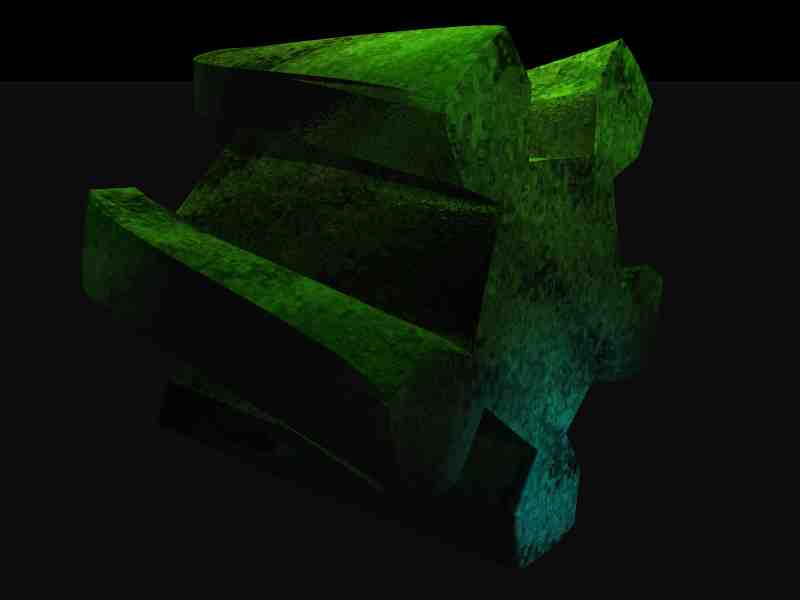
Anyrate the "gear" was created in TCad converted to .ai in Corel Draw, imported into C2, modified slightly, saved as a wavefront obj and imported into Bryce where it took 57 seconds to render.
Again thanks to BrainMuffin for motivating me to look into this.