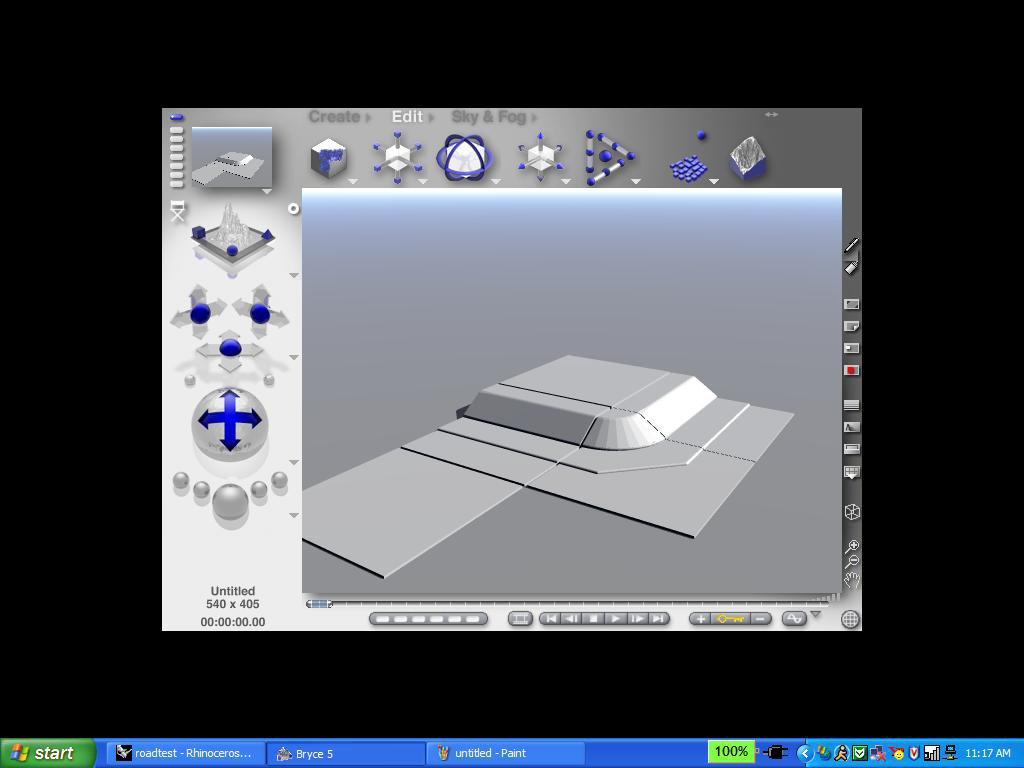
I am trying to find a way to import some square pieces into Bryce so that I can move then around using the shift key. However, when I import the objects there is extra space around the edge even tho there are no polygons occupying this space. Is there anyway to eliminate these edges and make the edges of the object at the edges of the polygons? I have tried numerous different file types, and all of them have the edges. I know I could just resize the objects, but if the edges are eliminated, connecting the individual pieces would be easier and quicker. Here is what some of my separate pieces imported into Bryce and moved looks like. I want to make it so the edges of each square piece meet.
