
Anim8dtoon opened this issue on Mar 09, 2026 · 24 posts
jadeite123 posted Sun, 28 June 2026 at 11:03 AM
Using an HDRI as a background is convenient, but depending on the resolution and focus of the original photograph, objects added in Poser can sometimes appear unnaturally sharp in comparison.
# Bright Beachess by ShaaraMuse3D (https://www.renderosity.com/marketplace/products/168122/bright-beachess-16k-hdris), SM3D_HDRI_BrightBeach03_2K.exr
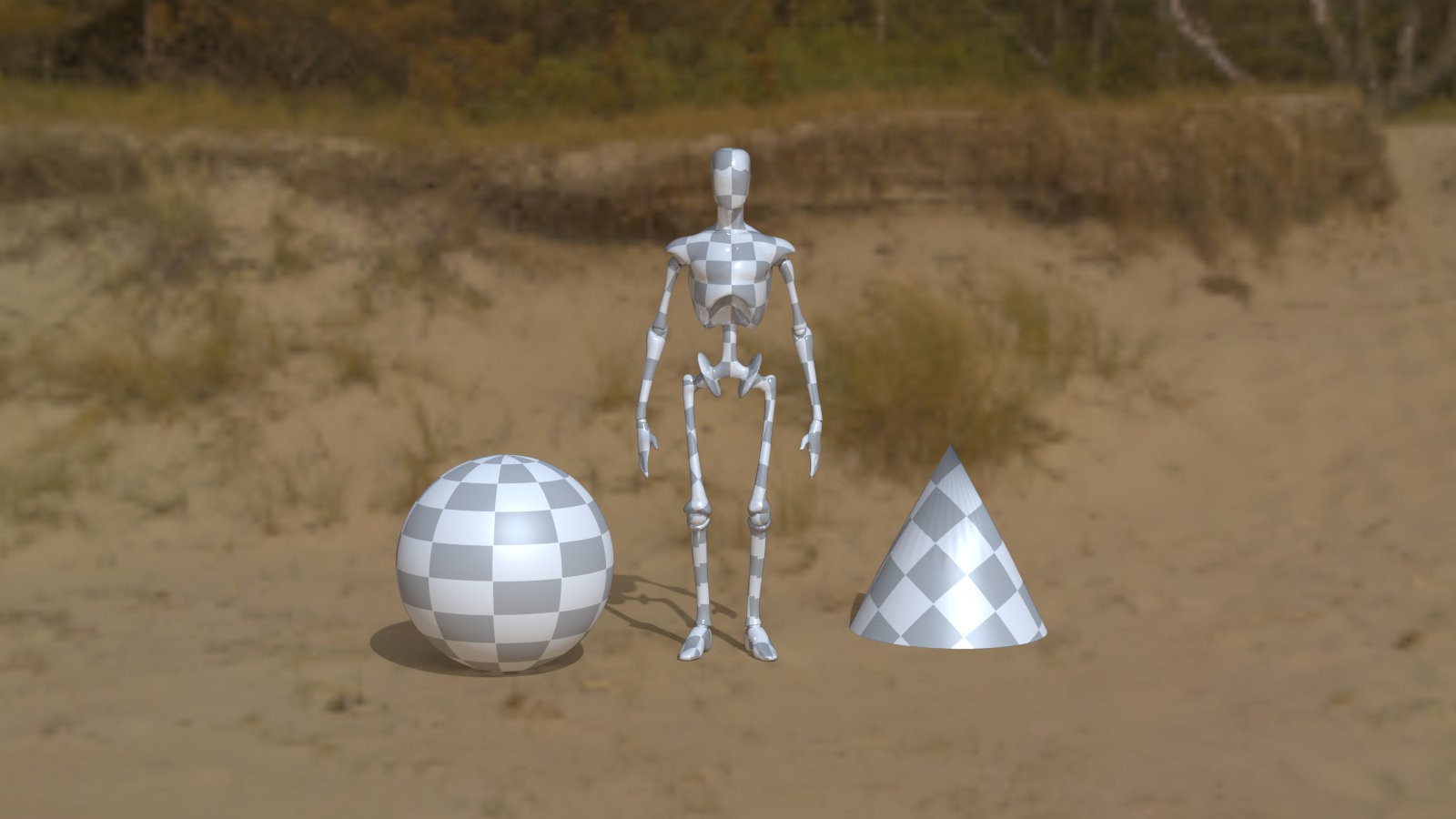
One simple way to adjust the focus on an object is to enable Render Settings - Depth of Field and adjust the focus_Distance and fStop values of the main camera. Of course, that is assuming you can accept the blur caused by the DOF...
In this case, the approach of setting a small value for focus_Distance to defocus distant objects is not ideal. In Poser, an HDRI background appear to be treated as an object located very far away, causing the entire background to be significantly out of focus.
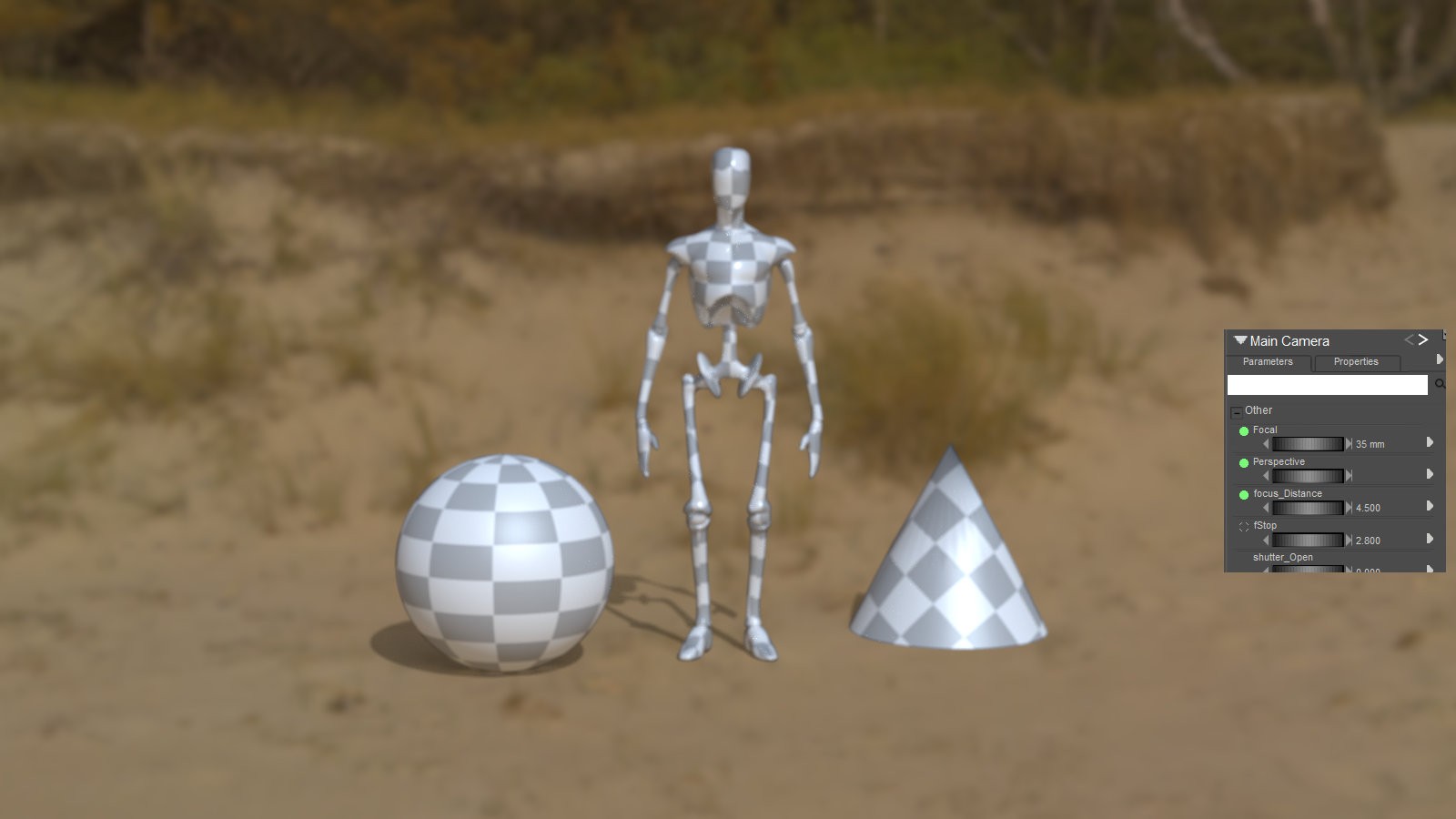
Therefore, it is recommended to fix focus_Distance at a large value (e.g., 300) and adjust the focus using the fStop value.
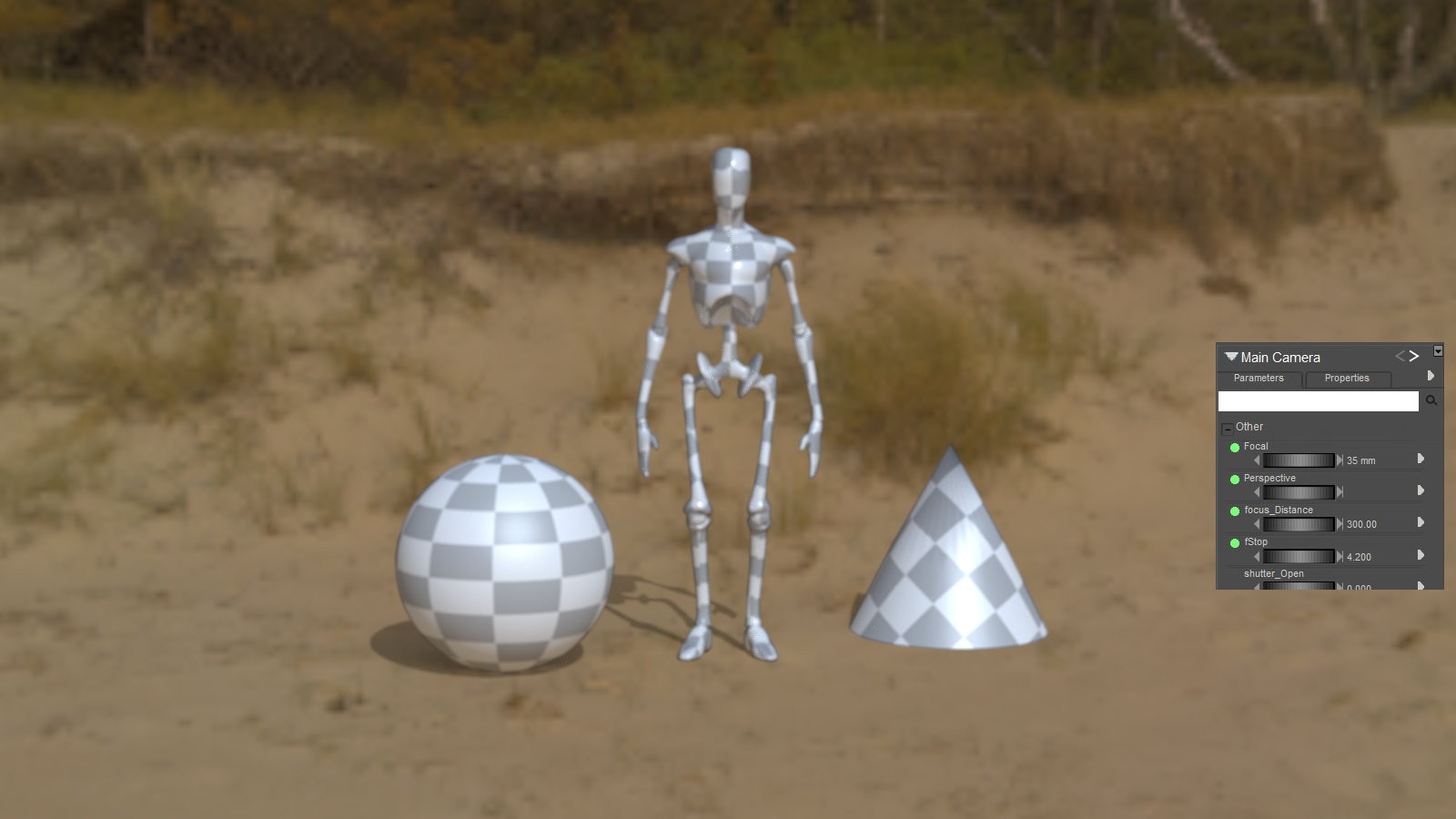
Such unnaturalness is not very noticeable with high-resolution HDRI.
# SM3D_HDRI_BrightBeach03_16K.exr
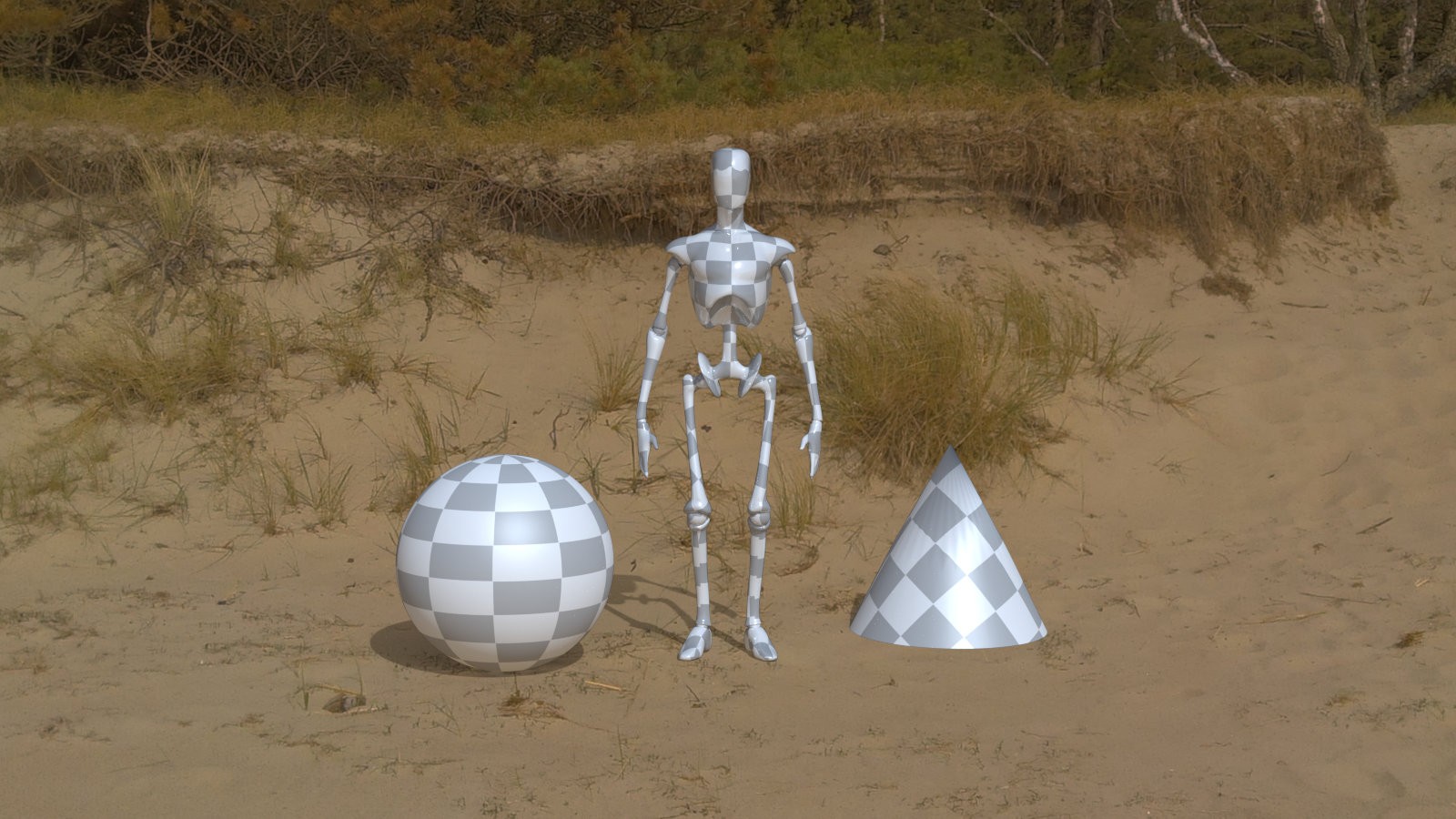
Even in this case, I believe that making even a slight adjustment to the focus will yield better results.
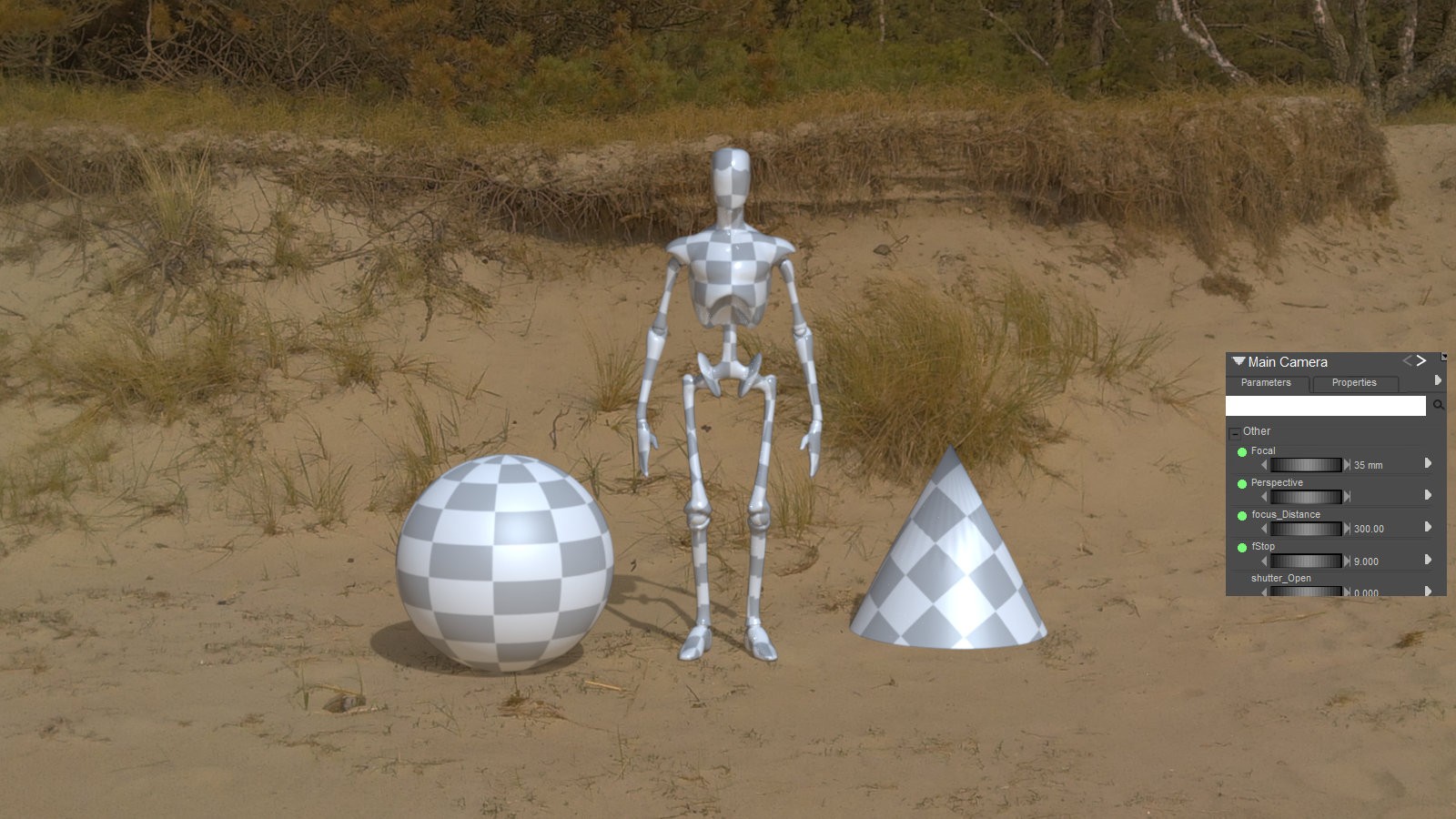
Please note, however, that the focus adjustment method described above is not suitable for scenes involving large objects or objects distributed across a wide area.