
RAMWorks opened this issue on Jul 05, 2024 · 22 posts
Y-Phil posted Wed, 27 May 2026 at 9:59 AM
Over time, I've bought many pose sets, often to have ideas. Some of them are including rotations and translations for the BODY part, which moves the character where it shouldn't.
There are a few solutions for already recorded poses. That includes using either text editors (PSPad, Notepad++ and the likes) or a specific gem: PoserEd.
Example:
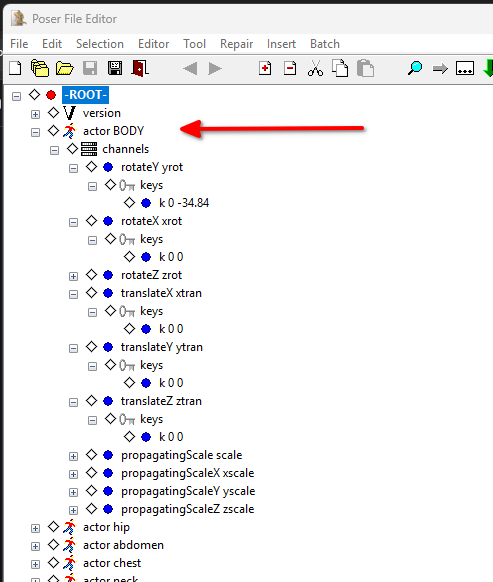
Here, the actor BODY contains rotateX, ...Y or ...Z blocks, as well as translate items.
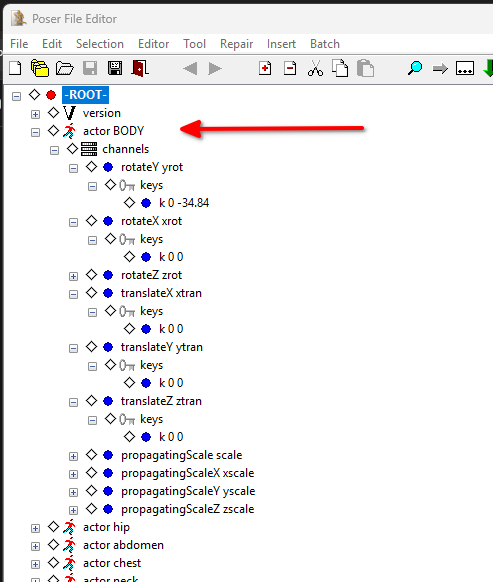
Simply remove them. Here I have removed the whole channels block as I don't need it
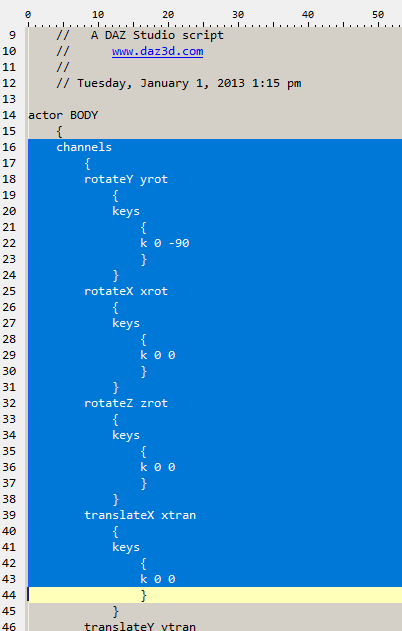
Text editor can do the same, it's just a little more tricky, as show in this excerpt, as the structure with {...} must be respected.
As often: first save as an alternate pose, to check it, than archive the original and replace it with your version.
𝒫𝒽𝓎𝓁
(っ◔◡◔)っ
👿 Win11 on i9-13900K@5GHz, 64GB, RoG Strix B760F Gaming, Asus Tuf Gaming RTX 4070 OC Edition, 1+2 TB SSD's, 6+4TB HD
👿 Mac Mini M2, Tahoe 26.5, 16GB, 500GB SSD
👿 Nas 10TB
👿 Poser 13 and 14 ❤️