Afrodite-Ohki opened this issue on Mar 31, 2023 · 2223 posts
hborre posted Sat, 12 July 2025 at 2:07 PM
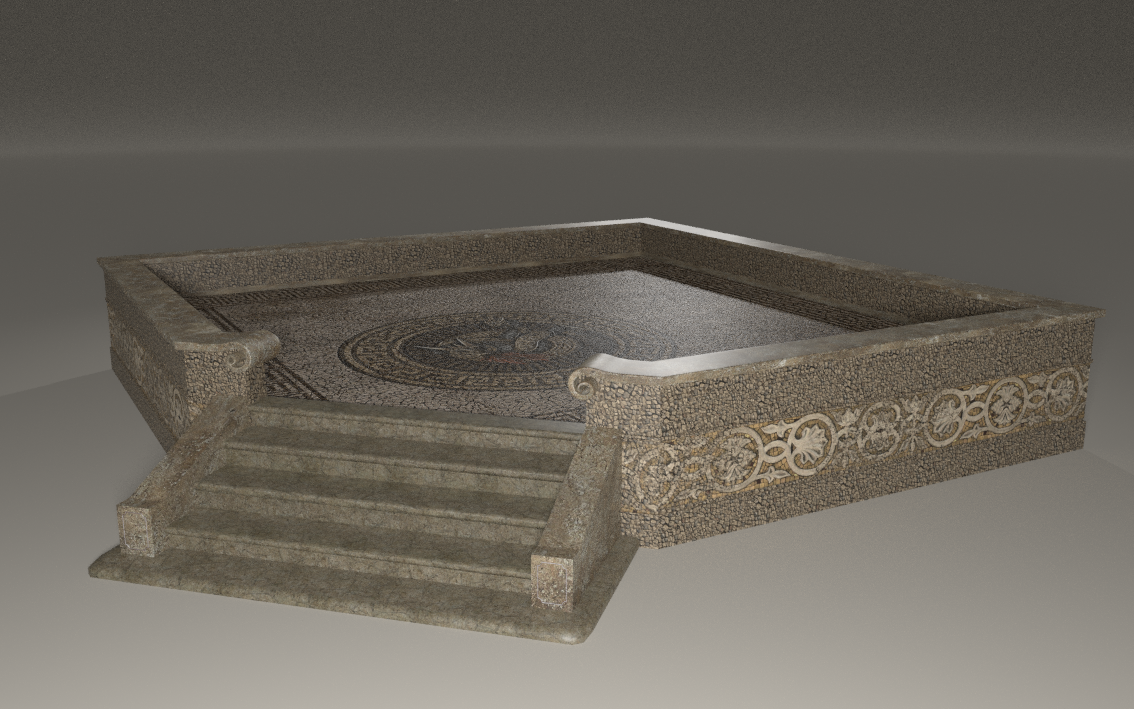
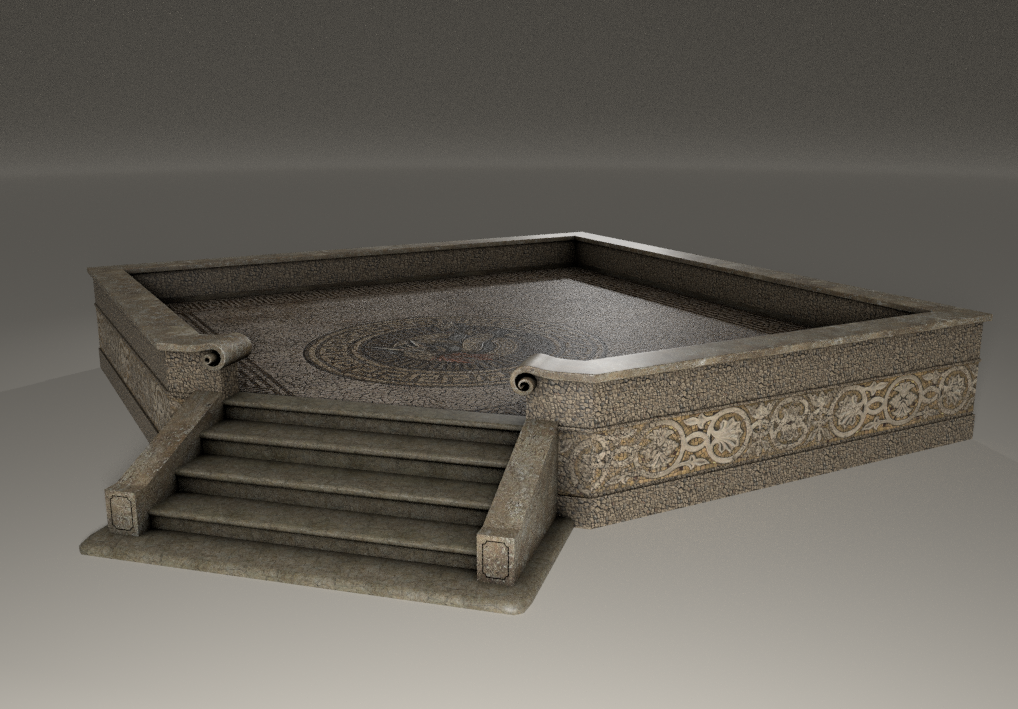
I have been experimenting with ambient occlusion in P13, rendering with the Superfly engine and using Cycles to enhance the shader textures. With the addition of the RGBRamp node, the process has become easier to apply to all different types of textures. The images below illustrate how adding AO makes the render appear more realistic with shadows filling in the corners, crevices, and between closely placed objects that are lacking with multiple lights and HDR lighting. This is perhaps the most annoying thing I see in many gallery renders: characters floating above the ground.
No ambient occlusion
With Ambient Occlusion
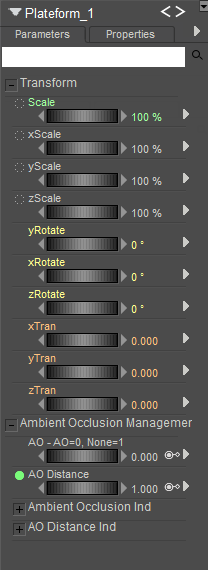
I have also worked out creating a master dial in the Parameters panel to switch AO on and off for multiple material zones. It's more work to animate all the necessary dials, but it saves work switching between the Pose and Material Room.