
primorge opened this issue on Sep 20, 2022 · 92 posts
primorge posted Thu, 22 September 2022 at 11:19 PM
Adventures with (conforming) Dentures featuring Antonia: Part 2
Picking up where I left off, I finished remodeling the upper jaw prop and teeth. Here are the finished objects...
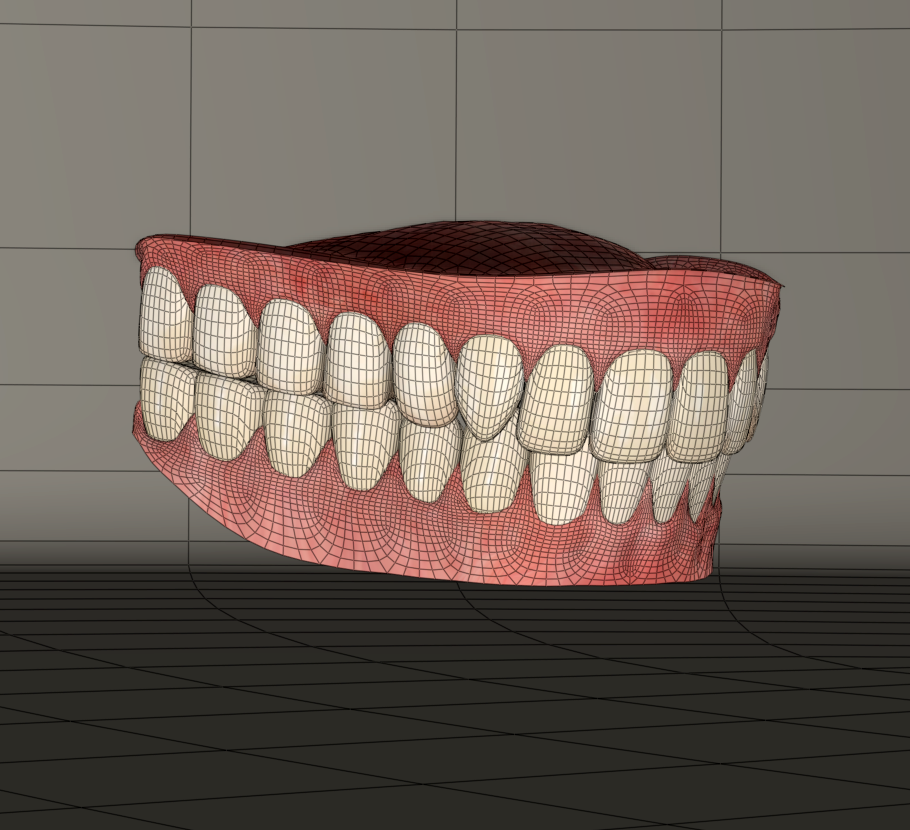
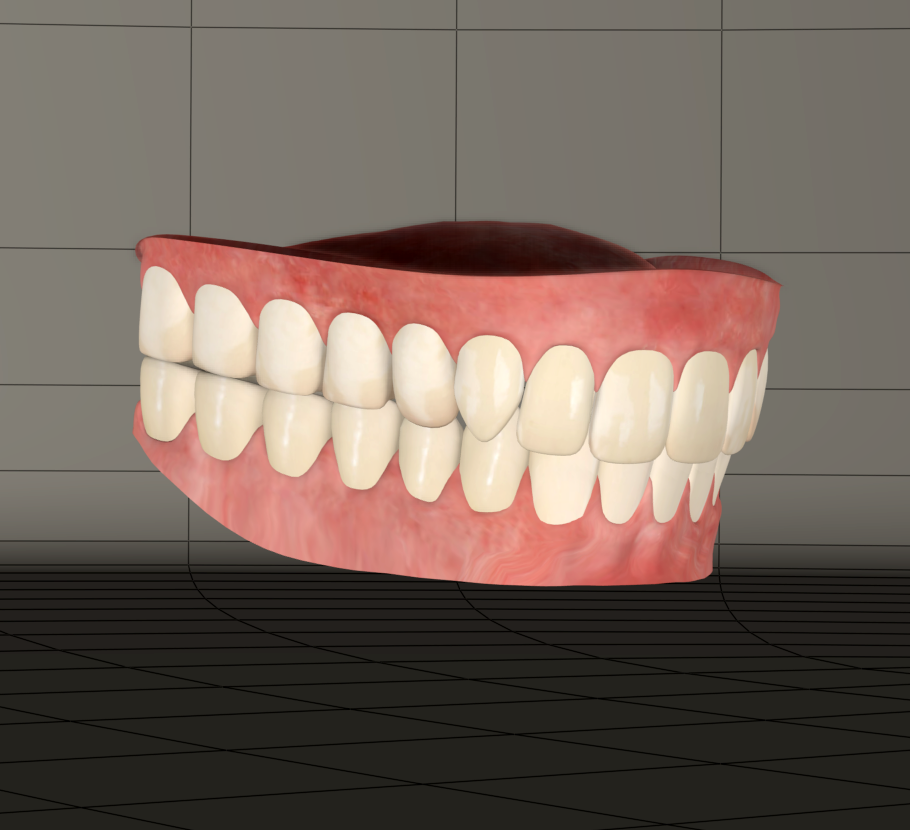
Now it's time to turn these into conforming figures. In preparation for this I use Netherwork's Creator's Toybox Scripts to generate a blank figure of the Antonia 1.2 cr2 as an optimized donor.
Here's what this will do...
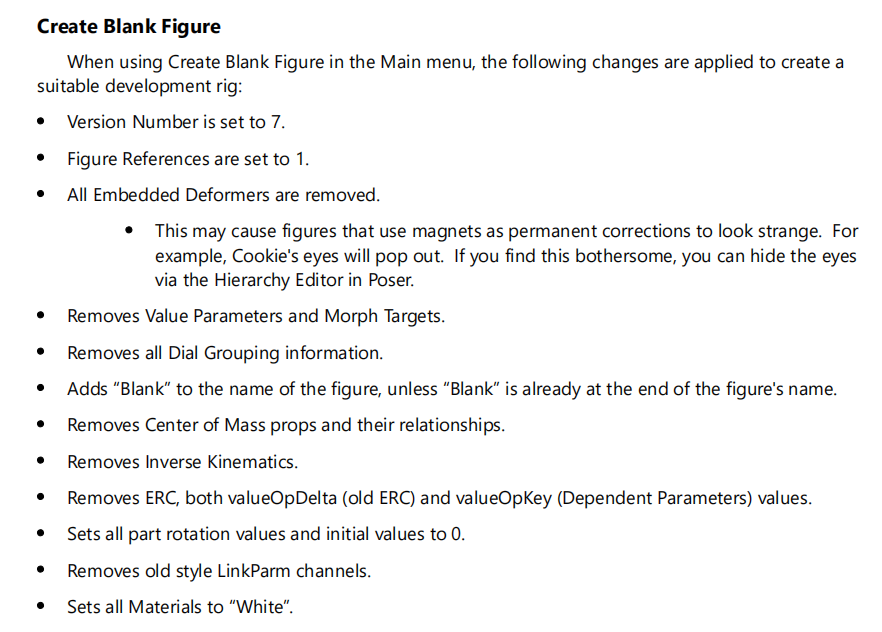
Here's a copy of the Antonia 1.2 Blank Cr2 if anyone is curious...
Prior to creating the blank I made sure to edit the obj files of the jaw props so that they both contain a single group named matching the exact internal name of the target bone the polys will be attached to, jawUpper and jawLower.
With the Upper Jaw prop selected I enter the Set Up room.
I navigate to the library and load the blank cr2.
I'm presented with a hierarchy of bones I want to donate to the prop. In this case I want the head and jawUpper bones. I select these and only these in the hierarchy. Poser insists on attaching parents, generally from the hip, or in Antonia's case the waist. For head conformers I find the parent hierarchy isn't usually needed. For body stuff it's best to include the hierarchy from the hip. it's ok I can delete those extra bones for this. After the Skeleton is loaded I use the select tool and methodically select and delete all parents up to the head bone.
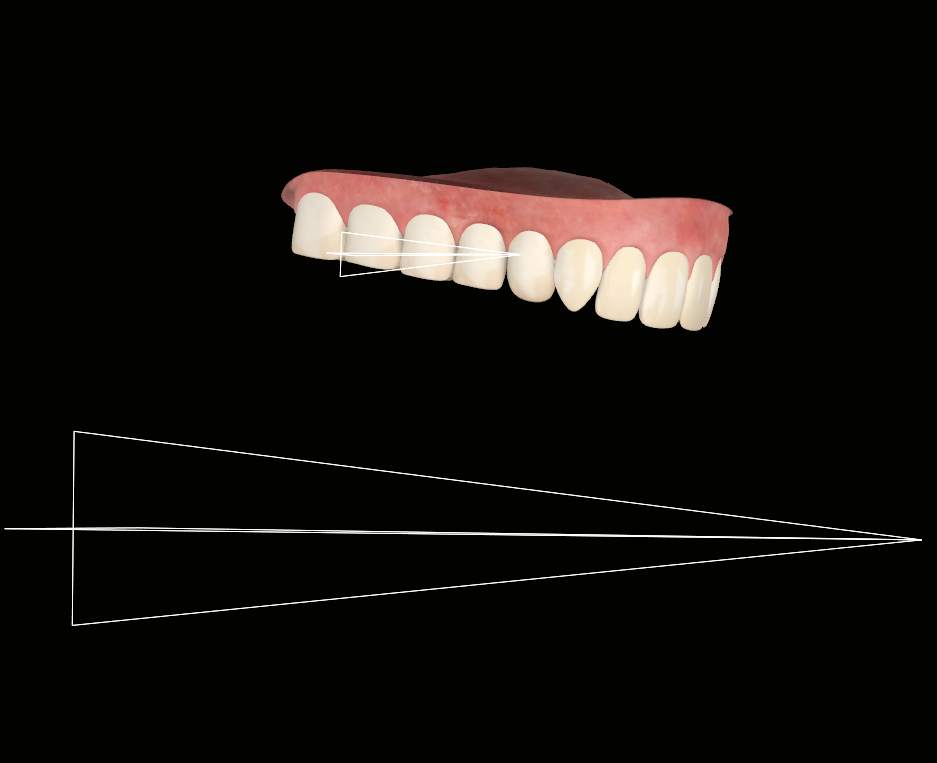
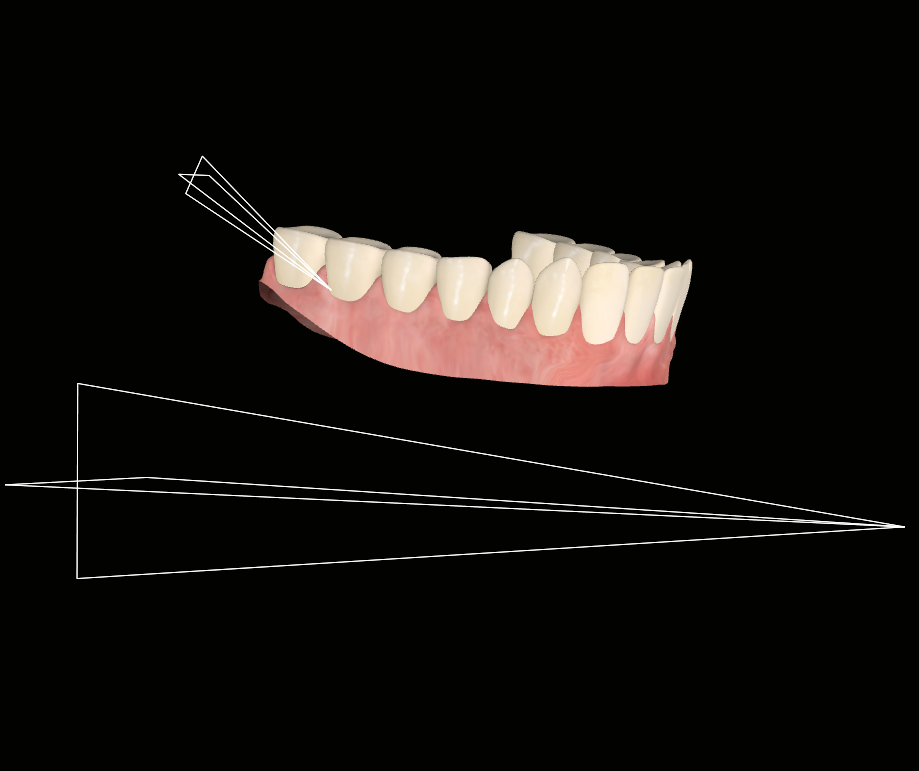
I exit the set up room. The relative rigs appear like this for both new conforming figures, both contain the head bone and their respective jaw bones... the large bones are the head.
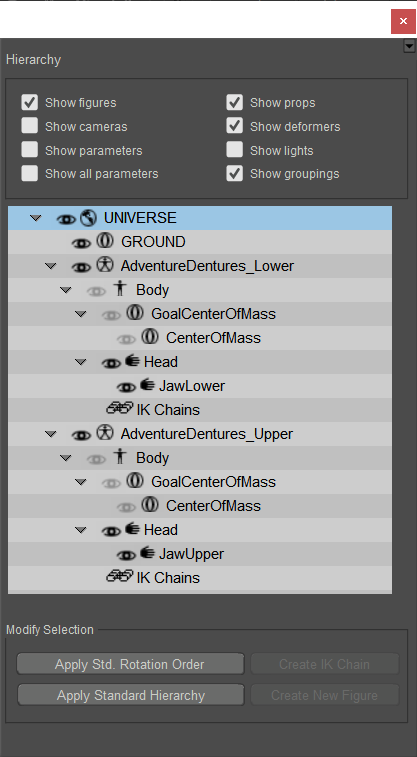
Back in the Pose room I do some preemptive tidying up. I rename some dials, specifically the external names for XYZ rot dials to Bend SideSide Twist. I turn off bends in properties for the jaw actors. I check all conforming option checkboxes in body properties. I rename the figures from Antonia 1.2 Blank in the hierarchy to their proper new names. I apply my modified SaintFox textures.
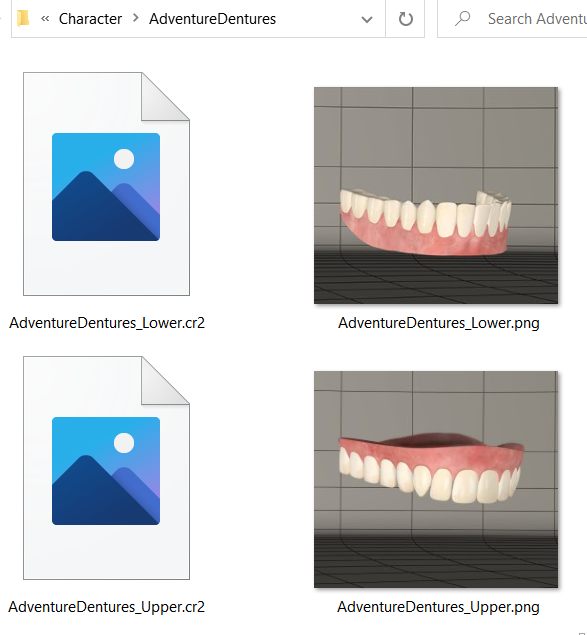
I save the new figures to the library. I choose use existing geometries. I open the cr2s in a text editor and double check that file path references and some other things copied properly to the saves.
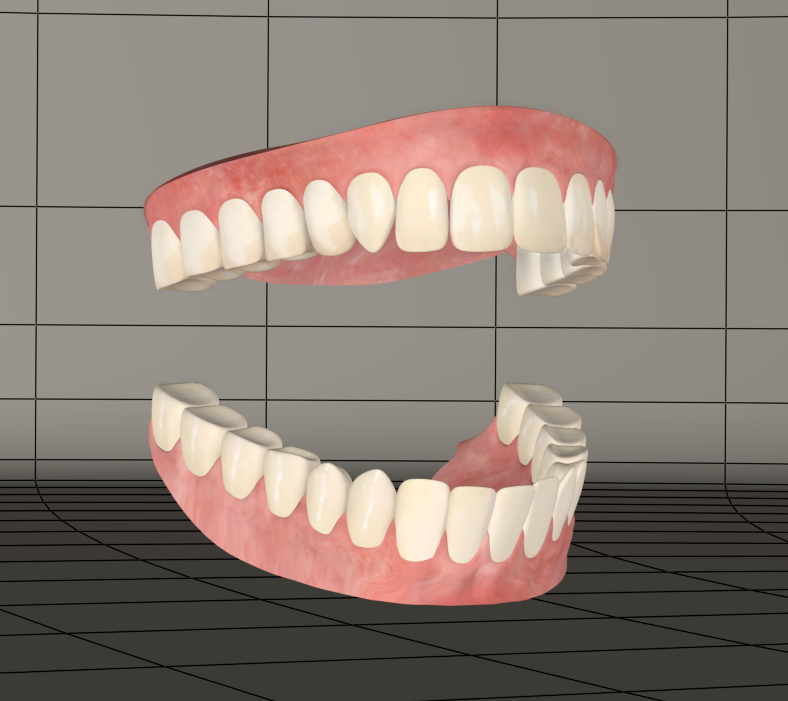
Next I'll load my new conformers, conform them to Antonia and test everything out. They conform great. I toggle the visibility of Antonia's existing jaw actors off and my new high poly dentures work seamlessly...
Continued Tomorrow; Wherein Antonia finds herself with some new teeth morphs and has a frightening encounter with Pazuzu from the Exorcist.