
primorge opened this issue on Sep 20, 2022 · 92 posts
primorge posted Tue, 20 September 2022 at 8:37 PM
A process oriented post.
I'll do this quite a bit with texturing, morphing, rigging and modeling. Whatever I happen to be working on at the moment. In this instance painting subtle breast veins. A minor detail being added to an existing texture for V4 created by Jess Herbert. I find her textures to be most excellent for pin up and illustration type characters, very little baked specular and shadow and very pure looking. As this character is for my own personal use I'm at liberty to change things at will. But more on that later... and character images/renders further into my posts timeline.
I begin by exporting V4's chest actor out of Poser. I leave all export options unchecked. I import it into Mudbox, scale it to 3000 (the scales are radically different and the brushes in mudbox work much better at a more native scale), and add a diffuse white material with no specular. I then switch to the painting layers tab. Mudbox functions much like Photoshop and live bridges with Photoshop, it's very convenient. Mudbox prefers UDIM but thoughtful chopping and welding of target meshes with stacked UVs is possible to paint across seams. UDIM UVs figures are no fuss painting.
I import the character's base torso texture, add a painting layer above that, select a brush and choose a dark blue color. For painting this the work doesn't need to be incredibly precise, though mudbox is very capable of detailed and precise work. For more precise blood vessels I have converted abrs that I've collected.
I just draw out some rough vein like strokes on my transparent paint layer and begin using the blur tool to blur them quite a bit...
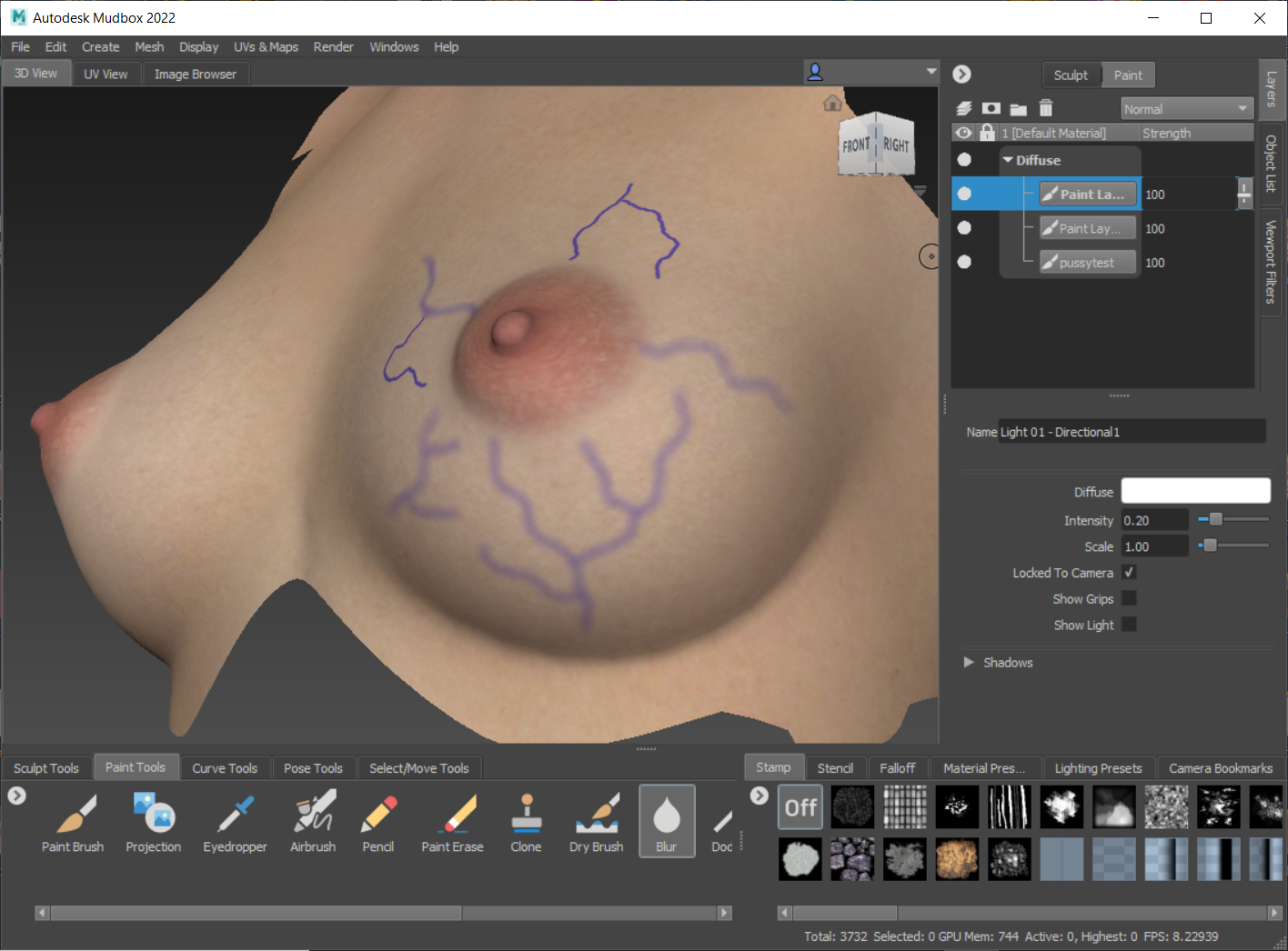
I then go in with the eraser and trim and fade parts of the blurred strokes.
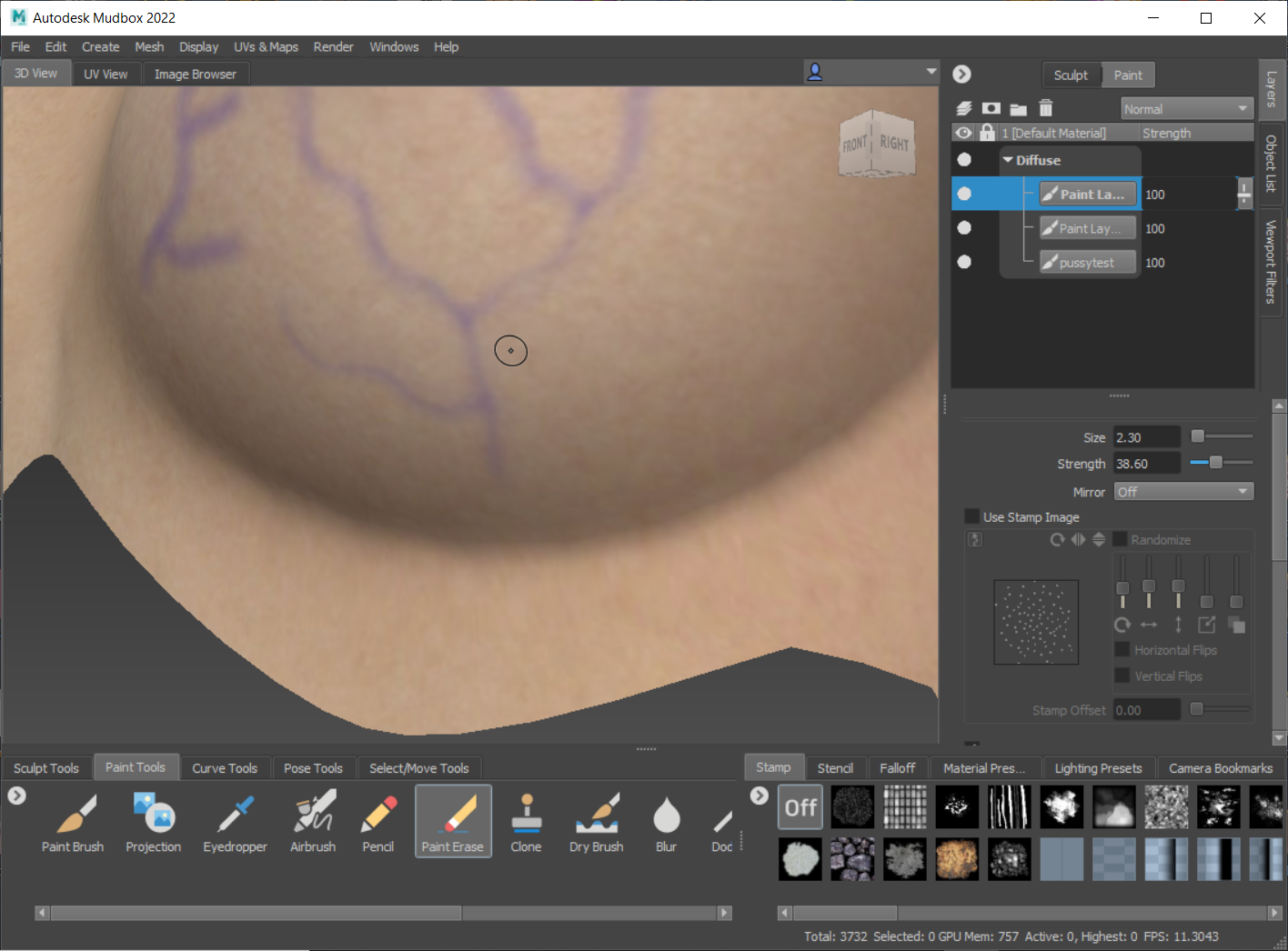
Once I'm done doing this for all the paint stroke layers I've created, I usually do quite a bit of layers and merge down gradually, I lower the opacity on the merged layer until it's barely visible. I delete the underlaying base reference texture. Here's the merged vein layer against the model's white diffuse material. The effect is very subtle, barely noticeable against the base texture.
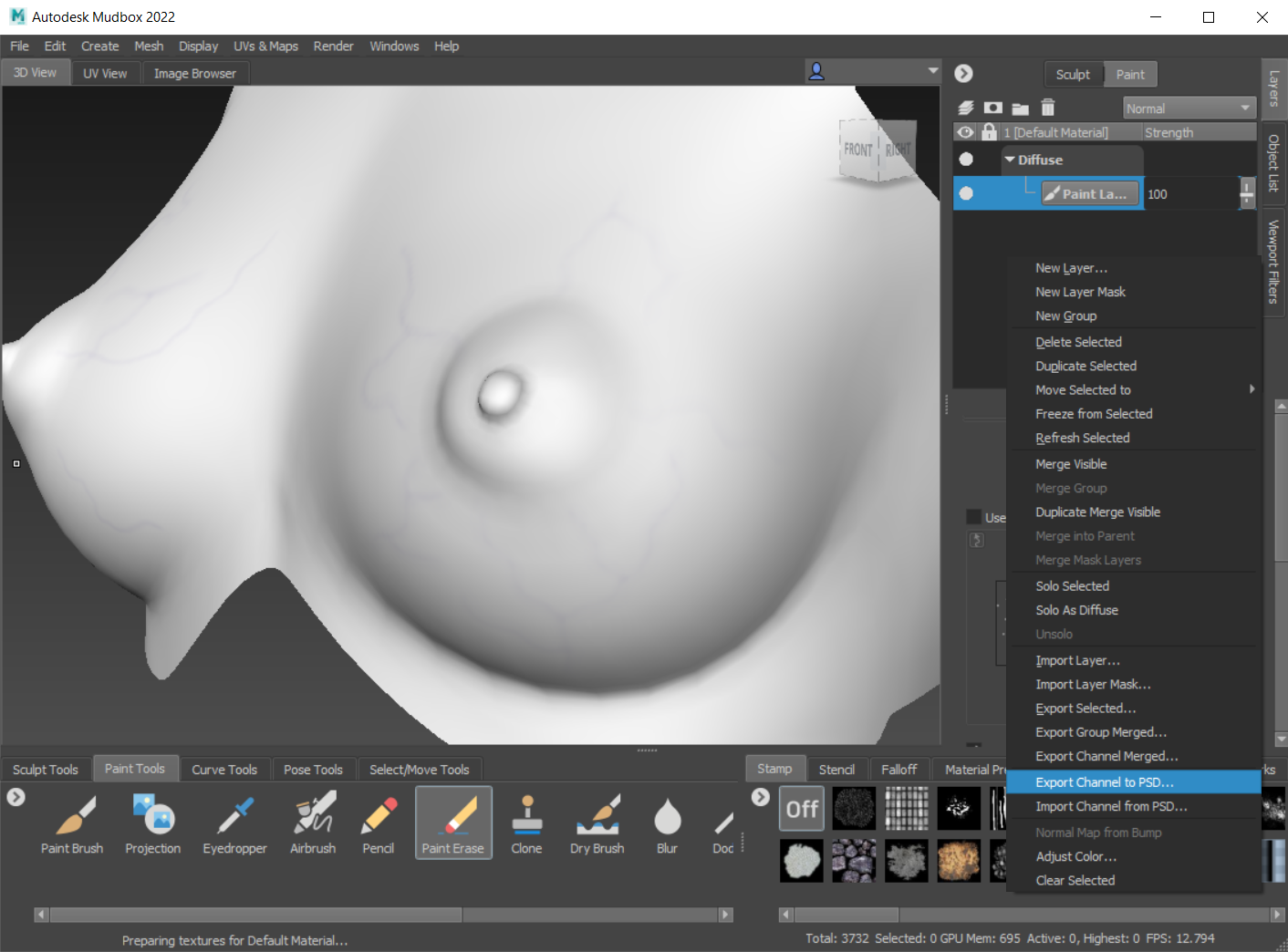
I export channel to psd, this brings up photoshop and the layered file. The layered file consists of a template layer for that geometry, all of the paint layers (only one in this instance), and a diffuse color background...
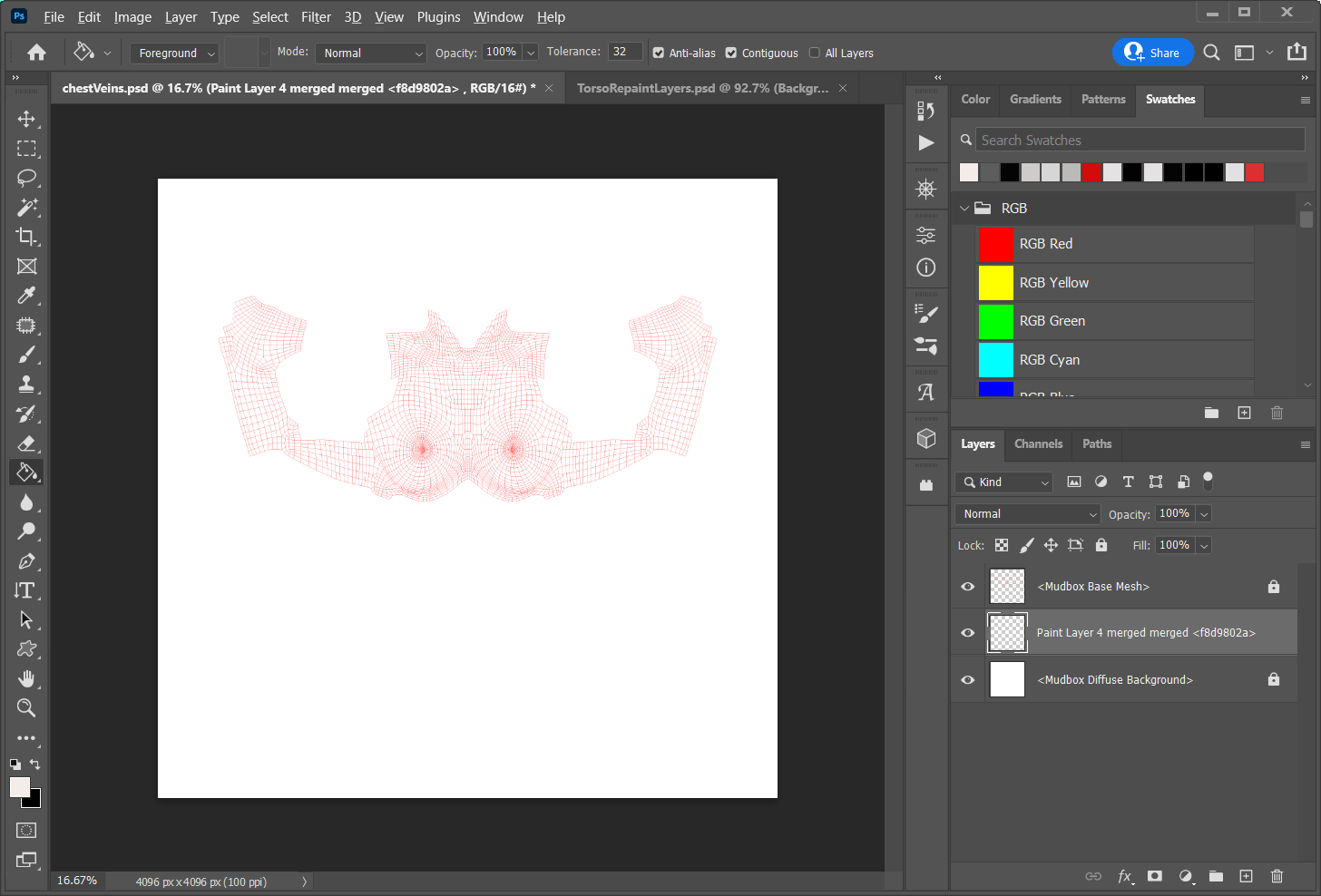
At this time I also have the torso texture file open, which contains all my edits on separate layers. This is my archive work file. I duplicate the vein layer over to my archive file.
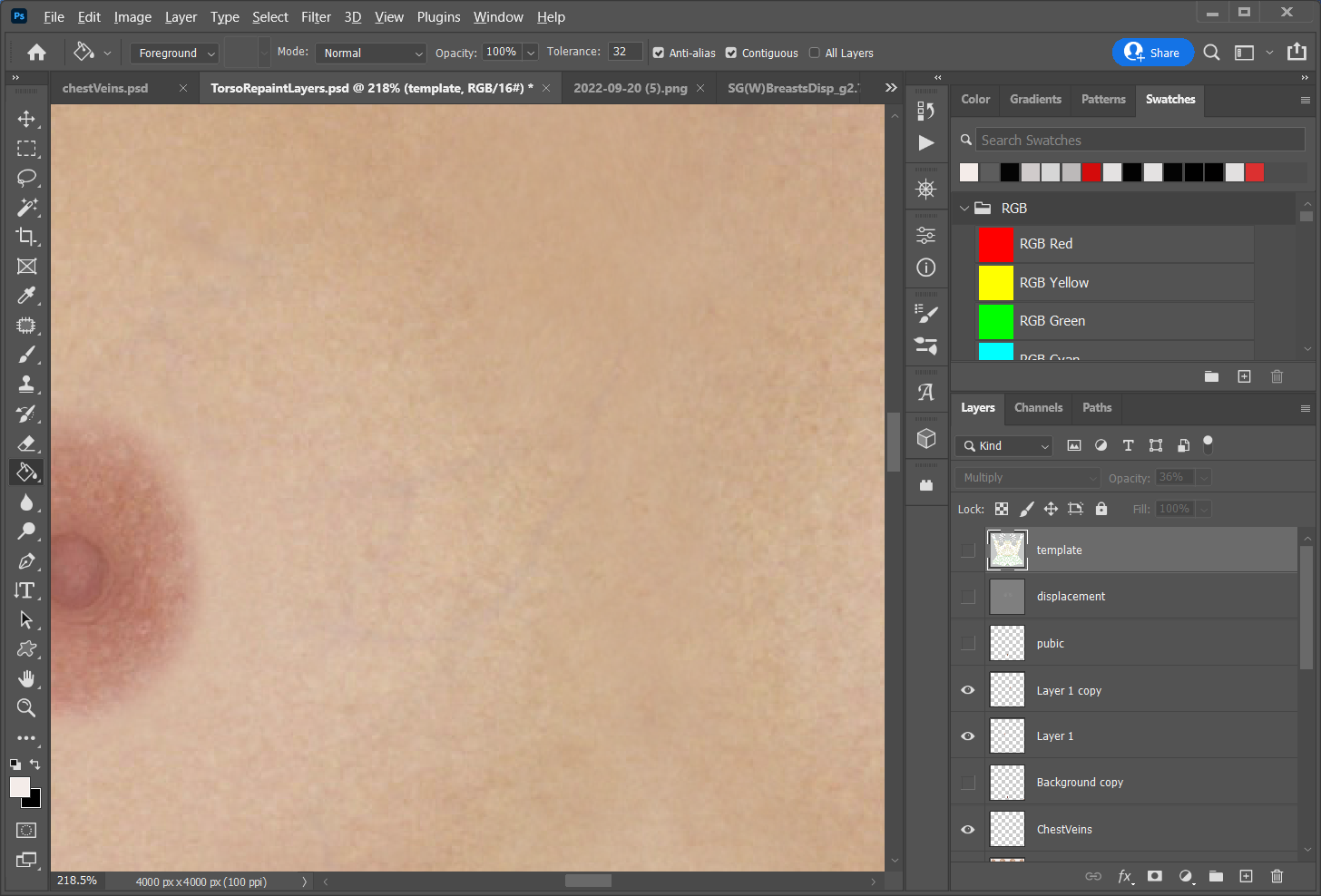
As you can see the effect is very subtle, it will be more or less visible, almost subliminally, depending on the lighting and/or HDR I'm using.
End of today's little demo.