
NudeFan6 opened this issue on Sep 02, 2018 · 12 posts
fly028 posted Sun, 16 September 2018 at 1:47 AM
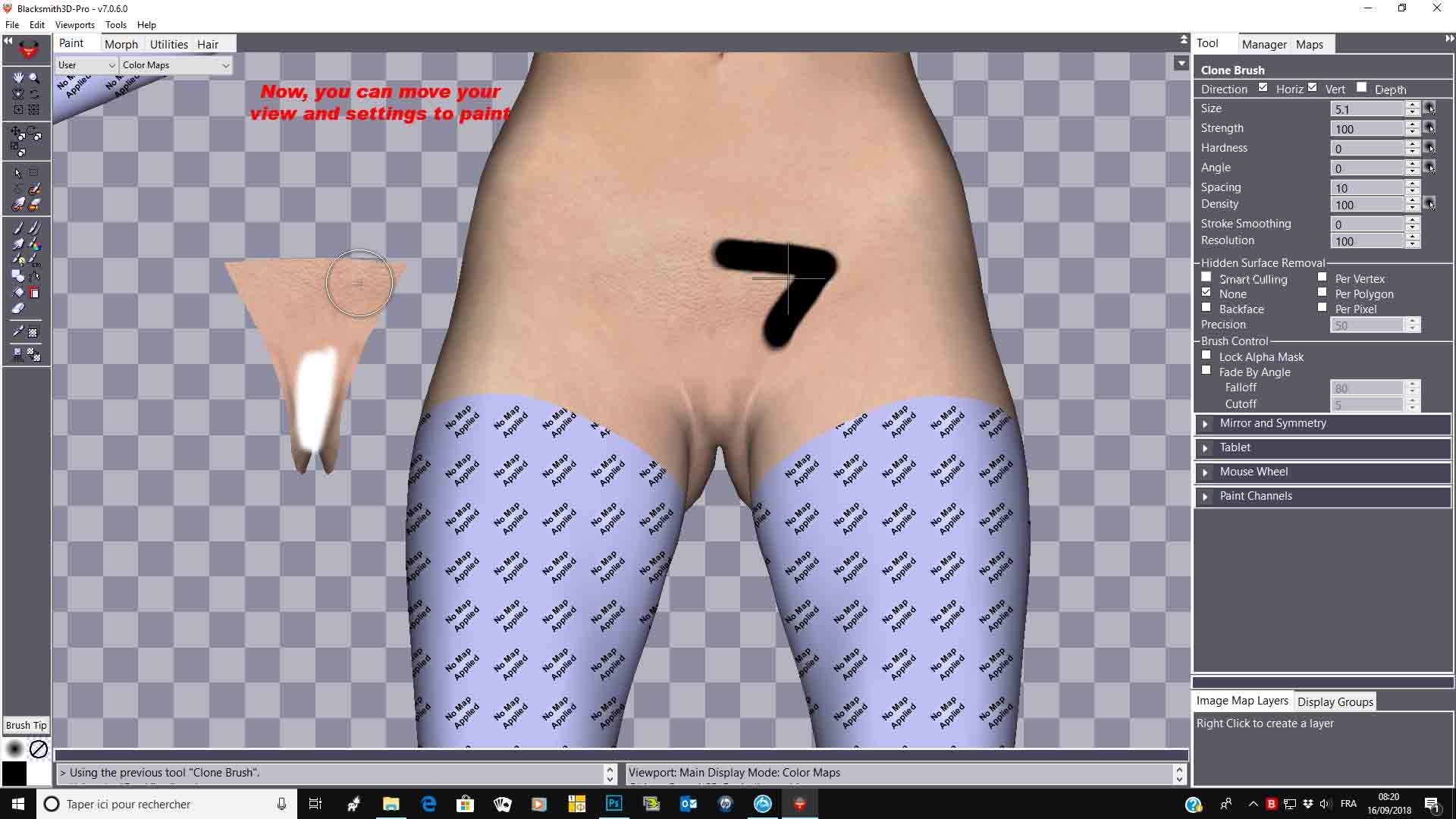
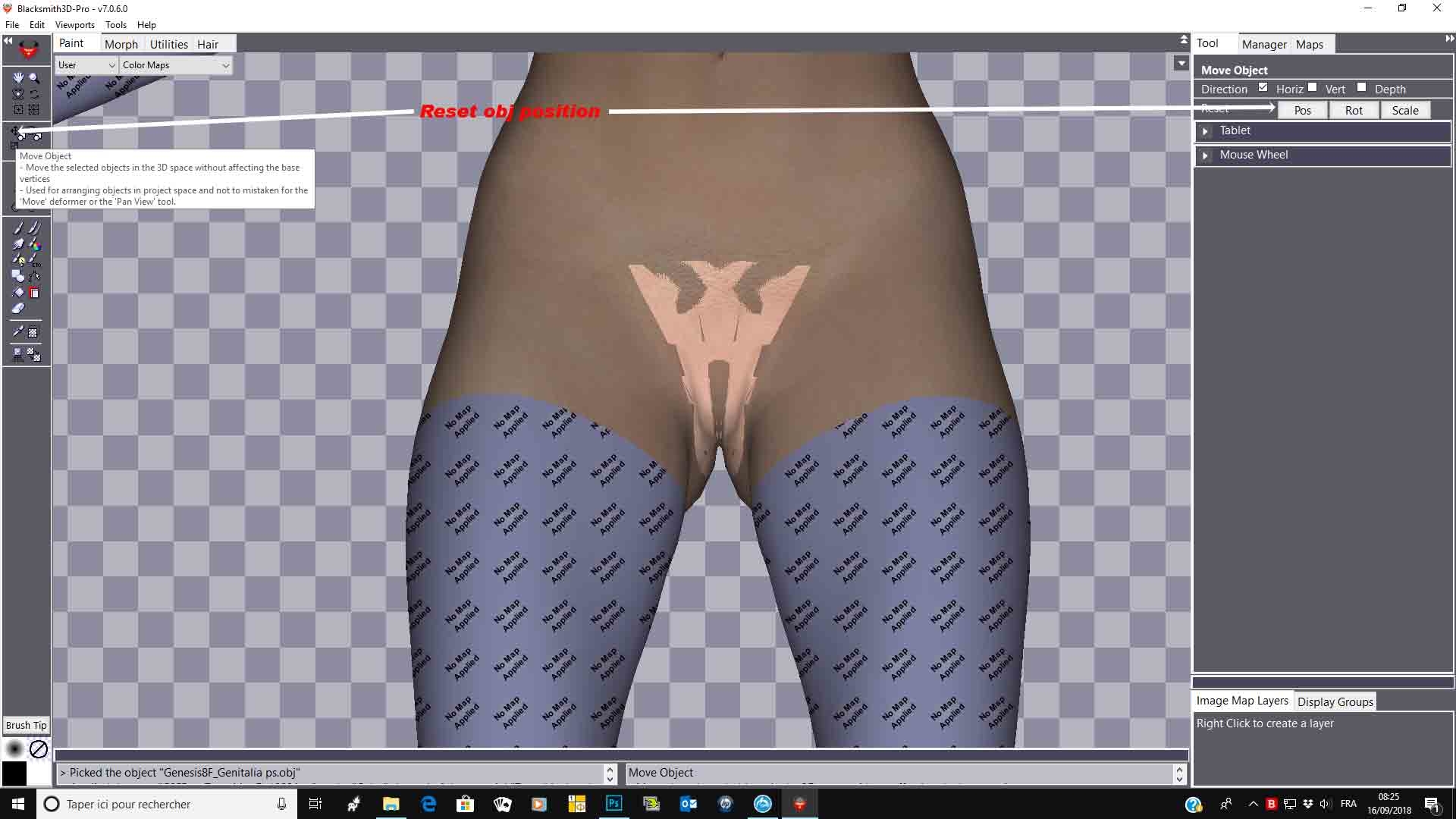
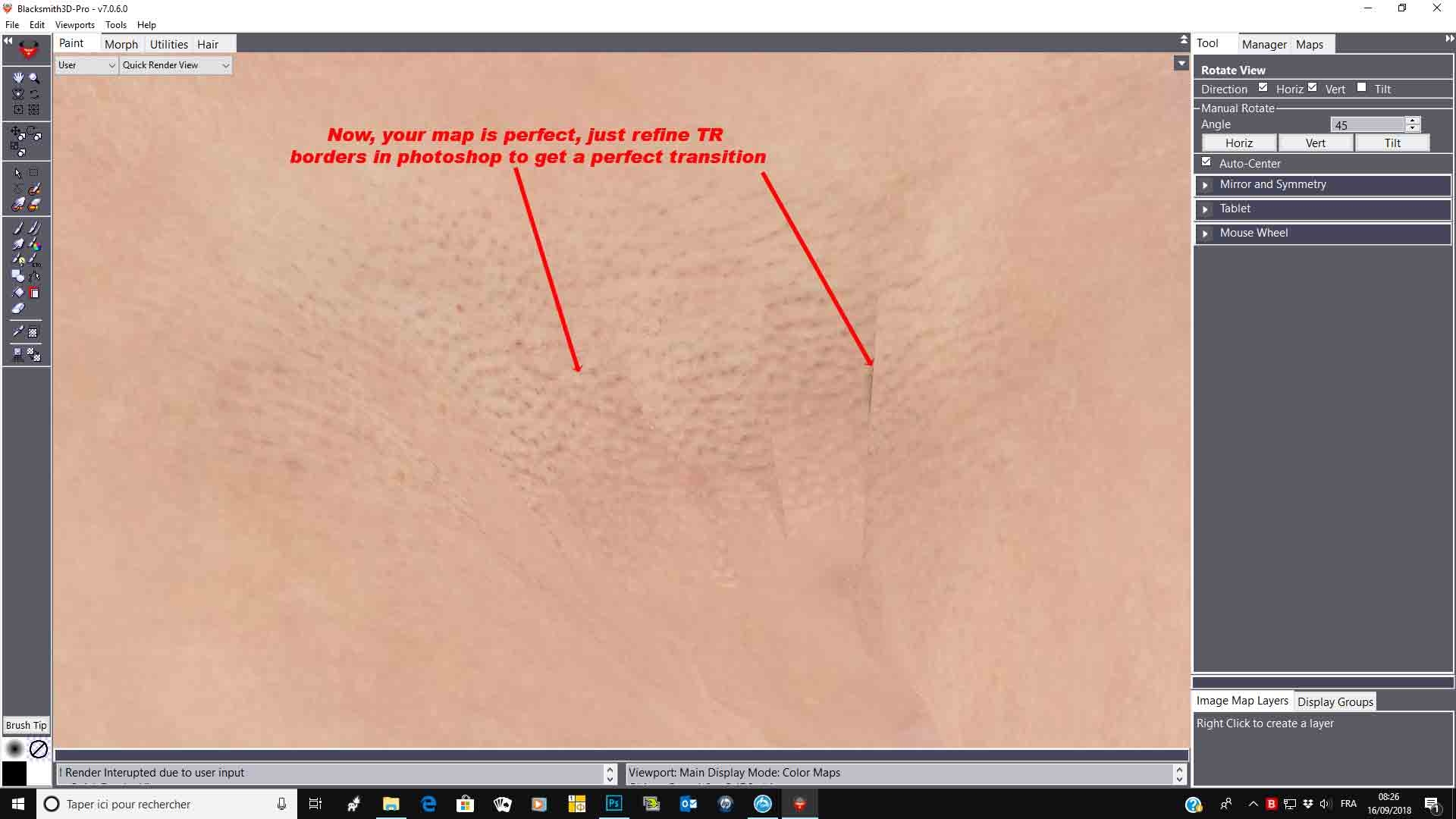
Due to TOS rules, I cannot push the demonstration to the full painting, but, here is the process to get a perfect matching Gen obj texture.
When creating your gen map (with black), do a bleed UV seams before exporting, then, when you will inverse it, your TR map will be perfect.
Hope it helps,
Best regards,