
3dcheapskate opened this issue on Jul 05, 2015 · 23 posts
3dcheapskate posted Wed, 08 July 2015 at 3:26 AM
Now, I'm off to split some verts and torture Firefly with displacement maps slapped on them...
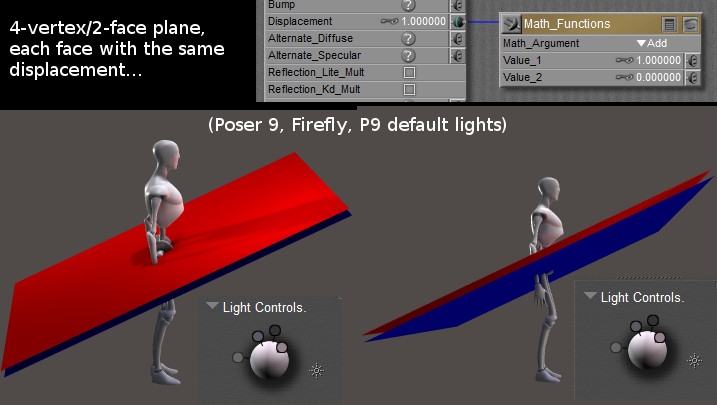
I don't think I'd ever really tested displacement maps on 'double-sided' faces. So I loaded my 4-vertex/2-face OBJ and tried a couple of things. In each case I applied the same displacement setup to each material, red and blue. 1) First, a fixed displacement of 1", so the faces should end up 2" apart. This looks okay, so displacement is a way round it:
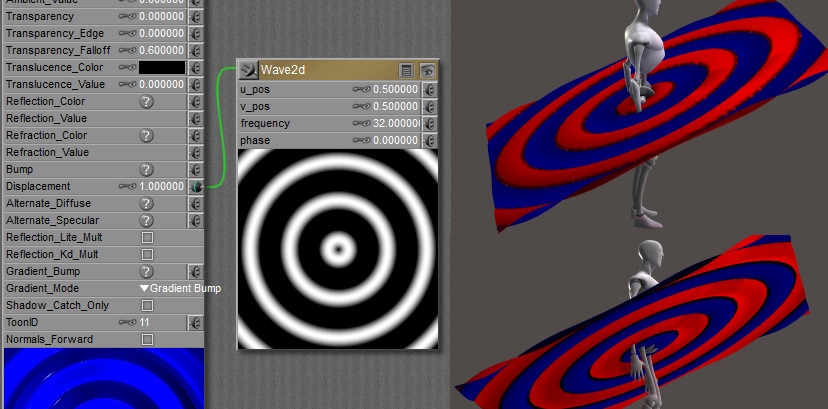 3) I then adjusted things with an extra math node to make the range of displacement vales 0 to +1. The two faces should be touching each other at some points, but I don't see any artifacts.
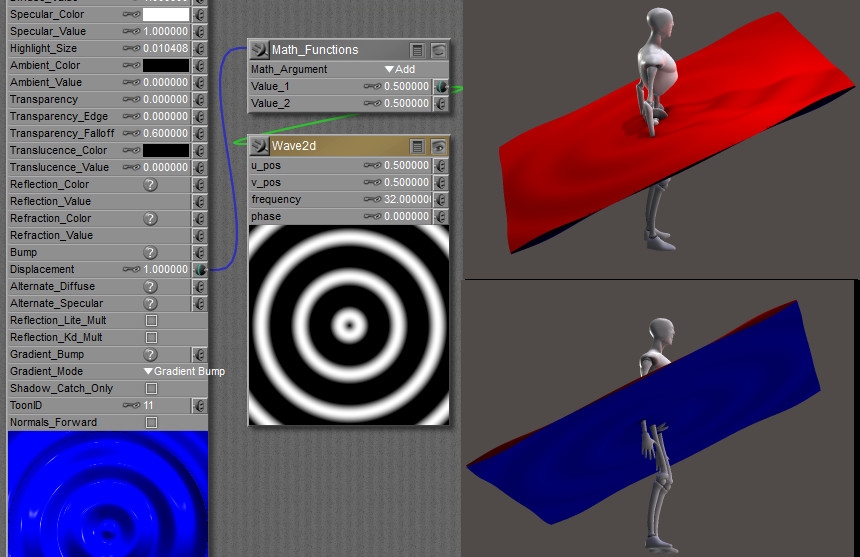 No conclusions, just trying things out.
The 3Dcheapskate (also available in DAZ and HiveWire3D flavours) occasionally posts sensible stuff. Usually by accident.
And it usually uses Poser 11, with units set to inches. Except when it's using Poser 6 or PP2014, or when its units are set to PNU.