
LuxXeon opened this issue on Nov 19, 2013 · 29 posts
bandolin posted Wed, 01 January 2014 at 10:00 AM
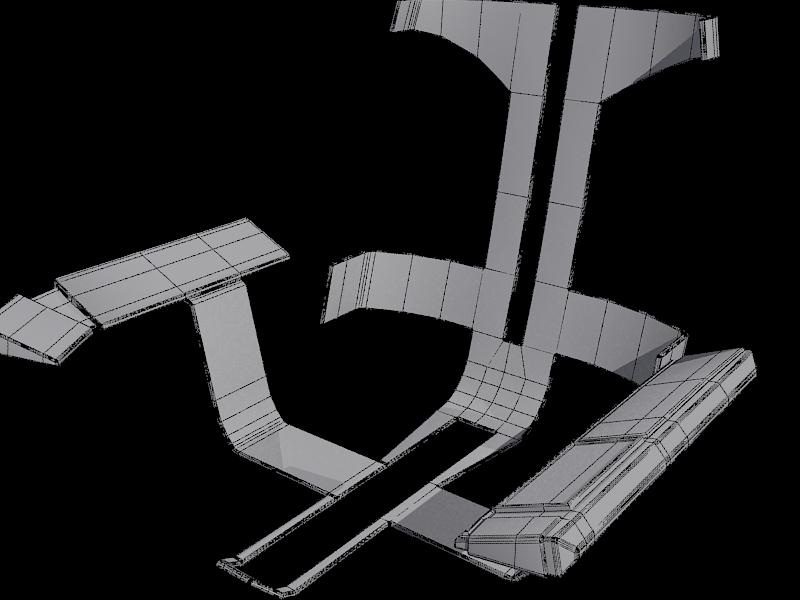
I ran into a problem with selecting yesterday as well. But found no solution. I wanted to select only the outer edges and not any of the inner edges in order to apply Quad Chamfer and give everything a nice rounded edge look. I ended up spending an hour manually selecting outer edges.
I know in when in polygon mode you can select the outside edges by holding down Alt - Shift, which helped speed up the process but it still required manually selecting polys.
<strong>bandolin</strong><br />
[Former 3DS Max forum coordinator]<br />
<br />
<a href="http://www.renderosity.com/homepage.php">Homepage</a> ||
<a href="http://www.renderosity.com/mod/sitemail/">SiteMail</a> ||
<a href="http://excalibur.renderosity.com/mod/gallery/browse.php?user_id=70375">
Gallery</a> || <a href="http://www.renderosity.com/mod/freestuff/index.php?username=bandolin">
Freestuff</a>
<p><em>Caution: just a hobbyist</em></p>