Forum: 3DS MAX


Subject: Quick Tip: Select Similar

LuxXeon opened this issue on Nov 19, 2013 · 29 posts


LuxXeon posted Tue, 31 December 2013 at 10:08 PM
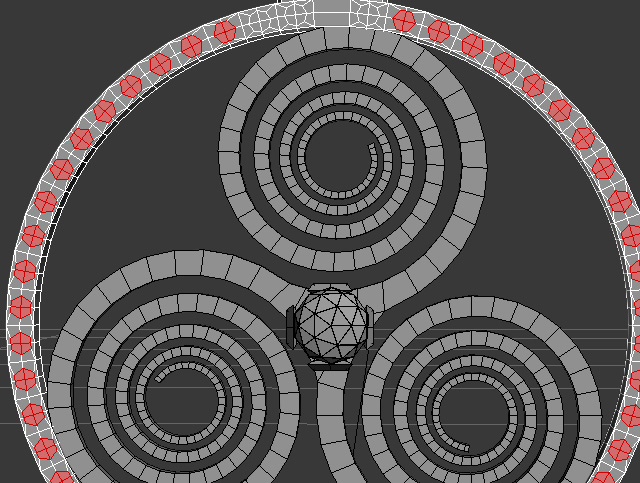
By selecting just one set of polys, and pressing the "similar" function, with all the default settings ticked, Max automatically selected only those shapes in the topology I needed, and did not select the ones that were slightly different.  It was fast, and automated, and in this case, quite accurately.

______________________________________

My Store
My Free Models
My Video Tutorials
My CG Animations
Instagram: @luxxeon3d
Facebook: https://www.facebook.com/luxxeon